Free Teleprompter App for Mac Record, Present, Stay On Script

A lightweight teleprompter app for Mac that keeps scripts readable during calls, livestreams, recordings, and long-form video sessions. Designed to help you speak naturally with smooth scrolling and flexible reading layouts.

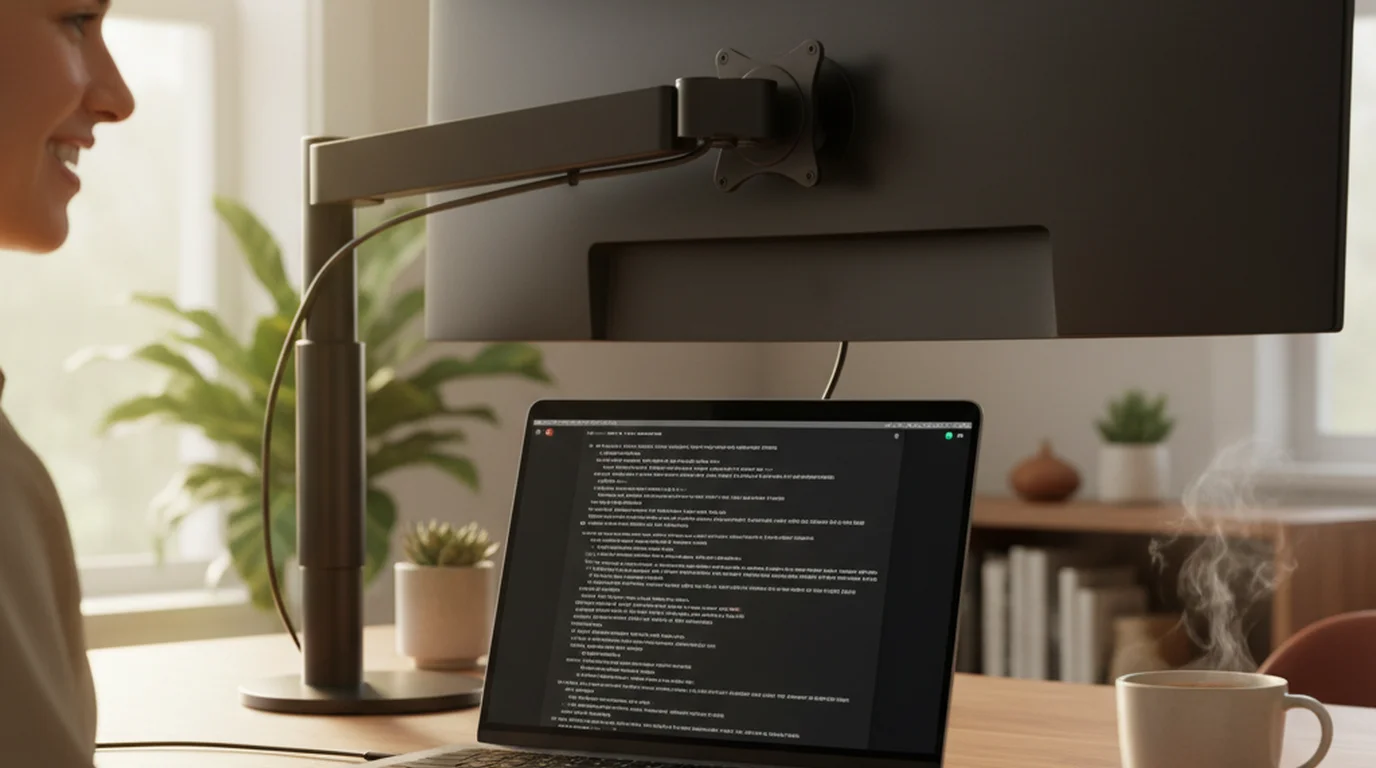
Mac teleprompter app showing Camera mode and Prompter mode on laptop screens

Best teleprompter for Mac for Zoom, streams, and desk recording

Use Prompter mode for script-only reading or Camera mode for desk recording with a live script overlay.

Prompter mode for calls and streams

Prompter mode keeps the script visible for meetings, OBS prep, or notes without opening the camera.

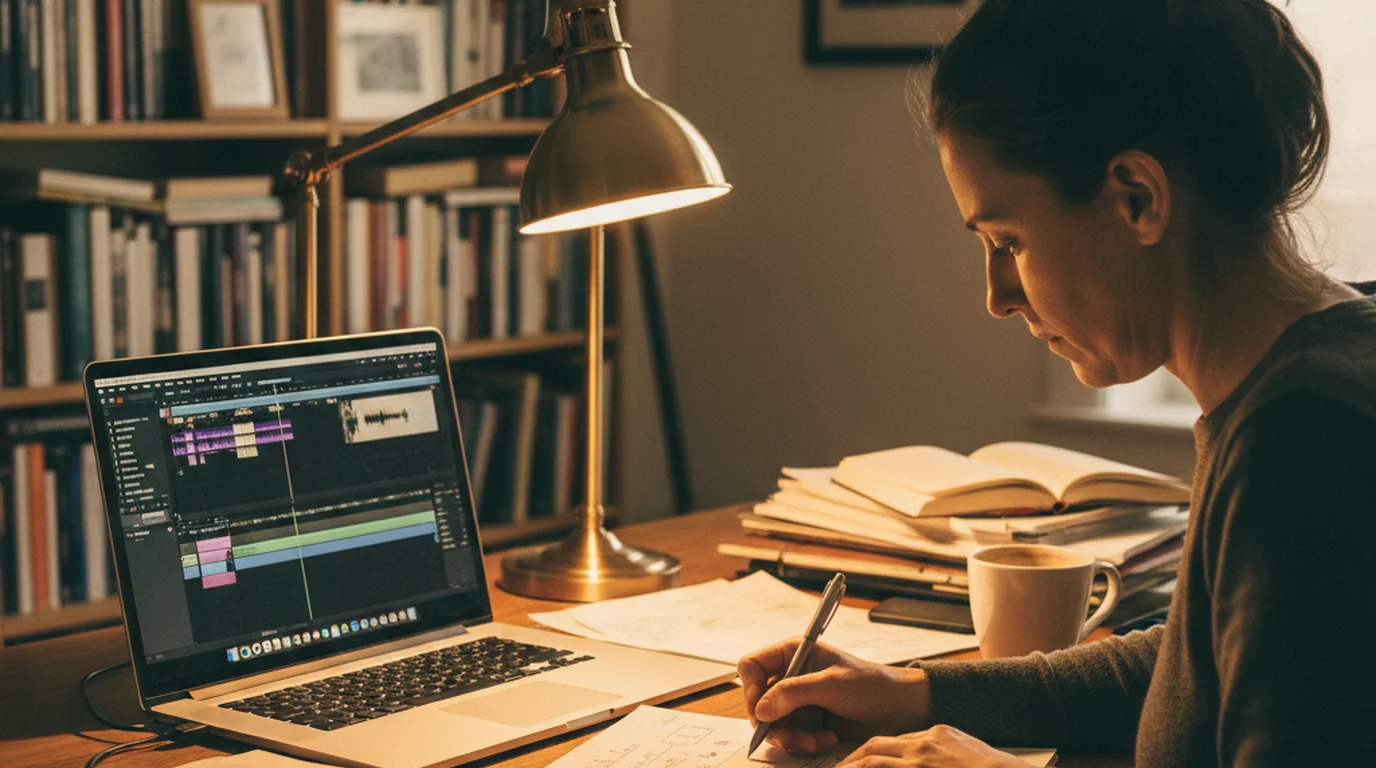
Desk recording to camera

Stretch typography across the display for polished talking heads, course modules, and longer takes with legible type at arm length.

Second display and pro rigs

Pair the layout with a side monitor or dedicated teleprompter hardware when the production calls for a bigger read surface.

What matters in a teleprompter for Mac

A Mac teleprompter should support longer desktop sessions without covering the tools you need to present or record.

Prompter mode for desktop reading

Keep scripts or talking points visible near your camera during calls, webinars, interviews, and livestream prep.

Desktop reading comfort

Adjust text size, text color, scrolling speed, text area size, and text area position for arm-length reading on a laptop, monitor, or second display.

Local-first recording workflow

Keep scripts available on your Mac so live sessions and desk recordings do not depend on a browser prompt.

Features

Everything you need to sound confident on camera, without memorizing every line.

  • Local-first and privacy minded

    Rehearsals and recordings stay on your Mac with a lightweight build that opens fast when you need it.

  • Prompter-only reading mode

    Keep lines in view during interviews, candidate conversations, streams, and webinars without opening the camera.

  • Record while you read

    Use Camera mode when you want the built-in camera feed and teleprompter controls in one workspace.

  • Pause and manual script control

    In Prompter mode and Camera mode, pause scrolling or manually move the script up or down.

  • Typography and colors you dial in

    Adjust text size, text color, scrolling speed, text area size, and text area position for desk or second display setups.

  • Scroll rhythm you control

    Pause on any line, return to an earlier sentence, or skip ahead while you steer the pace by hand.

What Mac users say

From reviewers to producers to educators.

โ˜…โ˜…โ˜…โ˜…โ˜…

"Native Mac apps that actually feel like Mac apps are rare. This one respects the platform โ€” it's fast to launch, window management works as expected, and there's no subscription gate on the features you use every day."

Ryan Kowalski Ryan Kowalski iOS & macOS App Reviewer
โ˜…โ˜…โ˜…โ˜…โ˜…

"For longer-form client content I use my MacBook with an external camera. Having the prompter in a window I can size and position however I want, while recording in another app, is exactly the flexibility I need on a real production day."

Natalie Brooks Natalie Brooks Video Producer
โ˜…โ˜…โ˜…โ˜…โ˜…

"I script every course lesson in full and recording on Mac lets me keep my notes, browser, and prompter all visible at once. The scroll speed control is granular enough to match my natural teaching pace, which runs faster than most defaults."

Lauren Mercer Lauren Mercer Online Course Creator

Frequently Asked Questions

Practical answers for calls, offline use, desk recording, and natural delivery.

What is the best teleprompter for Mac?

A strong Mac teleprompter should offer Prompter mode, Camera mode, readable text controls, scroll speed control, and a workflow that works for calls, livestreams, and desk recording.

Can I use a teleprompter on Zoom or video calls?

Yes. Prompter mode can keep talking points visible while you use Zoom, Teams, livestream tools, notes, or recording software.

Does Teleprompter-Scrolling Scripts support Prompter mode?

Yes. Prompter mode shows scrolling text without opening the camera, so you can use Mac as a clean script display.

Can I use the Mac teleprompter offline?

Yes. The script workflow is local-first, so you can rehearse and record without relying on a browser-based teleprompter.

What settings matter most on Mac?

Text area position and size, text color, line spacing, and scroll speed matter most for comfortable desktop reading.

Download for Mac

Check the App Store for supported macOS versions, then download. Prompter mode for calls and streams, Camera mode for desk recording.