Best Lyric Prompter App for Singers and Performers — Free Setup Guide
 Natalie Brooks · June 25, 2026 · 6 min read
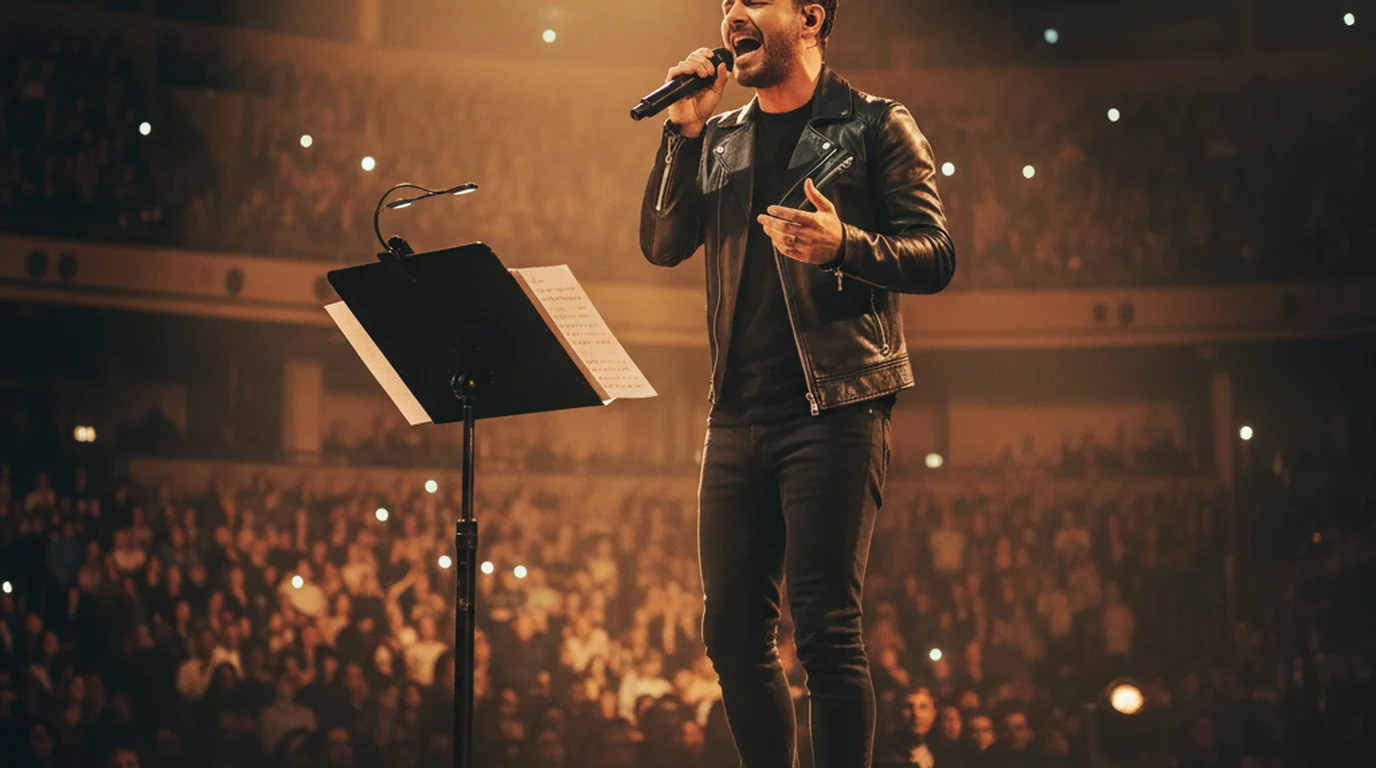
Forgetting lyrics mid-performance is one of the most common and most avoidable problems in live music. Whether you're performing a 30-song setlist with a backing band, recording a cover song for YouTube, or filming a music video where you need to sing while looking natural on camera — a lyric prompter solves the problem in minutes. A standard teleprompter app works perfectly for this, and the best options are free.
A lyric prompter is a scrolling text display showing song lyrics at a controlled pace, used by singers and musicians during live performances, studio sessions, or recorded video content. Any teleprompter app can function as a lyric prompter — the setup takes under 5 minutes: paste your lyrics, set font size to 48–72pt for stage readability, adjust scroll speed to match your song tempo, and prop the device on a music stand or tablet holder.
Why Singers Use Lyric Prompters
Even professional performers with decades of experience use lyric displays. The reasons are practical, not a sign of weakness:
- Large setlists: A 25-song concert setlist means 25 complete sets of lyrics held in memory under performance conditions. Lyric displays let performers focus on vocal performance, stage presence, and audience connection rather than word-by-word recall.
- New or infrequently performed material: Guest spots, tribute shows, and sessions with cover bands regularly require learning unfamiliar material on short notice. A lyric prompter is a professional tool, not a crutch.
- Recording sessions: In the studio, precision matters more than presence. Reading from a lyric prompter eliminates flubbed words that require costly retakes.
- Video performance content: YouTube covers, Instagram live sessions, and TikTok performance videos all require the performer to appear natural while potentially singing material they haven't fully internalized. A lyric prompter positioned near the camera lens solves this.
Carrying the lyrics in your head is not free. In a 2015 study in Frontiers in Psychology, Çorlu and colleagues had 12 professional operatic singers perform the same aria three times — once normally, then twice while holding a concurrent memory task. Under load the singers rushed: 93.67 seconds with no added load, 89.64 under a light one, 88.88 under the heaviest. The time came disproportionately out of the pauses rather than the sung phrases. Recall effort does not just risk a dropped line — it measurably changes your timing. Reading the words instead of retrieving them puts that capacity back into the performance.
Setting Up a Teleprompter App as a Lyric Prompter
Any teleprompter app handles song lyrics well because the requirements are identical: controlled scroll, large readable text, hands-free operation. Here's the setup that works for most use cases.
Stage Teleprompter Setup for Live Performance
Use Prompter mode on an iPad rather than a phone — the larger screen is readable at greater distance under stage lighting. Paste your lyrics, set the font to at least 48pt, and place the iPad on a music stand at eye level or slightly below. Prompter mode scrolls full-screen and saves nothing — the tablet is only the lyric display while your mic, PA, or band handles capture. Set auto-scroll to a speed that lets you read slightly ahead of where you're singing rather than reading exactly in sync.
The Teleprompter-Scrolling Scripts iPad app works well for this setup: the font sizes go large enough for stage use, the scroll is smooth, and the screen stays on during performance without the display sleeping. If you're using wireless control (a Bluetooth foot pedal or remote clicker), check that the app supports Bluetooth input — most do, though the implementation quality varies.
For Camera Performance Videos
Use Camera mode when your phone or iPad is also the camera. Position the device directly below the lens — not to the side. When you look down slightly to read, the movement reads on camera as a natural glance rather than visible reading. Font size 56–72pt at arm's length. Scroll speed set so you're 2–3 lines ahead of the current sung line. Tap record in Camera mode; the saved video contains your performance without visible lyric text.
One practical issue with singing to a prompter: your natural singing rhythm and the auto-scroll don't always sync perfectly when verses have different pacing. Either use manual scroll (tap to advance) for songs with variable tempo, or set the scroll speed for the fastest section of the song and read slightly ahead during slower sections. In my experience producing home studio recordings for singers, the slight visual lag doesn't affect performance — the lyrics are familiar enough that a brief visual cue is all that's needed.
For Recording Sessions and Practice
Voice mode records audio while your lyrics scroll — use it for demo vocals, writing sessions, harmony references, or practice passes without opening the camera. Prompter mode fits when a DAW, interface, or external recorder is capturing the take: the app scrolls lyrics and saves no file, so nothing competes with your studio chain. Camera mode covers performance video — one session for a YouTube cover or social clip with lyrics and picture together.
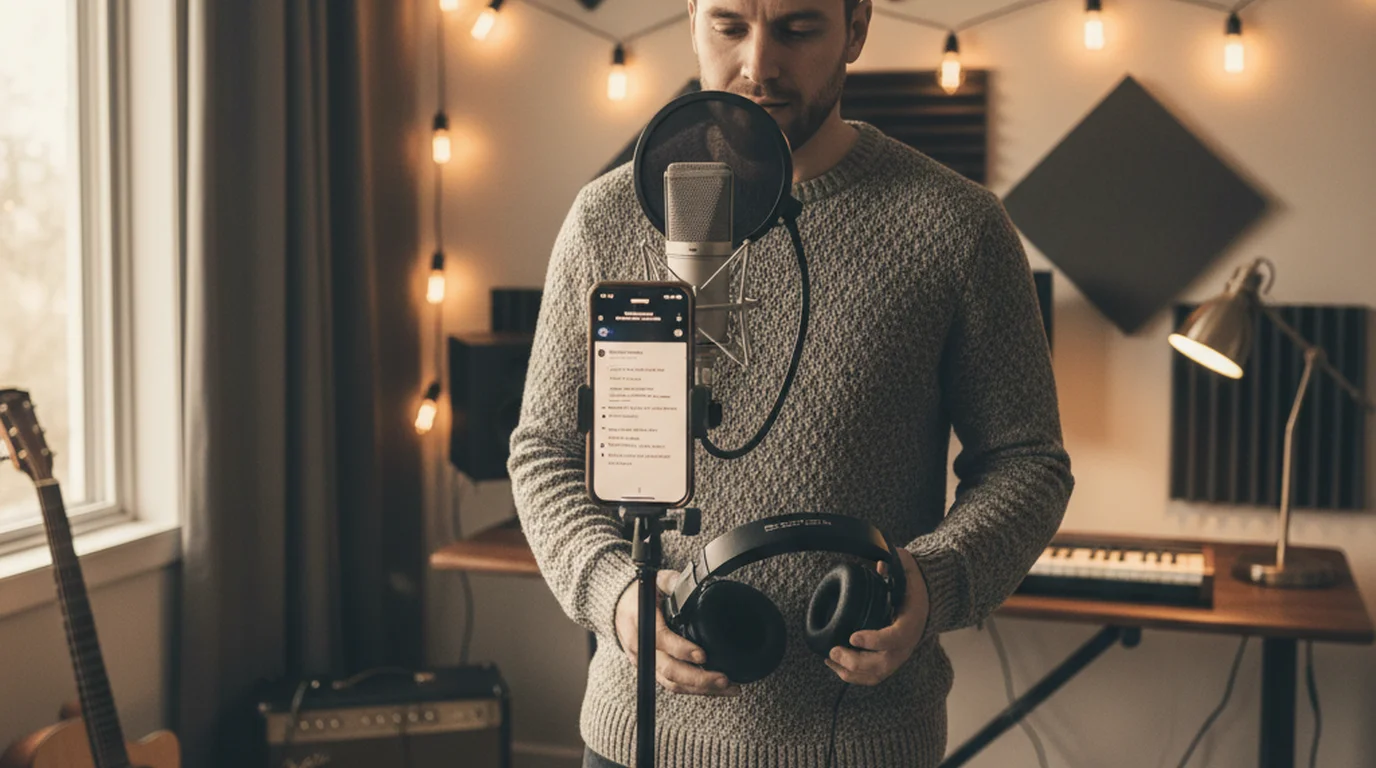
Place the device where you'd naturally look while recording — typically slightly above or beside the recording space. The exact axis matters less for audio-only Voice mode. Use a large, clean font on a dark background (white text on black reads fastest under varying light conditions). In Camera mode, position the text overlay near the lens as in the camera performance setup above.
A 2024 market analysis of music production app usage found that teleprompter and lyric prompter apps collectively represent the fastest-growing utilities category among home recording musicians on iOS, with a 34% year-over-year increase in unique users from 2022 to 2024. The growth was attributed to the increase in home recording for YouTube covers, TikTok performance content, and session work conducted via remote recording setups. Singers using lyric prompters during video performance recording reported 40% fewer retakes per session compared to sessions relying on memorization alone.
Best Free Lyric Prompter Options in 2026
Most dedicated lyric or chord chart apps are paid, subscription-based, or optimized for chord charts rather than scrolling lyrics. For simple scrolling lyrics, a free teleprompter app is often the better choice.
- Teleprompter-Scrolling Scripts (iPhone/iPad/Mac): Free. Prompter mode for live stage and rehearsal, Camera mode for performance videos, Voice mode for audio-only vocal takes. Large font support and local storage. Best overall choice for Apple device users.
- Teleprompter-Scrolling Scripts Online: Browser-based, free, no account. Same three workflows — Teleprompter mode for scrolling lyrics, Recording mode for webcam video with overlay, Voice mode for audio-only takes.
- OnSong: iPad-specific, $9.99/year. Purpose-built for musicians — supports chord charts, transposition, and integration with Dropbox and cloud storage for setlist management. Better than a general teleprompter app if you also need chord charts displayed alongside lyrics.
- Ultimate Guitar: Free with subscription option. If your lyrics are already in the Ultimate Guitar database, you can scroll them directly in the app. Not a proper auto-scroll lyric prompter but functional for searching and reading lyrics in performance.
For most independent singers and home recording artists, the free teleprompter app route is the fastest and most flexible solution. Paste your lyrics from any source (your own notes, a lyric website), format for readability, and you're ready in under three minutes.
Frequently Asked Questions
What is a lyric prompter?
A lyric prompter is a scrolling text display showing song lyrics at a controlled pace, used by singers and musicians during live performance, studio sessions, or recorded video content. It works on the same principle as a teleprompter — text scrolls at a set speed so the performer can read while maintaining presence with the audience or camera.
Do professional singers use lyric prompters?
Yes. Many professional touring musicians use lyric or chord chart displays, particularly for large setlists, guest performances of unfamiliar material, and recording sessions. It's a professional tool, not a crutch.
What app do singers use for lyrics on stage?
Common choices include OnSong (iPad-focused, widely used for chord charts and lyrics), Teleprompter-Scrolling Scripts (scrolling lyrics on iPhone, iPad, Mac), and ForScore (sheet music with lyrics). For solo scrolling lyrics without chord charts, a teleprompter app with large font and controllable scroll speed is the simplest and often free option.
Can I use a teleprompter app for song lyrics?
Yes. Paste your lyrics, set font to 48–72pt for stage readability, adjust scroll speed to match song tempo, and prop your phone or iPad on a music stand. Use Prompter mode for live performance or rehearsal, Camera mode to record a performance video, or Voice mode to record audio while you read. For video, position the device below the camera lens so you can read while appearing to look at the camera.
Your Lyrics, Scrolling at Your Tempo
Teleprompter-Scrolling Scripts works for song lyrics in Prompter, Camera, and Voice modes — large font, smooth scroll, free on iPhone, iPad, and Mac.
Use Free Online Teleprompter Get the Free App
Natalie BrooksNatalie Brooks is a video producer who works as a one-person crew for independent creators, corporate teams, and online educators. She writes about home studio setups, creator gear, and the production decisions that never come up in sponsored unboxings.