Best Elgato Prompter Alternative in 2026
 Ryan Kowalski · July 30, 2026 · 7 min read

The Elgato Prompter is genuinely well-made — a USB-C monitor with a beam-splitter glass that puts your script directly behind the camera lens at $299. After testing it against every credible alternative for two weeks, though, I can say clearly: most solo creators don't need it. The hardware adds real polish, but the same result — eye contact while reading a script — is achievable without spending anything if you're willing to use software on a device you already own.
The best Elgato Prompter alternatives are free software teleprompter apps — specifically ones with a Camera mode that overlays your scrolling script on the live camera view. Teleprompter-Scrolling Scripts does this free on iPhone, iPad, and Mac, with no account, recording 1080p with no watermark. For creators who specifically need beam-splitter hardware, Neewer and Parrot Teleprompter offer similar rigs at $50–$120, roughly one-third the Elgato price.
What you're actually paying $299 for with the Elgato Prompter
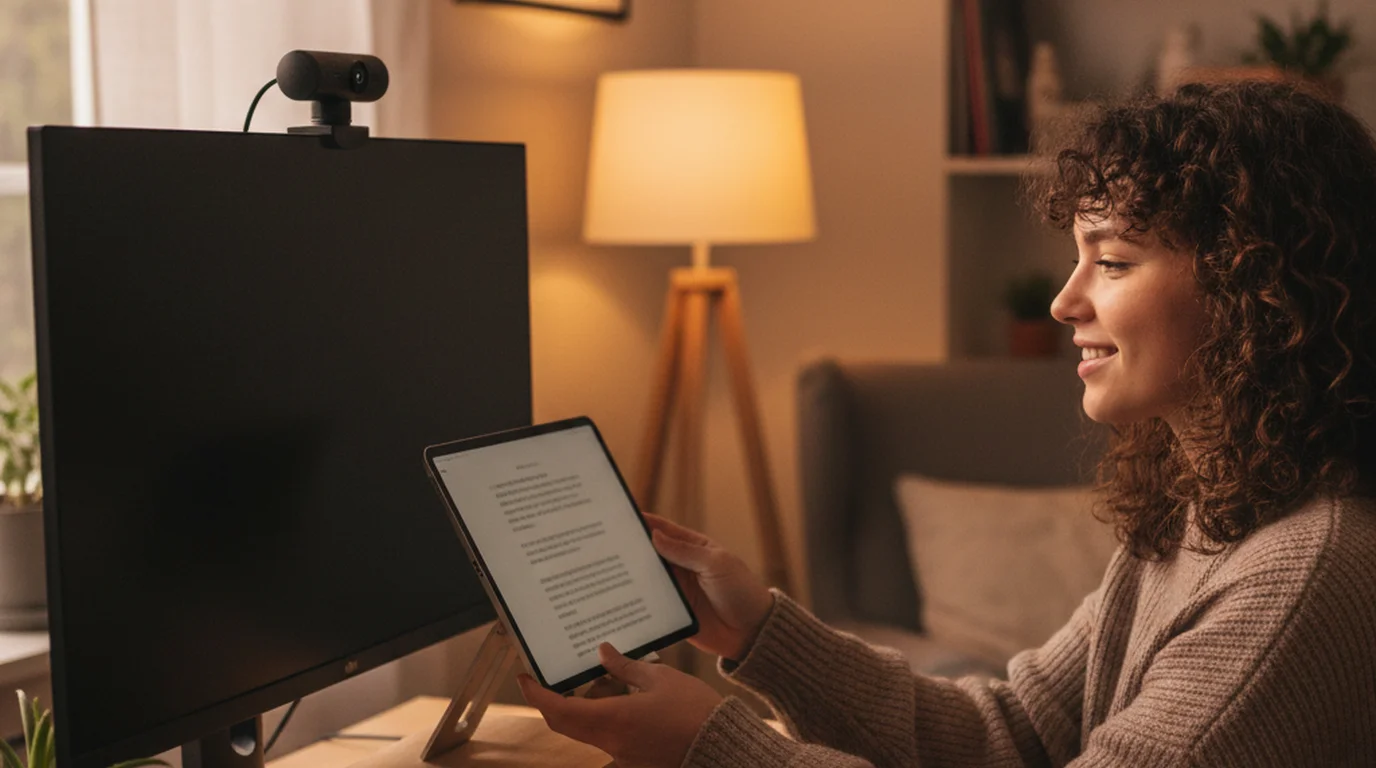
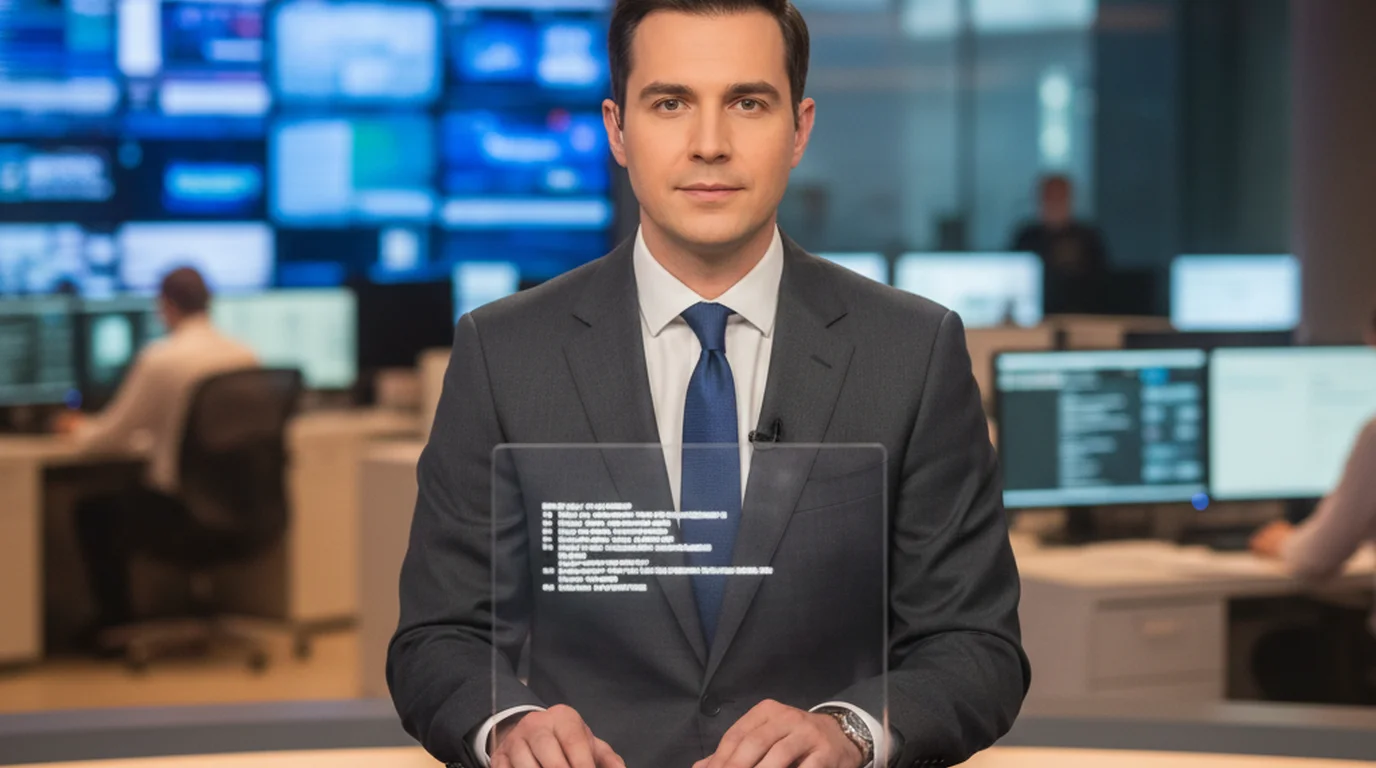
The Elgato Prompter is a 10-inch 1080p display that mounts in front of your camera lens. A half-silvered glass panel reflects your script toward you while remaining transparent to the camera behind it — this is the beam-splitter design used in broadcast news for decades. The result is direct eye contact with the lens while you read, which no camera-adjacent screen can replicate. The Elgato software (free, Mac and PC only) handles scroll speed, font size, and remote control.
Two things make it worth $299 to some creators: the precision of the on-axis gaze and the fact that it connects to any USB-C laptop or Mac without a separate power supply. But those two advantages come with trade-offs — it only works at a fixed desk, it requires a laptop running nearby, and the beam-splitter glass introduces a small reflection visible under certain lighting conditions.
According to Elgato's product page, the Prompter is compatible with any teleprompter software that outputs to an external display, not just Elgato's own app. This means any of the software alternatives listed below can drive the hardware — and conversely, the beam-splitter function itself can be replicated by third-party rigs at a fraction of the cost.
1. Teleprompter-Scrolling Scripts — Best free Elgato Prompter alternative, no hardware needed
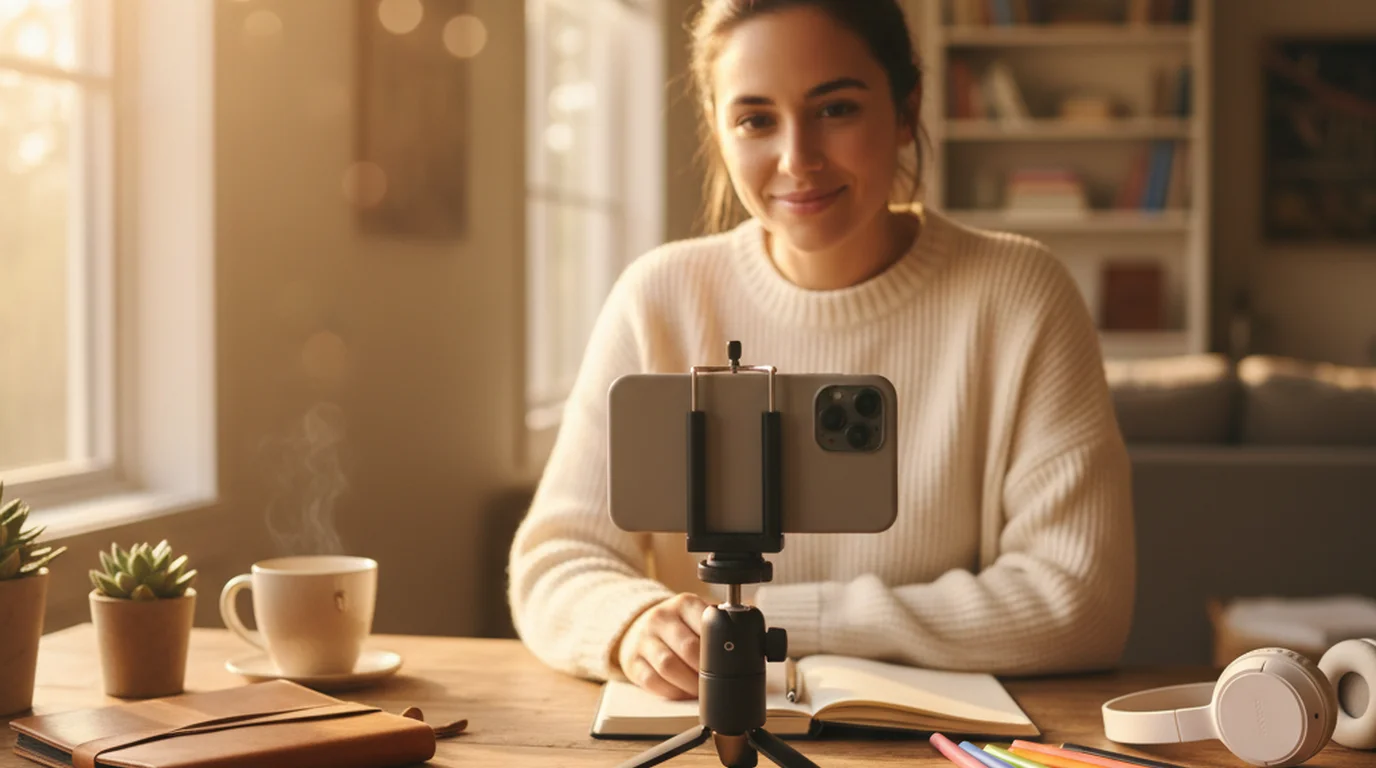
This is what I use daily instead of the Elgato Prompter for iPhone and Mac recording. The Camera mode overlays a semi-transparent scrolling script on the live camera view — you film and read from the same device with no external hardware at all. After using it for over two weeks across forty-plus recording sessions, I haven't missed the beam-splitter rig once.
Convenience is the main reason it ranks first: recording with it is as simple as opening the camera, with no login and no internet connection. On iPhone, iPad, and Mac, Camera mode uses the front camera and scrolls your script over the live preview, much like text running across the built-in camera app.
What it does well: Camera mode works on iPhone and iPad, where the Elgato Prompter cannot. The scroll runs smoothly at the words-per-minute speed you set, and the up/down buttons jump three lines if you drift mid-take. You can change the scroll speed, text size, text color, and background color while you record. Three modes cover different jobs: Camera records video, Voice records audio only, and Prompter shows the script full screen for reading practice or for another camera. Offline use means no Wi-Fi dependency — a real advantage for location shoots or hotel rooms. There's no account and no watermark.
You can also move and resize the text area. If you like reading from the middle of the screen, put it there; if you would rather keep your eyes on the camera, drag it up right under the lens. The size of the text area, the text size, and the scroll speed are all yours to set, so the setup fits the way you read and your delivery looks natural.
Best for: YouTube, social content, and course video at normal shooting distances (2–4 feet from camera), where a script sitting just below the lens reads as natural eye contact to viewers.
Price: Free. Records 1080p with no watermark. Browser, iPhone, iPad, Mac. No account or internet connection required.
2. PromptSmart Pro — Best for voice-activated scrolling
PromptSmart's standout feature is VoiceTrack — a voice recognition system that advances the script automatically as you speak. I tested it across twelve takes and it tracked accurately at 130–140 wpm with minimal drift. It's the closest software equivalent to a professional autocue operator who follows your pace rather than a fixed timer.
What it does well: VoiceTrack genuinely works and removes the need to think about scroll speed at all. The iPad app supports external display output, so you can drive the Elgato Prompter hardware with PromptSmart if you already own the rig and want better scrolling control than Elgato's own app provides.
The honest limitation: $34.99 per year (or $3.99 a month) on the App Store is modest, but it's a recurring cost. Free exports carry a watermark, and the free tier limits script length to around 500 words — workable for short social clips but not for longer course videos or interviews.
Price: Free tier (500-word limit, watermarked exports). Pro: $3.99/month or $34.99/year on the App Store. iOS and macOS.
3. Speakflow — Best browser-based option for teams
Speakflow runs entirely in a browser and is built around collaboration — multiple team members can edit the same script in real time before a recording. If you're a producer who prepares scripts for other people to read on camera, Speakflow's remote control feature (one person controls scroll speed from a separate device) is genuinely useful.
What it does well: Works on any device with a browser, including Windows machines the Elgato Prompter doesn't officially support well. The remote control feature is more reliable than Elgato's companion app remote in my testing. Script import from Google Docs works cleanly.
The honest limitation: $15 per month is expensive for solo creators. The free tier is limited to one script. Speakflow doesn't have a Camera mode — it's a browser window only, so you're positioning a screen beside the camera rather than overlaying script on the camera feed.
Price: Free (1 script). Starter: $15/month. Browser only.
4. CuePrompter — Best completely free browser option
CuePrompter is a zero-cost, zero-account, zero-download prompter that runs in any browser. Paste your script, set font size and speed, go fullscreen, and read. That's it. I've used it as a backup on shoots when a primary device failed, and it's never let me down for that role.
What it does well: Genuinely free with no limits — no word count caps, no subscription prompts, no watermark. Works on any browser including Chromebook, which the Elgato Prompter doesn't support at all. Response time is instant.
The honest limitation: Requires an internet connection — there's no offline mode. The interface is minimal to the point of being dated: no camera overlay, no voice control, no remote. For a permanent setup, you'll outgrow it. For a quick take or a guest presenter who needs something simple, it's the right tool.
Price: Free. Browser only. No account required.
5. Neewer Teleprompter — Best cheap hardware alternative
If you specifically want the beam-splitter hardware experience without spending $299, Neewer's teleprompter kits run $50–$80 for a basic phone-compatible rig and $90–$120 for tablet-compatible versions. The build quality is plastic rather than the Elgato's aluminum, but the optics — the beam-splitter glass itself — produce the same on-axis eye contact result.
What it does well: True beam-splitter geometry at roughly one-third the Elgato price. Compatible with any teleprompter app that runs on your phone or tablet, including Teleprompter-Scrolling Scripts free. No computer required — you run the app on the phone inside the rig, which makes it more portable than the Elgato setup.
Wirecutter and Digital Camera World both note that hardware teleprompter rigs under $100 from Neewer, Parrot, and similar brands use the same 70/30 beam-splitter glass specification as professional broadcast units. The difference is build quality and mounting rigidity, not optical performance. For a fixed studio setup, a $60 Neewer rig driven by a free app delivers equivalent eye-contact results to the $299 Elgato Prompter.
The honest limitation: Assembly takes 10–15 minutes and the plastic ring mount can slip under heavy telephoto lenses. Not ideal for run-and-gun or frequent location changes. You'll also need a separate tripod rated for the combined weight.
Price: $50–$120 hardware only. Works with any teleprompter app.
Side-by-side comparison
| Option | Price | Eye contact quality | iPhone / iPad | Offline | Camera mode |
|---|---|---|---|---|---|
| Teleprompter-Scrolling Scripts | Free | Near-axis (Camera mode) | ✓ | ✓ | ✓ |
| Elgato Prompter | $299 | True on-axis | ✗ | ✓ (hardware) | N/A |
| PromptSmart Pro | $34.99/yr | Near-axis | ✓ | ✓ | Partial |
| Speakflow | $15/mo | Near-axis (browser) | Browser only | ✗ | ✗ |
| CuePrompter | Free | Near-axis (browser) | Browser only | ✗ | ✗ |
| Neewer hardware rig | $50–$120 | True on-axis | ✓ (with app) | ✓ (hardware) | N/A |
Which Elgato Prompter alternative should you choose?
The answer depends on one question: does your camera setup require true on-axis eye contact, or will near-axis work?
For YouTube channels, social media content, online courses, and talking-head videos at normal shooting distances, near-axis is indistinguishable from on-axis to the viewer. A Camera mode app like Teleprompter-Scrolling Scripts is the right choice — it's free, works on iPhone and iPad (which the Elgato can't touch), and requires zero hardware.
If you're shooting documentary interviews, corporate testimonials, or broadcast-style news content where the viewer's perception of direct eye contact is critical, invest in hardware. The Neewer rigs at $60–$100 deliver the same beam-splitter optics as the Elgato at a fraction of the price. Save the $200 difference for a better lens or microphone.
The Elgato Prompter is the right choice only if you want one device that handles everything in a fixed desk setup, you already own a Mac or PC, and build quality genuinely matters to your workflow. It's excellent hardware — it just isn't the only way to read a script while looking into a camera lens. Try the free online teleprompter before committing to any hardware purchase.
Frequently Asked Questions
What to use instead of a teleprompter?
The most practical alternative to a hardware teleprompter like the Elgato Prompter is a free software teleprompter app on a second device — a spare iPhone, iPad, or laptop positioned just below or beside your camera lens. Teleprompter-Scrolling Scripts runs free in any browser and on iPhone, iPad, and Mac. Camera mode overlays the scrolling script on your live camera view, so you maintain natural eye contact without any hardware rig at all.
What is the difference between Elgato teleprompter and XL?
The Elgato Prompter uses a 10-inch display, while the Elgato Prompter XL uses a 14-inch display. The larger screen is designed for creators who sit further from their camera or who work with longer scripts requiring larger text. Both use the same beam-splitter glass and connect via USB-C to a Mac or PC. The XL retails for around $349 compared to $299 for the standard model.
What is the best free teleprompter software?
Teleprompter-Scrolling Scripts is free on iPhone, iPad, Mac, and in any browser with no account required. It includes Camera mode (script overlaid on live camera view), adjustable scroll speed, font size control, and offline use. PromptSmart Pro adds voice-activated scrolling but costs $3.99 per month or $34.99 per year on the App Store, and its free exports carry a watermark. CuePrompter is a completely free browser-based option with no download but requires a stable internet connection.
What software do I need for an Elgato prompter?
The Elgato Prompter connects via USB-C and works with the free Elgato Prompter software on Mac and PC. It's also compatible with third-party teleprompter software — any app that can display scrolling text on a connected monitor will work, including Teleprompter-Scrolling Scripts, PromptSmart Pro, and CuePrompter. The hardware itself is software-agnostic; the beam splitter simply mirrors whatever is on the screen.
Is the Elgato Prompter worth the $299 price?
The Elgato Prompter is worth the price if you film at a fixed desk setup, use it daily, and need the polished look of direct eye contact without visible glass reflection. For occasional creators, podcasters who record less than three times a week, or anyone using a phone camera, the hardware cost is hard to justify. Free software alternatives deliver the same eye-contact result at zero cost using a device you already own.
Can I use a teleprompter app without the Elgato hardware?
Yes. Most teleprompter apps work without any hardware. Camera mode apps like Teleprompter-Scrolling Scripts overlay the scrolling script directly on your iPhone or iPad's live camera view — you film and read from the same device. Browser-based options like CuePrompter run on any laptop positioned near your webcam. The trade-off is that the script isn't centered directly behind the camera lens, so you'll have a very slight off-axis gaze compared to a beam-splitter rig.
What are the cheapest alternatives to the Elgato Prompter hardware?
DIY teleprompter rigs using a tablet, a printed beam-splitter glass sheet, and a phone holder cost $15–$40 and produce results close to the Elgato setup. Third-party hardware teleprompters from Neewer and Parrot Teleprompter range from $50–$120, offering similar beam-splitter optics at a lower price. Free software alternatives like Teleprompter-Scrolling Scripts cost nothing and require only a device you already own.
Ryan KowalskiRyan Kowalski reviews iOS and macOS apps for content creators, with a focus on teleprompter, camera, and productivity tools. His rule: use an app daily for at least two weeks before writing a word about it.
Try the Free Elgato Prompter Alternative
Teleprompter-Scrolling Scripts is free on iPhone, iPad, Mac, and in your browser. Camera mode, offline use, no account — ready in under two minutes.
Use Free Online Teleprompter Get the Free App