Free Tool
Mirror Text Generator
Type once and copy your text mirrored, reversed, or upside down. The preview flips the whole script for teleprompter glass.
Mirror preview for teleprompter glass
Your mirrored script appears here
Reading off a beam splitter? Open the script in the browser teleprompter with the same flip already switched on.
What is mirror text?
Mirror text is writing flipped left to right, so it reads normally when you hold it up to a mirror. This mirror text generator gives you three copy-and-paste versions built from Unicode look-alike letters (mirrored, reversed, and upside down) plus an exact mirror image of your script to save as a PNG or send to a teleprompter.
Two kinds of mirrored text live on this page, and they suit different jobs. The Unicode versions are real characters: they paste into an Instagram bio, a TikTok caption, a Discord message, or a puzzle sheet, and anyone who sees them can copy them again. The mirror preview is a picture of your text flipped as a whole, the same way a mirror or a sheet of teleprompter glass flips it, so every character in every language comes out exactly reversed.
Use the Unicode results for fun text on social media and in messages. Use the preview, the PNG download, or the teleprompter button when the text has to read correctly after a real reflection.
Mirrored vs reversed vs upside-down text
The three results change different things about the same sentence.
| Mode | What changes | “Read the script” becomes |
|---|---|---|
| Mirrored | Letter shapes flip and each line runs right to left | ƚqiɿɔꙅ ɘʜƚ bɒɘЯ |
| Reversed | Same letters, opposite order | tpircs eht daeR |
| Upside down | Every letter rotates 180°, so the text reads from the bottom up | ʇdᴉɹɔs ǝɥʇ pɐǝᴚ |
| Mirror preview | The whole block flips like a reflection | Image, exact for every character |
Mirrored text
Each asymmetrical letter swaps for the Unicode character that looks most like its reflection: b and d trade places, p and q trade places, R becomes Я, E becomes Ǝ, and s becomes ꙅ. Symmetrical letters such as A, H, O, v, and x already look the same in a mirror and keep their form. Each line then runs right to left, so the result reads correctly in a mirror.
Reversed text
The reverse text generator keeps the letters as they are and changes the order. Pick Reverse all letters for full backwards text, Reverse word order to turn “one two three” into “three two one”, or Reverse each word to spell every word backwards while the words stay in place. Reversed text suits word games, palindrome checks, and simple hidden messages.
Upside-down text
Upside-down text rotates every character half a turn, so a phone turned upside down shows it the right way up. Letters map to rotated look-alikes such as ɐ for a, ǝ for e, and ʎ for y, and the order runs backwards so the sentence reads correctly after the turn.
Why teleprompters use mirrored text
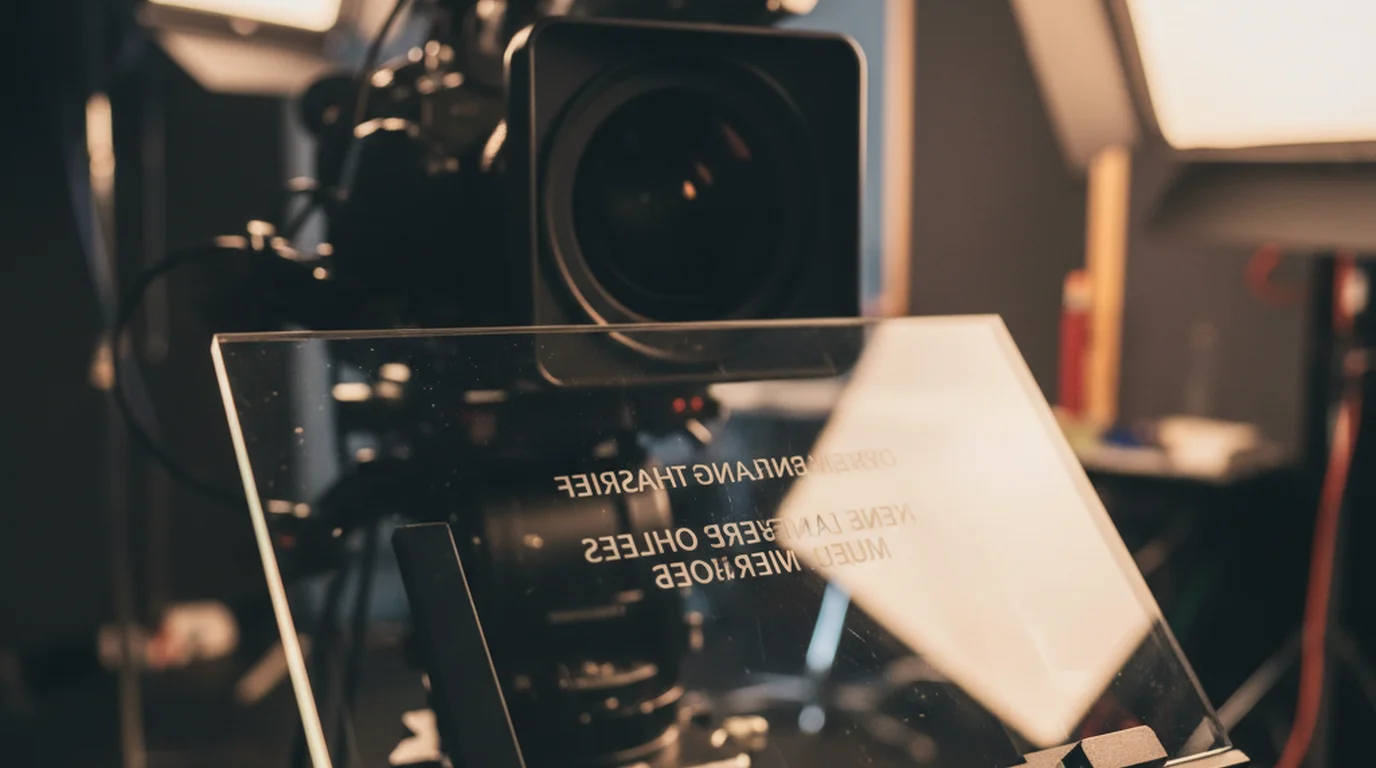
A beam splitter reverses the script once, so the monitor shows it reversed first.
A hardware teleprompter places a sheet of partially mirrored glass, called a beam splitter, at 45 degrees in front of the camera lens. A monitor lies below it, facing up. The coating reflects the monitor toward the presenter while the camera records straight through the glass, so the presenter reads the script while looking into the lens. The teleprompter glass guide covers the reflection and transmission ratios in detail.
Every reflection reverses left and right. Normal text on the monitor would arrive at the presenter backwards, so teleprompter software shows the script mirrored on the monitor. The glass reverses it a second time and the presenter sees normal, readable lines. It is the same two-flip idea behind a non-reverse mirror, and our FAQ on what a mirror script is walks through the setup step by step.
How to read mirrored text on a glass teleprompter
- Paste your script into the box at the top of this page and check the mirror preview.
- Press Use mirrored text in the free online teleprompter. The script opens in the free online teleprompter with the horizontal flip switched on.
- Send the browser window to the monitor under the glass, either as a second display or over HDMI.
- Look at the glass. If the lines read upside down, the monitor is mounted the other way round: turn the horizontal flip off and the vertical flip on in the teleprompter's text controls. Then set the scroll speed and press Play.
For a one-off card or a still slide, the Download PNG button saves the flipped script as a 1920-pixel-wide image you can show full screen on any tablet or monitor under the glass.
Frequently Asked Questions
How do I make mirrored text?
Type or paste your text into the mirror text generator. The mirrored version appears instantly: each letter swaps for its closest flipped Unicode look-alike and each line runs right to left. Press Copy and paste it anywhere that accepts Unicode text, such as a bio, caption, or message.
Can I paste mirror text on Instagram, TikTok, or X?
Yes. The mirrored, reversed, and upside-down results are ordinary Unicode characters, so they paste into bios, captions, comments, and posts like any other text. Each app draws the characters with its own font, so a few letters can look slightly different from one app to the next.
What is the difference between mirror text and reverse text?
Reverse text keeps every letter the same and writes them in the opposite order, so hello becomes olleh. Mirror text also flips the shape of each letter, so the result looks like writing seen in a mirror. Upside-down text rotates every letter 180 degrees.
Why does a teleprompter need mirrored text?
A hardware teleprompter shows the script on a monitor below a beam-splitter glass set at 45 degrees in front of the lens. The glass reflects the monitor toward the presenter, and every reflection reverses left and right. Showing the script mirrored on the monitor cancels that reversal, so the reflection on the glass reads normally.
Should I flip my teleprompter text horizontally or vertically?
Start with a horizontal flip, which suits the standard rig with the monitor lying face up under the glass. If the monitor is mounted the other way round on its bracket, switch to a vertical flip. Turning both on rotates the script 180 degrees. The quickest check is to toggle each option and look at the glass.
Which letters change in mirror text?
Letters with a symmetrical shape, such as A, H, O, v, and x, look the same in a mirror and keep their form. Asymmetrical letters swap for Unicode look-alikes: b becomes d, p becomes q, R becomes Я, and E becomes Ǝ. For an exact flip of every character, use the mirror preview and save it as a PNG.
Is this mirror text generator free?
Yes. It is free with no sign-up, and it runs entirely in your browser, so the text you type stays on your device.
Mirror your script on iPhone, iPad, and Mac
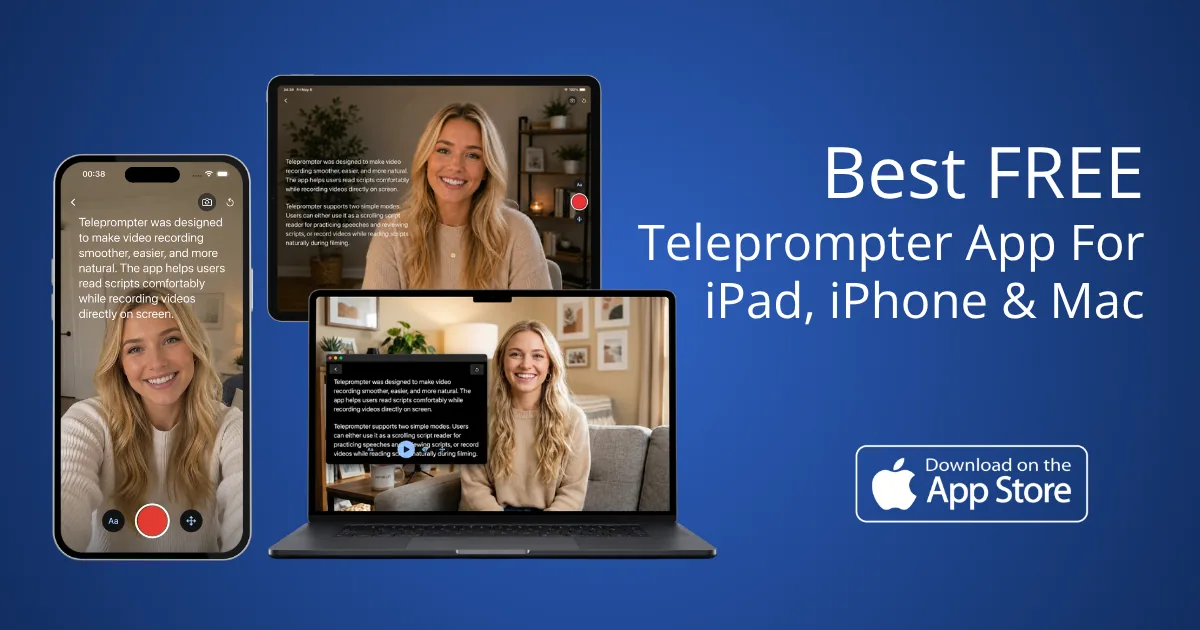
Teleprompter-Scrolling Scripts is free to download and use. Prompter Mode has one-tap horizontal and vertical mirror buttons for glass rigs, and Camera Mode scrolls your script over the front camera preview so you read while you record. It records in 1080p with no watermark, no account.
Download Free on the App StoreRelated guides
How beam-splitter glass and mirrored scripts work together.