5 Best BIGVU Alternatives in 2026 (Free and Paid)
 Wendy Zhang · May 14, 2026 · 9 min read
BIGVU bundles a teleprompter, captions, AI scripting and social posting into one subscription. Its free plan exports 720p with a watermark and caps each recording at 9 minutes; paid starts at $12/month. If you only need the prompter, these five cost less or nothing.
Ranked by what the free tier actually lets you publish: Teleprompter-Scrolling Scripts records 1080p clean with no account. Teleprompter.com is the only one with a native Android app. Speakflow has the best voice-following scroll. CuePrompter is unlimited and free but does not record. Elegant Teleprompter floats over your camera app on Android.
1. Teleprompter-Scrolling Scripts — best free tier
Free tier: 1080p, no watermark, no ads, no account · Paid: 4K and frame-rate choice · Platforms: iPhone, iPad, Mac, any browser
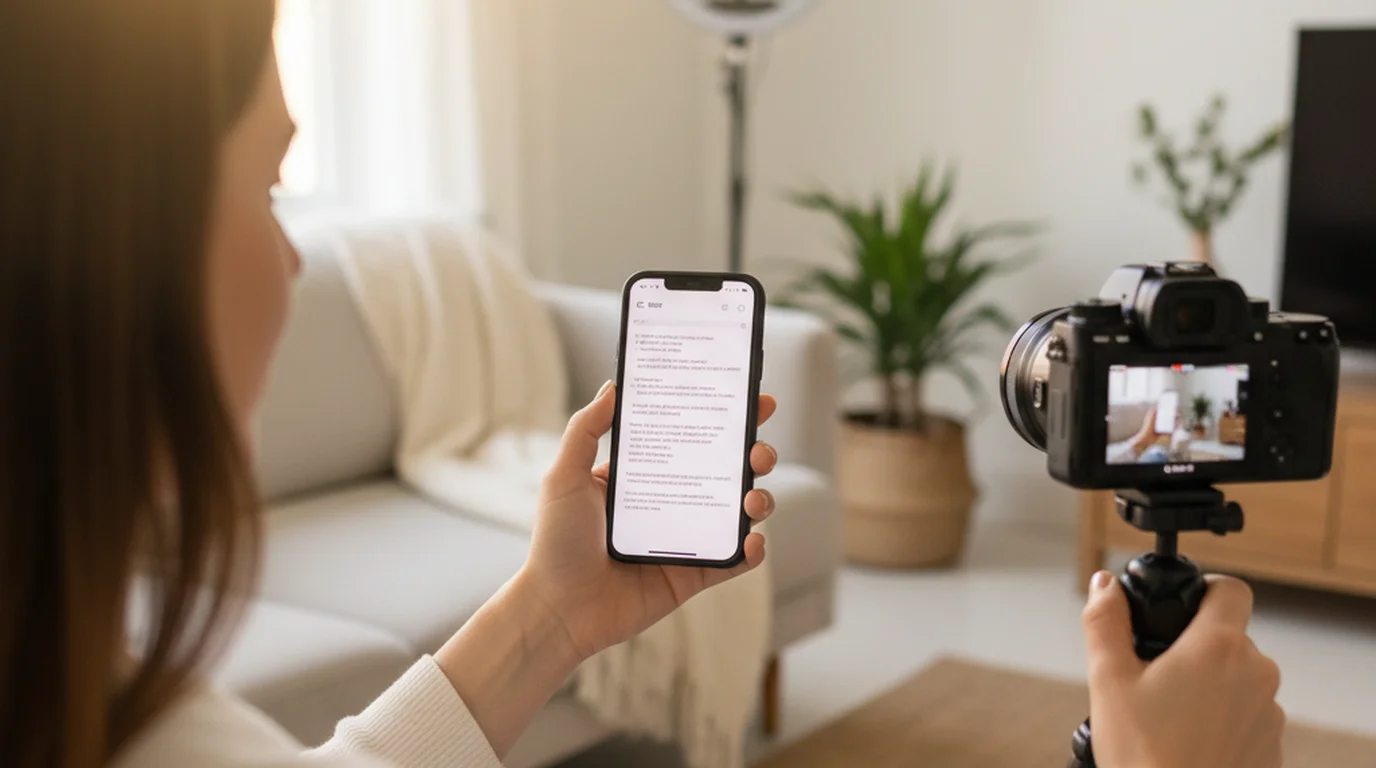
Camera mode puts the live viewfinder behind the scrolling script and records in the same app, so the text sits at the lens. Prompter mode is text only for a separate camera. Voice mode advances the script as you speak.
The difference that matters against BIGVU is the free tier: recordings come out clean at 1080p with no watermark and no length cap, and scripts stay on the device rather than in a cloud account. On desktop the Mac version covers webcam recording.
Where it stops: no native Android app. On Android it is the browser version at teleprompter.works/online, and there is no AI script generation or auto-captioning — those are the parts of BIGVU you would be giving up.
2. Teleprompter.com — best if you need Android
Free tier: records with a watermark · Paid: $19.99/mo, or $7.50/mo billed annually · Platforms: iOS, Android, macOS, Web
The only option here with a native Android app alongside iOS and macOS. The free Starter plan gives cloud script storage, custom fonts and colours, and remote control across all four platforms.
Teleprompter.com's pricing page states the free Starter plan records with a watermark, and that Pro at $19.99 per seat monthly — or $7.50 per month billed annually — removes it and adds 4K capture, mirroring, remote preview and subtitle generation. Annual billing is the cheaper of the two BIGVU-class subscriptions, at $90 per year against BIGVU Starter's $149.
Where it stops: the free tier watermarks every export, same as BIGVU, so the free-plan problem is not solved by switching here — only the price of solving it is.
3. Speakflow — best voice-following scroll
Free tier: auto-scroll, limited voice-following, 7-day script history · Paid: Plus $19/mo, Studio $129/mo · Platforms: Web plus a desktop app
Speakflow's Flow feature follows your voice instead of running on a timer, so pauses and ad-libs do not put you behind the text. The free plan includes it in limited form; Plus makes it unlimited and adds multi-device sync, a virtual teleprompter overlay for calls, bookmarks and voice commands.
Where it stops: the free plan keeps only 7 days of script history, and video storage is a paid feature. It is a scripting and delivery tool rather than a recorder.
4. CuePrompter — best no-strings free option
Free tier: everything, no limits · Paid: none · Platforms: any browser
Running since the early 2000s, CuePrompter states it is "100% free for both commercial and non-commercial projects. No watermarks, no limits." No account, no install: paste, set the speed, start. Identical on phone, tablet and desktop because it is only a web page.
Where it stops: it does not record. You need a separate camera or a second device, which is a real cost in setup time even though the tool itself is free.
5. Elegant Teleprompter — best on Android
Free tier: ad-supported · Paid: Pro removes ads, adds Word/Markdown import and cloud sync · Platforms: Android (5M+ Google Play downloads); an iOS build exists
Built around Android's draw-over-other-apps permission: the script floats in a resizable window on top of the camera app, Zoom, or a live stream. That is a workflow BIGVU does not offer at any tier, and iOS cannot offer at all — Apple reserves cross-app overlay for system features.
Where it stops: the free tier shows ads, and the floating window — the reason to pick it — is Android-only. See the Elegant Teleprompter comparison for what replaces it on Apple devices.
Side by side
| Free tier records clean | Cheapest paid | Platforms | Records in-app | |
|---|---|---|---|---|
| Teleprompter-Scrolling Scripts | Yes, 1080p | — | iPhone, iPad, Mac, browser | Yes |
| Teleprompter.com | No, watermark | $7.50/mo annually | iOS, Android, macOS, Web | Yes |
| Speakflow | No recording | $19/mo | Web, desktop app | No |
| CuePrompter | No recording | — | Any browser | No |
| Elegant Teleprompter | No recording | Pro (one-off) | Android | Floats over camera app |
| BIGVU | No, 720p + watermark, 9-min cap | $12/mo | Mobile + web | Yes |
What you give up leaving BIGVU
BIGVU is not only a prompter, and a straight swap loses the rest of the stack: AI script generation, auto-captioning, branded overlays and direct posting to social channels. The free plan includes 500 AI credits a month toward that.
If captions are the piece you actually use, the honest comparison is BIGVU against a prompter plus a separate captioning tool — not BIGVU against a prompter alone. If you only ever opened it to read a script on camera, everything above does that for less.
Frequently Asked Questions
Is there a free BIGVU alternative for iPhone?
Yes. Teleprompter-Scrolling Scripts is free at teleprompter.works/online in any browser, and as a native app on iPhone, iPad, and Mac — no weekly video limits and no watermarks on your recordings.
Does BIGVU work offline?
BIGVU requires an internet connection for most features because it is a cloud-connected platform. Teleprompter-Scrolling Scripts stores scripts locally so it works without Wi-Fi or cellular data — useful for travel, classrooms, and location recording.
What does BIGVU cost per month?
BIGVU has a free tier with limited weekly video minutes. Paid plans start around $15 per month and unlock longer recordings, branding removal, and AI caption features. Check bigvu.tv for current pricing as it changes periodically.
Can I use Teleprompter-Scrolling Scripts on Mac?
Yes. Use teleprompter.works/online in any browser on Mac, or download the native Mac app with Camera mode for desk recording and Prompter mode for Zoom calls and livestreams.
Does BIGVU have a free plan?
Yes. BIGVU's pricing page lists a free plan with 500 AI credits a month, a 9-minute cap on each recording, and 720p export with a watermark. Teleprompter and AI script generation are included. Paid starts at $12/month for Starter, which raises the export quality and removes the watermark.
Which BIGVU alternative works on Android?
Teleprompter.com is the only one in this comparison with a native Android app, alongside iOS, macOS and Web. Elegant Teleprompter is Android-first and floats over your camera app, but it does not record on its own. Everything else here is Apple-native or browser-based.
Do I lose captions if I switch away from BIGVU?
Yes, unless you add a separate tool. Auto-captioning and AI script generation are part of BIGVU's stack, not of a standalone prompter. If captions are the feature you open BIGVU for, compare BIGVU against a prompter plus a captioning tool rather than against a prompter alone.
Wendy ZhangWendy Zhang is the indie developer behind Teleprompter-Scrolling Scripts, which she built after cycling through teleprompter apps that were too heavy, too expensive, or dependent on a network connection to open. She writes about the mechanics of recording yourself — scroll pacing, script formatting, and the app decisions that decide whether a take survives.
Try a local-first BIGVU alternative
Free at teleprompter.works/online in any browser, or native app for iPhone, iPad, and Mac. No weekly limits, no watermarks, offline scripts on Apple devices.
Use Free Online Teleprompter Get the Free App