
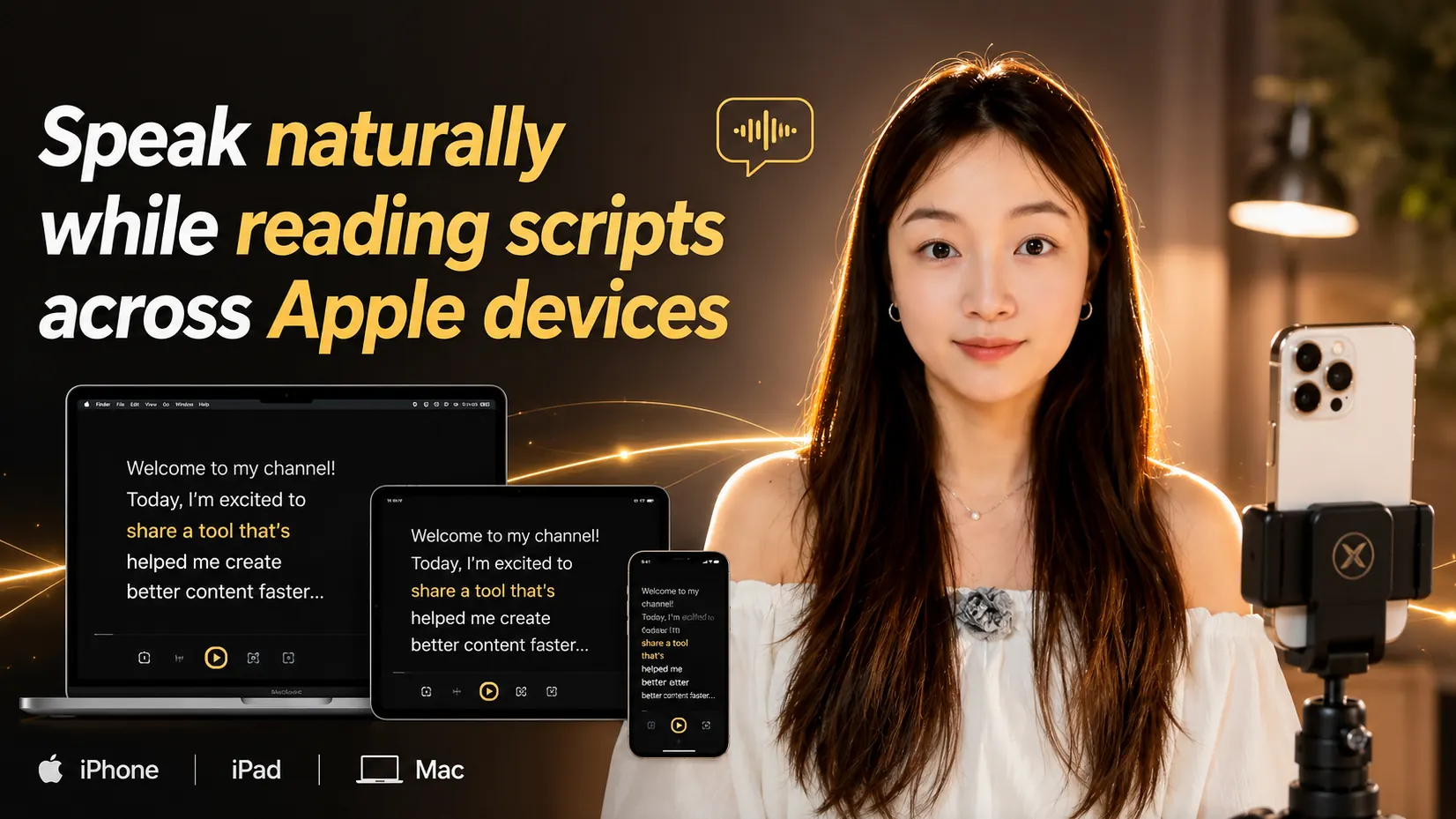
Hi, I’m Wendy, the builder of Teleprompter: Scrolling Scripts.
I know you’ve probably tried a lot of teleprompter apps already — because I did too.
Over the past few years, recording videos slowly became part of everyday life for me. Whether it was creating content, sharing ideas online, recording presentations, or simply documenting moments, I found myself speaking to a camera more and more often.
But one thing always felt surprisingly difficult:
Speaking naturally on camera without constantly retaking clips or trying to memorize every line.
That’s why I started trying different teleprompter apps. Some of them were good, but many felt too complicated, overloaded with features I didn’t really need, or locked behind expensive subscriptions. Some apps depended heavily on internet connection, and sometimes I couldn’t even properly open the app or record smoothly when the connection was weak.
One thing that frustrated me a lot was the scrolling experience itself.
Many teleprompter apps force continuous auto-scrolling, but real recording rarely works that perfectly. Sometimes I wanted to pause for a second, scroll back up, skip ahead, or quickly adjust the reading flow because I already knew I could edit certain parts later.
That small friction becomes very noticeable when you record videos often.
So I decided to build something simpler.
I wanted a teleprompter that feels lightweight, fast, smooth, and natural to use — almost like using the camera itself.
Something you can open quickly whenever inspiration hits.
Something that works naturally across iPhone, iPad, and Mac.
Something flexible enough to adapt to different recording styles without becoming overwhelming.
Some people record vertical TikTok videos. Others create YouTube videos, online courses, interviews, or presentations in landscape mode. Some people prefer larger text and slower scrolling, while others like faster pacing and smaller layouts.
So instead of forcing one workflow, I wanted the app to adapt to yours.
You can customize the text area, text size, scrolling speed, layouts, line spacing, colors, and recording orientation to make the reading experience feel more natural for you personally. There’s also voice-controlled scrolling, which helps recording feel much smoother and more hands-free.
Another thing I cared about a lot was keeping the experience simple and privacy-friendly.
The app is designed to feel local-first, lightweight, and distraction-free — something that simply works whenever you need it without unnecessary complexity.
At the end of the day, this app isn’t really about scripts.
It’s about helping people feel more comfortable speaking on camera, reducing unnecessary retakes, and making recording feel smoother and more natural.
If you have any feedback, feel free to reach out anytime at [email protected].
Really, thank you so much for trying it.