What does it mean to mirror a video?
To mirror a video is to flip it horizontally, so left and right swap as in a mirror reflection. Flipping a video can also mean turning it upside down (a vertical flip) or rotating it 180°. This tool does all three in your browser and saves the result as an MP4, without uploading the clip anywhere.
A mirror flip and a rotation are different edits. Mirroring reverses the picture, so writing reads backwards and a person's raised right hand appears on the left. Rotating 180° keeps writing readable but upside down until it is turned back. Playing a clip backwards, called reversing, is a separate edit again: it changes time, not the image.
Why selfie videos look mirrored
Front cameras show a mirror image on screen while you record, because that is how people are used to seeing themselves. Depending on the phone, the app and its settings, the saved video either keeps that mirrored view or switches to the true, unmirrored view. Either way, signs, shirts and book titles can end up reading backwards, or your parting can seem to jump to the other side. Running the clip through Mirror (left ↔ right) swaps it to the other version in one step.
How the flip works
The page runs FFmpeg, compiled to WebAssembly, inside the browser tab. It applies the hflip filter for a mirror, vflip for upside down, or both for a 180° turn. Because every pixel moves, each frame is encoded again with the x264 encoder at CRF 20, a high-quality setting that keeps the picture close to the original. The sound is encoded to AAC at 192 kbps and stays in sync, and the MP4 has its index at the start so it plays straight away when shared or embedded. The flipped file carries the main video track and the first audio track, which covers the usual phone or camera clip with one soundtrack.
How to mirror a video on iPhone and Android
On iPhone, the Photos app can mirror a clip: open the video, tap Edit, choose the crop tool and tap the flip button at the top. To get an MP4 you can send anywhere, or to flip it upside down, open this page in Safari, tap Choose a video and pick the clip from Photos. The flipped MP4 saves to Downloads in the Files app.
On Android, open this page in Chrome, tap Choose a video, pick the clip from your gallery or Files, choose the flip and tap Flip video. The MP4 saves to Downloads. Video editors such as CapCut also include a mirror control for clips on their timeline.
Common reasons to flip a video
- Readable text. Fix a selfie clip where a logo, sign or T-shirt print reads backwards.
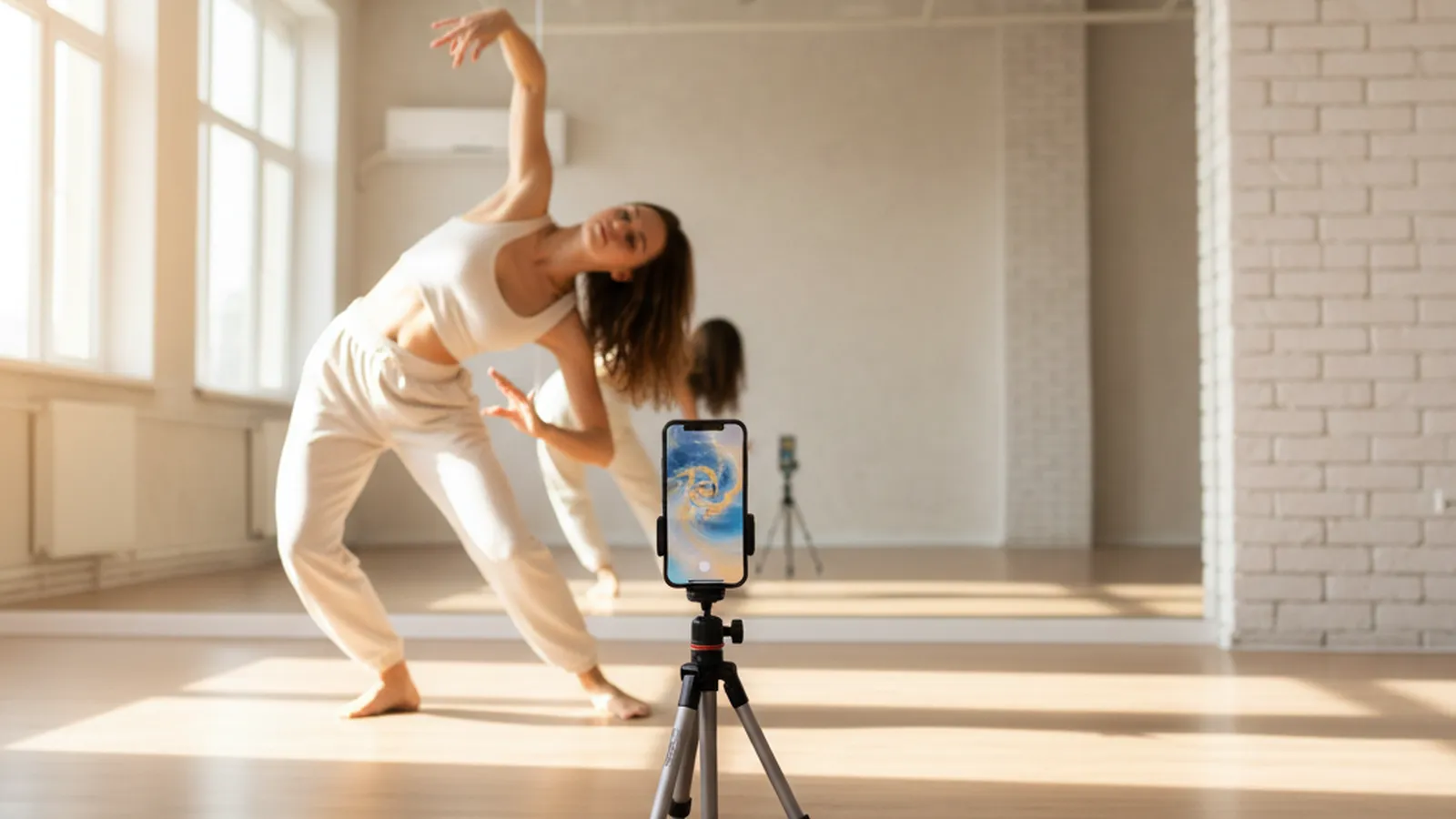
- Dance and fitness practice. Mirror a tutorial so the instructor's moves match your own left and right.
- Continuity in an edit. Flip a shot so a person faces the same direction as in the next shot.
- Upside-down footage. Rotate 180° to fix clips from a phone or action camera mounted the wrong way up.
Mirror a video on Windows and Mac
On a computer, drop the video onto the box in Chrome, Edge, Firefox or Safari. Desktop browsers have more memory and faster processors, so they are the better choice for long or 4K footage, with files up to about 2 GB working best. The MP4 opens in the Windows Media Player, QuickTime Player and every major editor. If the clip also has unwanted sound, run it through Remove Audio from Video afterward for a silent copy.