Frequently Asked Questions
Practical answers for recording, offline use, device setup, and natural delivery.
How do I use my iPhone as a teleprompter?
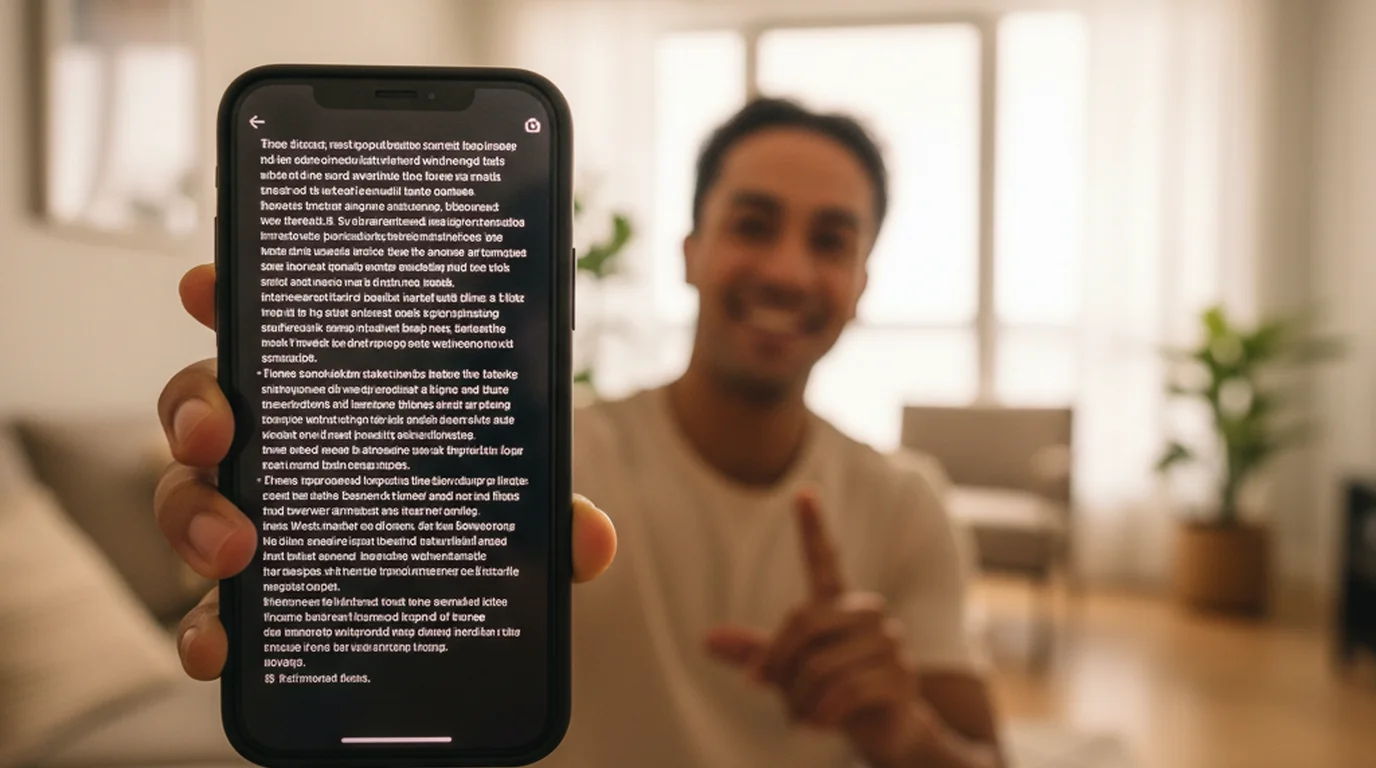
Install a teleprompter app, paste your script, and choose Camera mode so the text scrolls over the live camera view while you record. Set the text area near the top of the screen so your eyes stay close to the lens, then adjust scrolling speed to match how fast you actually talk. In Prompter mode the app shows text only, for when a second device or someone else is recording.
Does the iPhone have a built-in teleprompter?
No. iOS has no built-in teleprompter in the Camera app, and there is no system setting that scrolls text over the viewfinder. You need a separate app to overlay a scrolling script on the camera view.
Can the iPhone teleprompter record in 4K?
Yes. Version 3.1 added 4K recording on iPhone and iPad, with a choice of 24, 30, or 60 fps. For scripted delivery straight to camera, 4K at 30 fps is the setting most creators should use: 60 fps roughly doubles file size without a visible gain when nothing in frame moves quickly.
Can I record video while reading a script on iPhone?
Yes. Camera mode uses the built-in iPhone camera, supports front and back camera recording, and overlays the teleprompter text on the live view.
Does the iPhone teleprompter work for TikTok, Reels, and Shorts?
Yes. It works well for vertical short-form videos, hooks, creator updates, product demos, and talking-head clips.
Can I use it offline on iPhone?
Yes. The app is local-first, so scripts and prompting controls stay available without relying on a browser session or constant connection.
What settings help eye contact on iPhone?
Text size, text color, scrolling speed, text area size, and text area position matter most because they control readability and how far your eyes move from the camera.
Can I record audio only without video on iPhone?
Yes. Voice mode records audio while the script scrolls, with no camera and no video file. It is built for podcast episodes, voiceover and narration takes, and singing along to your own lyrics, where a video file would only be something to delete afterwards. Scroll speed, text size, and voice control work the same as in the other two modes.
What are the three modes in the iPhone app?
Camera mode records video with your script overlaid on the live camera view. Prompter mode shows scrolling text only, for when a separate camera or another device is recording. Voice mode records audio without video. Pick the mode by what you need to come out at the end: a video file, nothing, or an audio file.
Does the iPhone teleprompter have a mirror mode?
Yes. Mirror mode reverses the script horizontally so it reads correctly through the glass of a beam-splitter teleprompter, and flip turns it the other way for an upside-down mount. Both let an iPhone act as the display inside a traditional teleprompter rig rather than sitting beside one. Neither affects the recorded video — the reversal is only on what you read.