Podcaster with headphones listening back to audio taken from a video on a laptop

Free tool · No upload · No sign-up

MP4 to MP3 Converter Convert MP4 to MP3 free online, on any device

Choose an MP4 video and download its sound as an MP3. The MP4 to MP3 converter is free, needs no sign-up and adds no watermark, and the conversion runs in your browser, so the video is never uploaded.

  • MP3 · WAV · M4A
  • 128 / 192 / 320 kbps

How to convert MP4 to MP3

Three steps, all in this page: choose the video, pick a bitrate, download the MP3.

Convert an MP4 to MP3 in three steps

  1. Press Choose a video and pick your MP4, or drag it onto the box.
  2. Leave MP3 selected and choose a quality: 192 kbps suits most speech and music.
  3. Press Convert to MP3, play the result in the page, then Download MP3.

The first conversion loads the converter, a 30 MB download that your browser keeps for next time. After that it starts straight away, and the progress bar shows how far along the conversion is.

interview.mp4
 ├─ Stream 0 · video · H.264 · 1920×1080   dropped
 └─ Stream 1 · audio · AAC · 48 kHz stereo
        │
        ▼  re-encoded with LAME
    interview.mp3 · MP3 · 192 kbps
An MP4 is a container. The converter keeps the audio stream, encodes it as MP3 and leaves the picture behind.

Which MP3 quality should you choose?

Bitrate is how many bits of sound the MP3 stores each second, so it sets both quality and file size. 128 kbps is plenty for a voice: interviews, lectures, podcasts and voice notes. 192 kbps is the safe default for anything with music. 320 kbps is the MP3 maximum, worth it for a song or a soundtrack you plan to edit.

The MP3 keeps the detail that is already in the MP4's soundtrack. Most phone videos carry AAC audio at 128 to 256 kbps, so 320 kbps mainly keeps the second compression step from costing anything audible.

SettingSize per minuteGood for
MP3 128 kbps0.96 MBSpeech, podcasts, lectures
MP3 192 kbps1.44 MBMusic and mixed audio
MP3 320 kbps2.4 MBSongs you will edit or archive
WAV 16-bit 48 kHz11.5 MBEditing in a DAW or CapCut
M4A (original AAC)Same as the video's audioNo quality loss, plays on Apple devices
Size per minute = bitrate × 60 ÷ 8. A 10-minute talk at 128 kbps is about 9.6 MB.

Your video stays on your device

Most online MP4 to MP3 converters upload your video to a server, convert it there and send the MP3 back. This page loads the converter into the browser instead and does the work locally, so a private recording, a client call or an unreleased video never leaves your computer.

That also removes the usual upload limits and waiting in a queue. Large files work too; the practical ceiling is your device's memory, not a plan.

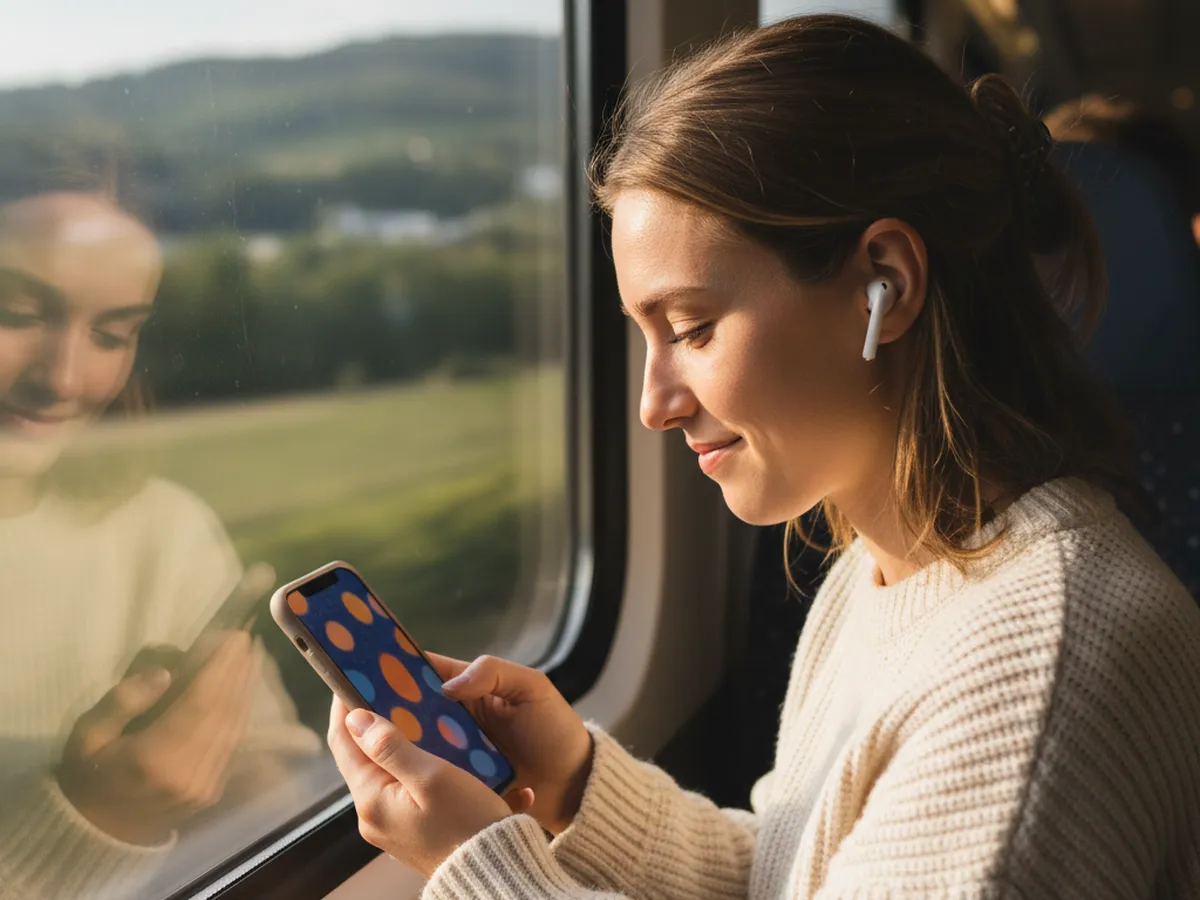
Woman with earbuds listening to an MP3 on her phone on a train

What is the difference between MP4 and MP3?

MP4 is a container that holds video, audio and sometimes subtitles together; MP3 is an audio-only format. Converting MP4 to MP3 keeps the soundtrack, encodes it as MP3 and drops the picture, which makes the file roughly ten to fifty times smaller and playable on any music player, car stereo or podcast app.

Inside most MP4 files the sound is already compressed as AAC. Turning AAC into MP3 means decoding it and compressing it again, which is why the bitrate you pick matters. When you want the audio with zero further loss, choose M4A: the converter copies the original AAC stream bit for bit, and the result plays in Apple Music, QuickTime, VLC and most phones. Choose WAV when the audio is going into an editor, where an uncompressed file avoids a third round of compression on export.

How the converter works

The tool runs FFmpeg, the open-source media engine behind VLC, OBS and countless video services, compiled to WebAssembly so it runs inside the browser tab. It reads the audio stream from your MP4, decodes it and re-encodes it with the LAME MP3 encoder at the constant bitrate you choose. Because the video stream is skipped rather than decoded, conversion speed depends mostly on the length of the audio, not the resolution of the video: a 4K clip converts as fast as a 720p one of the same length.

Convert MP4 to MP3 on iPhone, Android, Windows and Mac

This page works the same way in Safari on iPhone and iPad, Chrome on Android, and any current browser on Windows, Mac, Linux or a Chromebook. On a phone, tap Choose a video, pick the clip from Photos or Files, convert, and the MP3 saves to Downloads (Files app on iPhone). Desktop browsers are faster for long videos because they have more memory and faster processors.

Built-in apps can export audio too, with fewer choices. On a Mac, QuickTime Player's File > Export As > Audio Only saves an M4A. VLC on Windows and Mac can convert through Media > Convert / Save with an MP3 profile. Use this converter when you want MP3 specifically, a bitrate choice, or the same steps on every device.

Common uses for MP3s from video

  • Podcasts from video recordings. Record the episode on camera, then publish the MP3 to podcast hosts that take audio only.
  • Transcripts and subtitles. Transcription services and AI tools accept an MP3 far faster than a large video upload, and the timing matches the original video.
  • Lectures and meetings. Listen to a recorded class, webinar or Zoom call on a walk instead of watching it.
  • Music and voice-overs. Pull a backing track or a narration from your own video to reuse in an edit.

Only convert videos you own or have permission to use. If the audio is going into an edit, the silence remover cuts the long pauses out of a talking-head recording, and the TXT to SRT converter turns a transcript into a subtitle file.

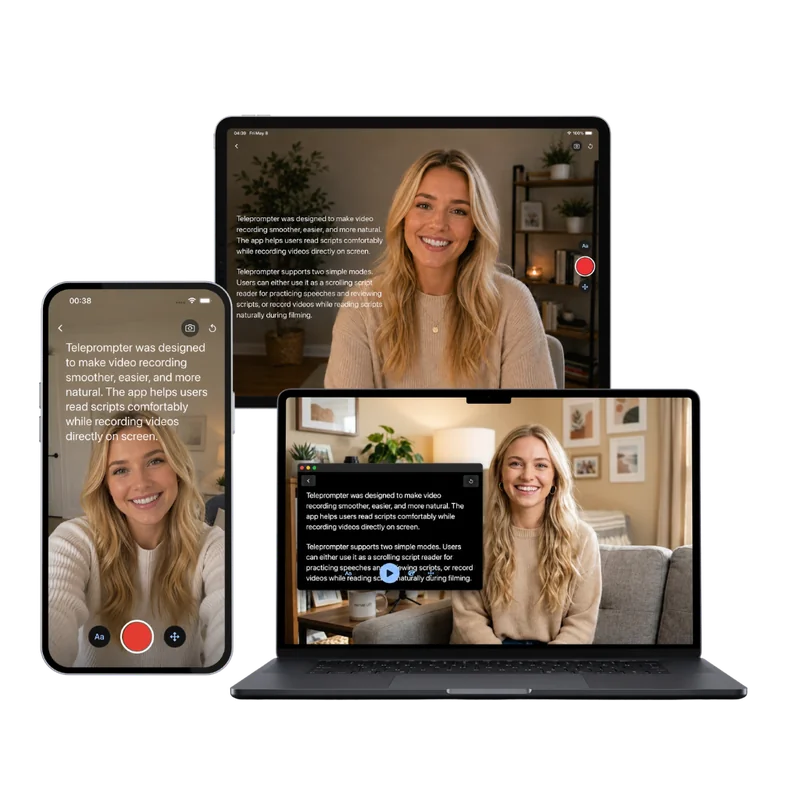
Teleprompter Scrolling Scripts on iPhone, iPad and Mac, with the script scrolling over the camera

Next step

Recording the next video? Read your lines from a teleprompter

Clean audio starts with a confident take. The free online teleprompter scrolls your script over your webcam preview while you record. On iPhone, iPad and Mac, Teleprompter Scrolling Scripts keeps the script next to the lens in Camera mode and records audio-only takes in Voice mode, ready to turn into an MP3.

Frequently Asked Questions

How do I convert MP4 to MP3 for free?

Open this page, choose your MP4, keep MP3 selected and press Convert to MP3. When it finishes, press Download MP3. The converter is free, has no sign-up or watermark, and runs in your browser, so the video is not uploaded anywhere.

Does converting MP4 to MP3 lose quality?

A little, because the AAC audio inside most MP4 files is decoded and compressed again as MP3. At 192 or 320 kbps the difference is inaudible for speech and very hard to hear in music. For zero additional loss, choose M4A, which copies the original audio track unchanged, or WAV, which stores it uncompressed.

Is it safe to use an online MP4 to MP3 converter?

It depends where the conversion happens. This converter processes the file inside your browser with FFmpeg compiled to WebAssembly, so the video stays on your device and nothing is stored on a server. It also has no installer, extensions or pop-up downloads.

What bitrate should I use for MP3?

Use 128 kbps for voice recordings such as podcasts, lectures and interviews, 192 kbps for general audio and music, and 320 kbps for music you plan to edit or archive. Each minute takes about 0.96 MB, 1.44 MB or 2.4 MB respectively.

Can I convert MP4 to MP3 on my iPhone?

Yes. Open this page in Safari, tap Choose a video, pick the clip from Photos or Files and tap Convert to MP3. The MP3 saves to the Downloads folder in the Files app, where you can share it or open it in another app.

Is there a file size limit?

The site sets no limit. Because the conversion runs on your device, the practical limit is its memory: computers handle files of a gigabyte or more, and phones handle shorter videos best.

How long does it take to convert MP4 to MP3?

The first time, the page downloads the 30 MB converter, which your browser then caches. Conversion time depends on the length of the audio and your device; the video picture is skipped, so a long 4K video converts about as quickly as a 720p one of the same length.