Free Teleprompter App for iPad Bigger Screen, Smoother Takes

A lightweight iPad teleprompter app designed for long-form recording, lessons, webinars, and presentations. Smooth scrolling scripts, flexible layouts, and customizable reading positions help make recording feel more natural and comfortable.

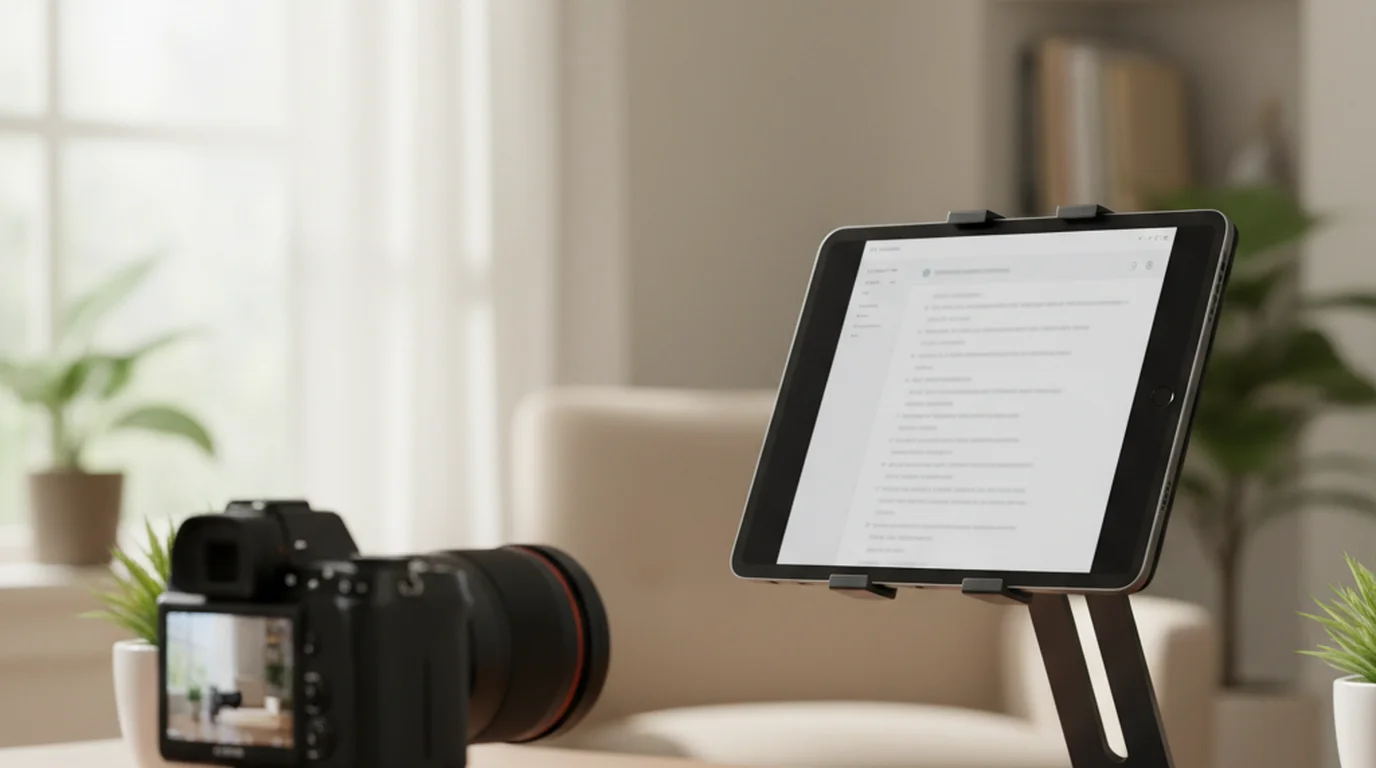
iPad teleprompter app showing script controls and camera recording with scan to download QR code

Best iPad teleprompter app for courses, webinars, and long scripts

A larger screen gives long scripts more room, steadier pacing, and a comfortable display beside or in front of the camera.

Tripod and stage frame

Portrait or landscape talking heads, interviews to camera, and social clips with a steady line of sight and calm line breaks.

Desk and classroom

Seated demos, panel prep, product walkthroughs, and webinars with the iPad beside notes while you tune colors for the room.

Handheld or prompter-only slate

Floor coaching, quick table reads, or a dedicated script display while another device records or the audience watches you live.

What matters in a teleprompter app for iPad

iPad works best when the script has enough space to breathe and the layout adapts to long recording sessions.

Large script display

Use the iPad screen for pasted scripts, lessons, speeches, webinars, course modules, and rehearsals where phone-sized text feels cramped.

Prompter-only mode

Use pure text scrolling with no camera when iPad is your dedicated script display.

Comfort for long sessions

Adjust text size, text color, scrolling speed, text area size, and text area position to match long scripts and reading habits.

Features

Everything you need to sound confident on camera, without memorizing every line.

  • Lightweight, local-first, privacy minded

    Teleprompter-Scrolling Scripts on iPad keeps scripts local and responsive across long sessions.

  • Large canvas for long copy

    Comfortable reading for courses, keynotes, and training blocks without shrinking type to fit a phone sized screen.

  • Layout for tripod, desk, or handheld

    Shape text size, text color, scrolling speed, text area size, and text area position for each setup you carry.

  • Record while you read

    Use Camera mode when you want the built-in camera feed and the teleprompter overlay in one place.

  • Pause and manual script control

    In Prompter mode and Camera mode, pause scrolling or manually move the script up or down.

  • Manual friendly scroll rhythm

    Pause for breath, return to a sentence, or jump forward on your own timing instead of endless auto scroll.

What iPad users say

From course creators to coaches and field producers.

โ˜…โ˜…โ˜…โ˜…โ˜…

"I record all my course lessons on iPad. The larger screen means I can use a bigger font at a comfortable reading distance without breaking eye contact. My students consistently say my delivery feels more conversational since I started."

Lauren Mercer Lauren Mercer Online Course Creator
โ˜…โ˜…โ˜…โ˜…โ˜…

"Clients I coach for keynotes often practice on iPad because the screen size matches how a real prompter feels on stage. Being able to slow the scroll for emphasis moments is something they notice and appreciate immediately."

James Holloway James Holloway Communication Coach
โ˜…โ˜…โ˜…โ˜…โ˜…

"I use the iPad as a dedicated prompter screen on client shoots. Portrait for longer scripts, landscape for interview-style pieces โ€” switching takes two taps. It fits my kit without any extra hardware."

Natalie Brooks Natalie Brooks Video Producer

Frequently Asked Questions

Practical answers for long scripts, offline use, device setup, and natural delivery.

What is the best teleprompter app for iPad?

The best iPad teleprompter app gives long scripts room to breathe, supports portrait and landscape layouts, Prompter mode and Camera mode, and lets you adjust text size, text color, scrolling speed, text area size, and text area position.

Can I use iPad as a standalone teleprompter?

Yes. Prompter mode shows only scrolling text without opening the camera, which is useful when another device records.

Is iPad better than iPhone for teleprompter scripts?

iPad is better for long scripts, courses, webinars, and rehearsals because the larger screen reduces line breaks and visual strain.

Can I use it offline on iPad?

Yes. The app is local-first, which helps when you teach, rehearse, or record somewhere with weak internet.

What iPad settings improve delivery?

Use adjustable text size, text color, scrolling speed, text area size, and text area position. iPad also supports portrait and landscape workflows.

Get the iPad app

Download for iPad. One large script display for tripod, desk, handheld, or prompter-only sessions.