Woman checking her hair in a webcam mirror before a video call

Free Online Mirror Use your webcam as a mirror

Check your hair, makeup and teeth before a call or a recording. Switch between mirror and true view, zoom in, and light your face with a white ring. Your video stays on your device.

Choose Allow when your browser asks to use the camera.

How to use your webcam as a mirror

Press Turn on mirror, allow the camera, and your screen becomes a live mirror that moves the way a bathroom mirror does.

Check your look before a video call

Open the mirror a minute before Zoom, Teams or Google Meet and fix what the call will show: hair, collar, makeup, something in your teeth, or a lamp glaring behind you.

  1. Press Turn on mirror and choose Allow.
  2. Drag Zoom to look closely at your hair, makeup or a contact lens.
  3. Press Fullscreen for the biggest mirror, and Snapshot to save a photo.
  4. Several cameras? Pick one from the camera menu in the control bar.
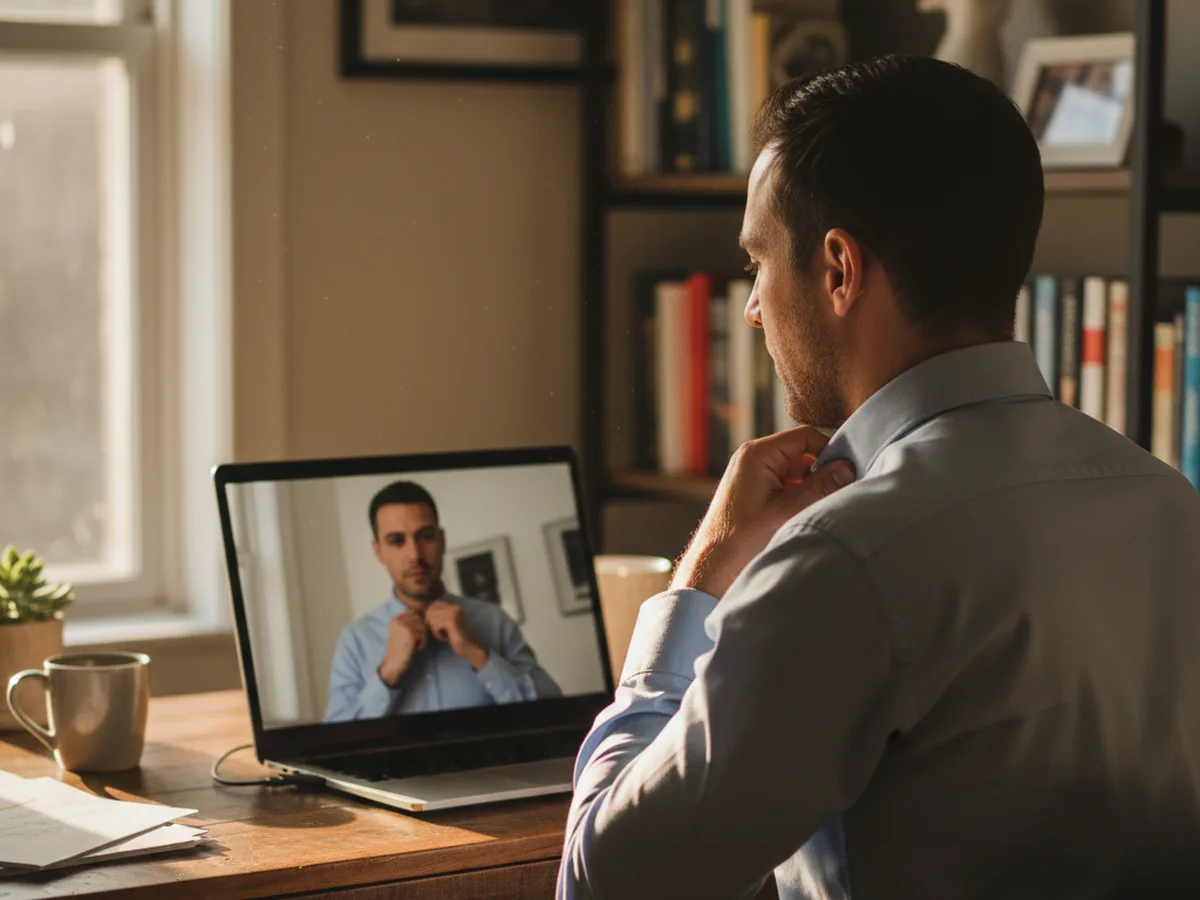
Man straightening his collar while his laptop shows his own face

Mirror view or true view?

Mirror view flips the picture left to right. Raise your right hand and the hand on the right side of the screen rises, just like a bathroom mirror, which makes it the easy view for fixing hair or applying makeup.

True view shows the camera's picture as it is: the face people see across a table and the version a video call sends to everyone else. It is what a true mirror shows; the non-reverse mirror guide explains how two reflections cancel the flip.

Portrait shown flipped, as in mirror view Mirror view
The same portrait unflipped, as in true view True view
Watch the earring and the beauty mark swap sides.

Light your face in a dark room

Press Light ring and a wide white border fills the edge of the screen. It works like a soft ring light: the screen itself lights your face evenly, which helps on late calls or in a room with one warm lamp.

Turn your screen brightness all the way up for the strongest effect, and switch the ring off again once you have checked your look.

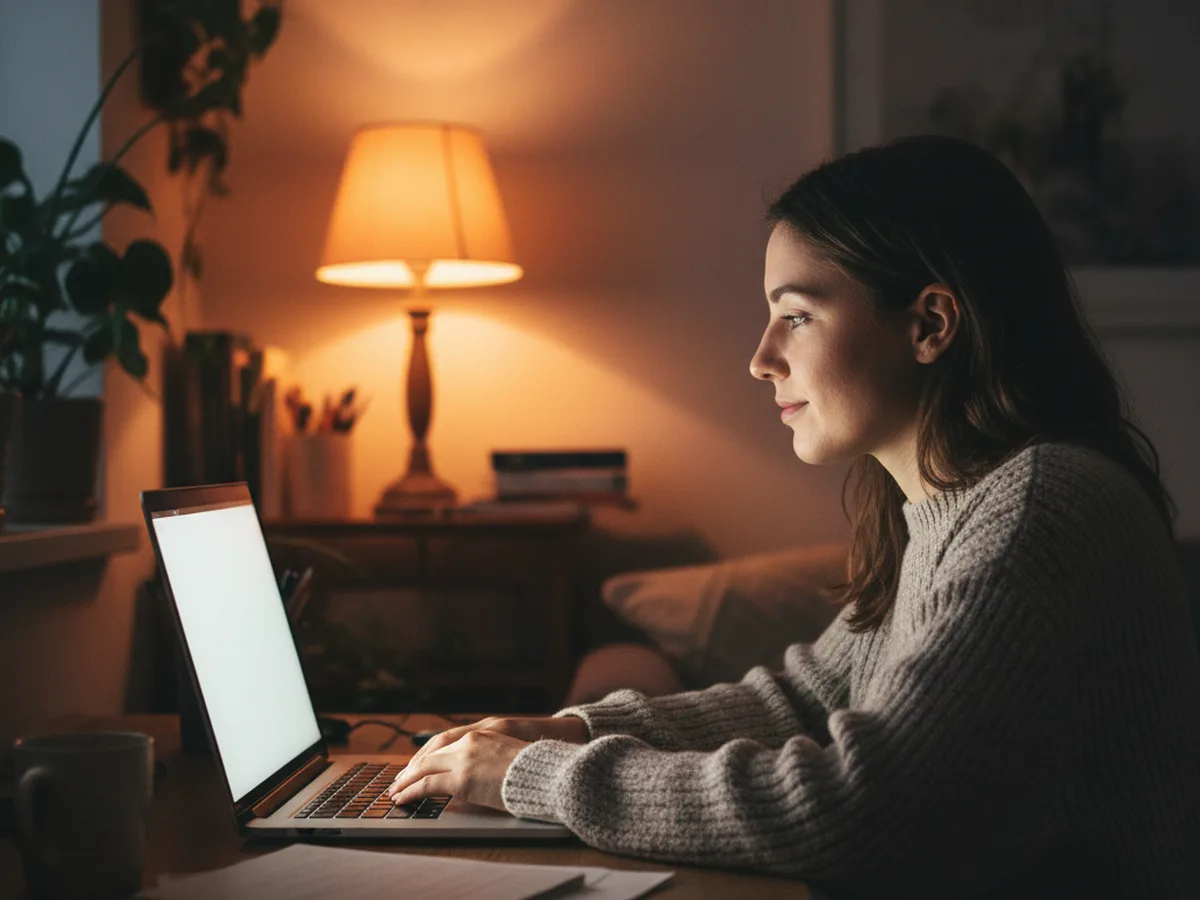
Woman in a dim room with her face lit by her laptop screen

Want your camera's resolution and frame rate, or a fix for a black picture? Run the webcam test. Checking your sound too? Use the mic test.

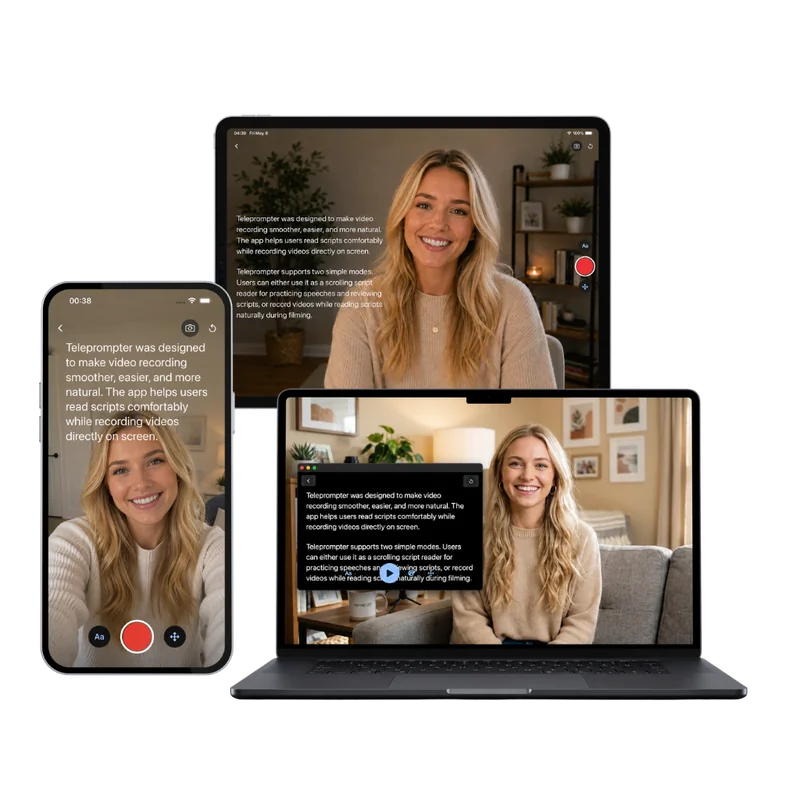
Teleprompter-Scrolling Scripts on iPhone, iPad and Mac, with the script scrolling over the camera

Next step

Looking good? Now practise reading to the lens

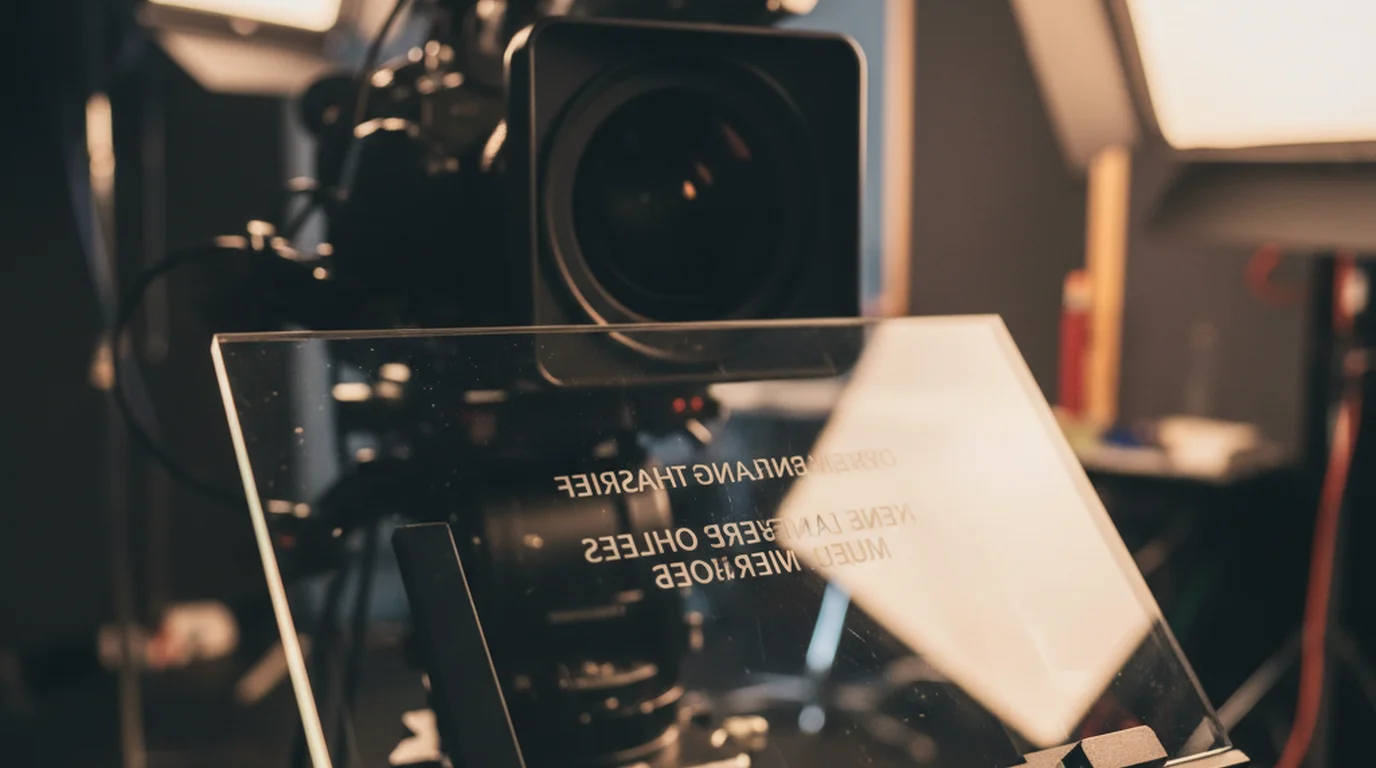
The free online teleprompter scrolls your script over your webcam preview and records you in the browser. On iPhone, iPad and Mac, Teleprompter-Scrolling Scripts does the same in Camera mode: your script scrolls next to the lens while you record, so you read naturally in one take. Free to download.

Frequently Asked Questions

Is this online mirror a true mirror?

It does both. The mirror view flips the camera left to right, so it moves like a bathroom mirror. Press True view to see the unflipped picture, which is how a true (non-reversing) mirror shows you and how other people and video calls see you.

Why do I look different in the mirror than on camera?

You are used to your mirror image, and every face is slightly asymmetrical, so the unflipped camera view can look a little off at first. A webcam also sits close to you with a wide-angle lens, which makes whatever is nearest the lens look larger, and light from above or behind changes the shadows. Raise the camera to eye level, sit an arm's length away and face the light for a picture closer to what you see in a mirror.

Does the online mirror record or save my video?

The mirror shows a live view in your browser, and your video stays on your device. Press Snapshot when you want to keep a still photo; it saves straight to your computer or phone.

How do I use the online mirror on my phone?

Open this page in Safari on iPhone or Chrome on Android, tap Turn on mirror and allow the camera. The front camera opens by default; use the Camera menu to switch. Fullscreen fills the whole screen, and turning the phone sideways gives a wider view.

How do I make the mirror fullscreen?

Press the Fullscreen button under the mirror. Press it again or press Esc to return to the page. On a computer, the browser's own fullscreen shortcut (F11 on Windows, Control-Command-F on Mac) also works.

Why is my webcam mirror black?

A black mirror means the browser has the camera turned off for this page, another app such as Zoom is using it, or a privacy shutter covers the lens. Allow the camera from the icon in the address bar, close other camera apps and reload. The webcam test lists the exact fix for each browser.