How do I use my screen as a light?
Pick a color such as White or Warm, then press Turn on screen light. The page fills the screen with that color and keeps the screen awake. Raise your system brightness to the top, and place the screen in front of you and slightly to one side, about an arm's length from your face. Press Esc or Exit to turn it off.
Is a white screen bright enough to light my face?
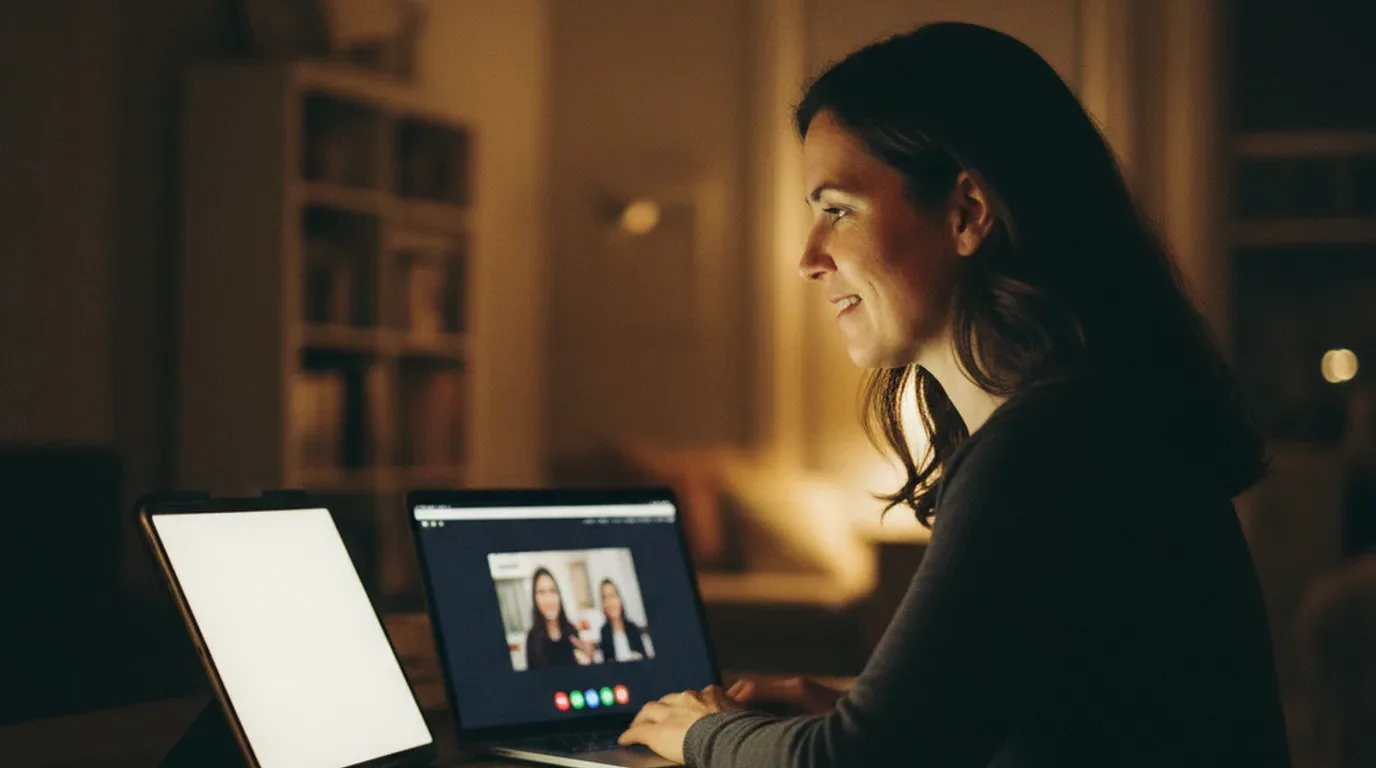
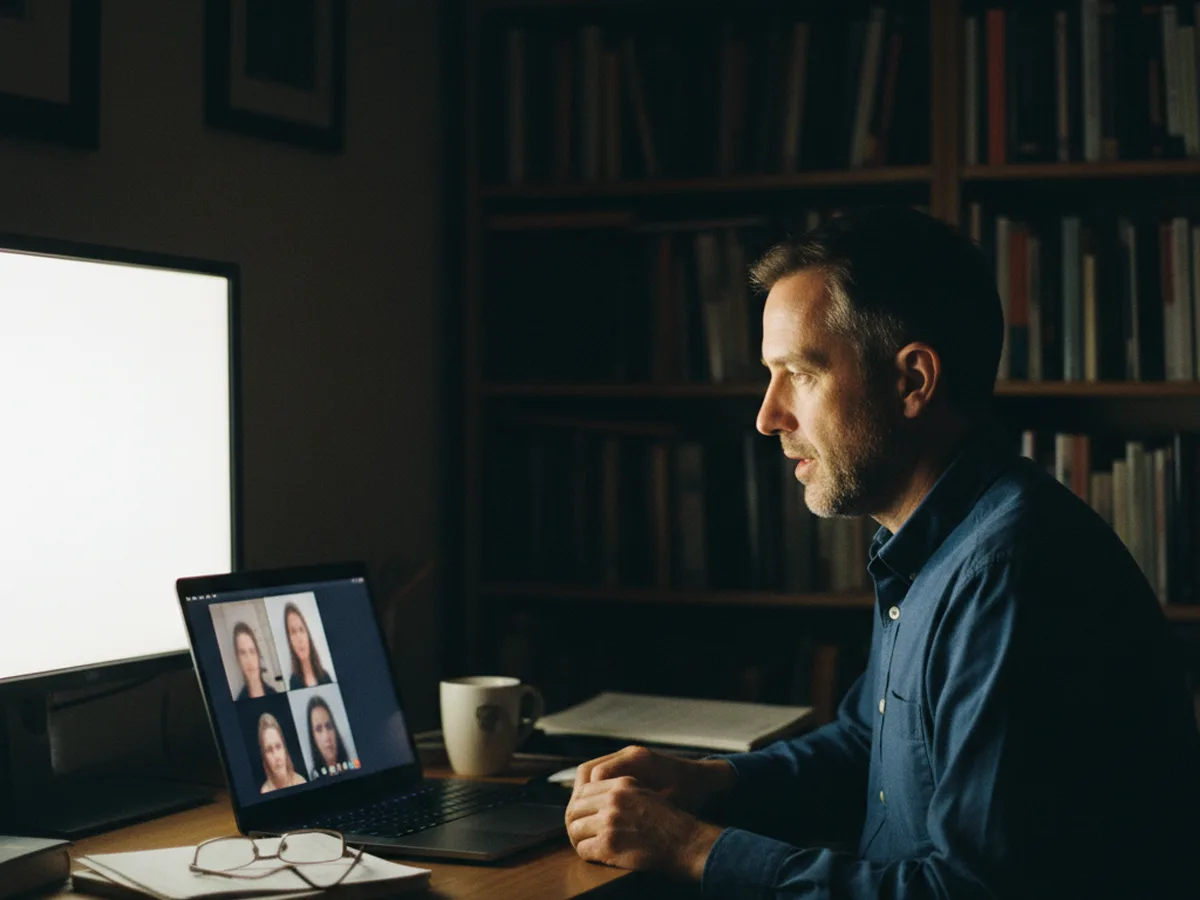
In a dim or dark room, yes. A laptop, tablet or monitor at full brightness gives a soft, even light at 40 to 60 cm (16 to 24 inches) from your face. In a bright room it works as a fill light that softens shadows from a window or ceiling lamp. A bigger screen, closer to you, gives more light.
Which color looks best on camera?
Match the light already in the room. Under warm lamps, choose Warm (3200K) or Neutral (4500K) so your face and the room look like one scene. In daylight or under cool office lights, choose Daylight (5600K) or White. Soft pink adds warmth to pale skin on camera; keep the brightness lower with it.
Can I use a tablet or phone as a ring light?
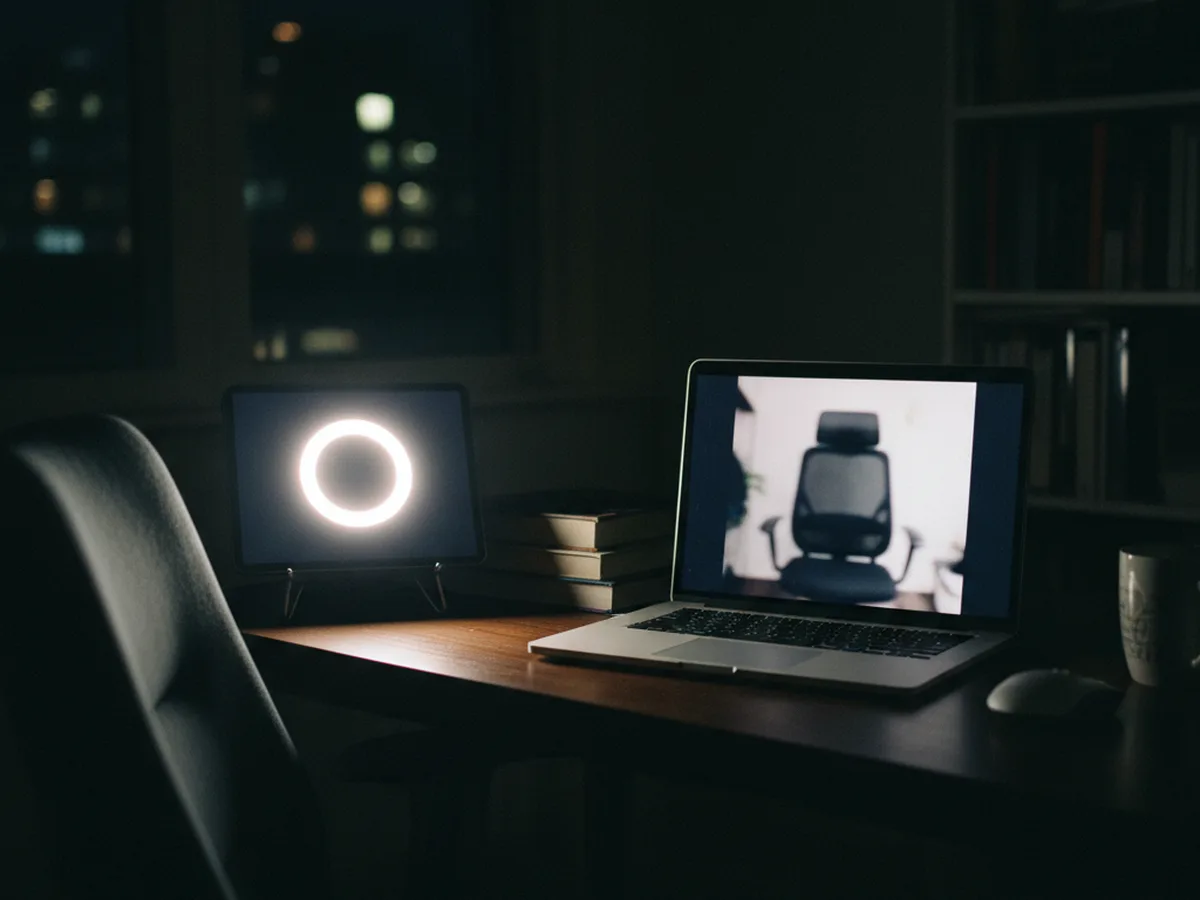
Yes. Open this page on the tablet or phone, choose Ring, and press Turn on screen light. The device shows a bright ring with a dark center. Stand it next to your laptop or camera at about 45 degrees to your face. A tablet or a second monitor gives far more light than a phone.
How do I keep the light on during a Zoom call on the same computer?
Press Open in a small window. The light opens in its own window that you can drag to the side of your screen next to the Zoom, Teams or Meet window and resize as large as you like. The window follows the color, brightness and mode you set on this page.
Why does my screen still dim or turn off?
The light asks the browser to keep the screen awake while it is on, which works in current versions of Chrome, Edge and Safari. Low Power Mode on an iPhone or a battery saver setting can still dim the screen, so plug the device in for long calls or raise the auto-lock time in the system settings.
Does the screen light use my camera?
No. The screen light only shows color on your display. It runs entirely in your browser, nothing is uploaded, and the page asks for no camera or microphone access.