Teleprompter Premium vs Free Apps: Is It Worth Paying?
 Wendy Zhang · May 20, 2026 · 8 min read
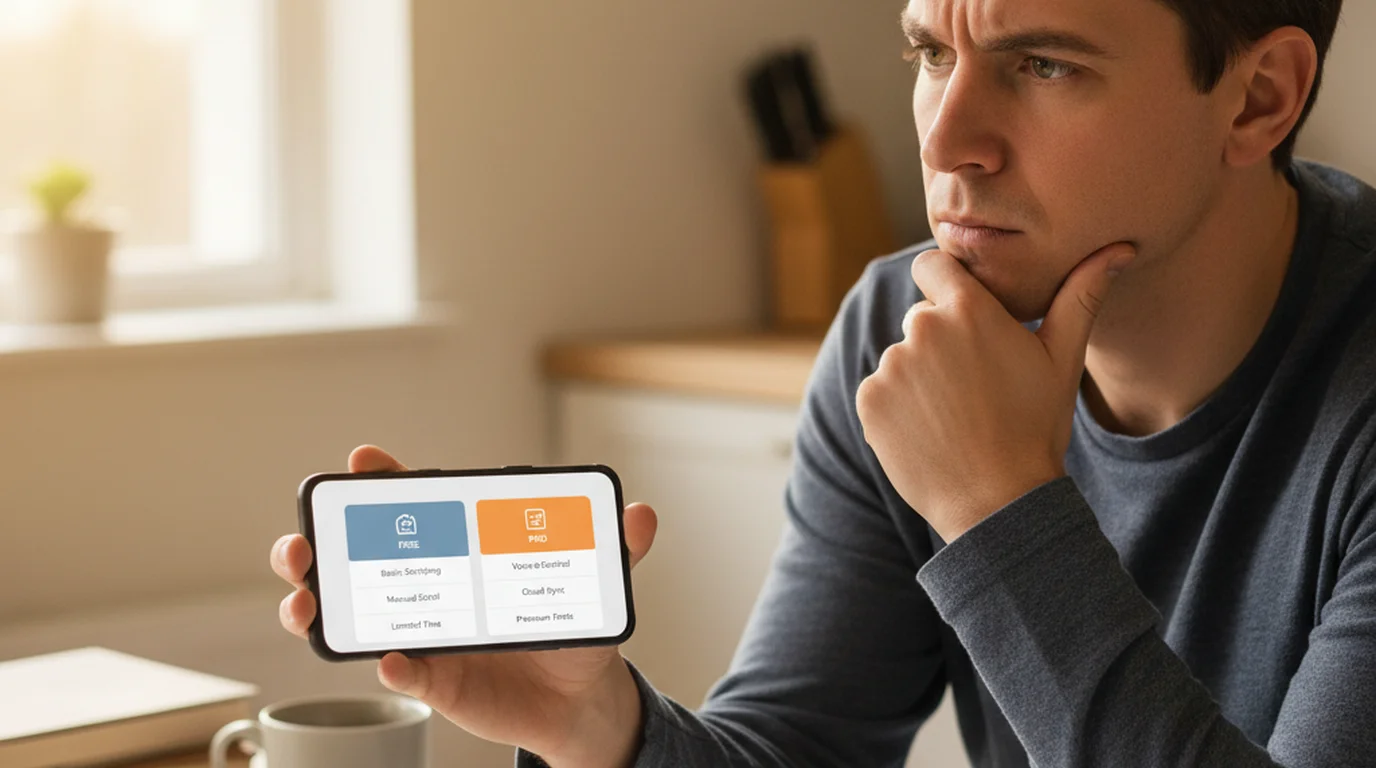
Teleprompter premium apps promise a better recording experience — and sometimes they deliver. But the gap between paid and free script reader apps has narrowed considerably over the past few years. Core features that once required a subscription, including Camera mode recording with script overlay, voice-controlled scroll, and offline use, are now available for free in newer apps. Before you pay $10–30 per year for a prompter pro app, it is worth understanding exactly what you are getting for the money and whether any of it applies to how you actually record.
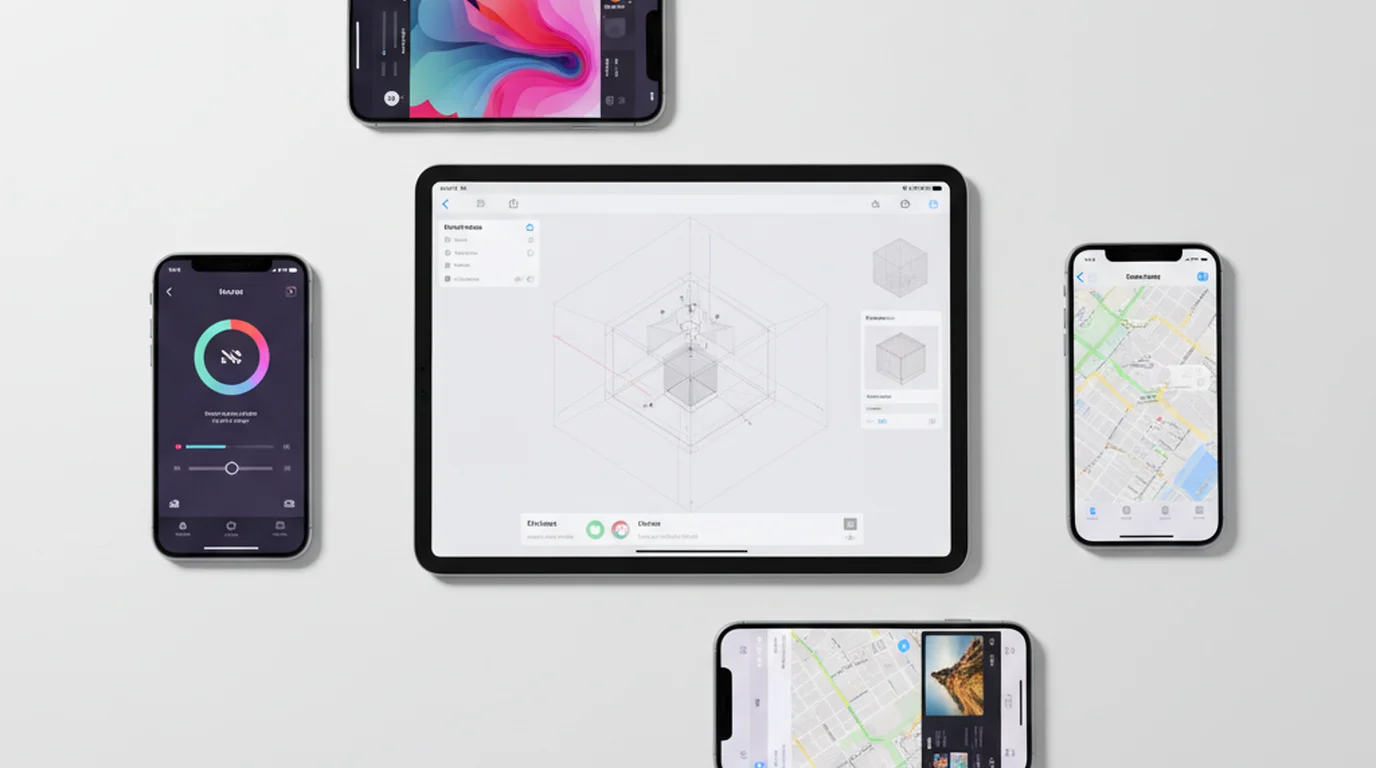
Teleprompter-Scrolling Scripts is a free autocue app for iPhone, iPad, and Mac. It includes Camera mode, Prompter mode, voice commands, offline use, and adjustable text layout at no cost. There is no account required and no weekly recording limit. If you have been evaluating teleprompter premium options, this page will help you compare them honestly.
What "Teleprompter Premium" refers to
"Teleprompter Premium" is both a specific product name and a generic category. The specific product is a prompter app published by 7Billion, available on iOS, that uses "Teleprompter Premium" as its name in the App Store. It is one of the more widely known paid apps in this space and shows up prominently in App Store search results for teleprompter-related queries.
As a generic category, "teleprompter premium" refers to the paid tier in any scrolling app. Many apps in the App Store follow a freemium model: a limited free version with basic functionality and a paid upgrade that unlocks additional features. The name "Teleprompter Premium" has become shorthand for any paid autocue app, similar to how people say "Google" to mean any search engine.
"Teleprompter premium" and "teleprompter pro app" usually stand in for one of two questions: how much does the named app cost, or is there a better value option? This guide answers both. The short version is that the core features most creators actually need are available for free, and the features that remain behind a paywall are relevant only to specific advanced use cases.
The pricing and feature set of any specific teleprompter premium app can change with app updates. Always check the current App Store listing for the most up-to-date information before making a purchase decision.
What free teleprompter apps include
The most important thing to know about free teleprompter apps in 2026 is that the category has improved significantly. The earlier generation of free script reader apps offered a basic scrolling text display with limited control and pushed Camera mode and voice commands behind a paywall. That model has changed.
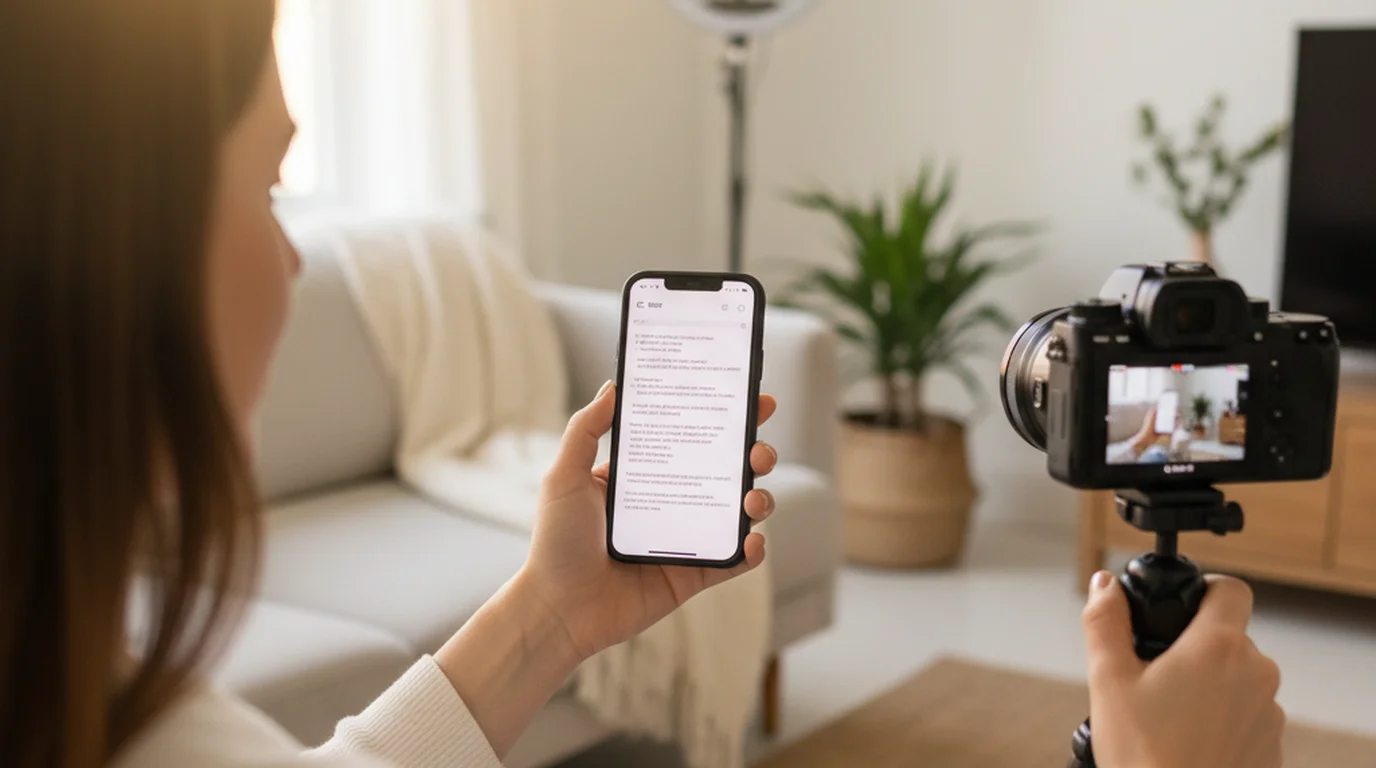
Teleprompter-Scrolling Scripts includes Camera mode at no cost. Camera mode records video on your iPhone, iPad, or Mac while displaying the scrolling script overlay on screen. The recorded video is saved to your camera roll without any text watermark — just clean footage with your delivery. Prompter mode, which scrolls your script without recording for rehearsal and in-person presentations, is also fully free.
Voice commands — the ability to start, pause, and jump the scroll forward or back using English words like “next” and “pause” in Prompter mode without touching the screen — are included free. This is a feature that costs money in several competing apps and is genuinely useful when you need to keep your hands visible on camera. Offline use is complete: scripts are stored locally on your device and the app requires no internet connection at any point.
Text controls — font size, scroll speed, text area width, margin position, text color, and background color — are all adjustable in the free version. For the large majority of creators recording solo on iPhone, iPad, or Mac, every feature they need for professional-quality scripted video is available without spending anything.
What premium features typically unlock in paid apps
Paid prompter apps differentiate themselves in a handful of specific areas. AI script writing is the most commonly promoted premium feature: you enter a topic or brief and the app generates a script for you. For creators who struggle with writing or who need to produce content at high volume, AI script generation has genuine value. It is not a substitute for reviewing and personalizing the output, but it reduces the blank-page problem considerably.
Cloud sync is the second major premium feature. Paid apps typically store scripts in the cloud and sync them across all your devices — iPhone, iPad, Mac, and sometimes web. If you write scripts on your Mac and regularly record on your iPad, cloud sync removes the step of manually transferring the script. The alternative — copying the script text and pasting it on the recording device — takes about thirty seconds, which may or may not be worth a monthly subscription depending on your volume.
Bluetooth remote control is available in several premium apps. A Bluetooth remote lets you start, stop, and adjust scroll speed from a physical device, keeping your hands free and avoiding any on-screen touch interaction. This is particularly useful in studio setups where the recording device is mounted at a distance. Voice commands in free apps serve a similar function but require the app to be listening, which can occasionally misfire in noisy environments.
Team collaboration and multi-user access are offered at higher tiers in some apps. If you manage video production for a team — a marketing department, a podcast production company, or a coaching business with multiple presenters — centralized script libraries and shared access have real value. This is an enterprise-adjacent use case that does not apply to most individual creators.
Teleprompter Premium vs. Teleprompter-Scrolling Scripts — feature comparison
| Feature | Typical premium apps | Teleprompter-Scrolling Scripts (free) |
|---|---|---|
| Camera mode | Paid | Free |
| Prompter mode | Paid | Free |
| Offline use | Yes | Yes |
| AI script writing | Yes | No |
| Cloud sync | Yes | No (local) |
| Voice commands | Paid | Free |
| Mac support | Varies | Yes |
| Price | $10–30/yr | Free |
The table reflects general feature patterns across paid autocue apps. Individual apps vary. Teleprompter-Scrolling Scripts is available on iPhone, iPad, and Mac. For a broader side-by-side breakdown, see our best teleprompter app complete comparison.
Who should pay for a premium teleprompter app
The clearest case for paying is AI script writing. If you record a high volume of content — multiple videos per week — and you spend significant time on scripting, AI script generation can meaningfully reduce that time. The output still requires editing and personalization, but the first draft appears in seconds rather than hours. For creators who are bottlenecked by writing rather than recording, this feature can justify the subscription cost on its own.
Cloud sync earns its place if you work across multiple devices regularly and your volume is high enough that the friction of manual script transfer adds up. A course creator who writes scripts on a Mac at a desk and records on an iPad in a dedicated studio space is the typical profile. If you record on the same device you write on, cloud sync provides no benefit.
Bluetooth remote control is worth paying for in studio or stage setups where a physical remote is more reliable than voice commands. Event presenters, studio hosts, and anyone recording in a loud or acoustically challenging environment will find a hardware remote more consistent than a voice-activated scroll.
Teams and businesses with multiple presenters sharing scripts benefit from the collaboration features in higher-tier plans. The economics are straightforward: if the app saves meaningful time across several people's workflows, the per-seat cost is easy to justify.
Who gets everything they need from a free app
Solo creators who write their own scripts get everything they need from Teleprompter-Scrolling Scripts at no cost. Camera mode records clean video on iPhone, iPad, or Mac. Prompter mode covers rehearsal and in-person delivery. Voice commands handle scroll control hands-free. Offline use means the app works anywhere regardless of signal.
Educators recording course modules, coaches recording client-facing video, consultants recording explainers, and podcasters adding video to their format all fall into this category. The scripts are personal, the recording is solo, and the output goes into an existing editing workflow. No cloud sync is needed. No AI writing is needed. No remote control is needed beyond what voice commands already provide.
Creators who record on location — in classrooms, at events, on travel — benefit specifically from the local-first architecture of a free app. There is no login step, no cloud dependency, and no subscription to manage. The app opens with your scripts ready. For an educator who records lesson content in their classroom before school hours, or a coach who records between client sessions at a coffee shop, that simplicity has real value beyond what any premium feature adds.
If you are currently trialing a teleprompter premium app and using only the Camera mode and scroll controls, you are in this group. The free app covers your actual use case completely. See our best free teleprompter apps roundup for a full list of no-cost options.
Teleprompter Premium for Mac — free alternatives
Teleprompter Premium for Mac is a search term that appears frequently from users who want the functionality of a paid app on desktop without committing to a subscription. The Mac use case is typically one of two setups: desk recording for YouTube, course content, or business video, or using the app as a reading aid during live presentations, Zoom calls, and webinars without recording inside it.
Teleprompter-Scrolling Scripts is a native Mac app and covers both use cases for free. Camera mode on Mac uses the built-in FaceTime HD camera or an external USB camera to record video with the script overlay active on screen. Prompter mode displays the script in a flwindow that you can position on your monitor while the rest of your screen runs a Zoom call or presentation software. The scroll runs at the speed you set and can be nudged with the up and down buttons or, in Prompter mode, English voice commands, keeping your hands on whatever else you need them on.
The Mac version is the same free download as the iPhone and iPad version — one App Store purchase (free) covers all three platforms under the same Apple ID. If you have already used Teleprompter-Scrolling Scripts on iPhone or iPad, the Mac app is available to download without any additional cost.
For browser-based use without installing anything, teleprompter.works/online is a free open-source browser autocue that works on any Mac browser.
Frequently Asked Questions
What is Teleprompter Premium?
"Teleprompter Premium" refers to both a specific iOS teleprompter app by 7Billion and the paid tier in several teleprompter apps generally. Paid features commonly include AI script generation, cloud script sync, remote control, branded overlays removed, and advanced export options. Core recording features like Camera mode are often free in newer apps.
Is there a free alternative to Teleprompter Premium?
Yes. Teleprompter-Scrolling Scripts is free and includes Camera mode, Prompter mode, voice commands, offline use, and adjustable text layout — features that require payment in many premium apps. It is available on iPhone, iPad, and Mac from the App Store.
What does a premium teleprompter app add over a free one?
Premium teleprompter apps typically add AI script writing (generate a script from a topic prompt), cloud sync across devices, Bluetooth remote control, team collaboration, and integrations with video hosting platforms. If you write your own scripts and record alone, these features may not justify the cost.
Is there a free teleprompter app for Mac that replaces Teleprompter Premium?
Teleprompter-Scrolling Scripts is free for Mac and includes the core features that Teleprompter Premium charges for: Camera mode with script overlay, Prompter mode, adjustable text size and position, offline use, and local script storage. Download it from the Mac App Store.
Wendy ZhangWendy Zhang is the indie developer behind Teleprompter-Scrolling Scripts, which she built after cycling through teleprompter apps that were too heavy, too expensive, or dependent on a network connection to open. She writes about the mechanics of recording yourself — scroll pacing, script formatting, and the app decisions that decide whether a take survives.
Try the free teleprompter pro app
Teleprompter-Scrolling Scripts is free on iPhone, iPad, and Mac. Camera mode, Prompter mode, voice commands, offline use — no subscription, no account, no limits.
Use Free Online Teleprompter Get the Free App