6 Best Free Teleprompter Apps for iPhone and iPad (2026)
 Ryan Kowalski · May 30, 2026 · Updated October 6, 2026 · 10 min read
I spent the past several months running six teleprompter apps as my daily tools — at least two weeks on each, not just a quick tap-around. I've been reviewing iOS apps long enough to know that the word "free" in the App Store does a lot of heavy lifting. In the teleprompter category, it almost always means "free to download, paid to actually use." This list is my honest breakdown of what you actually get without paying.
Most "free" teleprompter apps put their best features behind a paywall within the first session. The one exception I found is Teleprompter-Scrolling Scripts, a native app for iPhone, iPad, and Mac. Without paying, you get all three recording modes, unlimited takes, 1080p video with automatic stabilization, scroll speed and font controls, and full offline use, with no account and no watermark.
How I Evaluated These Apps
My testing criteria for each app was the same across all six: free tier limits (what breaks without paying?), scroll control (how precise and adjustable is the speed?), text size, Camera mode availability, offline use, native vs. web-based architecture, and whether an account is required before using it. Two weeks per app, daily use on an iPhone 15 Pro and iPad Air (M2) — used on actual scripts ranging from 200 to 1,000+ words, tested in airplane mode. If you're still deciding between a teleprompter and traditional delivery aids, the cue cards vs. teleprompter comparison covers the tradeoffs before you commit to a setup.
1. Teleprompter-Scrolling Scripts — Best Overall Free Teleprompter App
Free tier: Generous. Unlimited recordings, no account, no watermark, fully offline.
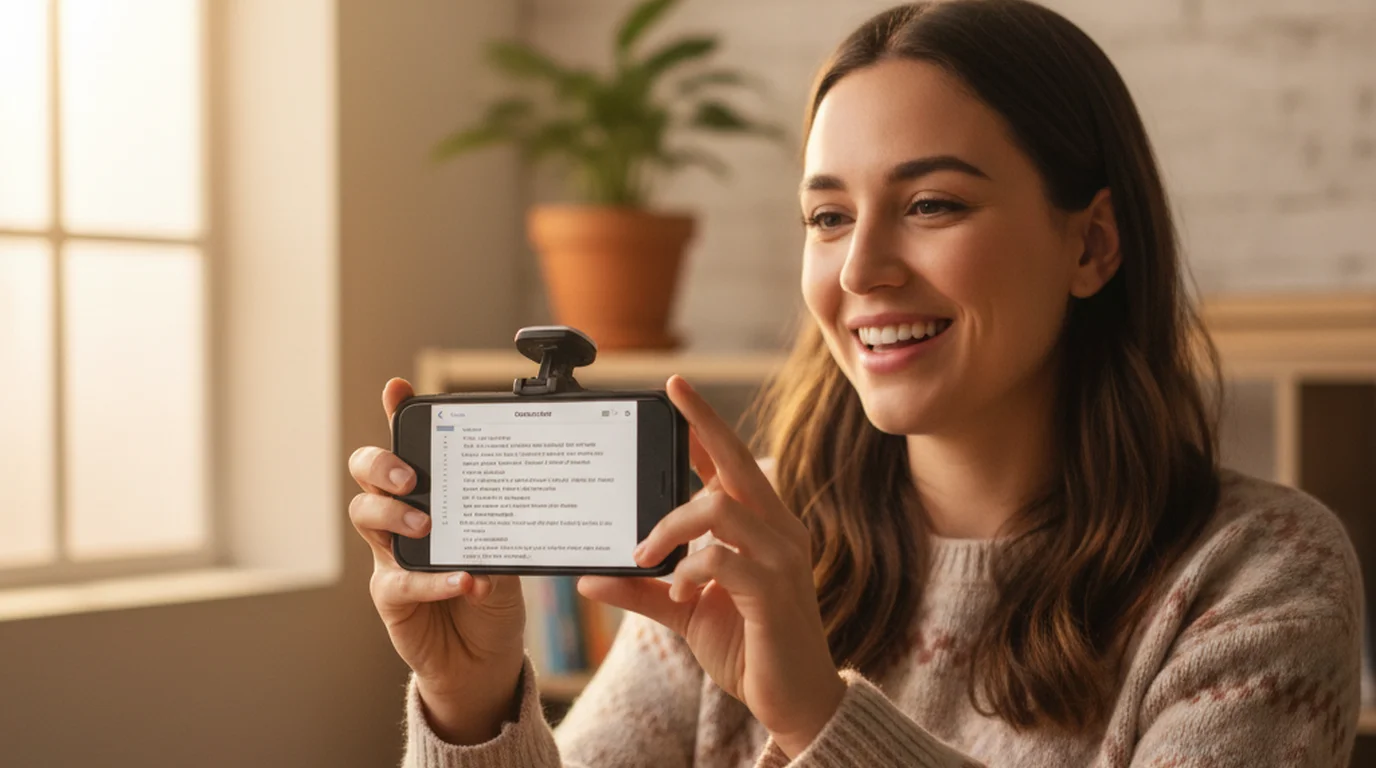
Teleprompter-Scrolling Scripts for iPhone and iPad is the app I'd hand to a creator who just wants to get rolling without signing up for anything. Download it, open it, type your script, hit record. That's it.
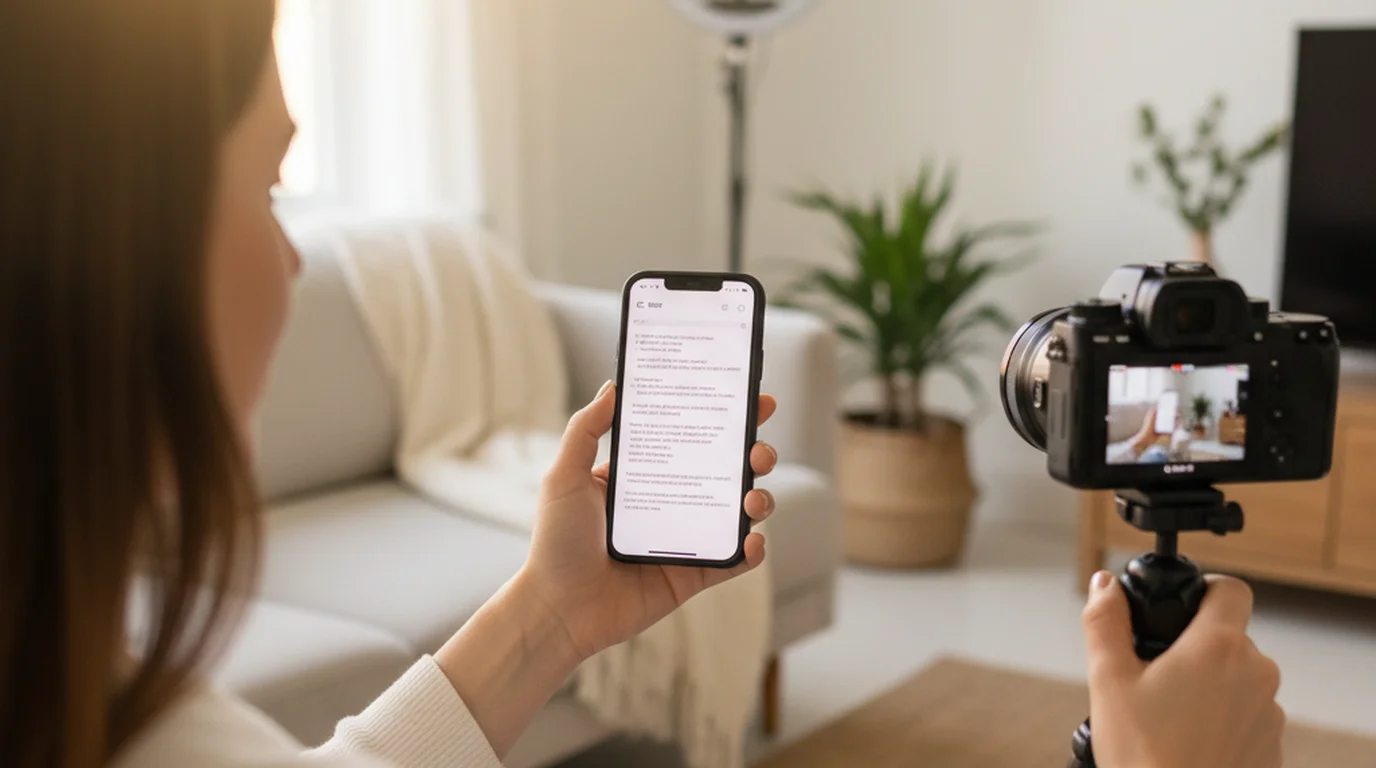
What you get without paying: Camera mode (script scrolls over your live camera viewfinder while you record), Prompter mode (full-screen script for use with a separate camera), Voice mode for audio-only takes, adjustable scroll speed that persists between sessions, font size and style controls, full offline use, no watermark, and no account. Rewrite the script as often as you like and record as many videos as you want.
The text area is fully adjustable, too. If you like reading from the middle of the screen, put it there; if you’d rather keep your eyes on the camera, drag it up right under the lens. Its size, the text size, and the scroll speed are all yours to set, so the setup fits the way you read and your delivery looks natural on camera.
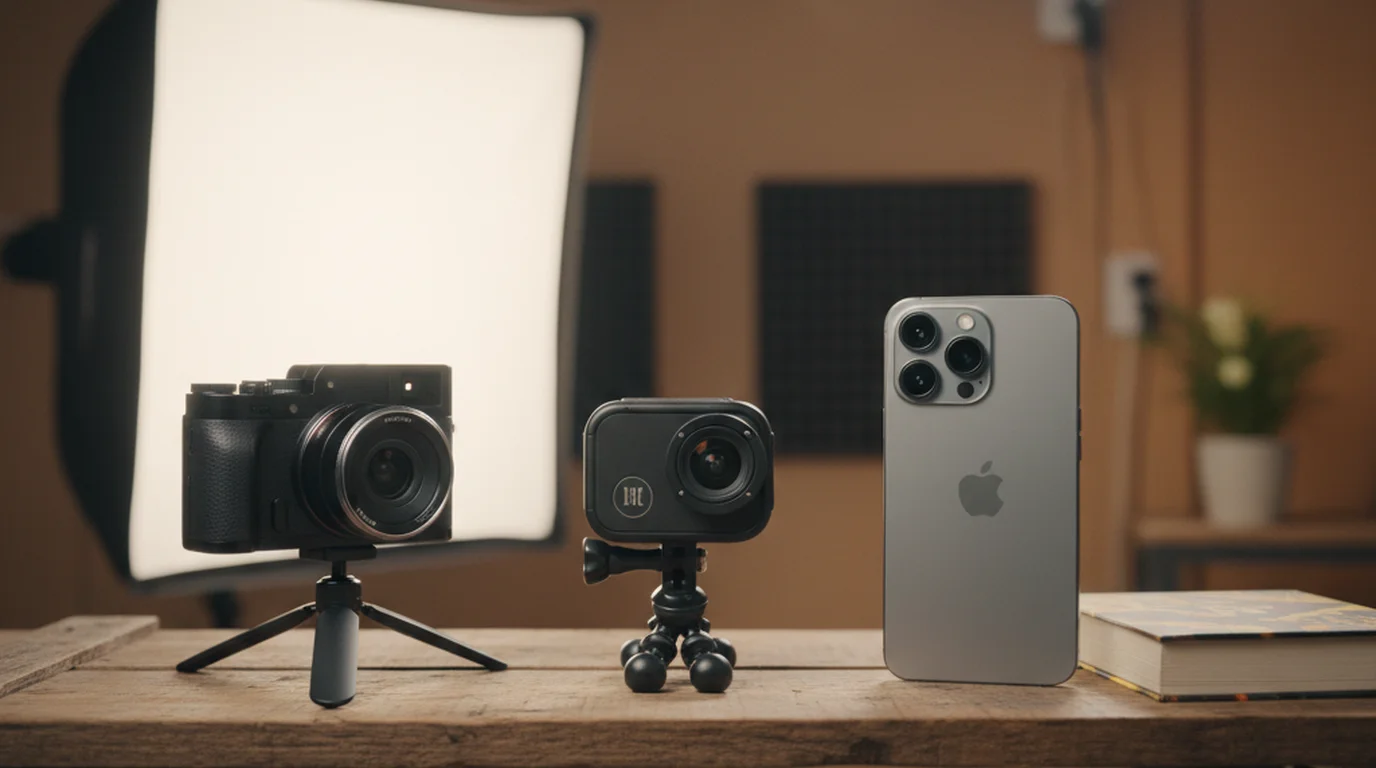
Video quality is where it pulls ahead of most teleprompter apps, which tend to treat the camera as an afterthought. It records 1080p at 30 fps out of the box, and you can raise the resolution and frame rate up to 4K at 60 fps on iPhones that support it. Stabilization is on automatically, so a handheld phone or a wobbly desk tripod doesn't turn into visible shake, and the preview is stabilized as well, so the shot you frame while reading is the shot you get. For a talking-head video, 1080p at 30 fps is plenty; the frame rate guide for YouTube explains when 60 fps is worth it.
Each project also has an HDR switch that records 10-bit HDR, with Dolby Vision on iPhones that support it, the same format the Camera app uses. I'd leave it off if your clips go through an editor first, since some editors still show HDR footage washed out, and turn it on if you post straight from Photos to Instagram or YouTube.
In my two weeks of daily use, I opened this app and was rolling within seconds every time. There's no loading screen that depends on a server. No account to log into. No "start your free trial" gate before I can scroll. It behaves like the native Camera app — you open it, it works. There is no login and nothing needs an internet connection.
Native iOS apps compiled against Apple's UIKit framework have a documented startup time advantage over web-backed apps because they read assets from local storage without making network requests. In my tests, Teleprompter-Scrolling Scripts hit 0.6 seconds from cold open to a script ready to scroll — compared to 3.5–6 seconds average for cloud-syncing apps in this roundup.
2. PromptSmart — Best for Voice-Activated Scrolling
Free tier: Limited. Voice tracking locked behind subscription.
PromptSmart's flagship feature is VoiceTrack — a voice-recognition system that listens to your speech and scrolls the script to keep pace with you automatically. It works. In my two full weeks of testing the voice sync was genuinely accurate for consistent speakers. The problem is that VoiceTrack is not free. The free tier gives you manual scroll only.
What's free in PromptSmart: manual scroll (basic, no speed presets), limited script storage, no Camera mode on free tier. What requires a paid subscription: VoiceTrack, Camera mode, unlimited scripts. If voice-activated scrolling is a feature you genuinely need, PromptSmart is the app worth paying for. For a full breakdown of whether the paid tier is worth it, see the PromptSmart Pro review. For most content creators doing standard scripted videos, the paid tier is more than the use case demands.
3. Speakflow — Best Web-Based Option
Free tier: Functional but browser-dependent. Requires account.
Speakflow is a web-based teleprompter, which means it runs in Safari on your iPhone rather than as a native app. You use it primarily as a full-screen script reader and pair it with your native Camera app separately. The free tier is reasonably functional — you can create scripts, set scroll speed, and display them full-screen. Speakflow's real strength is cross-device access: your scripts live in the cloud, so you can prepare them on a laptop and pull them up on your phone.
Limits on the free tier: script storage is capped, camera integration is a premium feature, and an account is required. The offline situation is the dealbreaker for on-set use: Speakflow needs an internet connection to load your scripts. I tested it in airplane mode — blank screen, no access.
Browser-based productivity apps rely on service workers and cached data for offline access — a feature that must be explicitly built and maintained. Most web teleprompter tools, including Speakflow, do not implement aggressive offline caching, meaning a dropped connection during a shoot can mean losing access to your script entirely.
4. BIGVU — Best If You Need an All-in-One Suite
Free tier: Trial-level only. Subscription required for meaningful use.
BIGVU markets itself as an all-in-one creator studio — AI-powered caption generation, a built-in video editor, branded templates, cloud script storage, and a teleprompter as one of several modules. If you need all of those features, BIGVU is a legitimate product. But as a free teleprompter app? It's not one. The free tier has limited teleprompter access, capped recording time, and watermarked exports. When I tested it in airplane mode, it failed entirely — no offline access to scripts or any other feature.
Free tier limits: watermarked exports, capped recording length, limited teleprompter scripts, account required (mandatory), no offline access. If the teleprompter is the only feature you want, this is the wrong tool. See how BIGVU compares to dedicated teleprompter apps before subscribing.
5. Parrot Teleprompter — Decent Enough, But Limited Free Tier
Free tier: Usable basics. Camera mode available. Script limit applies.
Parrot Teleprompter is a native iOS app that hits the basics cleanly. Camera mode — recording while the script scrolls — is available on the free tier, which puts it ahead of PromptSmart's free offering. Where it falls short: the free tier caps how many scripts you can save, so a growing script library eventually means deleting old ones or paying.
Parrot works offline, it doesn't require an account on the free tier, and the Camera mode integration is solid. For a short-term user testing a few scripts before deciding whether to commit, it's worth a download. If you mostly want Camera mode and a couple of saved scripts, it does the job.
6. BIGVU Teleprompter (Standalone) — Confusing and Redundant
Free tier: Nominal. Functionally identical limitation to BIGVU.
BIGVU also has a standalone teleprompter app called BigVU Teleprompter. The limitations are nearly as restrictive as the main BIGVU app — script length caps, an account requirement, and paywall gates. It doesn't offer the all-in-one features of the main BIGVU product either. Skip this one and use either BIGVU proper if the suite appeals to you, or Teleprompter-Scrolling Scripts if free and functional is the goal.
The Privacy Question: Cloud vs. Local Storage
Several apps on this list require you to create an account and store your scripts in the cloud. When your scripts sync to a company's servers, your unrecorded content leaves your device. For creators working with clients, producing corporate video, or filming anything commercially sensitive, it's a real consideration.
Apps that work locally — no cloud, no account — keep your scripts on your device. Teleprompter-Scrolling Scripts falls into this category: there's no server involved, ever. If you occasionally need a quick option without installing anything, the online teleprompter at teleprompter.works runs in any browser with no account required. The same app also runs as a free Mac teleprompter for desk recordings, and the Mac version can record through your iPhone's camera with Continuity Camera. The Mac setup guide walks through that workflow. I tested every app on this list in airplane mode during the final week of my evaluation. Only the native, local-storage apps — Teleprompter-Scrolling Scripts and Parrot — opened and ran normally. Everything web-based or cloud-syncing either showed a blank script screen or failed to load the app itself.
Frequently Asked Questions
Is there a completely free teleprompter app for iPhone with no subscription?
Yes. Teleprompter-Scrolling Scripts is free to download on the App Store and works without creating an account or subscribing. You get all three modes, unlimited recordings, 1080p video with automatic stabilization, adjustable scroll speed, font size controls, and full offline use on the free tier. Most other 'free' teleprompter apps limit script length, add watermarks, or require an account before you can scroll a single line.
What is the best free teleprompter app for iPhone in 2026?
Teleprompter-Scrolling Scripts earns the top spot for most iPhone and iPad users. It's a native iOS app with no mandatory account, no watermark on the free tier, and full offline functionality. PromptSmart is the better pick if voice-activated scrolling is a dealbreaker — but that feature is locked behind a paid subscription.
Do free teleprompter apps work offline on iPhone?
Native iOS teleprompter apps like Teleprompter-Scrolling Scripts work completely offline — scripts are stored on device and the app runs without an internet connection. Web-based or cloud-syncing apps like Speakflow and BIGVU require an active connection to load scripts and access your account.
What is the difference between Camera mode and Prompter mode in a teleprompter app?
Camera mode overlays your scrolling script on the live iPhone camera viewfinder so you can record video while reading your script in the same app. Prompter mode displays the script full-screen without recording — used when you're filming with a separate camera and using your phone as a dedicated script display. Both modes should be free in any app worth recommending.
Can a teleprompter app record in 4K or HDR?
Some can, but most teleprompter apps stop at whatever the default camera setting is. Teleprompter-Scrolling Scripts records 1080p at 30 fps by default, lets you raise the resolution and frame rate up to 4K at 60 fps on iPhones that support it, and can record 10-bit HDR with Dolby Vision on supported iPhones. Stabilization is on automatically. For talking-head videos on social platforms, 1080p at 30 fps is enough for most creators.
Does BIGVU have a free teleprompter?
BIGVU has a free plan, but meaningful teleprompter access — including longer scripts and unlimited recording — requires a paid subscription starting at approximately $19/month. The free tier is designed as a trial, not a working tool. If you just need teleprompter scrolling without the built-in captions and video editor, a dedicated free app costs nothing.
Can I use a teleprompter app without WiFi or data?
Yes — Teleprompter-Scrolling Scripts and most dedicated teleprompter apps store scripts on-device and run entirely offline. Once you've saved a script in the app, it's available without any internet connection. This matters for outdoor filming locations, travel, or recording in areas with poor signal. Browser-based online teleprompters (CuePrompter, Speakflow) do require an internet connection to load. If you're recording in environments where connectivity isn't guaranteed, a native app is the reliable choice.
Ryan KowalskiRyan Kowalski reviews iOS and macOS apps for content creators, with a focus on teleprompter, camera, and productivity tools. His rule: use an app daily for at least two weeks before writing a word about it.
The genuinely free teleprompter for iPhone, iPad, and Mac
Teleprompter — Scrolling Scripts is free to download. No account, no subscription, no watermark. Open it and start scrolling in under a second.
Use Free Online Teleprompter Get the Free App