Best free script reader app for iPhone and Mac (2026)
 Lauren Mercer · June 7, 2026 · 6 min read
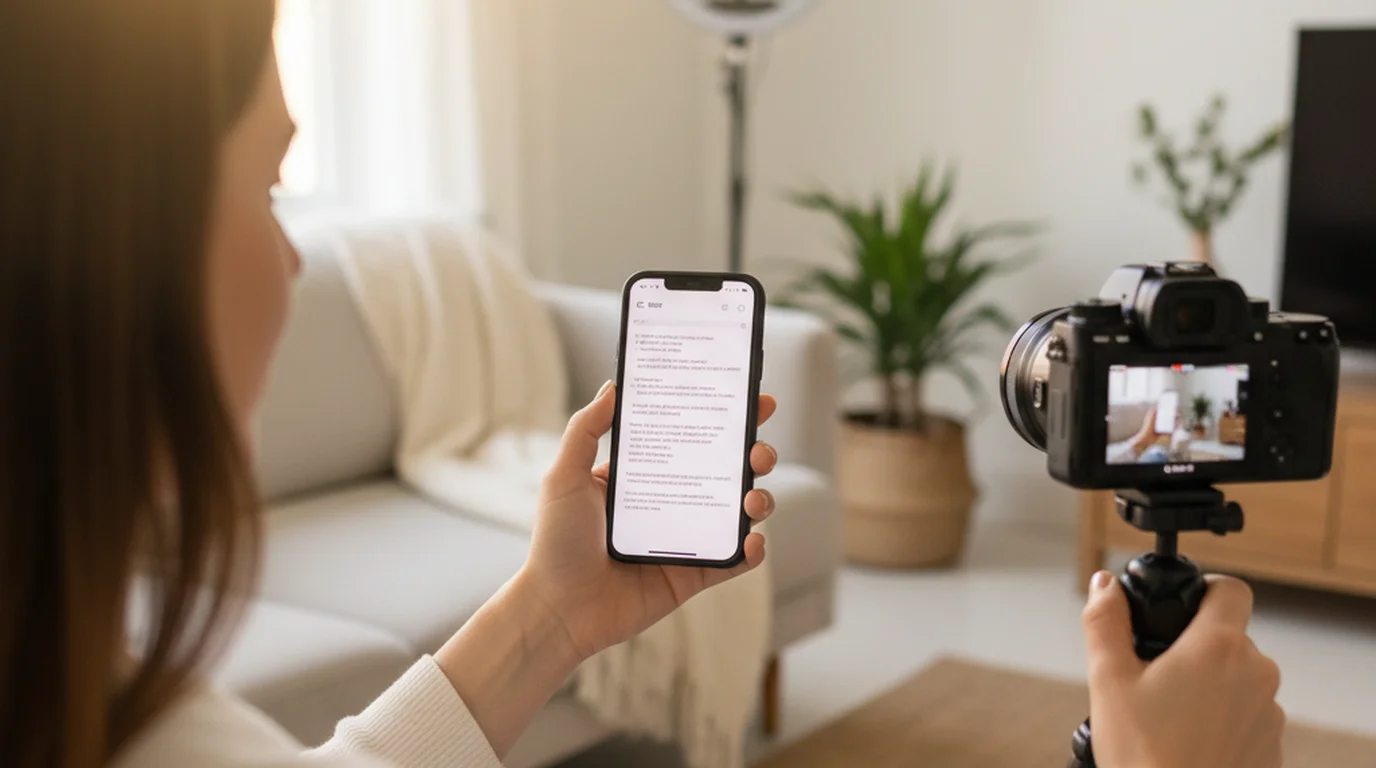
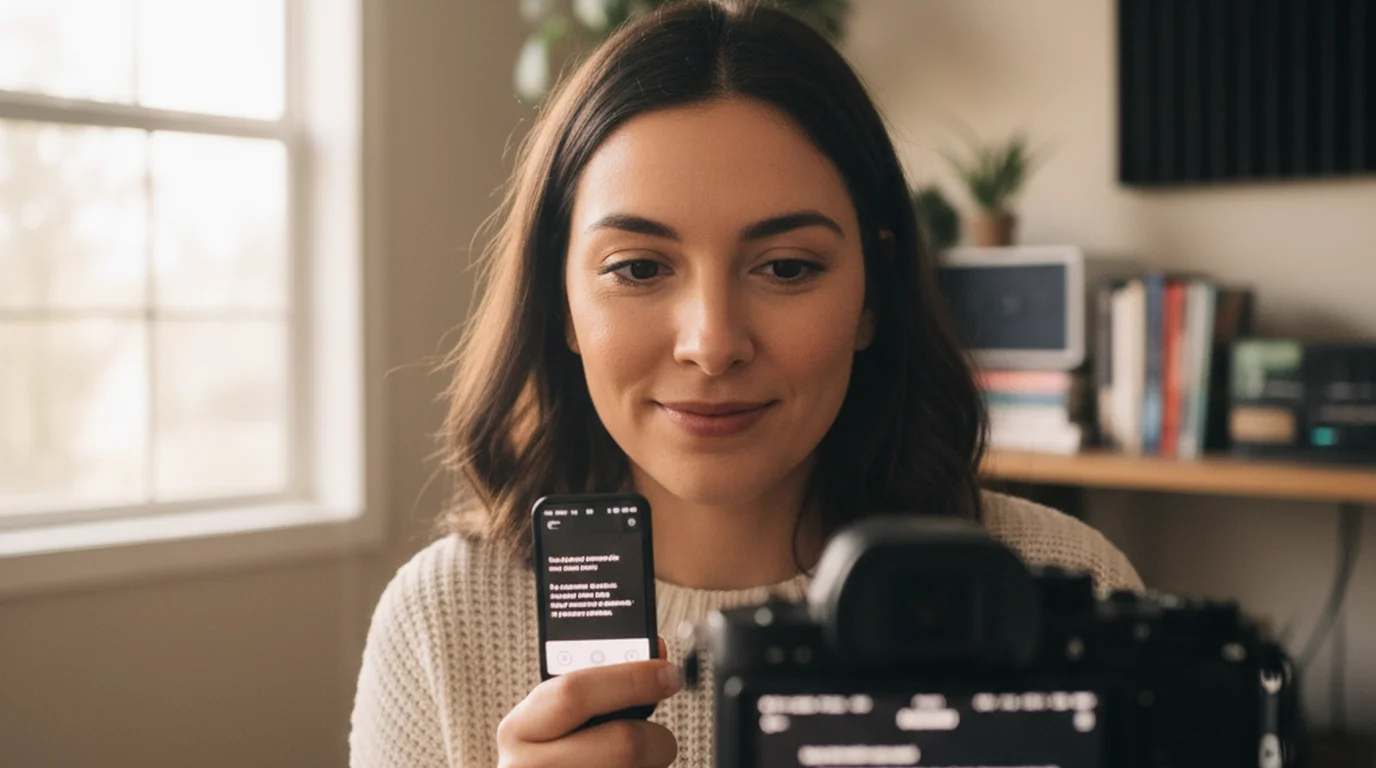
A script reader app solves a specific recording problem: you've written exactly what you want to say, and you need to deliver it on camera without looking like you're reading. The term "script reader" is used interchangeably with "teleprompter app" — both describe software that auto-scrolls your text while you record. What they do is identical; the name you search depends on what context you learned the concept in.
The best free script reader app for iPhone and Mac in 2026 is Teleprompter-Scrolling Scripts. It auto-scrolls scripts at adjustable speed, includes Camera mode for recording video with the script visible on the same screen, stores scripts locally with no account required, and works fully offline. CuePrompter is the best browser-based free option for quick one-off use without installation. The free online script reader runs in a browser tab if you do not want another app on your device.
What to look for in a free script reader app
Not all script reader apps give you the same core workflow. Before downloading, there are four things worth checking.
Camera mode. This is the most important feature for anyone recording on-camera content. Camera mode means the app displays your script and records video at the same time — one tap starts both. Without it, you're running a teleprompter on one device and recording on another, which means physically coordinating two screens and syncing your pace manually. If you record on iPhone, you want the script reader and the camera in the same app.
Offline storage. Browser-based script readers require an internet connection every time. If your setup involves a spare room, a studio without reliable Wi-Fi, or any outdoor location, a browser tool will fail you. Native apps that store scripts on-device work anywhere.
Speed control. Auto-scroll speed needs to match your natural speaking pace. Most creators speak between 120 and 150 words per minute for on-camera delivery. A good script reader app lets you fine-tune speed in small increments so the scroll feels like your own internal reading rhythm rather than something you're chasing.
Font and contrast. You're reading while looking roughly toward the camera, not directly at the screen. Large, high-contrast text — white on black works better than black on white for most lighting setups — reduces eye strain and makes it easier to stay on the line without losing your place.
In a 2024 survey of 1,200 content creators by Influencer Marketing Hub, 61% reported that on-camera delivery fluency was their primary concern when starting out. Script reader apps address this directly — they remove the memorization step while preserving natural eye contact better than notes or printed paper.
Teleprompter-Scrolling Scripts: best native app (free)
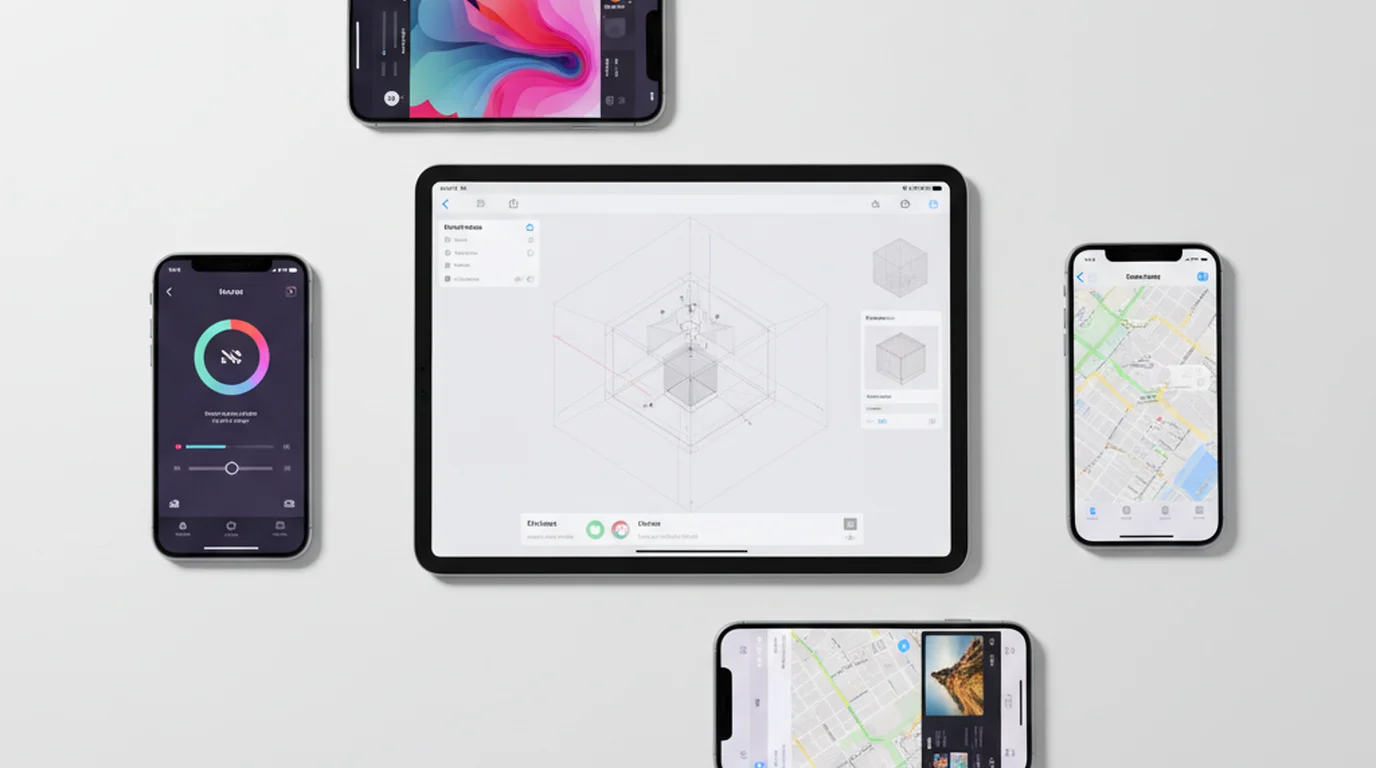
Teleprompter-Scrolling Scripts is a free native app on iPhone, iPad, and Mac. It's the script reader app we built and use for our own recording. Here's what it actually does:
Camera mode lets you record video with the script scrolling in the same interface. The text area positions near the top of the screen, close to the front-facing camera. You adjust font size, scroll speed, and text position before starting. When you hit record, the video saves directly to Camera Roll.
Prompter mode (also called Mirror mode) displays a horizontally flipped version of the script at a large font size — designed for use with an external teleprompter glass or monitor. If you have a simple DIY rig with a mirror or beam-splitter, Prompter mode turns your iPhone or iPad into the monitor component without needing any additional hardware.
Script library stores all your scripts locally on the device, organized and accessible without a login. There is no cloud sync, so each device keeps its own scripts — paste the script into whichever device you read from.
We've tested this against PromptSmart Pro, BigVU, and Speakflow. For solo on-camera recording, Teleprompter-Scrolling Scripts handles the core workflow with zero friction. The absence of features like team script sharing or AI writing is not a gap for solo creators; those are overhead for a one-person setup.
CuePrompter: best browser-based free option
CuePrompter is a free web-based script reader at cueprompter.com. It's the go-to for anyone who wants to try a teleprompter without installing anything. You paste your script, set speed and font size, and the text scrolls on a full browser tab.
What it does well: zero setup, works on any device with a browser, free with no account. What it doesn't do: there's no camera integration, no offline mode, and the interface hasn't been updated meaningfully in several years. For a one-off presentation or a quick test of whether you can read from a script on camera, CuePrompter is fine. For a regular recording workflow, a native app handles the session better.
If you're choosing between CuePrompter and a native app for weekly use: native wins. The time you save not opening a browser, navigating to the site, pasting your script each session, and coordinating a separate camera app adds up quickly.
Mirror script: what it means and when you need it
You may have seen "mirror script" as a term in teleprompter app descriptions. It refers to text displayed horizontally flipped — mirrored left to right — so that when reflected in a beam-splitter glass, the text reads normally. It's not a separate kind of app; it's a display mode within a teleprompter app.
You need mirror script mode only if you're using a physical teleprompter glass or a half-mirror DIY rig. For phone-based recording where you're reading directly from the screen, you want standard (non-mirrored) text. Using mirror mode on a standard screen just makes the text unreadable.
Teleprompter-Scrolling Scripts calls this Prompter mode. It mirrors the text and displays it at maximum size for external monitor use. You switch between Camera mode (standard text, recording enabled) and Prompter mode (mirrored text, for glass rigs) in the same app.
A mirror script display flips text horizontally so it reads correctly when reflected in a 45-degree beam-splitter glass. The same optical principle used in $2,000 broadcast teleprompter rigs can be replicated with a $8 acrylic half-mirror sheet and a free iPhone teleprompter app running in Prompter mode.
How to read a script while looking at your camera
The technique is simpler than it looks in professional broadcasts. Three things determine whether your eye contact reads as natural in the final video:
Text position. Place the scrolling text as close to the camera lens as possible. On iPhone, the front camera is at the top of the device. Move the text area up so it sits just below the camera strip. The shorter the distance between where your eyes point and where the lens is, the more natural the gaze angle looks.
Font size. Go bigger than feels comfortable. Large text at 60–80pt lets your eyes track line to line without visible eye movement. Small text causes detectable micro-saccades — the subtle eye shifts viewers unconsciously read as "reading from notes."
Scroll speed. Practice at your actual speaking pace before recording. Read the first paragraph aloud at your normal delivery speed, not your internal reading speed. Then set the scroll to match. Most people speak slower on camera than they think — starting at 110–120 wpm and adjusting up is safer than starting too fast.
Frequently Asked Questions
What is the app that reads scripts?
A script reader app (also called a teleprompter app) auto-scrolls your written script on screen so you can read it while looking at the camera. Teleprompter-Scrolling Scripts is a free native option for iPhone, iPad, and Mac. It includes Camera mode, which records video with the script scrolling at the same time, so you only need one app for the full workflow.
Is there a free app that acts like a teleprompter?
Yes. Teleprompter-Scrolling Scripts is free on the App Store for the core features. It works offline, stores scripts on-device, and includes Camera mode for recording. CuePrompter is a free browser option that works without installation but doesn't integrate with the camera for recording.
What is the best free reader app?
For on-camera recording, Teleprompter-Scrolling Scripts is the strongest free native option on iPhone, iPad, and Mac in 2026. It stores scripts locally, works offline, and records video through Camera mode. For browser-based quick use, CuePrompter is free and requires no signup. For voice-activated auto-scroll, PromptSmart has a free tier with AI pacing features.
How do I read a script while looking at my camera?
Use a teleprompter app in Camera mode. Position the scrolling text as close to the top of the screen as possible to minimize the gap between the text and the camera lens. Set font size large enough to read without visible eye movement — 60–80pt works for most people at arm's length. Adjust scroll speed to match your speaking pace: most creators land between 110 and 140 words per minute for on-camera delivery. Do 2–3 test takes before your final recording.
Lauren MercerLauren Mercer builds and sells online courses on scriptwriting, on-camera delivery, and video production workflows. She writes about the full path from script to screen — AI writing tools, recording setups, and the friction points that slow down solo educators.
Start reading scripts on camera for free
Teleprompter-Scrolling Scripts works on iPhone, iPad, and Mac. Camera mode records with the script scrolling. Free to download and use, with no account.
Use Free Online Teleprompter Get the Free App