In-Ear Teleprompter vs Screen Teleprompter: Which Is Right for You?
 Maya Chen · July 30, 2026 · 7 min read
When I started filming iPhone video six years ago, my first question wasn't about lenses or lighting — it was "how do I not look like I'm reading?" I've since tested both approaches on-set: a screen teleprompter positioned behind or around the camera, and an in-ear teleprompter that feeds lines through a tiny wireless earpiece. Each one solves the same problem differently, and the right choice depends entirely on your shooting context — not on which option sounds more professional.
An in-ear teleprompter is a wireless earpiece that feeds your script via audio while keeping the camera frame completely equipment-free. A screen teleprompter displays scrolling text in your line of sight — directly in front of or beside the lens. Screen prompters give the presenter full control over pacing and are faster to set up solo; in-ear prompters offer the most natural eye contact but require 2–4 hours of practice to deliver lines without an audible delay effect.
How each type of prompter works
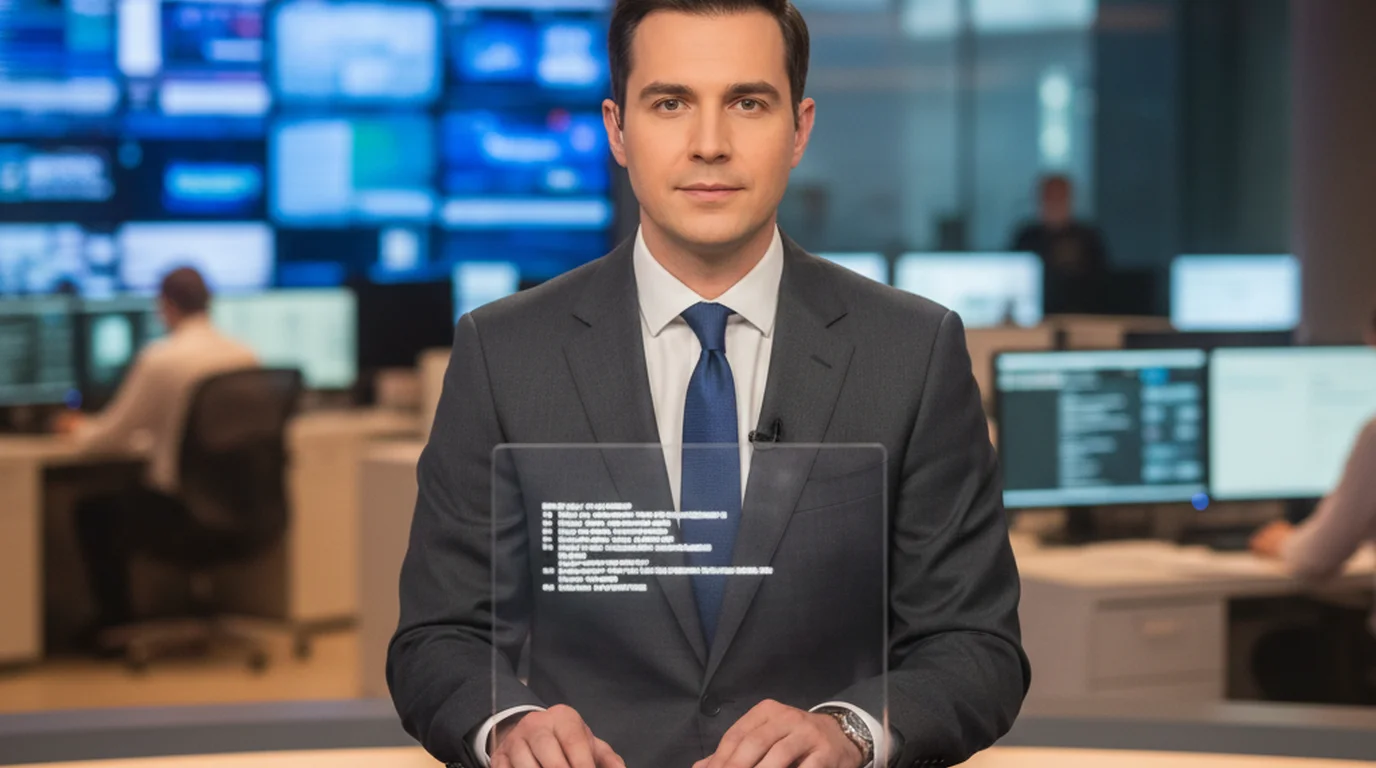
A screen teleprompter — whether a dedicated hardware unit, a tablet on a stand, or an app running on your iPhone — scrolls text at a speed you control. You read it with your eyes. The text is positioned as close to the camera lens as possible so your gaze stays near center-frame. The classic news-anchor setup uses a beam-splitter mirror in front of the lens so the presenter appears to look directly into the camera while reading reflected text. Most solo creators skip the hardware mirror and simply prop a phone just below or beside the lens.
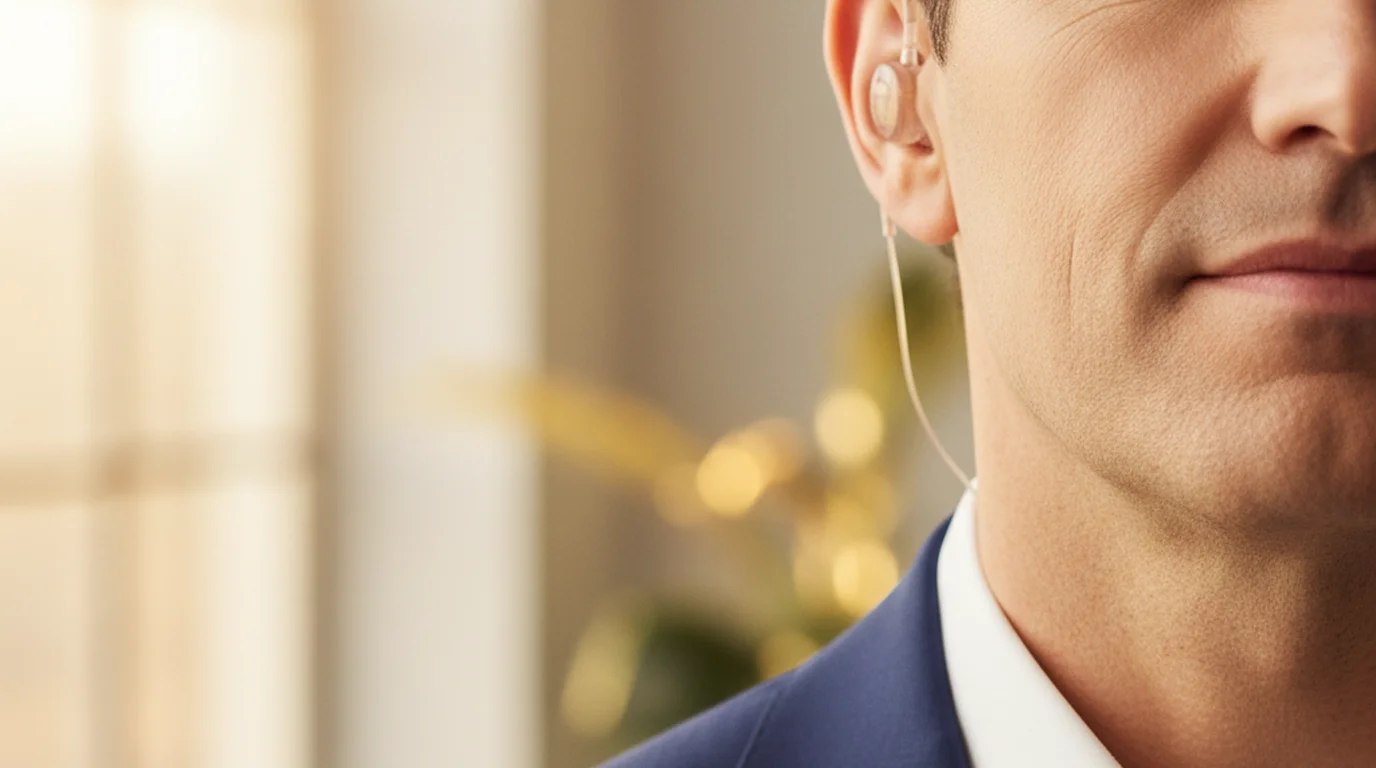
An in-ear prompter (also called an earpiece teleprompter, invisible teleprompter, or remote teleprompter earpiece) works differently. A tiny receiver sits inside your ear canal. Someone off-camera — or a text-to-speech app — reads the script aloud into a transmitter. You hear each line a beat before you say it, then repeat it in real time. The device is skin-toned or translucent and sits entirely inside the ear, making it invisible at typical camera distances of 3 feet or more.
According to a 2024 survey by the Radio Television Digital News Association (RTDNA), 94% of broadcast news stations use on-camera teleprompter systems as their primary delivery tool, while in-ear systems remain the standard backup for breaking news and live field reporting where a screen prompter can't be rigged. The two formats have coexisted in professional broadcast for over 40 years.
Camera presence: where each method wins and loses
When I'm filming a scripted talking-head piece for Instagram or TikTok, the most important thing is that my eyes don't drift. With a screen teleprompter mounted just below my iPhone lens, my gaze stays within about 3 degrees of center — close enough that viewers can't detect it. The trade-off is that the text is visible in the room. If you're on a Zoom call or a live stream and someone can see your screen setup, the illusion breaks.
An in-ear teleprompter solves that visibility problem entirely. There's nothing in the frame, nothing on your desk, and no screen glow reflecting in your eyes. The challenge is the slight repeat delay — you hear the line, process it, then say it. For experienced presenters and news anchors who use earpiece teleprompters daily, that processing gap disappears. For newer users, it shows up as a faint hesitation between sentences that can read as uncertainty on camera. Most people I've spoken to estimate 2 to 4 hours of practice before the delivery sounds truly natural.
The other camera-presence variable is eye movement. With a screen prompter, your eyes do move slightly — left to right, top to bottom — as you read. With an in-ear prompter, your eyes are completely free to move, blink, and make contact with any part of the frame naturally. For interviews and documentary-style shoots where the camera moves around you, an invisible teleprompter earpiece is the better call.
Setup time, cost, and solo usability
This is where the two formats diverge most sharply for independent creators. A screen teleprompter setup on an iPhone takes under 3 minutes: open the app, paste your script, adjust font size and scroll speed, hit record. The free online teleprompter at Teleprompter-Scrolling Scripts runs in any browser with zero installation — for a browser-based shoot or Zoom recording, that's all you need.
An in-ear teleprompter system typically costs between $150 and $800 for a quality wireless unit, plus the cost of a script-reading operator if you don't have one. Consumer-grade in-ear prompter kits that pair with a phone app exist in the $80–$200 range, but the audio quality and range drop significantly at that price. You also need someone — or a reliable AI voice app — to read the script while you perform. Flying solo with an in-ear prompter means running the audio from a second phone, which adds setup friction.
Professional broadcast-grade in-ear teleprompter systems — such as those from Listen Technologies or Comtek — typically operate on UHF or FM frequencies with a range of 100–300 feet, allowing producers to feed talent wirelessly across a large studio floor. Entry-level consumer earpiece teleprompter systems use Bluetooth with a practical range of 30–50 feet. For most live event and interview scenarios, Bluetooth range is sufficient; for large stages or outdoor events, a dedicated RF system is worth the extra cost.
Quick comparison at a glance
| Factor | Screen Teleprompter | In-Ear Teleprompter |
|---|---|---|
| Visible equipment in frame | Sometimes (screen glow, stand) | No |
| Solo setup | Yes, under 3 minutes | Harder — needs audio feed |
| Cost | Free (app) to ~$200 (hardware) | $80–$800+ |
| Practice time needed | 15–30 minutes | 2–4 hours minimum |
| Ideal for | YouTube, social, Zoom, podcasting | Live TV, interviews, events |
| Eye contact quality | Very good (near-lens) | Natural (fully free) |
| Works if prompter fails | No (visual dependency) | Yes (operator can pause/repeat) |
Which format fits which use case
For solo content creators filming YouTube, TikTok, or Instagram videos — a screen teleprompter wins on every practical measure. It's free if you use a browser-based tool, takes minutes to set up, and handles script adjustments mid-take without stopping. When I'm filming in my apartment with no crew, a screen prompter is the only sensible choice. Check out the breakdown of how news anchors use teleprompters on camera for a deeper look at professional screen prompter technique.
For live TV, news broadcasting, and on-location interviews — an in-ear prompter or a traditional broadcast teleprompter are both standard. The choice depends on set design. If there's camera space in front of the lens, a beam-splitter screen prompter is preferred because the anchor reads at a comfortable font size. If cameras are moving, handheld, or pointed at a subject who's walking and talking, an earpiece teleprompter is the cleaner solution.
For live events and keynote presentations — a confidence monitor (a screen visible only to the presenter) handles the job better than either prompter type for most keynote formats, since the presenter moves freely on stage and doesn't need word-for-word delivery. An in-ear prompter is useful when precision wording is required — legal statements, medical information, or politically sensitive remarks where ad-libbing isn't acceptable.
For corporate communications, spokesperson videos, and PR interviews — the call depends on camera placement. A wide interview shot where the subject isn't looking directly at the camera is ideal for a hidden earpiece teleprompter. A direct-to-camera spokesperson format works better with a near-lens screen prompter because maintaining natural eye movement toward camera center is easier when reading than when repeating heard audio.
The bottom line
Both an in-ear teleprompter and a screen teleprompter solve the same problem — delivering scripted content naturally on camera — but they're built for different production environments. If you're a solo creator, a journalist recording field pieces, or anyone who needs to be up and running in under 5 minutes, a screen-based prompter is the practical default. If you're on a live set, an interview shoot where cameras roam freely, or a broadcast context where no visible equipment is acceptable, an earpiece teleprompter earns its complexity. For most people reading this, the fastest route to better on-camera delivery is a free screen teleprompter you can start using today — no hardware, no operator, no learning curve.
Frequently Asked Questions
What is an ear prompter?
An ear prompter — also called an in-ear teleprompter or earpiece teleprompter — is a miniature wireless receiver worn inside the ear canal. A separate operator reads the script aloud into a transmitter, and the presenter hears the words a half-second ahead and repeats them in real time. The device is invisible on camera and has been used in broadcast news and political settings for decades.
What is an in the lens teleprompter?
An in-the-lens teleprompter, also called a beam-splitter or traditional teleprompter, reflects scrolling text onto a half-mirror positioned directly in front of the camera lens. The presenter reads the reflected text while looking straight into the camera, giving viewers the impression of direct eye contact. TV news anchors, politicians, and keynote speakers use this format for formal scripted delivery.
What to use instead of a teleprompter?
The most practical alternatives to a teleprompter are: an in-ear prompter (a hidden earpiece read by an off-camera operator), cue cards held near the camera, memorization with a printed outline nearby, or a simple teleprompter app on your phone or tablet placed just below your camera lens. For solo creators, a free online teleprompter running in a browser tab is the lowest-cost option with no extra hardware.
Why do actors wear earpieces when performing?
Actors and presenters wear earpieces for two main reasons: to receive last-minute script changes from a director or producer without stopping the performance, and to hear cues or timing marks during live broadcasts. In news and political contexts, the earpiece also lets a floor director feed exact wording to the on-air talent when the teleprompter fails or when precision legal language must be read verbatim.
How does an in-ear teleprompter work?
An in-ear teleprompter system has three parts: a transmitter (usually a small body-pack or phone), a wireless receiver, and a nearly invisible ear canal speaker. A script reader or AI text-to-speech system reads the script aloud into the transmitter. The signal travels wirelessly to the receiver tucked behind the ear, and the presenter hears each line a beat before saying it. The lag between hearing and speaking takes practice — most users need 2 to 4 hours of rehearsal to sound natural.
Can you use an earpiece teleprompter for YouTube videos?
Yes, but it's generally overkill for solo YouTube production. An earpiece teleprompter requires either a live script reader or an AI playback app, which adds complexity compared to a simple screen teleprompter on a phone. For YouTube, a screen-based teleprompter running on your iPhone or iPad is faster to set up, free, and easier to adjust mid-take if you want to improvise a line.
What is the difference between an in-ear prompter and a standard teleprompter?
The core difference is delivery method. A standard teleprompter displays scrolling text on a screen in the presenter's line of sight — they read it with their eyes. An in-ear prompter delivers the script through audio — they hear it and repeat it. Standard teleprompters give the presenter more control over pacing; in-ear prompters keep the camera frame completely clean of any visible equipment.
Is an invisible teleprompter earpiece detectable on camera?
Modern in-ear teleprompter devices sit entirely inside the ear canal and are designed to be flesh-tone or translucent. At typical camera distances — 3 feet or more — they're not visible to the viewer. However, very wide-angle close-ups or profile shots can reveal the device. For camera-forward close-up work, a screen teleprompter positioned just behind the camera lens creates zero visual risk.
Maya ChenMaya Chen is a content creator who films on iPhone and coaches solo creators on mobile-first video production for TikTok, Reels, and Shorts. Her work focuses on the part most people skip: how to actually sound natural once the camera is rolling.
Try a Screen Teleprompter Free — No Setup Required
Start reading your script on camera naturally in under 3 minutes. Free on web, iPhone, iPad, and Mac — no account needed.
Use Free Online Teleprompter Get the Free App