Can ChatGPT Edit Videos? Here's What Actually Works
 Wendy Zhang · November 19, 2026 · 8 min read
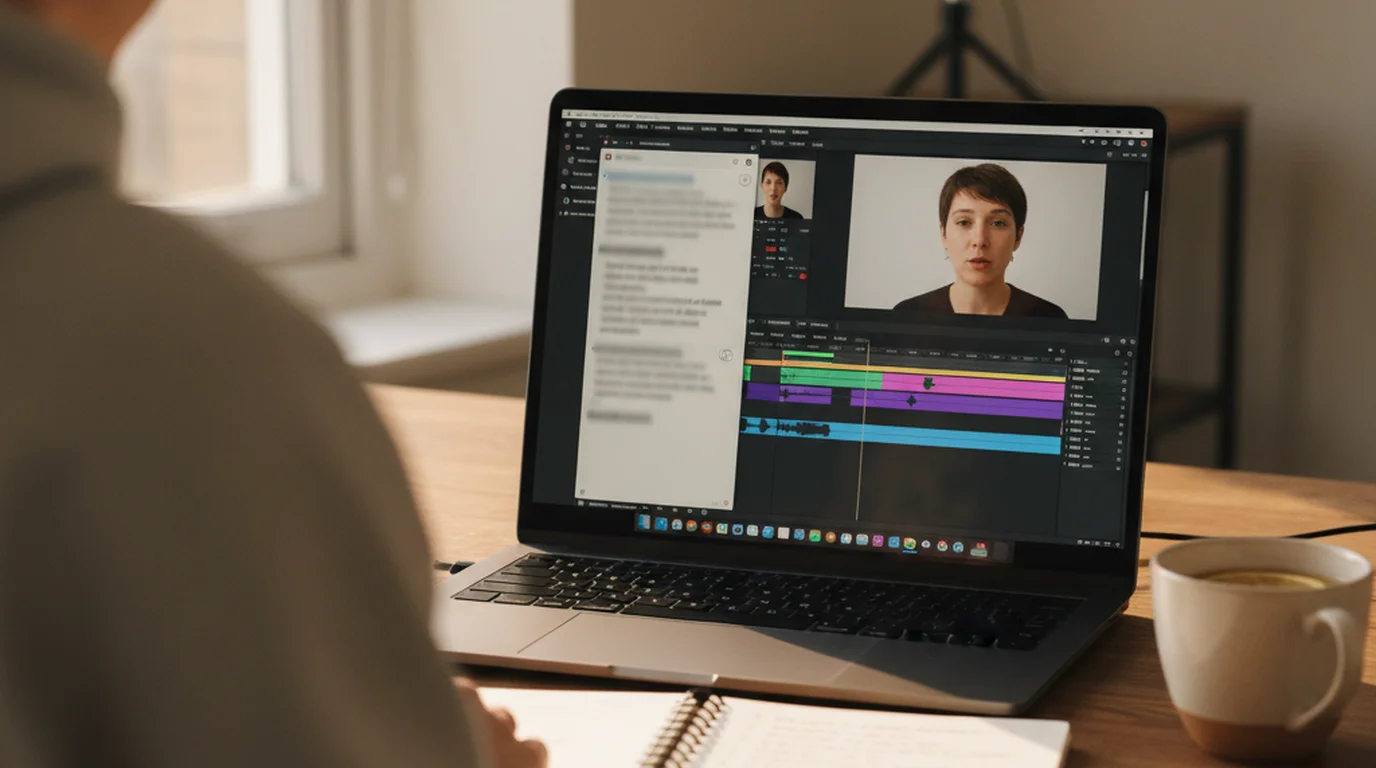
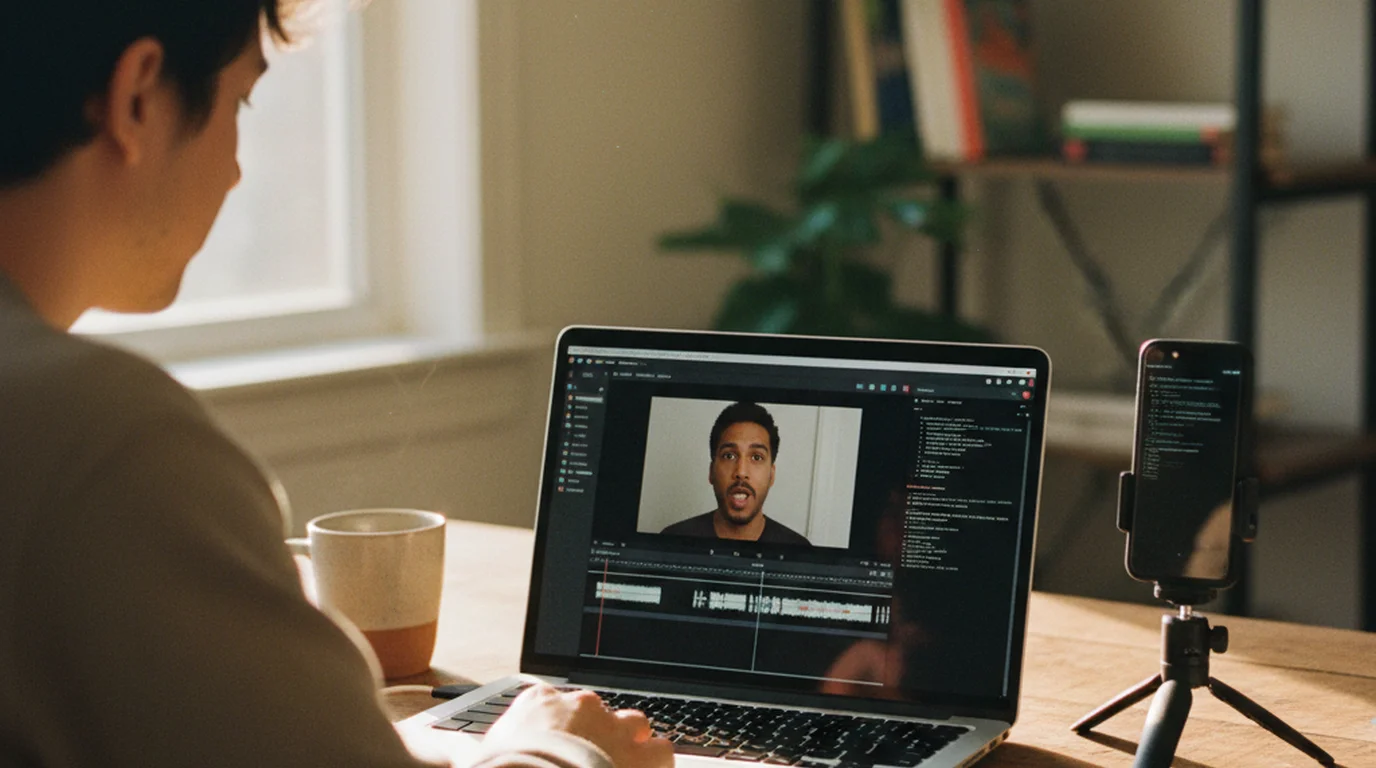
Most people try it the same way: drop a recording into ChatGPT, type "cut out the mistakes," and wait for a tighter video to come back. What comes back is usually a description, a list of suggestions, or a set of steps to follow in an editor. So can ChatGPT edit videos? Not the way a video editor does. It's still a genuinely useful part of the edit, though, as long as you give it the right material and let a different tool make the actual cuts.
ChatGPT can't take a video file and hand back an edited one as a documented feature. It can accept video attachments and analyze them with tools, but OpenAI notes that analysis may be incomplete. Where ChatGPT works well is planning the edit: give it a transcript or subtitle file and it returns a cut list. Codex, OpenAI's coding agent, can then make those cuts with ffmpeg on your own computer.
Can ChatGPT edit videos?
Not directly. There's no documented ChatGPT feature that trims, cuts, or captions a video and returns the edited file. ChatGPT's data analysis help page lists spreadsheets, PDFs, and text formats as the files it works with, and video isn't on that list.
That doesn't make ChatGPT useless for editing. Editing a talking-head or explainer video is mostly decisions: which take of a line to keep, which tangent to drop, where a pause runs long. Those decisions can be made from text, and text is what ChatGPT is good at. The cutting itself is mechanical, and that part belongs to an editor like CapCut or to a tool that runs on your computer, such as Codex.
ChatGPT is not a video editor: OpenAI documents no ChatGPT feature that edits a video file and returns the result. It is useful for planning an edit from text, such as turning a timestamped transcript or .srt subtitle file into a list of time ranges to cut, which an editor or a local tool like ffmpeg then applies.
What ChatGPT does with a video you upload
OpenAI's help center says ChatGPT can accept video files as attachments through supported upload methods, with availability that varies by platform and plan. It may use tools to analyze an uploaded video, and OpenAI adds that the analysis can be incomplete or inaccurate: it may not cover the whole video or interpret its audio correctly. Uploads are capped at 512 MB per file, according to OpenAI's guide to uploading files to ChatGPT.
For a short clip, that's enough to ask what happens on screen or to get a rough summary. For an edit, "may not cover the whole video" is the problem. A cut has to land on the exact second where a retake starts, and a partial look at the footage can't give you that. A text file with timestamps can.
Where ChatGPT helps: planning the edit
Give ChatGPT a transcript or subtitle file instead of the video, and the job changes from watching to reading. Every line comes with a start and end time, so ChatGPT can work through the whole recording and answer questions an editor would ask:
- A cut list. Every time range to remove, with the reason: a repeated line, a false start, an off-topic aside.
- Pacing notes. Gaps between lines that run longer than a threshold you choose.
- B-roll moments. Lines where a cutaway would help, with the timestamp to place it.
- Packaging. Title options, a description, chapter timestamps, and a short hook for the first seconds.
The quality of that plan depends on how clean the subtitle file is. A raw automatic transcript shows what you said, so ChatGPT has to guess which of two similar lines was the mistake. A script-aligned subtitle file removes the guessing.
A workflow for talking-head videos
This is the workflow we designed the subtitle export in Teleprompter Scrolling Scripts around. It takes ChatGPT's strength, reading, and pairs it with tools that do the cutting.
1. Record against your script
In Teleprompter Scrolling Scripts, Camera mode scrolls the script over the live camera preview on iPhone, iPad, or Mac. When a line comes out wrong, pause and read it again without stopping the take. Each recording keeps a copy of the script it was read from. The app is free to download, needs no account, and adds no watermark.
2. Export script-aligned subtitles
Export the take's subtitles as an .srt file. The app compares the recording with the script, keeps the last reading of each line, and marks earlier attempts [Retake] and speech that isn't in the script [Ad-lib]. Cue edges sit on the pauses in your voice, so the timestamps are clean cut points. You can check or adjust the file in the free SRT editor before moving on.
3. Ask ChatGPT for a cut list
Upload or paste the .srt into ChatGPT with a prompt like:
This is the subtitle file for my video. List every cue
marked [Retake] or [Ad-lib] as a time range to cut, then
list any gap between cues longer than 0.8 seconds.
Return a table: start, end, reason.
Because the labels are already in the file, ChatGPT doesn't have to judge which take was better. It reads the tags and returns the ranges.
4. Make the cuts
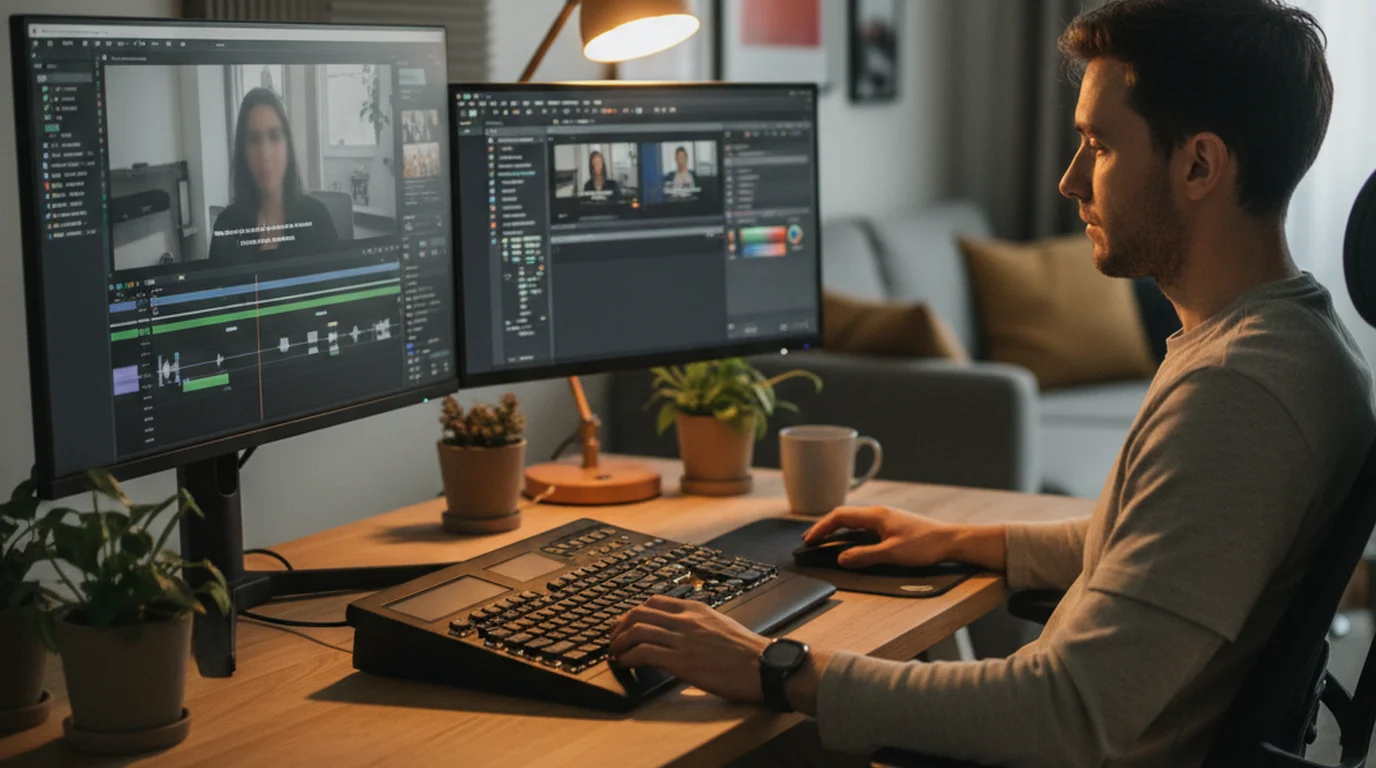
Take the cut list into CapCut, iMovie, or Premiere Pro and split the clip at each start and end time. For a ten-minute video with a dozen retakes, that's a short, mechanical pass instead of an evening of scrubbing. Or hand the same list to Codex and let it do the cutting, as described below.
The cuts are only the first pass. For B-roll, captions, music, and export settings, the guide on how to edit a YouTube video for beginners covers the rest of the edit in order.
Let Codex make the cuts
Codex is OpenAI's coding agent. Unlike the ChatGPT chat window, the Codex command-line tool runs on your computer and can use the tools installed there, including ffmpeg, the open-source program behind most video converters. That's what turns a cut list into an edited file.
Install it with curl -fsSL https://chatgpt.com/codex/install.sh | sh, as shown in OpenAI's Codex CLI documentation, which also lists npm and Homebrew options. Sign in with your ChatGPT account; Codex is included with ChatGPT plans at usage limits that vary by plan. Then open a terminal in the folder with your video and .srt, run codex, and give it the same instruction you gave ChatGPT, adding "cut those ranges out of the video with ffmpeg and save a new file." Codex asks for approval before actions outside the folder, so review what it proposes before it runs.
The Claude Code video editing guide walks through this step by step, with the exact ffmpeg commands, how to rebuild the subtitles after the cuts, and how to burn in captions. The same steps work in Codex and in Claude Code.
The ChatGPT chat window plans an edit, while Codex, OpenAI's coding agent, can carry it out. Codex runs on the user's computer and can use installed tools such as ffmpeg, so a cut list taken from a timestamped subtitle file can become an edited video file without opening a timeline editor.
Can ChatGPT make videos instead?
Making a video from a prompt is a different job from editing footage you shot. OpenAI's video app Sora covered generation, but OpenAI's help center says the Sora web and app experiences were discontinued on April 26, 2026. For talking-head and explainer content, where you are the video, generation doesn't replace recording anyway. The time savings come from recording cleanly and cutting fast.
Some third-party editors connect to ChatGPT. invideo, for example, offers a ChatGPT integration that assembles a video in invideo's own editor, so the editing happens in invideo rather than in ChatGPT.
Frequently Asked Questions
Can ChatGPT edit videos?
Not as a documented feature. ChatGPT can accept video attachments and analyze them with tools, though OpenAI says that analysis may be incomplete. It's most useful for planning an edit from a transcript or .srt file. To make the cuts, use an editor such as CapCut or let Codex run ffmpeg on your computer.
How do you add videos to ChatGPT?
Attach the file through a supported upload method in the chat, the same way you attach a document or image. OpenAI says availability varies by platform and plan, and uploads are capped at 512 MB per file. For editing, a subtitle or transcript file is usually more useful than the video itself.
Can ChatGPT cut a video for me?
The chat window can tell you where to cut, but it doesn't return an edited file as a documented feature. Codex, OpenAI's coding agent, can do the cutting by running ffmpeg on your own computer, using the time ranges ChatGPT or a subtitle file provides.
Is Codex free?
Codex is included with ChatGPT plans, and OpenAI sets usage limits that vary by plan. ffmpeg is free and open source. Check OpenAI's Codex pricing page for the current limits on your plan.
How can I edit my videos for free?
CapCut, iMovie on Mac and iPhone, and the free version of DaVinci Resolve all handle cuts, captions, and exports. Pair any of them with a cut list from a script-aligned subtitle file, and the slowest part of editing a talking-head video, finding the retakes, is already done.
Will AI replace video editing jobs?
AI handles the mechanical parts well: finding retakes, trimming pauses, drafting captions. Choosing B-roll, pacing a story, and matching music to a mood still depend on how the footage looks and feels. In practice, AI takes over the rough cut and leaves more of the editor's time for those decisions.
Which AI can edit videos from a script?
Agents that run on your computer, such as Codex and Claude Code, can cut a video from a script or subtitle file by running ffmpeg. Text-based editors such as Descript let you edit by deleting words from a transcript. Both work best when the transcript already marks which lines were retakes.
Plan in ChatGPT, cut with the right tool
ChatGPT reads; it doesn't cut. Give it a clean, script-aligned subtitle file and it turns an hour of scrubbing into a list of timestamps, which CapCut or Codex can apply in minutes. The cleaner the recording and its subtitles, the less there is to decide.
Wendy ZhangWendy Zhang is the indie developer behind Teleprompter Scrolling Scripts, which she built after cycling through teleprompter apps that were too heavy, too expensive, or dependent on a network connection to open. She writes about the mechanics of recording yourself — scroll pacing, script formatting, and the app decisions that decide whether a take survives.
Give ChatGPT a Clean Subtitle File to Work From
Teleprompter Scrolling Scripts scrolls your script over the camera on iPhone, iPad, and Mac, then exports subtitles that mark every retake and ad-lib, ready for ChatGPT, Codex, or CapCut. Free to download, no account.
Use Free Online Teleprompter Get the Free App