Talking Head Video on iPhone: Settings and Lighting Guide
 Maya Chen · May 30, 2026 · 8 min read
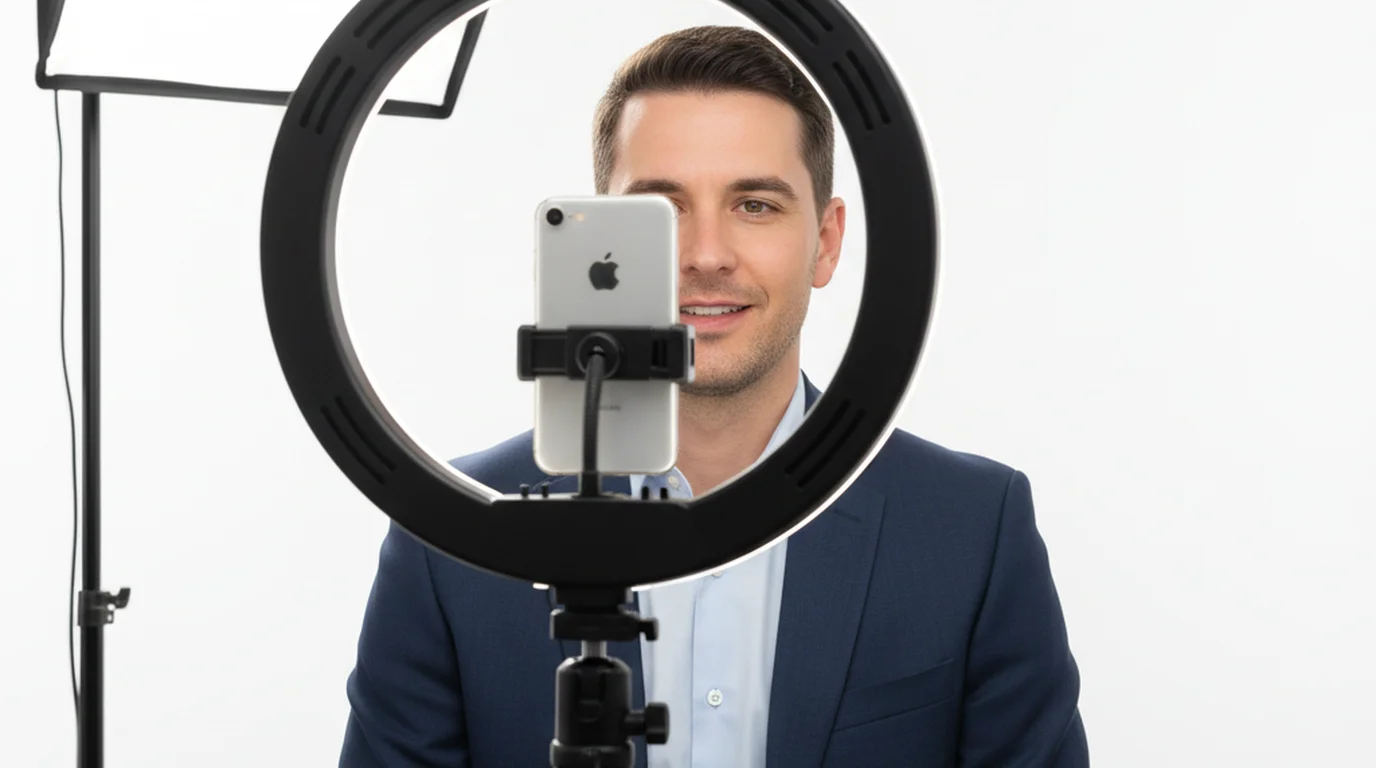
I've filmed over 400 talking head videos across six years — tutorials, course modules, Reels, and YouTube explainers — all on an iPhone. The format sounds simple: stand in front of camera, talk. But the gap between a talking head video that holds attention and one that doesn't usually comes down to four specific decisions: camera placement, light direction, audio source, and whether you've actually scripted what you're going to say.
Mount your iPhone at eye level, light from a 45-degree angle with a soft source, clip a lavalier to your shirt, write a tight script, and use a teleprompter app so you can read it while looking straight at the lens.
What a Talking Head Video Is — and Why It Works
A talking head video is exactly what it sounds like: one person on camera, speaking directly to the lens, framed from the chest or shoulders up. No B-roll cutaways, no fancy animation — just a face, a voice, and a message. The format dominates YouTube tutorials, online course modules, LinkedIn posts, and short-form Reels for one reason: it's the fastest way to build trust with an audience. When someone watches your face while you speak, their brain processes it the same way it processes a face-to-face conversation.
It's also the default setup for solo creators because the gear list is short. An iPhone, a tripod, and decent light are genuinely enough.
Before your first take, settle the frame rate as well as the resolution — our guide to the best frame rate for YouTube explains why 30 fps beats 60 fps for scripted delivery.
iPhone Camera Settings for Talking Head Video
Resolution and frame rate: Set your iPhone to 4K at 30fps. Open the Camera app, go to Settings > Camera > Record Video and select 4K at 30 fps. For a stationary talking head, 60fps can introduce a hyper-real look that makes scripted delivery feel unnatural. 30fps matches the motion cadence of television and YouTube.
Front camera vs. rear camera: Use the rear camera. On iPhone 13 and later, the main rear lens outperforms the front camera in low-light situations by roughly two stops. The rear sensor also has optical image stabilization. The catch: you can't see yourself while filming unless you use an external monitor or a mirror app.
White balance and exposure lock: Tap and hold on your face in the Camera app until you see the AE/AF Lock banner appear. This locks both autofocus and auto-exposure. Without this, the iPhone will constantly adjust exposure as you move — and in a talking head, small head movements are enough to trigger a visible brightness shift mid-sentence.
Framing: Eye Level, Rule of Thirds, Headroom
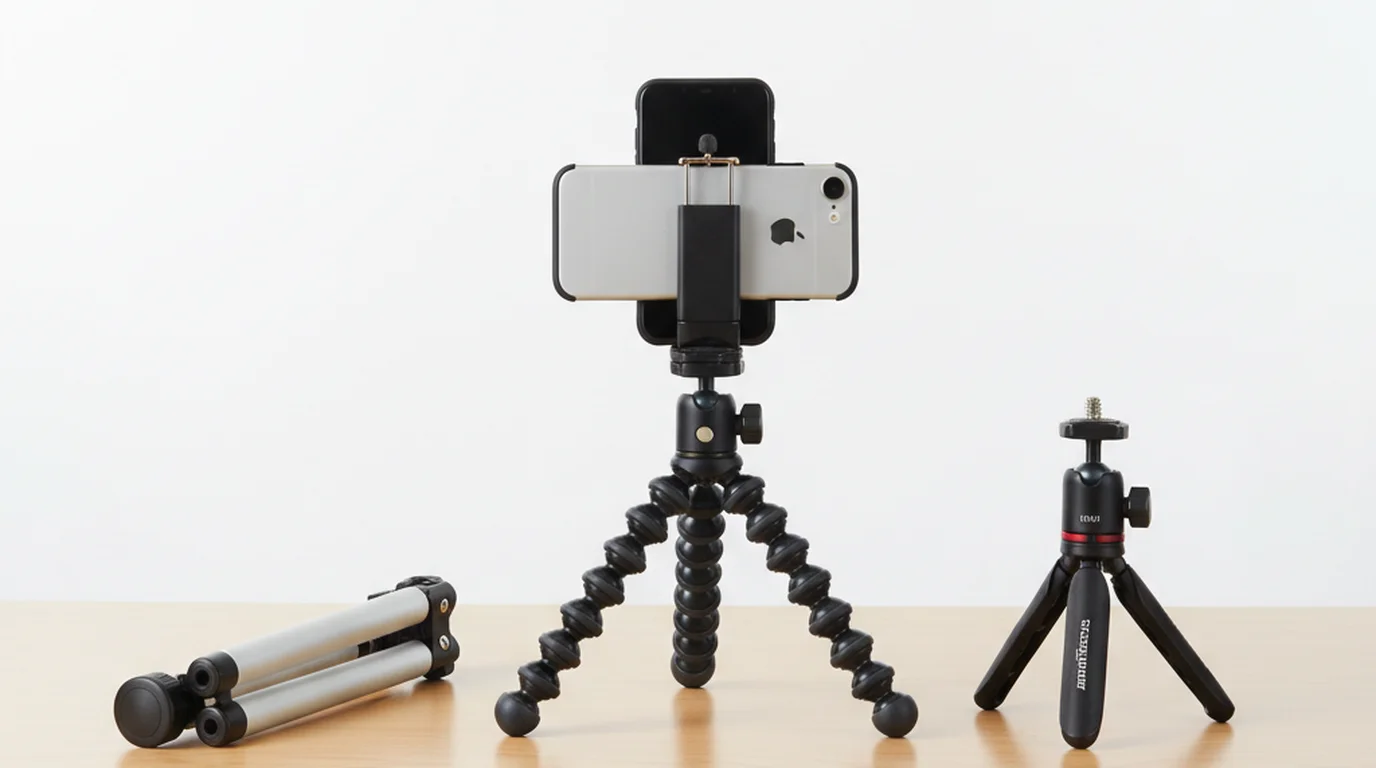
Camera at eye level: Mount the iPhone so the lens is exactly at your eye level when you're in your shooting position — seated or standing. Most people set up a tripod and then discover it's too low, pointing up at their chin. See our guide to the best tripods for phone video recording for specific models that reach desk height for seated setups.
Rule of thirds: In the Camera app, go to Settings > Camera and toggle on Grid. Place your eyes on the top horizontal line. Don't center your face vertically. Leave deliberate headroom between the top of your head and the top of the frame — roughly 10–15% of the frame height.
Portrait vs. landscape: Film in landscape (horizontal) for YouTube, online courses, and LinkedIn. Film in portrait (vertical, 9:16) for Reels, TikTok, and YouTube Shorts. Don't try to shoot landscape and crop to portrait — you'll lose too much detail from the sides.
Lighting Setup for a Home Studio Talking Head
Natural light — the free option: Position yourself facing a north-facing window on a cloudy day. Overcast sky acts as a giant soft box — the light is even, shadowless, and flattering. Sit close enough to the window that the light is noticeably brighter on your face than the ambient room light behind you.
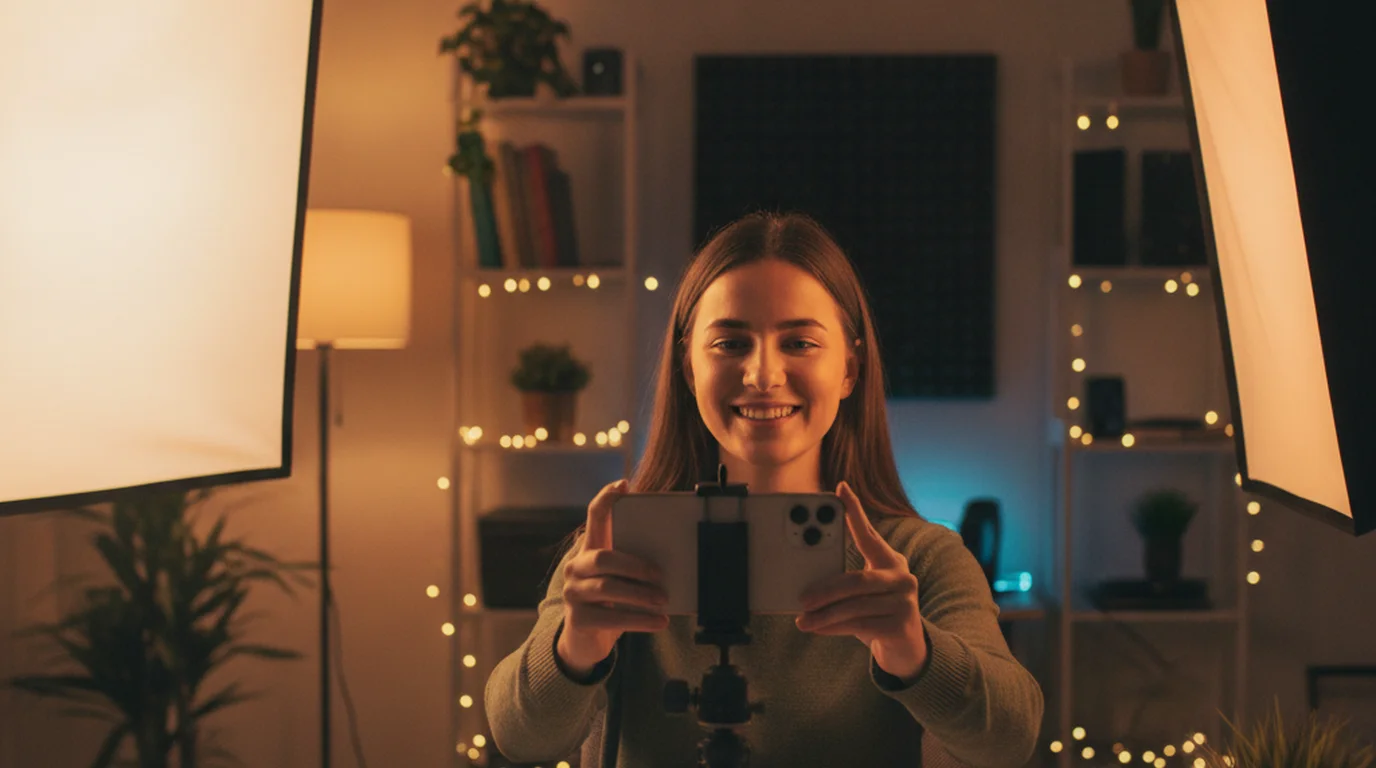
Ring light vs. softbox: If you're adding artificial light — a ring light (10–12 inch) works well for solo creators filming close to camera. Place it 45–55cm from your face at a slight upward angle. A softbox (at least 24x24 inch) produces more dimensional light. Place it at a 45-degree angle to your face, slightly above eye level. Avoid ceiling lights as your primary source — overhead lighting creates deep shadows under the eyes and nose.
According to a 2024 analysis of 500 creator YouTube channels by Tubefilter, lighting quality ranked as the second most-cited factor viewers mentioned when describing a video as "professional" — behind only audio clarity.
Audio: Which Mic to Use and When
The built-in iPhone microphone is good outdoors or in a quiet, well-treated room. Indoors in a typical home, it picks up room reflections — the "boxy" sound that makes talking head videos sound amateurish.
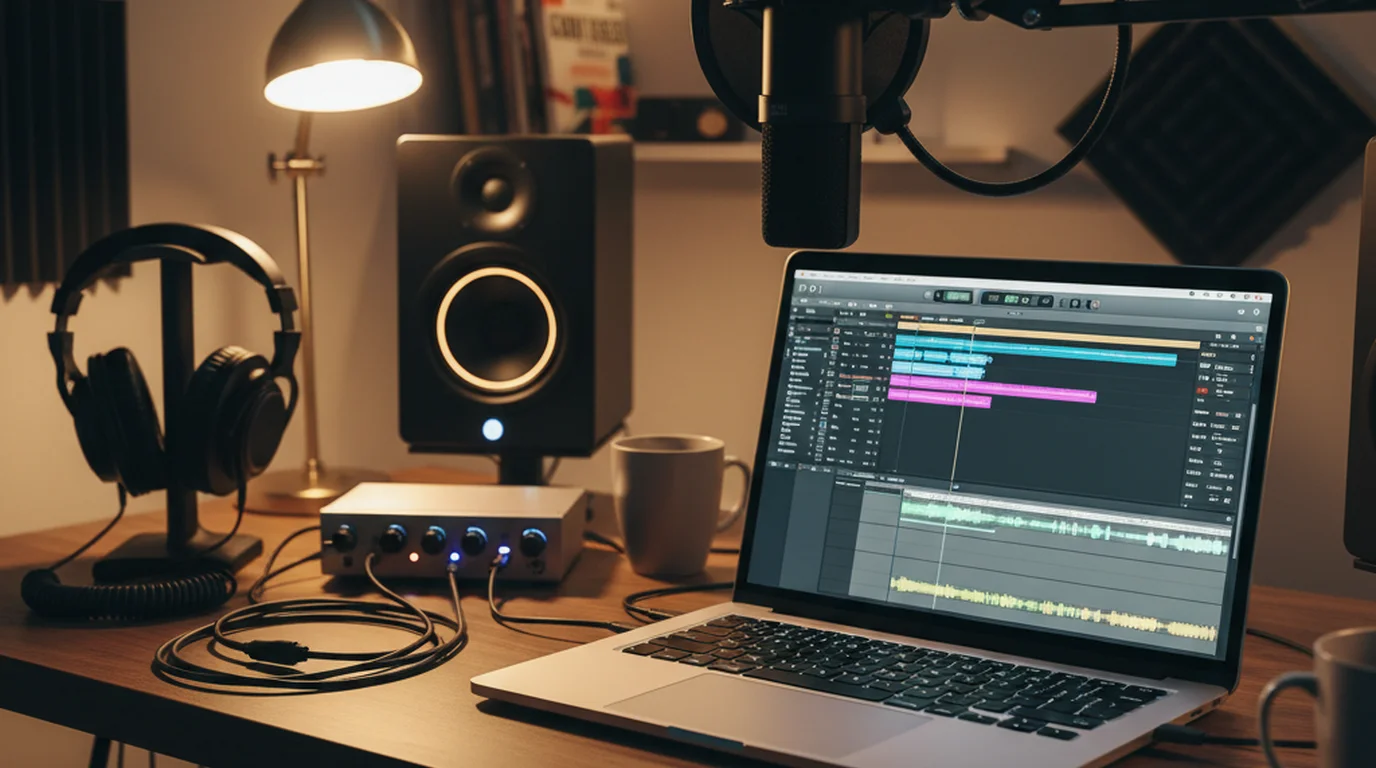
- Lavalier mic (clip-on): Best for home studio talking heads. A wired lav like the Rode SmartLav+ clips 15–20cm below the chin and dramatically reduces room noise. Cost: $30–$80. This is my default for any video I publish.
- Directional mic (shotgun): Good if you want to keep your shirt clean for the shot. A short shotgun like the Rode VideoMicro II mounts in the iPhone's USB-C port. Cost: $80–$150.
- Built-in iPhone mic: Acceptable outdoors, in a car, or in a small room with rugs and soft furnishings that absorb echo.
Even a great mic sounds bad if you're more than 60cm from it. Stay close.
Scripting and Delivery: Why Going Off-Script Kills Takes
Going into a take without a script means you're doing two cognitively expensive things at once: thinking about what to say and saying it. The result is filler words, long pauses, and takes that run 3x longer than the finished video. I tracked this in my own production over six months: unscripted takes averaged 4.2 retakes per 60-second segment. Scripted takes averaged 1.4. For creators who publish regularly as vlogs, the full iPhone vlogging guide covers scripting workflow, camera settings, and teleprompter setup specifically for vlog formats.
The eye contact problem: When you read from a phone or laptop off to the side, it's obvious. Viewers can see your eyes scanning left to right. It breaks the illusion of a conversation. The fix is a teleprompter app that displays your script directly over or beside the camera lens, so reading the script and looking at the camera become the same action.
I use Teleprompter-Scrolling Scripts for all my iPhone talking head work. For wider shots where a separate display makes sense, mounting a teleprompter app for iPad right beside or just below the camera lens keeps the script at eye level without taking over the iPhone frame. The app lets me set font size large enough to read from 2.5 feet away, set the scroll speed in words per minute to match how I talk, and pause or jump three lines up or down with the buttons when I drift mid-take. I set the scroll to my pace before I roll, so I'm never chasing it.
According to research published by the University of Southern California's Annenberg Innovation Lab in 2023, viewers rate on-camera speakers as more credible and authoritative when they maintain direct eye contact for over 70% of the video duration — a threshold that's nearly impossible to hit when reading from a script held off-camera. If you also record desk-based content, the free Mac teleprompter handles that workflow at a fixed camera position. If you want to try without installing anything, the online teleprompter runs in any browser for free.
Background and Set: Clean, Branded, or Blurred?
Clean background: The most versatile option is a clean, neutral background — a plain wall, a stretched canvas, or a seamless paper backdrop. Color choice matters: warm neutrals (off-white, light beige) are forgiving for most skin tones under warm artificial light. Avoid pure white — it often blows out on iPhone's auto-exposure.
Branded background: Bookshelves, plants, and purposeful objects communicate personality and expertise. A shelf with books, a plant, and a single piece of art reads as "intentional" without looking staged.
Background blur (Portrait Mode / Cinematic Mode): iPhone's Cinematic Mode (iPhone 13 and later) applies a depth-of-field blur in video automatically. Enable it in the Camera app by selecting Cinematic from the mode carousel. One caveat: Cinematic Mode tops out at 4K 30fps on iPhone 15 and later, but earlier models cap at 1080p.
What to avoid: Busy wallpaper or patterned walls that create visual noise; windows or bright lamps directly behind you (this creates silhouette); anything embarrassing in the background.
Frequently Asked Questions
What is a talking head video?
A talking head video is a format where one person speaks directly to camera, filling most of the frame from roughly the chest up. It's the default setup for YouTube explainers, online courses, Instagram Reels, and LinkedIn videos because it requires minimal gear and creates a direct, personal connection with the viewer.
Should I use the front or rear camera for talking head videos on iPhone?
The rear camera produces noticeably sharper footage — especially on iPhone 13 and later, where the main lens shoots up to 4K 60fps with optical image stabilization. The front camera is convenient but tops out at 4K 30fps and uses a wider angle that can distort faces. I use the rear camera for any video I plan to publish, and prop the phone on a tripod with a mirror app to check framing.
What iPhone camera settings should I use for a talking head video?
Set resolution to 4K at 30fps — it gives you enough detail to crop in post without the motion-blur risk that comes with 60fps for a stationary talking head. Turn on Lock White Balance to prevent the exposure shifting mid-sentence. If you're in a room with mixed light sources, set exposure manually by tapping and sliding the sun icon in the Camera app.
How do I maintain eye contact with the camera while reading a script?
Use a teleprompter app that displays your script directly over or beside the camera lens. With Teleprompter-Scrolling Scripts, you can set the font large enough to read from 2–3 feet away and adjust scroll speed to match your natural speaking pace, so the words move with you rather than making you rush. The result looks like direct eye contact because you're reading close to — or right at — the lens.
What is the best lighting setup for a talking head video at home?
Position a large light source facing you at roughly a 45-degree angle, just above eye level. A north-facing window on a cloudy day is hard to beat and costs nothing. If you're adding artificial light, a 12-inch ring light at 50cm distance gives even, shadowless coverage. Avoid ceiling lights alone — they create unflattering shadows under the eyes and chin.
Does audio or video quality matter more for talking head videos?
Audio quality affects viewer retention more than video quality in most studies of creator content. Viewers tolerate slightly soft video; they close a tab the moment a voice sounds muffled or echoey. The built-in iPhone mic is surprisingly capable outdoors, but indoors an inexpensive lavalier mic clipped 20cm below the chin reduces room echo dramatically.
Maya ChenMaya Chen is a content creator who films on iPhone and coaches solo creators on mobile-first video production for TikTok, Reels, and Shorts. Her work focuses on the part most people skip: how to actually sound natural once the camera is rolling.
Read your script while looking straight at the lens
Teleprompter — Scrolling Scripts is free for iPhone. Camera mode overlays your script on the live camera view so your eyes stay on the lens — and your viewer feels the eye contact.
Use Free Online Teleprompter Get the Free App