Decibel Meter Online A free sound level meter for your room, with min, average, max and a 60-second graph

Measure how loud your room is with your microphone. See the live level in dB, track the minimum, average and maximum, and check whether the room is quiet enough to record your voice.

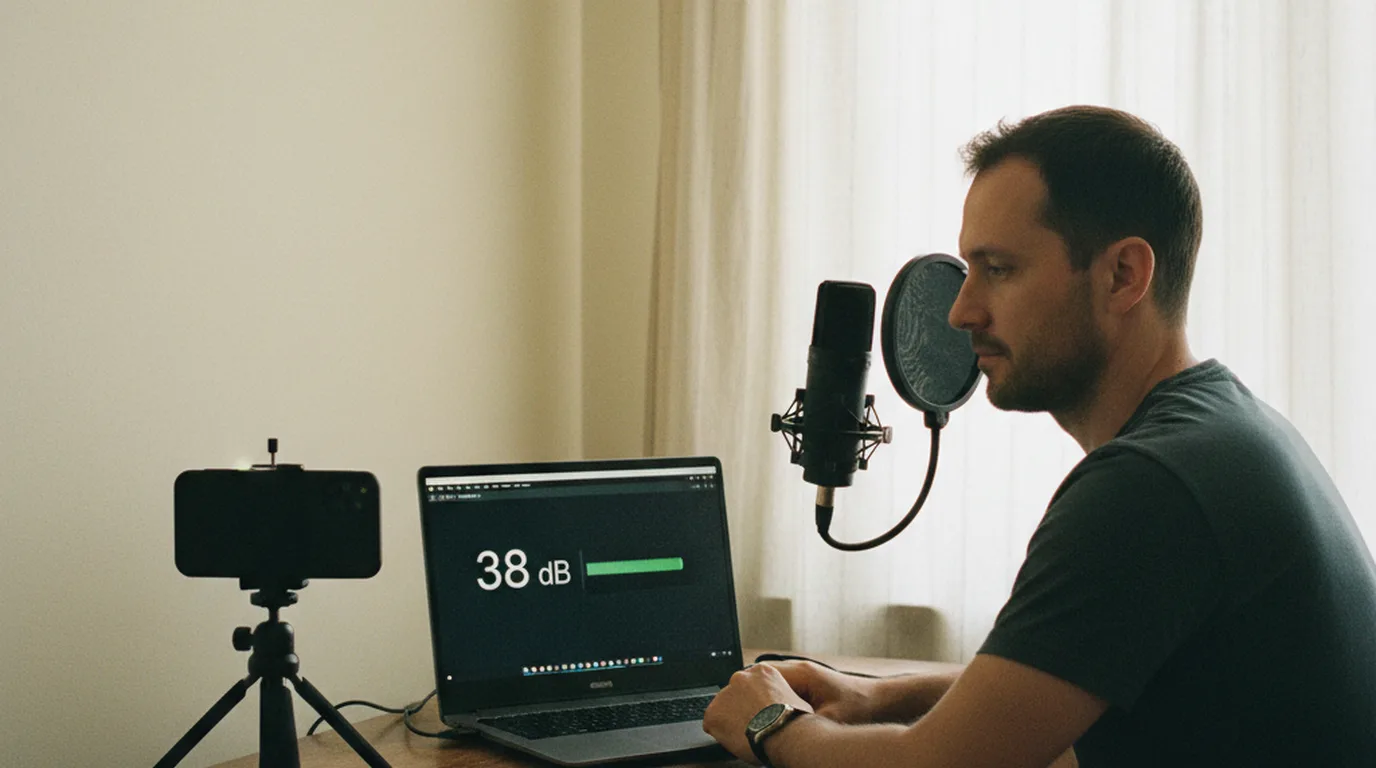
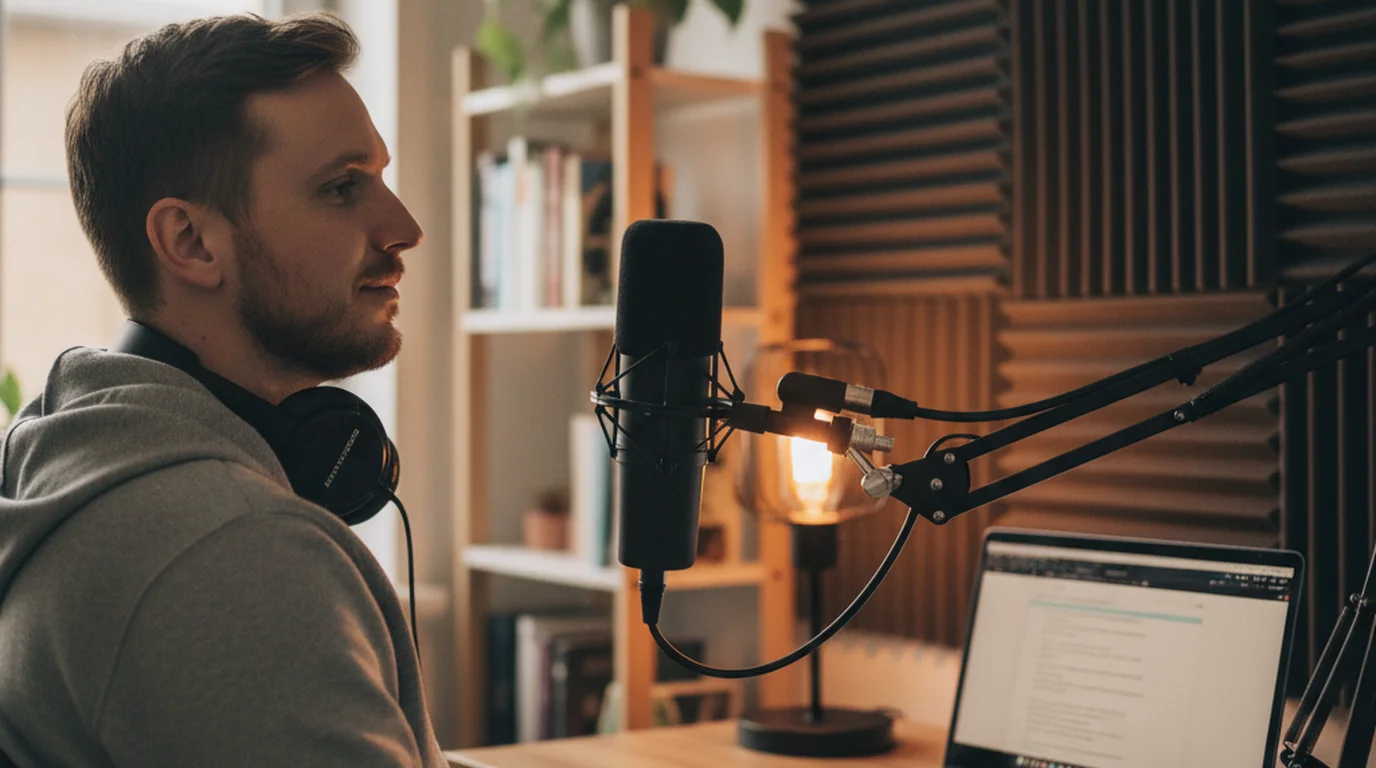
Man at a desk with a microphone and a phone on a tripod, checking a laptop that shows a sound level of 38 dB

Your browser asks for microphone access first. Choose Allow.

Everything runs in your browser. Nothing is recorded or uploaded.

How to use this sound level meter

Measuring takes a few seconds. Keep the device still, with nothing covering the microphone.

  1. Start the meter. Press Start the decibel meter and choose Allow.
  2. Place the device. Put the phone or laptop where you want to measure, such as your desk, the bed, or the spot you record from.
  3. Read the level. The big number is the live level. Minimum, average and maximum build up in the panel.
  4. Check the room. After 5 seconds the panel tells you whether the room is quiet enough to record voice. Pause talking for a moment so it can read the background.
  5. Calibrate if needed. Match the reading to a reference meter for absolute numbers.

Decibel chart: how loud is that sound?

Decibels are logarithmic. Every 10 dB step sounds roughly twice as loud to the ear, so a 60 dB conversation sounds about four times as loud as a 40 dB library, and an 80 dB alarm clock about four times louder again.

The colored bar under the live reading places your room on this scale. Green covers everyday quiet sounds, amber covers busy and loud places, and red starts around 85 dB, the level where long exposure becomes a risk to hearing.

The average in the panel is an energy average (Leq), the same kind of average sound level meters use. A short loud bang raises it far more than it raises a simple mean, which matches how the ear is affected by noise.

Typical sound levels

  • 20 dBA quiet natural area with no wind
  • 30 dBWhisper, a quiet bedroom at night
  • 40 dBQuiet library, a quiet room
  • 50 dBModerate rainfall
  • 60 dBNormal conversation
  • 70 dBVacuum cleaner, busy traffic
  • 80 dBAlarm clock, blow-dryer
  • 85 dBHearing-protection level for an 8-hour day
  • 90 dBLawn mower, passing motorcycle, subway
  • 100 dBHand drill
  • 110 dBConcert
  • 120 dBSiren, jet plane takeoff
Approximate levels in dB. Real sources vary with distance.

Is my room quiet enough to record voice?

The room verdict appears on its own after 5 seconds and keeps updating while the meter runs. It measures the steady background, the level the room stays above 90% of the time, so a passing car or a cough barely changes the result. It reports the result in dBFS, the level that lands in a recording from this microphone.

  • Below -60 dBFS: quiet enough for voice-over, podcasts and talking-head videos.
  • -60 to -45 dBFS: usable. Hum or traffic shows in quiet passages; a noise filter can clean it up.
  • Above -45 dBFS: too noisy for clean voice. Switch off fans, close windows and move closer to the mic.

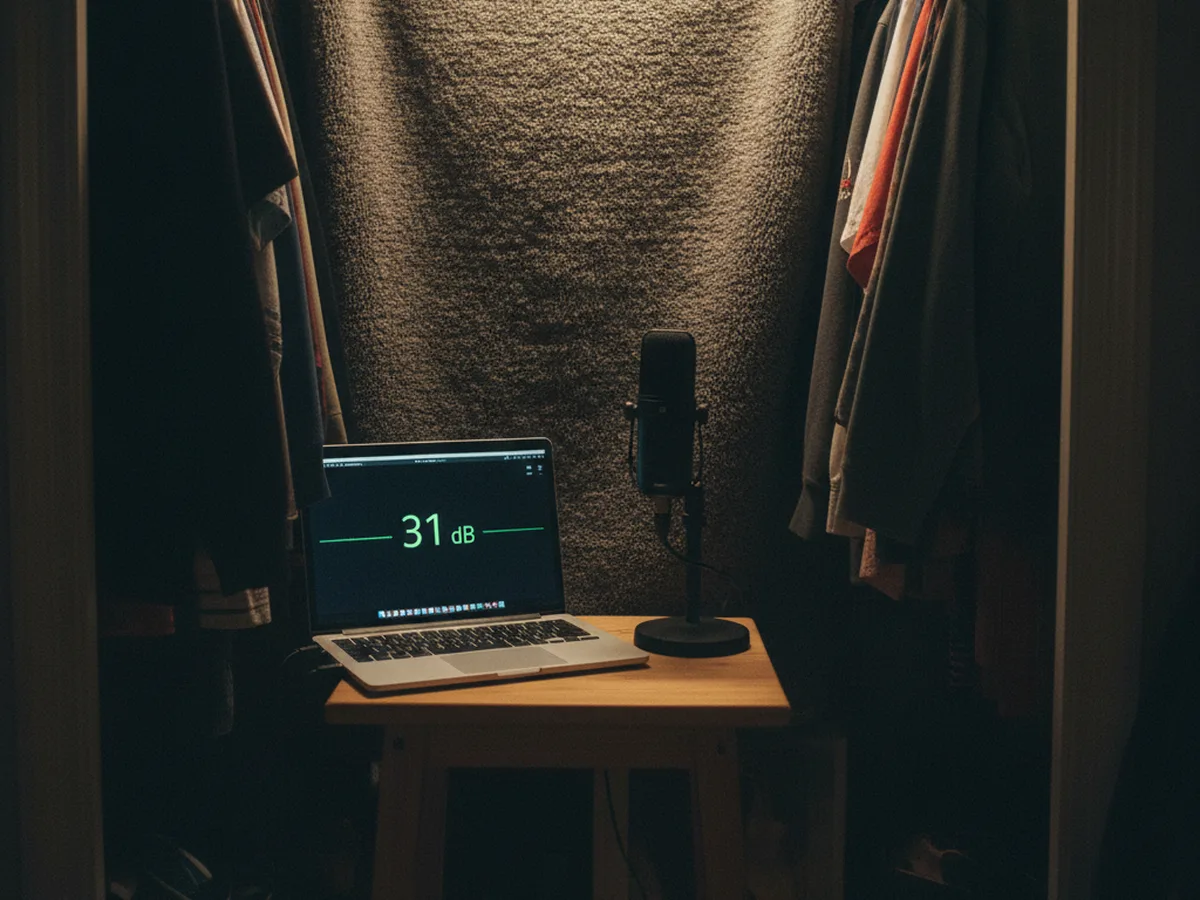
Soft furnishings absorb echo and noise. A closet full of clothes, a duvet hung behind the microphone, or a corner with a sofa and curtains often beats a bare room. The mic test lets you record 10 seconds and hear the result.

Recording corner inside a closet lined with clothes and a blanket, with a microphone and a laptop showing 31 dB

How loud is my room? A noise level meter for home

Leave the meter running for a few minutes and watch the 60-second graph. A steady line shows constant noise such as an air conditioner or a fridge. Spikes show footsteps, doors, traffic or a neighbor's music, and the maximum keeps the loudest moment.

For sleep, the World Health Organization recommends that bedrooms stay around 30 dB on average at night, with single noise events below about 45 dB. A quiet home office sits around 35 to 45 dB. If your room reads higher, look for the steady source first: it usually matters more than the occasional peak.

Readings help you describe a problem with numbers, for example to a landlord or neighbor. For an official complaint or a legal measurement, local rules usually require a certified, calibrated meter.

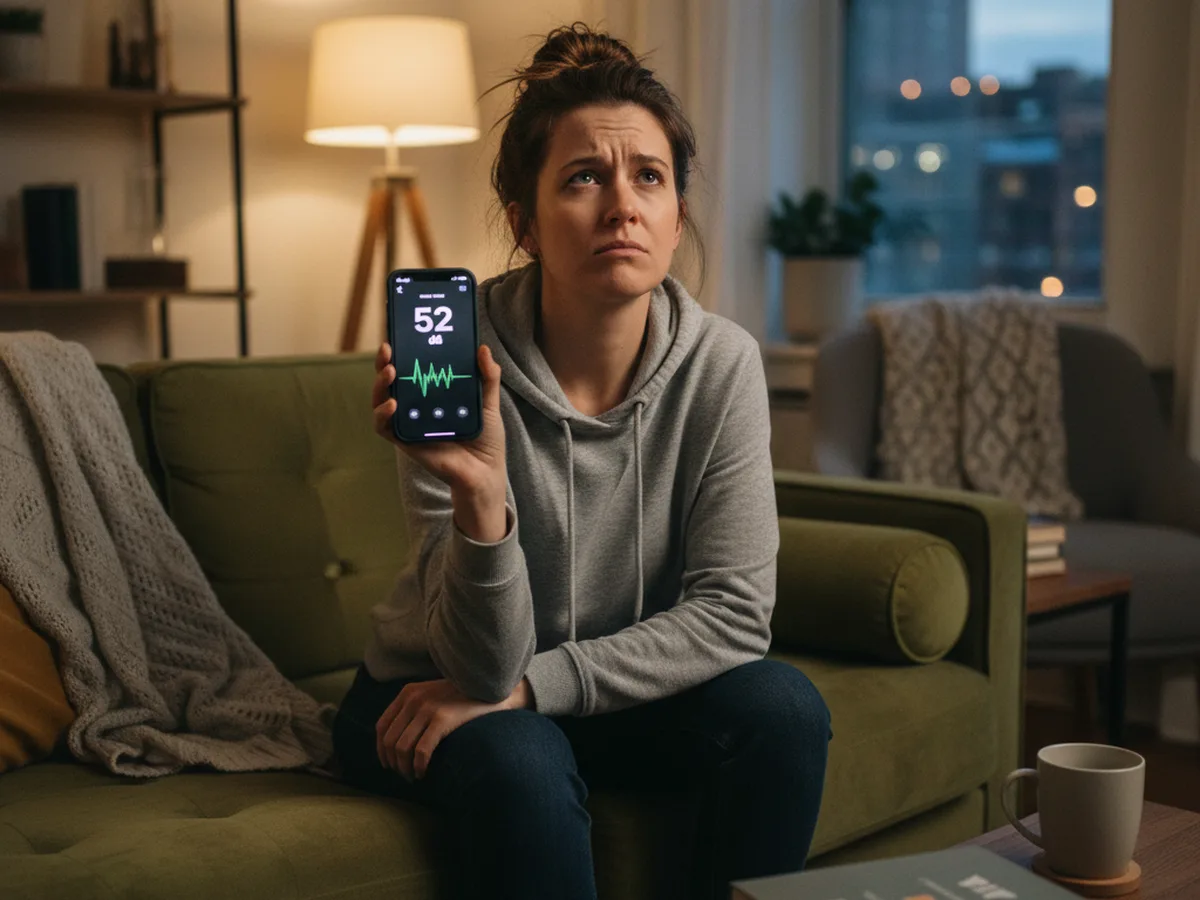
Woman on a sofa in an apartment at night looking up at the ceiling while her phone shows a noise level of 52 dB

How accurate is a browser sound level meter?

Readings in a browser start from the microphone's digital level in dBFS. To turn that into sound pressure, the meter adds an offset, 94 dB by default. Microphones and operating systems differ, so before calibration the absolute number can be off by 10 dB or more. Differences are reliable: a rise of 10 dB is a rise of 10 dB.

The meter turns off echo cancellation, noise suppression and automatic gain, which would otherwise flatten the readings. It shows the flat (unweighted) level with fast time weighting, so strong low rumble can read a few dB higher than an A-weighted dB(A) meter.

To calibrate, put a sound level meter or a trusted meter app next to your device, play a steady sound, type the reference reading and press Match. The offset is saved in this browser for next time.

Calibration example

  • 52 dBReference meter next to the laptop
  • 45 dBThis meter before calibration
  • +7 dBOffset change after Match
  • 52 dBThis meter after calibration
One reference reading is enough. Calibrate each device separately.

Getting ready to record? Run the mic test to check your level, the webcam test for your camera, and the vocal range test if you sing.

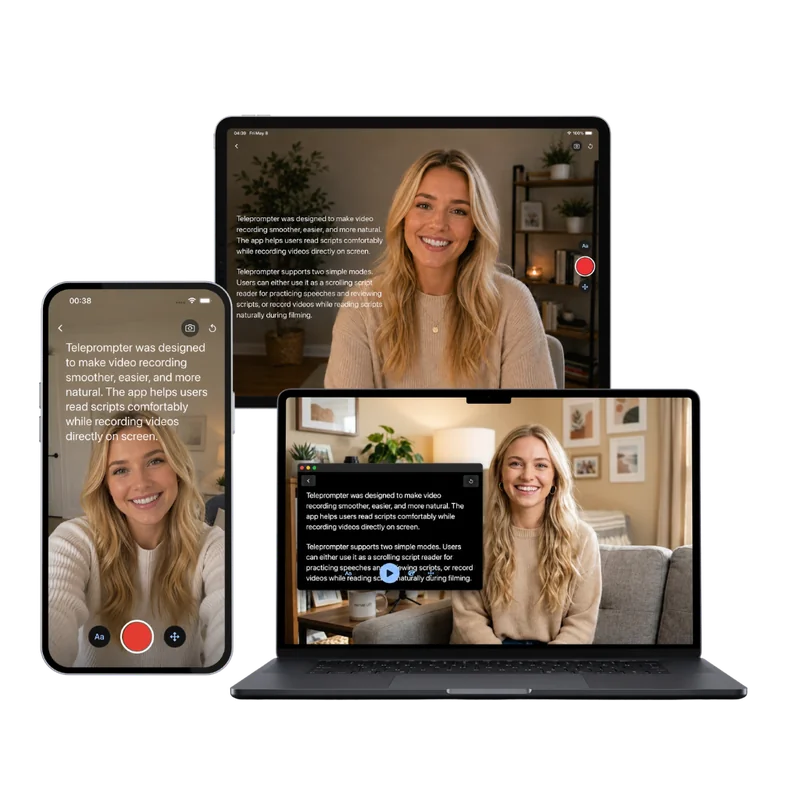
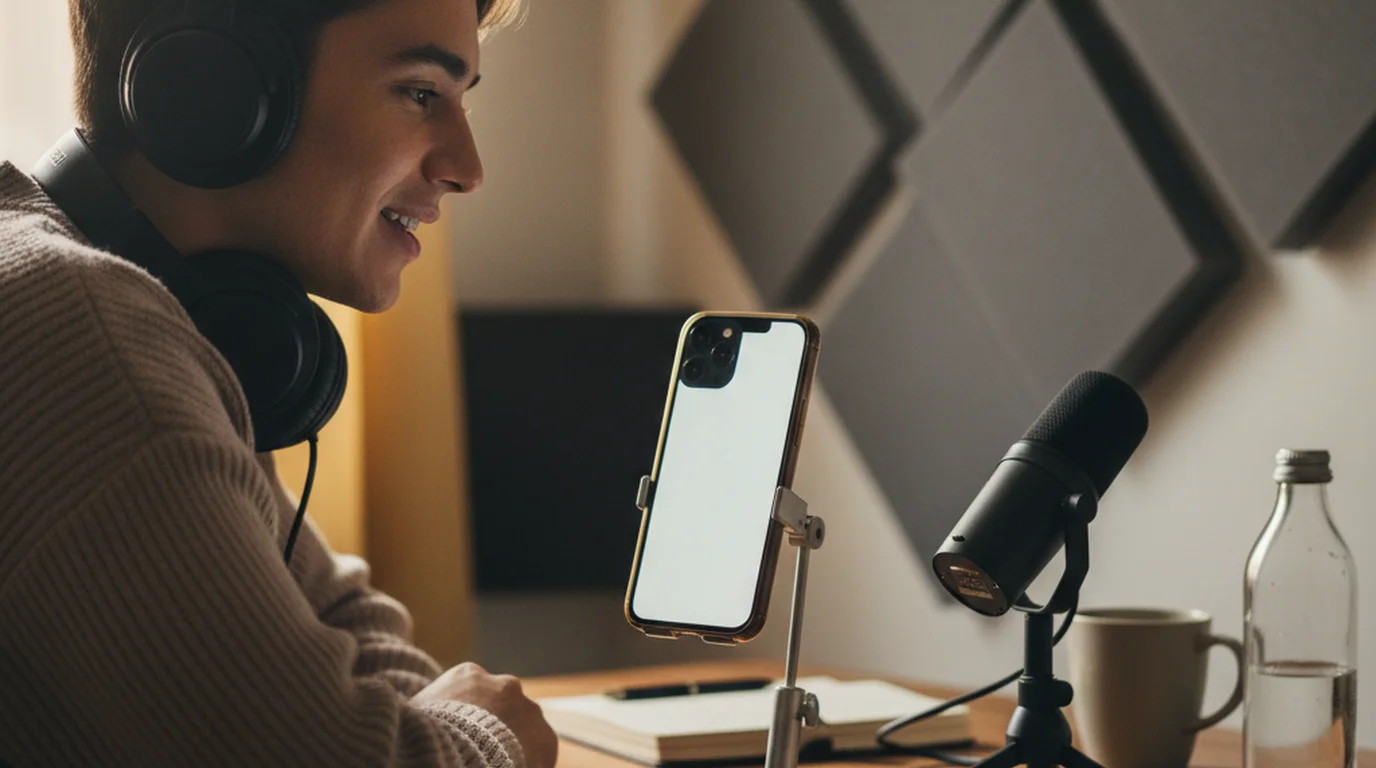
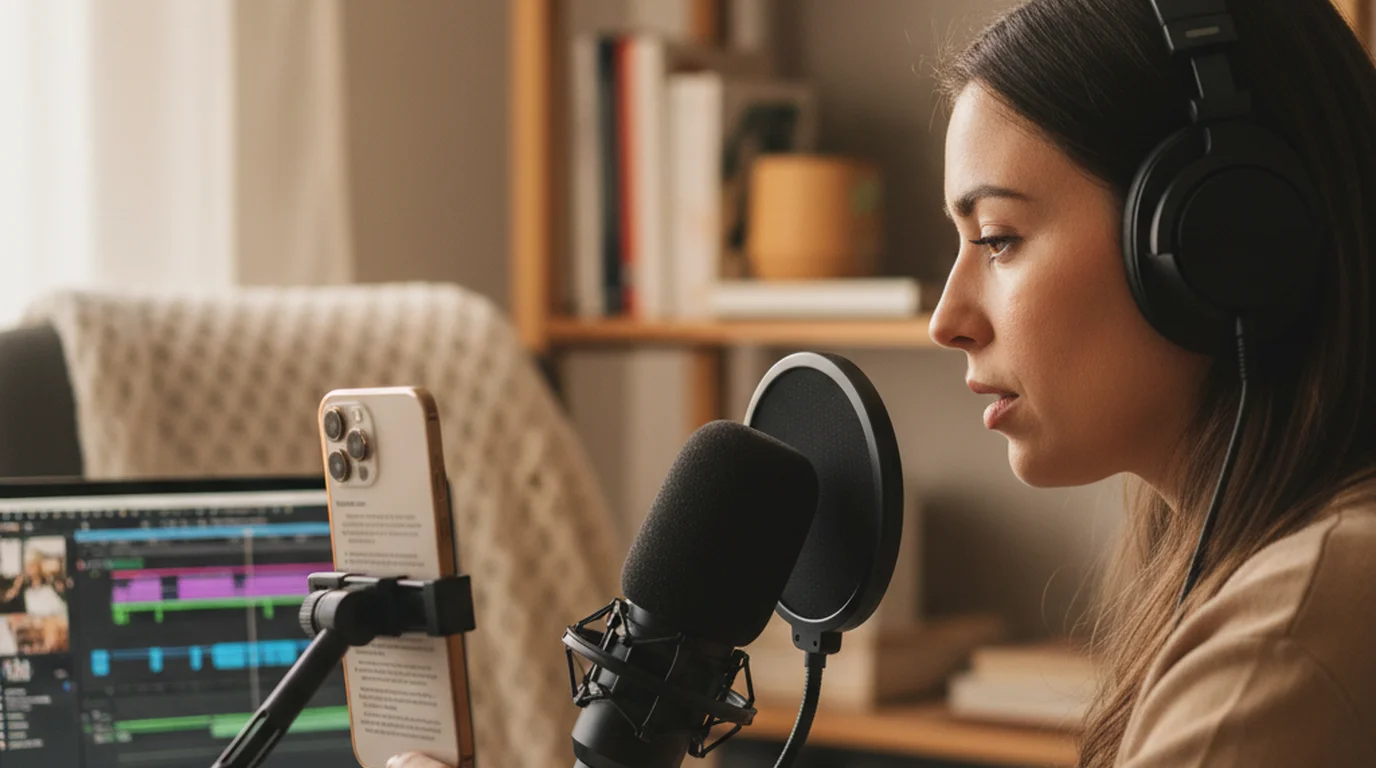
Teleprompter Scrolling Scripts on iPhone, iPad and Mac, with the script scrolling over the camera

Next step

Room is quiet? Record your script now

The free online teleprompter scrolls your script in the browser, so you can read a voice-over or a video intro at a steady pace while the room is quiet. On iPhone, iPad and Mac, Teleprompter Scrolling Scripts adds Voice mode, which records audio while your script scrolls, and Camera mode for video. It is free, needs no account, and adds no watermark.

Frequently Asked Questions

How accurate is an online decibel meter?

Browser microphones are not calibrated, so the dB number is an estimate that can be off by 10 dB or more until you calibrate it. Changes in level are accurate: if the reading rises by 6 dB, the sound really did get about twice as loud in pressure. To get absolute numbers, hold a calibrated sound level meter or a meter app next to your device and use Match in the panel.

What is the difference between dB and dBFS?

dBFS (decibels relative to full scale) is the level of the digital signal from your microphone, where 0 dBFS is the loudest it can capture. dB here means the estimated sound pressure level in the room, which is dBFS plus the calibration offset. The room check uses dBFS, because that is what a recording from this microphone will contain.

How do I calibrate the decibel meter?

Place a calibrated sound level meter, or a phone meter app you trust, next to your microphone. Play a steady sound such as pink noise or a fan, type the reference reading into the panel and press Match. The meter sets the offset so its reading agrees, and remembers it in this browser.

How loud is too loud?

Sound at 85 dB(A) is the level where hearing protection is recommended for an 8-hour day. Each 3 dB louder halves the safe time, so 88 dB is about 4 hours and 100 dB is about 15 minutes. Use this meter as a rough guide and a calibrated meter for workplace checks.

How quiet should a room be to record voice?

For voice-over, podcasts and talking-head videos, aim for a background level below -60 dBFS on the room check, roughly 30 to 35 dB in a typical room. Between -60 and -45 dBFS a noise reduction filter can clean up hum. Above -45 dBFS the noise is clearly audible behind your voice.

Why do my phone and laptop show different readings?

Every microphone has a different sensitivity, and the operating system adds its own input gain. The same room can read 10 to 20 dB apart on two devices before calibration. Calibrate each device separately, or compare readings on one device only.

Does the decibel meter work on iPhone and Android?

Yes. Open the page in Safari on iPhone or iPad, or in Chrome on Android, press Start the decibel meter and allow the microphone. Keep the phone still and the microphone uncovered while you measure.

Is my audio recorded?

No. The meter reads the level from your microphone in the browser and keeps only the numbers on this page. Nothing is recorded, stored or uploaded, and the microphone stops when you press Stop microphone or close the page.