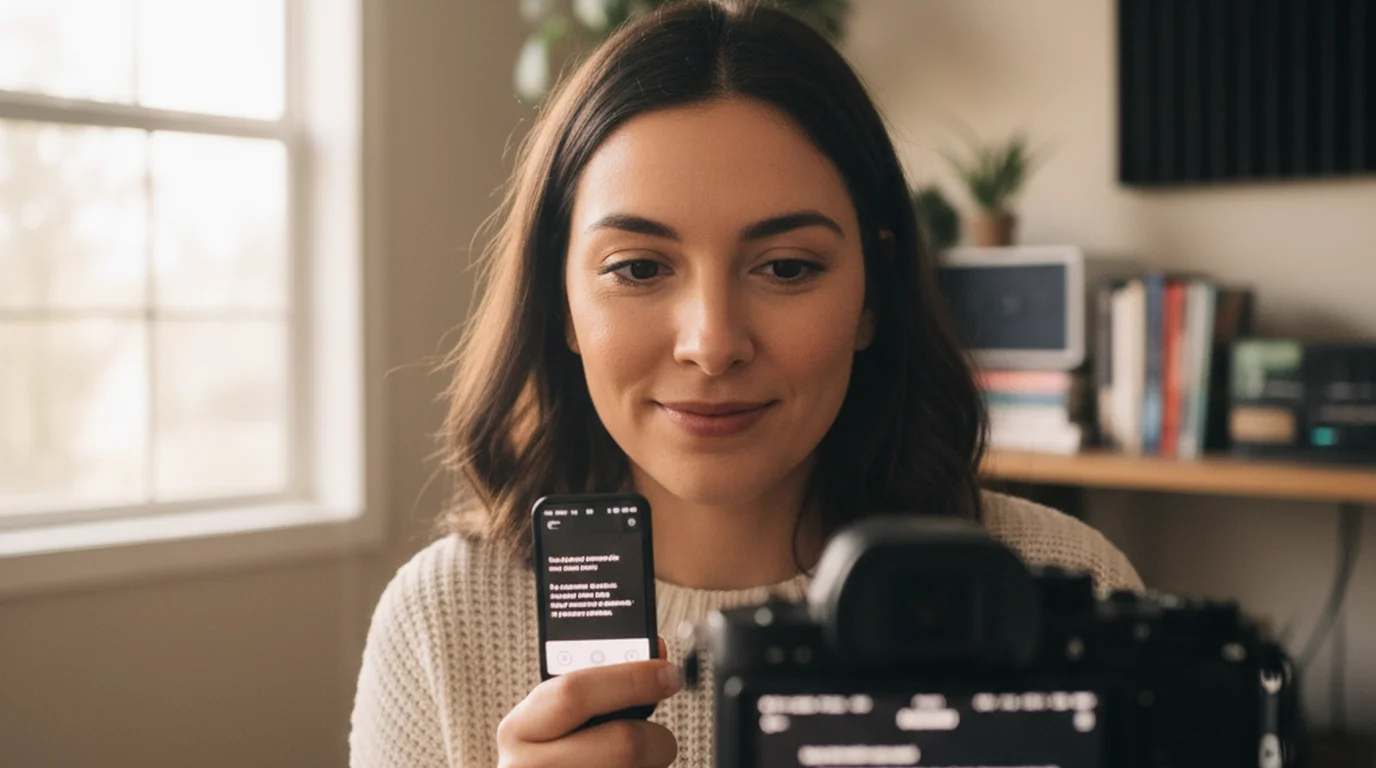
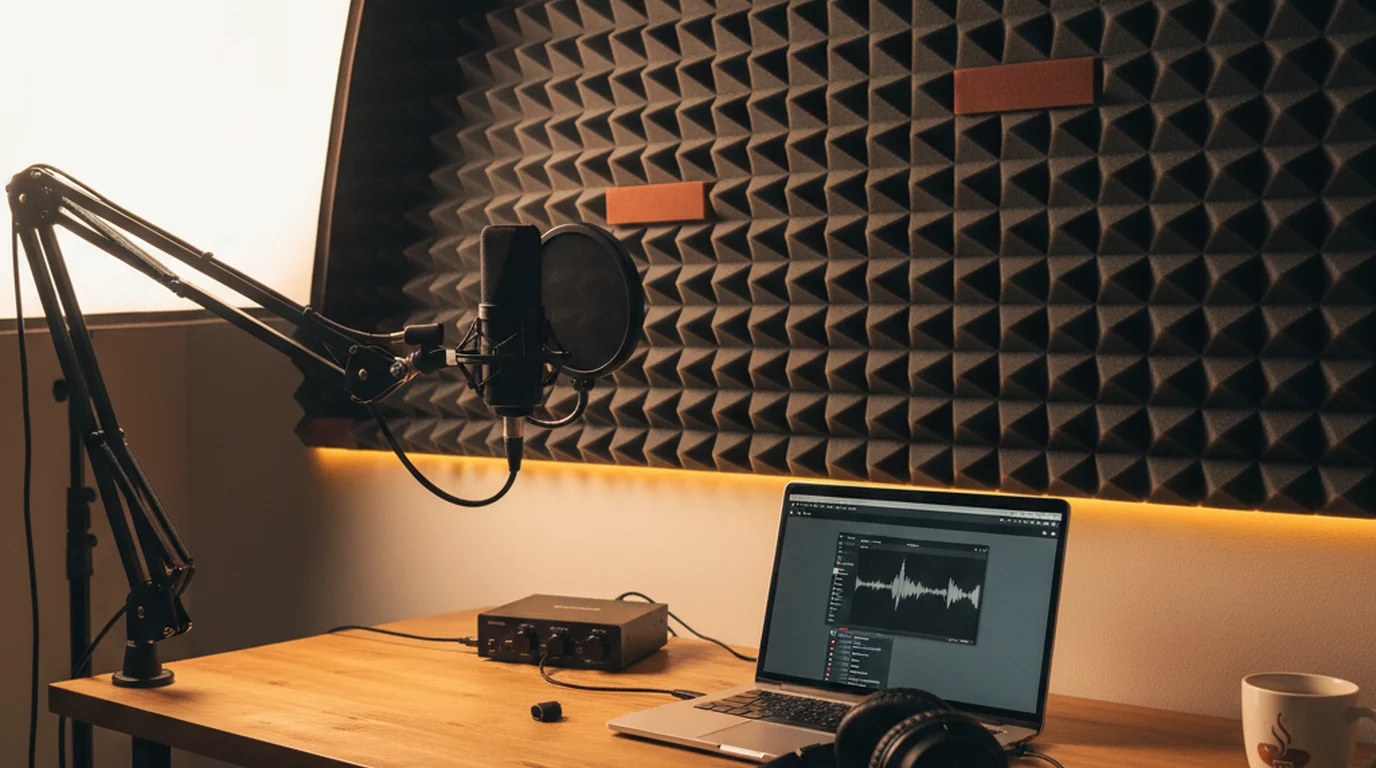
Teleprompter for Podcast Recording: Script Your Episodes Without Sounding Scripted
 Lauren Mercer · July 30, 2026 · 9 min read
When I first started recording online courses, I tried everything: index cards, bullet points on a whiteboard, memorizing chunks of material. All of it showed. The pauses were wrong, the transitions sounded planned, and I had to do three or four takes to get a clean run through a single lesson. What finally fixed it was using a teleprompter for podcast recording and scripted video — the same workflow I now teach to more than 10,000 students who create their own video-based courses and solo podcast episodes.
A teleprompter for podcast recording is any scrolling-script tool — a browser app, mobile app, or dedicated device — that displays your episode script at a controllable pace so you can deliver accurate, well-structured content while keeping your voice natural and your pacing consistent. It reduces filler words, shortens editing time, and keeps solo recordings on topic without requiring you to memorize your material.
Why podcasters use a teleprompter (and why most try it wrong first)
The assumption most people bring to a podcast script teleprompter is that it works like an audiobook recording: you read every word precisely, moving through the text at a steady clip. That produces exactly the robotic delivery you're trying to avoid. The scroll speed is usually set too fast, the sentences are written for the eye rather than the ear, and the result sounds like a corporate webinar from 2014.
What actually works is treating the teleprompter as a guardrail, not a script supervisor. You're reading ahead by two or three lines, not tracking each word as it arrives. That gap — the distance between where your eyes are and where your voice is — is where natural-sounding emphasis lives. Your brain has already processed what's coming, so you can choose where to stress a word, where to pause, where to let a thought land before moving on.
For solo podcasters in particular, the teleprompter for podcast recording solves a specific problem: topic drift. Without a script, it's easy to spend four minutes on a tangent that eats into your structure and forces a 20-minute editing session. With a scripted podcast and a teleprompter, you stay on topic, your transitions are clean, and takes are shorter because you're not rebuilding your train of thought mid-sentence.
According to a 2024 survey by Podcast Insights, the average podcast episode takes 3–4 hours to produce from recording to publish for solo shows, with audio cleanup accounting for the largest share of that time. Hosts who record from a prepared script consistently report 30–50% shorter editing sessions compared to improvised recordings, primarily because verbal fillers and restarts are reduced when the speaker is reading rather than composing on the fly.
How to set up a teleprompter for podcast recording
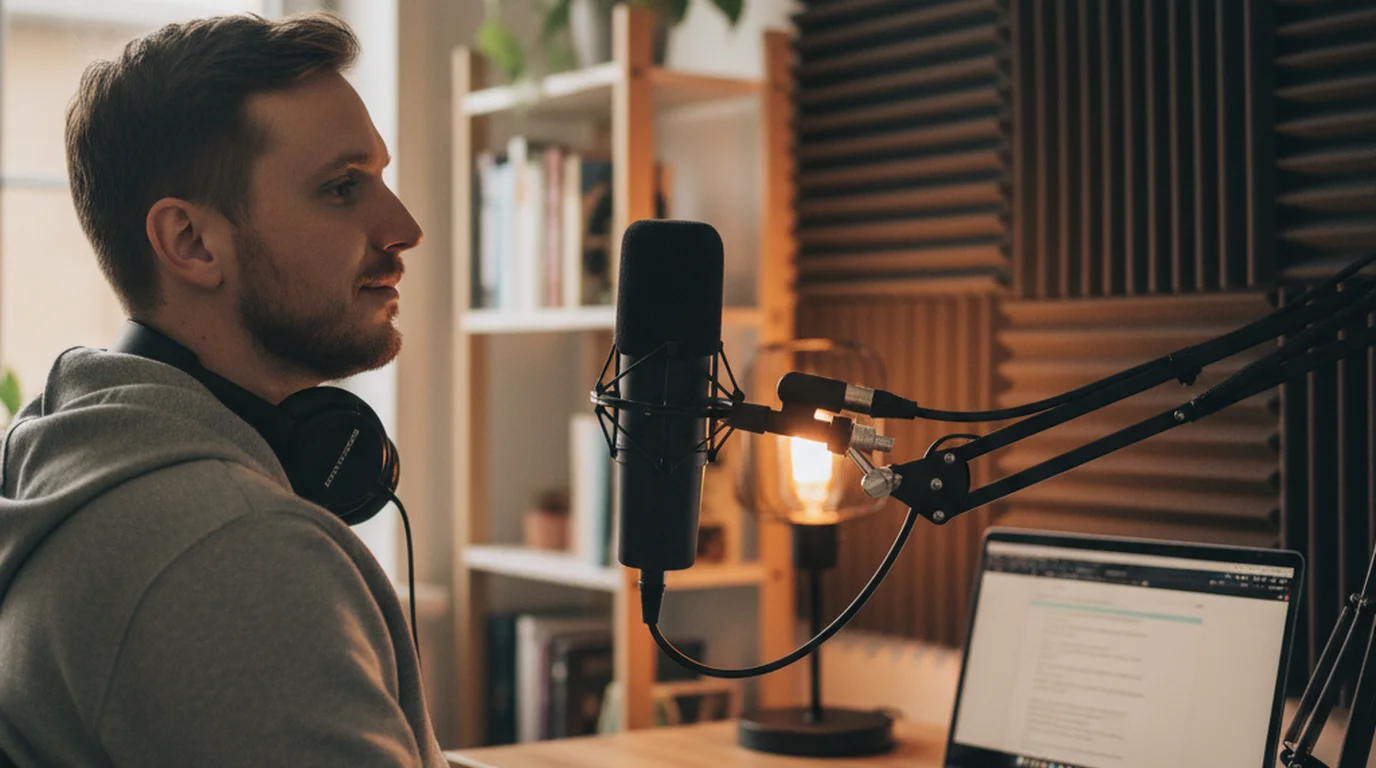
You don't need hardware for this. The setup I use — and the one I recommend to students who are just getting started — is a laptop or tablet running a browser-based teleprompter positioned close to the microphone. Here's what that looks like in practice.
Step 1: Write your script for listening, not reading. Short sentences (12–15 words) work better than compound structures when you're reading under mild time pressure. Use contractions. Write "you're" instead of "you are," "it's" instead of "it is." Read every sentence aloud before recording day — any phrase that feels awkward to say should be rewritten before you're live.
Step 2: Choose your teleprompter tool. For podcast recording, I use a browser-based tool because it's always available, there's nothing to install, and I can open my script directly without copying it into a separate app. The free online teleprompter at Teleprompter-Scrolling Scripts runs in any browser and lets you paste your full episode script, adjust font size, set scroll speed, and go — no account required.
Step 3: Position the screen close to your mic. For audio-only podcasting, the screen position doesn't affect your camera angle, but it does affect your voice. If your laptop is off to one side, your head will turn slightly away from the microphone, and the audio will sound off-axis. Place the screen directly in front of you at eye level, as close to the microphone as your setup allows. Then test your microphone with a 10-second recording from that position.
Step 4: Set a scroll speed that feels slightly slow. The target for conversational podcast delivery is 130–150 words per minute. Set your scroll speed at about 130 wpm and do a 60-second test read. If you're running ahead of the scroll, slow it down. The right speed is one where you occasionally feel like you're waiting for the next line — that pause is where your emphasis and breath live.
Step 5: Add pause markers in your script. A single slash mark (/) tells you to take a half-beat. A double slash (//) signals a full pause before a new section. I add these to my scripts before recording, especially at transitions between points. They're invisible to your audience but they prevent the rushed, breathless pacing that makes scripted podcasts sound flat.
Writing a podcast script that sounds natural through a teleprompter
Script structure matters as much as scroll speed. I've reviewed hundreds of student scripts for my online courses, and the pattern that produces stilted teleprompter delivery is almost always the same: sentences that are grammatically correct but written for the page, not for the voice. If you are starting from a blank page, the podcast script template gives you a structure to fill in, with three full example episodes.
A few specific changes make a significant difference. First, lead with the verb. "Scripts help you stay on topic" is easier to read aloud than "Staying on topic is something that scripts help with." Second, keep your paragraphs short — three to four sentences at most. In a teleprompter view, a long paragraph looks like a wall of text and tempts you to rush through it. Shorter blocks give you natural stopping points.
Third, write your transitions explicitly. Don't assume your audience will follow a topic shift — say it out loud. "That covers the recording setup. Now let's talk about editing." That one sentence, when you're reading from a teleprompter for podcasters, becomes a natural pause point where you can breathe, reset your pace, and start the next section with energy rather than momentum carried over from the previous one.
For video podcasters recording into a camera, the same principles apply, with one addition: plan your eye contact breaks. Every 45–60 seconds, mark a point in your script where you can glance slightly off the teleprompter text and look directly into the lens for a beat. This prevents the fixed stare that makes scripted video look unnatural even when the audio sounds fine. The guide on how to read a script while recording covers this technique in more detail for video setups.
Research published in the Journal of Voice (2023) found that speakers who read from a prepared script but were trained to look ahead by 3–5 words — rather than tracking word by word — produced delivery patterns rated by listeners as significantly more natural than both improvised speech and close-tracking script reading. The mechanism is the same as skilled sight-reading in music: your processing speed separates from your output speed, which allows expressive control to operate independently of the mechanical act of reading.
Teleprompter setup for video podcasts vs. audio-only shows
The workflow differs slightly depending on whether you're recording video or audio only. For a video podcast, screen position is a visual quality issue: if the teleprompter is too far from the camera lens, your eyes will visibly shift off-center and the shot looks like an interview where the subject isn't looking at the interviewer. The closer the screen is to the lens, the more natural the eye contact.
If you're using a laptop, this typically means placing it directly below the webcam or camera, so your gaze angle is within 5–10 degrees of the lens axis. Some video podcasters use a tablet on a stand just below their monitor with the camera at the top — that setup puts the teleprompter text 6–8 inches below the lens, which is close enough to look like natural eye contact in most shots.
For audio-only podcast recording there is now a single-device option worth knowing about: Voice mode, added in version 3.3 in August 2026, records audio through the device microphone while the script scrolls on the same screen. It does not replace an XLR microphone and an interface for a published show, but it covers solo talk segments, intro and outro reads, and pickup lines you would otherwise re-record in a separate app. Beyond that, screen placement matters only for comfort and microphone positioning. What matters more is your voice: are you speaking into the microphone from a consistent distance? A teleprompter actually helps with this because it anchors your head position. When you're improvising, head movement increases — you look at notes, you look up when thinking, you look down at your hands. A scrolling script keeps your eyes in one place, which keeps your mouth at a consistent distance from the mic, which produces more even audio levels and less post-processing work.
For both formats, you can start with the free online teleprompter without any additional gear. If you record on iPhone or iPad, the Teleprompter-Scrolling Scripts app runs the script directly in camera mode so the scroll runs on the same device you're recording with.
Common mistakes when using a teleprompter for podcast episodes
After running my course students through teleprompter workflows for several years, the same mistakes come up reliably. Here's what to watch for before your first scripted recording session.
Scroll speed too fast. This is the most common issue. When you set the speed in a quiet room with no microphone pressure, it feels fine. The moment you hit record, adrenaline kicks in and you read faster — which means you set the speed based on your calm-room pace, and then rush through it on the actual take. Set your scroll speed 15% slower than feels comfortable during testing. That buffer absorbs the adrenaline effect.
Sentences written to be read, not heard. "Furthermore, the implementation of a structured scripting methodology facilitates consistency" is a perfectly clear written sentence. Nobody wants to hear it in a podcast episode. Rewrite it: "Structure keeps your episodes consistent — and consistent shows grow faster." Same information, different register.
No practice run before the actual recording. I require my students to do at least one full read-through of any scripted lesson before hitting record. Not a partial read, not a scan — a full take from start to finish, at the scroll speed they plan to use. That run catches the tongue-twister phrases, the transitions that feel choppy, and the paragraphs that are two sentences too long. Fix those before the recording session, not during it.
Treating every word as mandatory. A script is a floor, not a ceiling. If a better phrasing comes to you mid-read, use it. If a sentence lands awkwardly and you naturally correct it while speaking, keep the correction. The goal is a clean, useful podcast episode — not a word-for-word match with the document on your screen.
Getting your first scripted episode recorded
The first time I ran a fully scripted lesson through a teleprompter, I did four takes before I let myself keep one. Not because the script was wrong or the tool was hard to use — but because I kept second-guessing myself mid-read and stopping to restart. The lesson I tell every student now: finish the take. A stumble in the middle of a recording is fixable in editing. Stopping and restarting because you think you might be able to do better is what actually costs you time.
Record your first scripted podcast episode from start to finish without stopping, even if a line feels off. Then go back and listen. You'll almost certainly find that the moments that felt awkward while reading were not noticeable on playback — because your voice was still in motion, still connected to the previous sentence, still delivering. That continuity is what makes a teleprompter for podcast recording work: it keeps you moving forward, which is exactly what natural speech does.
Start with the free online teleprompter — paste in a short script, run a test, and calibrate your speed before your next recording session. If you're new to writing for the ear, the post on podcasting equipment for beginners covers the full setup alongside the recording workflow.
Frequently Asked Questions
Do podcasters use teleprompters?
Yes, many solo podcasters — especially those recording scripted or educational episodes — use teleprompters to stay on topic without stumbling or over-editing. Video podcasters benefit most, since a scrolling script lets them maintain eye contact with the camera while delivering accurate information. Even audio-only podcasters use teleprompters to reduce filler words and keep takes clean.
Is there an app that acts like a teleprompter?
Yes. Apps like Teleprompter-Scrolling Scripts scroll your script at an adjustable pace so you can read naturally during recording. Browser-based tools work on any laptop without installation. For podcast recording specifically, positioning your device just below or beside your microphone keeps your eye line natural and your voice projection consistent.
Do streamers use teleprompters?
Many streamers and video creators use teleprompters, particularly for intro segments, sponsored reads, and structured talking-head content. Streamers who produce scripted shows or educational content find it reduces retakes significantly. Most use a laptop-based browser teleprompter positioned near their webcam rather than a hardware prompter rig.
How do you use a teleprompter for podcast recording?
Paste your podcast script into a teleprompter app or browser tool, set a scroll speed that matches your natural speaking pace (around 130–150 words per minute for conversational delivery), and position the screen close to your microphone so your head movement stays minimal. Start the scroll, hit record, and read ahead by one or two lines rather than tracking word by word.
What is the best teleprompter setup for a solo podcast?
For a solo podcast, a laptop running a browser-based teleprompter placed just behind or below your microphone works well without extra hardware. If you record video, position the screen as close to the camera lens as possible. Use a large font (32–40pt), high contrast colors, and a scroll speed around 140 words per minute so you can read comfortably without rushing.
How do I write a podcast script for a teleprompter?
Write the way you talk, not the way you write. Short sentences work better than long compound structures when reading aloud under time pressure. Use contractions (you're, it's, don't), active voice, and paragraph breaks every 3–4 sentences to give yourself natural breathing room. Reading your script aloud once before recording reveals any phrases that feel unnatural to say.
Can a teleprompter make a podcast sound scripted?
It can, if you read it wrong. The main culprits are a scroll speed that's too fast (which causes rushed delivery) and sentences written for the eye rather than the ear. Slow down your scroll speed by 10–15% below what feels comfortable, add pause markers in your script at natural breath points, and read 2–3 sentences ahead so you can emphasize words rather than just tracking them.
Does a teleprompter help with podcast editing?
Significantly. When you record from a script via teleprompter, you get fewer verbal fillers (um, uh, like), fewer restarts, and cleaner transitions between topics. In practice, scripted episodes recorded with a teleprompter can cut editing time by 30–50% compared to loosely improvised recordings that require extensive cleanup.
What scroll speed should I use for podcast recording?
Start at a setting equivalent to 130–140 words per minute and adjust from there. Conversational podcast delivery lands between 120 and 160 wpm depending on your style. Run a 60-second test read of a passage you know well and compare it to your natural speaking pace. The scroll speed should feel slightly slow — that small gap is where your vocal emphasis and pausing live.
Lauren MercerLauren Mercer builds and sells online courses on scriptwriting, on-camera delivery, and video production workflows. She writes about the full path from script to screen — AI writing tools, recording setups, and the friction points that slow down solo educators.
Script Your Next Podcast Episode Without Stumbling
Use Teleprompter-Scrolling Scripts to scroll your episode script at a natural pace, adjust font size and speed, and record clean takes every time. Free in your browser — no download required.
Use Free Online Teleprompter Get the Free App