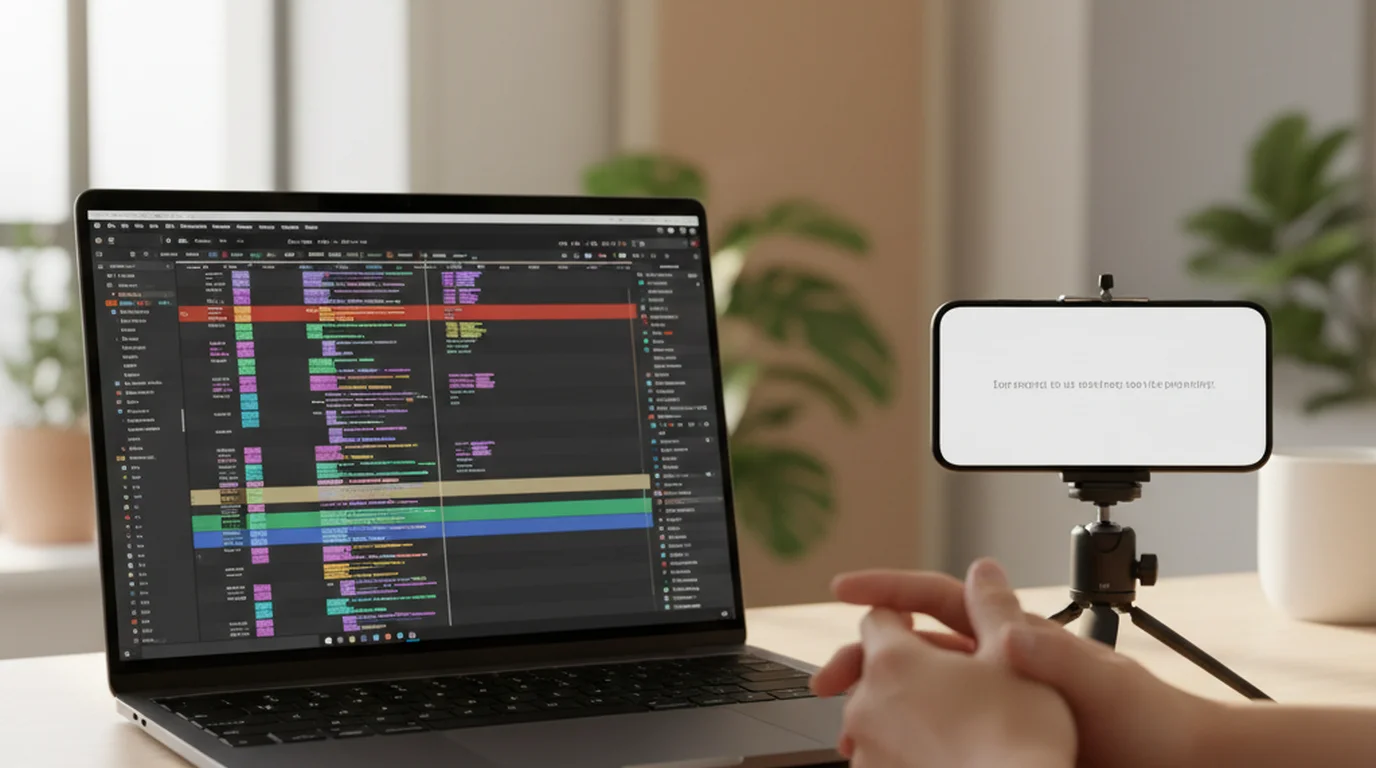
5 Best Riverside Alternatives in 2026
 Ryan Kowalski · August 10, 2026 · 8 min read
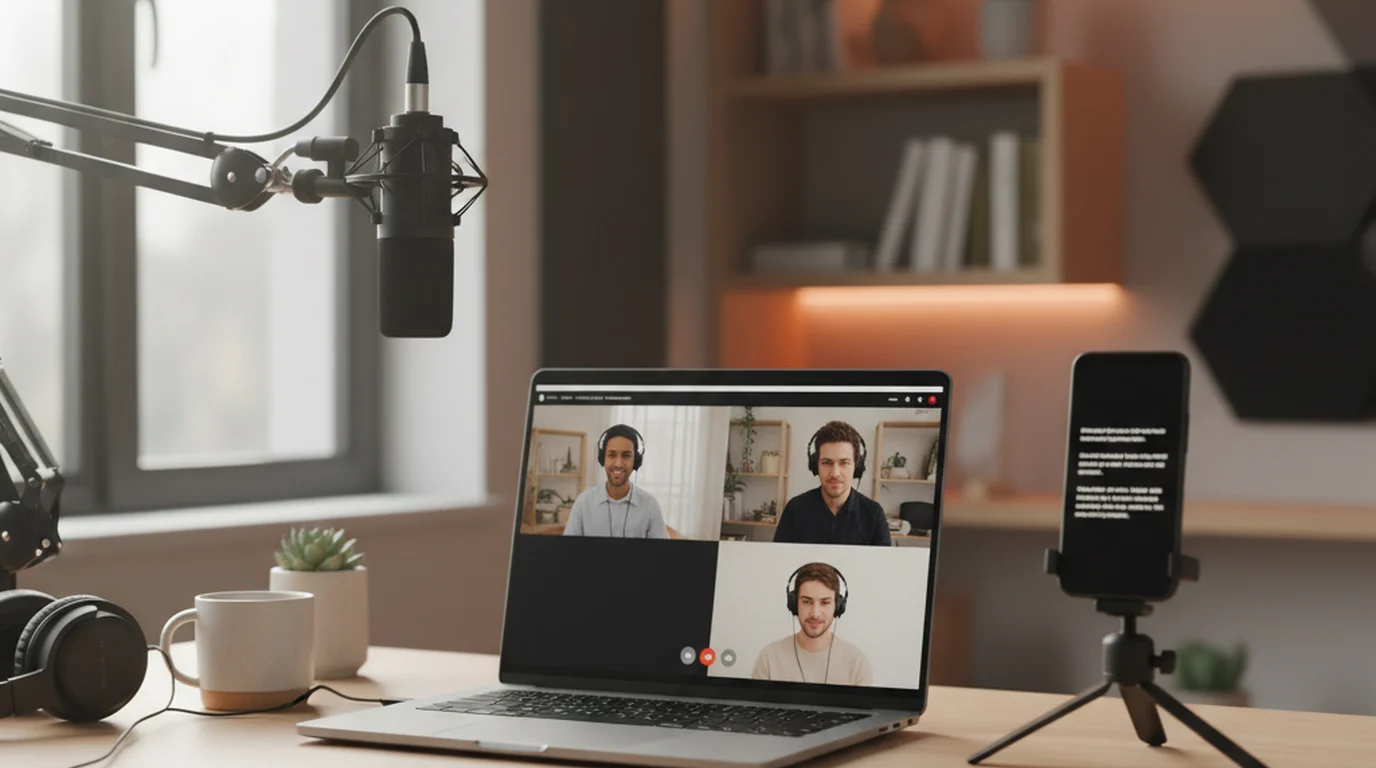
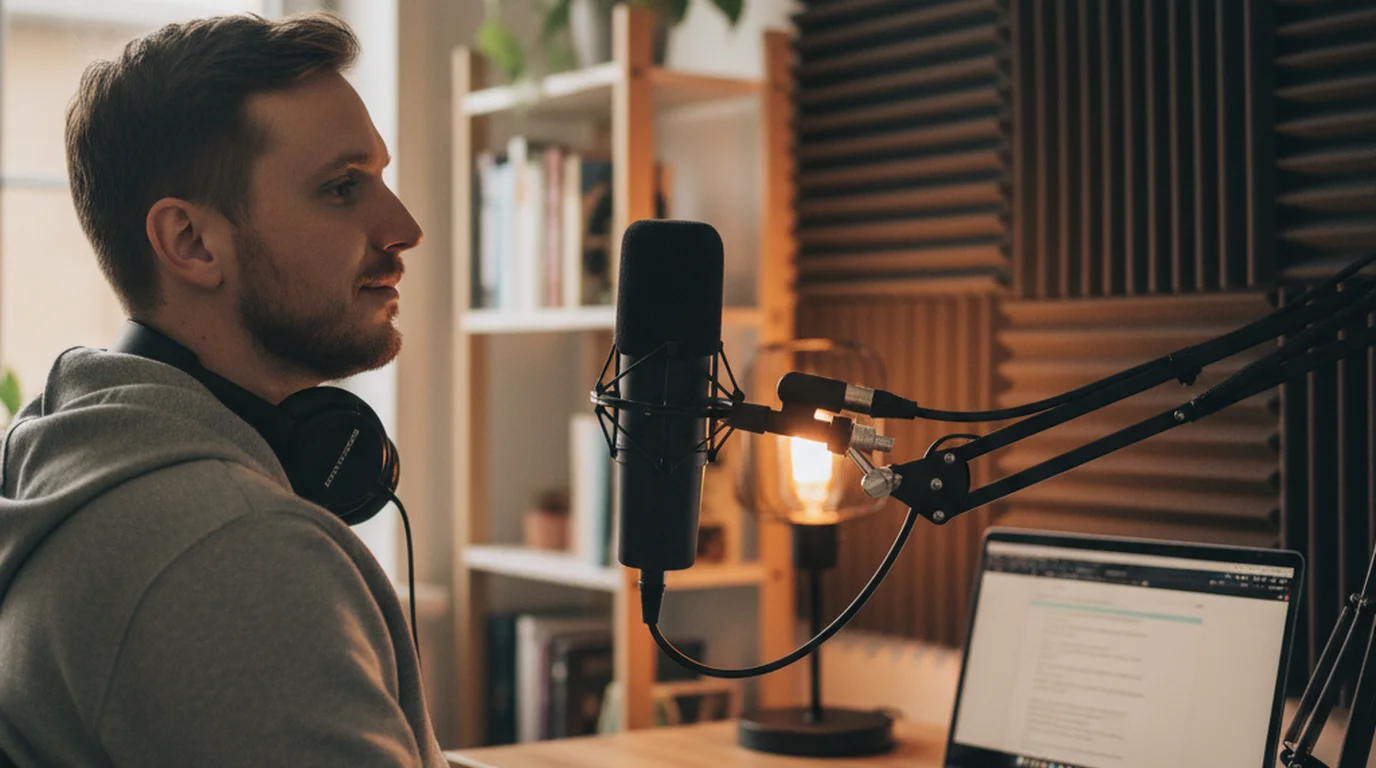
Riverside is very good at one hard thing: recording remote guests locally so a bad connection does not wreck the audio. If you are here, you are probably not doing that hard thing. Record alone, or in the same room, and you are paying $29 a month for infrastructure built for a problem you do not have. Here are five options, what each actually costs, and which ones include a teleprompter — because that is where Riverside's plan structure catches you out.
If you need multi-track remote recording, nothing here fully replaces Riverside. If you record solo or in person, a free browser prompter or a native app covers it at no cost. StreamYard is the closer swap for live streaming, and Descript is the better fit when most of your time goes into editing.
Why you cannot find the teleprompter
If you are on the free plan, it is not there at all. That plan gives 2 hours of multi-track recording at 720p with a Riverside watermark and 44.1 kHz audio. Pro is $29 per month, or $24 billed annually, and that is the tier that removes the watermark, raises video to 4K and audio to 48 kHz, and adds 15 hours of separate track downloads.
The prompter appears from Pro upward, listed as "Teleprompter for host," and only Business extends it to guests. So if you signed up expecting to read a script and the panel is missing, you have not misconfigured anything — you are simply on a tier that does not include it.
On Riverside's pricing page, the teleprompter is listed as a Pro-plan entitlement for the host and a host-and-guest entitlement on Business. The free tier includes 2 hours of multi-track recording, 720p video, 44.1 kHz audio, and a watermark, but no prompter of any kind.
Quick comparison
| Tool | Free tier | Paid from | Teleprompter | Best for |
|---|---|---|---|---|
| Teleprompter-Scrolling Scripts | Full app, no cap | Free | Yes, free | Free prompting, works offline |
| StreamYard | 2h local recording, SD, watermark | $35.99/mo | No | Live streaming |
| Descript | 1 media hour, 720p, watermark | $16/mo | Yes, free tier too | Edit-heavy workflows |
| VEED | Prompter free, no account | Paid editing tiers | Yes, free | Browser recording |
| Kapwing | 1-min exports, 720p, watermark | $16/mo | No | Team browser editing |
1. Teleprompter-Scrolling Scripts — best if you only needed the prompter
Riverside charges $24 a month before the teleprompter appears at all. Here the prompter is the product rather than an upsell, and it is free. It scrolls your script and, on iPhone, iPad, and Mac, records with the text overlaid on the camera view — no watermark on the output and no monthly recording allowance.
Scripts live on the device, so no connection is required and a dropped Wi-Fi signal cannot end a take. That is worth something if you have ever tried to record in a hotel room the night before a talk.
Where it stops: no studio, no multi-track, no guest link. If a second person joins from another location, keep Riverside.
Free: yes, including offline use.
2. StreamYard — best for live streaming
Of the Riverside alternatives here, StreamYard is the closest in spirit — a browser studio for multi-person shows — but it is built for going live rather than for recording masters. The free plan includes 2 hours of local recording per month, standard definition with a StreamYard watermark, up to six people on screen, and a single seat.
Paid plans are noticeably steeper than Riverside: Core is $44.99 per month, or $35.99 billed annually, and Advanced is $88.99 ($68.99 annually). StreamYard's pricing page does not list a teleprompter, so a script still needs to run somewhere else.
Free: limited, watermarked. Skip it if: you need a prompter or the best possible recording quality.
3. Descript — best when editing is the real work
Descript is the Riverside alternative that inverts its priorities: recording is fine, but the reason to use it is editing video by editing the transcript. Relevant here, its teleprompter is available on the free plan — something Riverside charges $24 a month for.
The free tier allows 1 media hour and 100 AI credits per month with 720p watermarked exports, and paid plans run $16, $24, and $50 per month annually. Our Descript alternatives comparison goes deeper on where that ceiling bites.
Free: 1 media hour/month. Skip it if: you record long sessions on the free tier.
4. VEED — best free browser prompter
As a Riverside alternative VEED is the cheapest way to keep a prompter: it is free, needs no account to start, and records webcam or screen in the same tab at up to 1080p, with speed and text size adjustable mid-take. For a solo scripted piece recorded at a desk, it covers the job Riverside's Pro tier is being bought for.
VEED states it does not support recording from mobile devices, so this is a desktop and tablet option only. Details in our VEED alternatives guide.
Free: the prompter, yes. Skip it if: you film on a phone.
5. Kapwing — best for team editing in the browser
The last Riverside alternative worth naming, Kapwing records screen, camera, and audio inside a collaborative browser editor, which makes it a reasonable landing spot if your Riverside recordings were mostly heading into a shared edit anyway. Pro is $16 per month annually, $24 monthly.
The free tier caps exports at 1 minute at 720p with a watermark, which rules it out for anything real without paying. There is no teleprompter.
Free: 1-minute exports only. Skip it if: you need a prompter.
Staying on Riverside's free plan
If none of these Riverside alternatives fits and you are staying put, run the prompter in a second window rather than on a second device, positioned as close to the webcam as the screen allows. Use a windowed prompter rather than a full-screen one — full screen pushes text to the centre of the display, which is the furthest point from your lens — and set the scroll slightly slower than your natural pace, because glancing between two windows costs a beat.
What Riverside's higher tiers change, and what they don't
Worth knowing before you upgrade instead of switching. Grow at $39 per month ($34 annually) and Webinar at $99 per month ($79 annually) both sit above Pro, and neither adds anything to the prompter. Grow layers on social scheduling, newsletters, and video hosting; Webinar adds live streaming. If scripted delivery is your reason for paying, Pro is the ceiling and everything past it is distribution.
Business is the only tier that changes the prompter itself, extending it to guests as well as the host, along with unlimited studios and Producer mode. It is priced by conversation with sales rather than listed, which tells you who it is aimed at. So your real choice is narrower than the pricing page suggests: the free tier plus a separate prompter, or Pro at $24 a month.
How to choose in one question
Ask whether anyone else appears in the recording from a different location. If yes, Riverside earns its price and none of these alternatives replaces the local multi-track capture — treat the teleprompter as something you have already paid for. If no, you are buying remote-recording infrastructure to get a scrolling text box, and a free browser teleprompter or a native app on Mac covers the same job. The complete teleprompter app comparison sorts the rest of the field by platform.
Frequently Asked Questions
Is there a free version of Riverside?
Yes. The free plan includes 2 hours of multi-track recording, unlimited single-track recording and editing, 720p video, and 44.1 kHz audio. Exports carry a Riverside watermark, and the teleprompter is not included at that tier.
Does Riverside have a teleprompter feature?
Yes, from the Pro plan upward, listed as teleprompter for host. The Business plan extends it to both host and guest. The free plan does not include it, which is why the panel is missing for some users.
Is StreamYard better than Riverside?
For going live to social platforms, StreamYard is the more natural fit. For recording a master file at the best possible quality, Riverside's local multi-track recording is stronger. StreamYard is also more expensive at $44.99 per month for Core against Riverside's $29 for Pro.
Is Riverside FM worth it?
It depends on whether you record remote guests. Riverside captures each participant locally at full quality rather than over the network, which is genuinely hard to replicate. For solo scripted recording, that architecture is not what you would be paying for.
How much is Riverside Pro?
Pro is $29 per month billed monthly, or $24 per month billed annually. It removes the watermark, raises video to 4K and audio to 48 kHz, adds 15 hours of separate track downloads per month, and unlocks the teleprompter for the host.
Is there a free alternative to the Riverside teleprompter?
Yes, for script scrolling specifically. A browser prompter or a native prompter app gives unlimited scrolling with no plan tier attached. You do not get multi-track remote recording, so this fits solo or in-person work.
Does the Riverside teleprompter work for guests?
Only on the Business plan, which lists the teleprompter for host and guest. On Pro and Grow it is host-only, so a scripted guest has to run their own prompter separately on their end.
Ryan KowalskiRyan Kowalski reviews iOS and macOS apps for content creators, with a focus on teleprompter, camera, and productivity tools. His rule: use an app daily for at least two weeks before writing a word about it.
Skip the $29 tier if you record alone
Paste a script and start scrolling in the browser, or install the free native app for offline use and camera recording on iPhone, iPad, and Mac. No plan tier, no watermark, no account.
Use Free Online Teleprompter Get the Free App