5 Best VEED Alternatives in 2026
 Lauren Mercer · August 10, 2026 · 7 min read

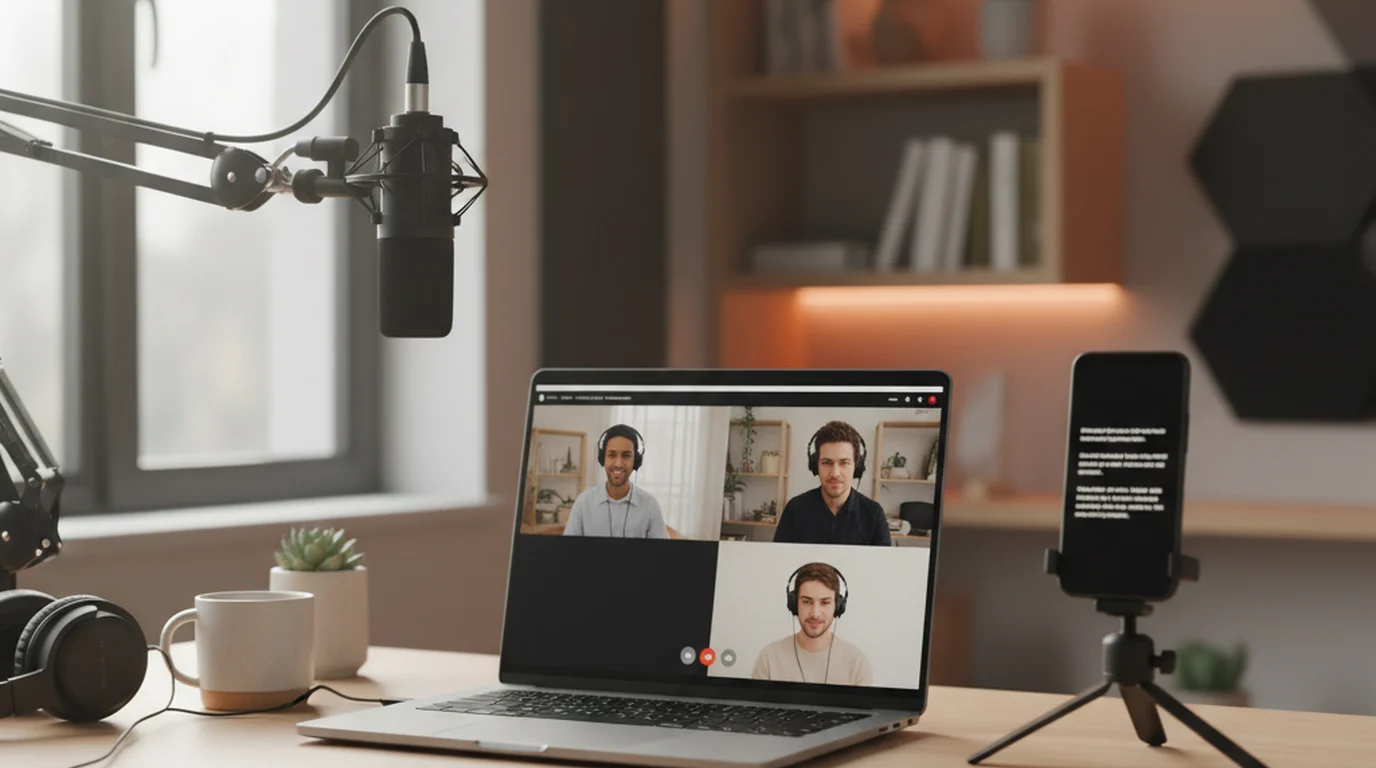
VEED's teleprompter is free, needs no account, and records in the same browser tab — genuinely more generous than most of this category. So you are probably here for one of two reasons: you film on a phone, which VEED cannot record, or you have run into the editor's plan limits. Those have different answers. Here are five options and what each one is actually good at.
If you record on a phone, VEED's prompter cannot help and a native app is the only real fix. If you need a more capable editor, Descript and Kapwing are the closest swaps. CapCut is the most generous free editor, and Riverside is the one to pick if remote guests are involved.
Where VEED stops working for you
The device limit is the big one, and VEED states it plainly on its own tool page: recording from mobile devices is not supported, use a tablet or desktop instead. If you shoot vertical video handheld, that removes the entire point of a prompter that also records.
The reason is structural rather than a gap in VEED's product. Browser recording depends on capture APIs that mobile browsers implement partially or not at all, especially for simultaneous camera capture and overlay compositing. A native app talks to the camera directly, which is why phone prompters can put the script over a live viewfinder and browser tools generally cannot.
VEED's teleprompter page states the tool runs in the browser on any computer with no app to install and no account needed to start, records the webcam or screen at up to 1080p, and does not support recording from mobile devices. The prompter and the recorder live in one tab, which removes the window-juggling step other browser prompters leave to the user.
Quick comparison
| Tool | Free tier | Paid from | Records on phone | Best for |
|---|---|---|---|---|
| Teleprompter-Scrolling Scripts | Full app, no cap | Free | Yes | Recording on a phone |
| Descript | 1 media hour, 720p, watermark | $16/mo | No | Transcript-based editing |
| Kapwing | 1-min exports, 720p, watermark | $16/mo | No | Team browser editing |
| CapCut | 1080p, full basic editor | Generous free tier | Yes, mobile app | Fast social edits |
| Riverside | 2h, 720p, watermark | $24/mo | No | Remote interviews |
1. Teleprompter-Scrolling Scripts — best for filming on a phone
This is the one thing VEED states it cannot do. A native iOS app overlays the scrolling script on the live camera view and records on the phone itself — the exact case VEED sends you to a desktop for. It is free, needs no account, and works offline, so a reloaded tab cannot take your script with it.
For vertical video shot handheld or on a small tripod, that is the whole job in one app: no second device propped up beside the camera, no eyeline drifting off to a laptop screen.
Where it stops: it is a prompter, not an editor, and it cannot capture your screen. If you make software walkthroughs, VEED still wins that job.
Free: yes, including offline use.
2. Descript — best for editing after the take
The most capable VEED alternative here, Descript edits video by editing the transcript, which is a genuinely different way of working and saves real time on long talking-head pieces. It also has a built-in teleprompter available on the free plan.
The free tier allows 1 media hour and 100 AI credits per month with 720p watermarked exports; paid plans are $16, $24, and $50 per month on annual billing. Our Descript alternatives comparison covers where that ceiling lands.
Free: 1 media hour/month. Skip it if: you record more than an hour a month and will not pay.
3. Kapwing — closest browser-editor swap
Kapwing is the most like-for-like VEED alternative: a browser editor with screen, camera, and audio recording built in, plus collaboration if more than one person touches the file. Pro is $16 per month annually, $24 monthly.
Its free tier is stricter than VEED's on one axis that matters — exports cap at 1 minute at 720p with a watermark. And there is no dedicated teleprompter, so you lose the feature that brought you to VEED.
Free: 1-minute exports only. Skip it if: the prompter was the point.
4. CapCut — best free editor
CapCut's free tier is the most generous here: full basic editing toolkit, multi-track timeline, chroma key, and 1080p export at no cost. Its mobile app also has a basic teleprompter, which makes it a real option for phone-shot scripted video.
The limitation is the mirror image of VEED's. CapCut's teleprompter is mobile-only — CapCut Desktop and CapCut Web support camera recording but have no prompter overlay, and Pro does not add one. So CapCut solves phone prompting and VEED solves desktop prompting, and neither does both.
Free: very. Skip it if: you read scripts on a laptop.
5. Riverside — best for remote guests
Riverside is the only VEED alternative built for guests: if your recording involves a second person on a different connection, Riverside is the one tool here built for it, capturing each participant locally at full quality. The free plan gives 2 hours of multi-track recording at 720p with a watermark.
Its teleprompter is a paid feature from Pro at $29 per month ($24 annually), so it is a step backwards from VEED on that specific point — see our Riverside alternatives breakdown.
Free: limited. Skip it if: you always record alone.
Where VEED still wins
Worth saying plainly, because it reverses the usual conclusion: VEED's teleprompter can capture your screen while the script scrolls, which no phone prompter app can do. For software walkthroughs and onboarding videos, that combination is exactly right — the narration stays scripted and the demo stays live, in one recording. If that is your work, none of the five above is an upgrade.
The other thing to plan around is that every browser prompter needs the page to stay loaded. Keep the script in a separate document rather than typed only into the tool, so a reload costs thirty seconds instead of the whole draft. A free browser teleprompter has the same constraint; native apps sidestep it by storing scripts on the device. The complete teleprompter app comparison covers the rest of the field.
What VEED's paid plans change
The prompter is free, so the upgrade question is really about the editor sitting behind it. Export settings such as watermarking and resolution follow the plan you are on rather than the prompter itself, which is why two people can use the identical teleprompter and end up with different-looking files.
That matters when you compare VEED alternatives on price: you are not comparing prompters, you are comparing editors. If the prompter is all you use and you export elsewhere, the paid tiers buy you nothing. If VEED is also your editor, weigh it against Descript and Kapwing on editing features rather than on the scrolling text.
How to choose in one question
Ask what you are holding when you press record. A phone means VEED's prompter cannot record the take and a native app is the answer. A laptop or tablet means VEED already does the job for free, and the only reason to look at other VEED alternatives is the editing that comes afterwards. That single question settles it faster than any feature table.
Frequently Asked Questions
Does VEED have a teleprompter?
Yes. VEED has a free browser-based teleprompter that scrolls your script while recording your webcam or screen. VEED states no account is needed to start using it, and speed and text size can be adjusted while it runs.
Is VEED actually free?
The teleprompter tool itself is free to use in the browser with no account required to start. VEED also sells paid editing plans, and export settings such as watermarking and resolution depend on the plan you are on rather than on the prompter.
Can I use the VEED teleprompter on my phone?
You can open it on a phone, but you cannot record with it. VEED's teleprompter page states that recording from mobile devices is not supported and directs users to a tablet or desktop instead. Phone-first creators need a native prompter app.
How to use a VEED teleprompter?
Open the teleprompter tool in a desktop or tablet browser, paste your script, then choose whether to record your webcam or your screen. Speed and text size can be changed while the script scrolls, and the recording happens in the same browser tab.
What is the best teleprompter app for free?
It depends on the device you record on. Browser prompters like VEED work well on desktop and tablet. If you film on a phone, a native prompter app is the only option that can scroll the script and record the take on the same device.
Is there a free VEED alternative for recording on iPhone?
Yes. A native iOS prompter app can overlay the scrolling script on the live camera view and record on the phone itself, which is the specific case VEED's browser tool does not cover. It also keeps working without an internet connection.
Does the VEED teleprompter record video?
Yes, on desktop and tablet. VEED records your webcam with audio or captures your screen directly in the browser, at up to 1080p, so the script and the footage come from a single tool rather than two separate apps.
Lauren MercerLauren Mercer builds and sells online courses on scriptwriting, on-camera delivery, and video production workflows. She writes about the full path from script to screen — AI writing tools, recording setups, and the friction points that slow down solo educators.
Need a prompter that records on your phone?
The free native app overlays your script on the live camera view and records on the device — no browser tab, no connection required. Or use the browser prompter on desktop.
Use Free Online Teleprompter Get the Free App