Best Free Script Maker for Video Creators in 2026 — 5 Tools That Work
 Maya Chen · June 25, 2026 · 7 min read
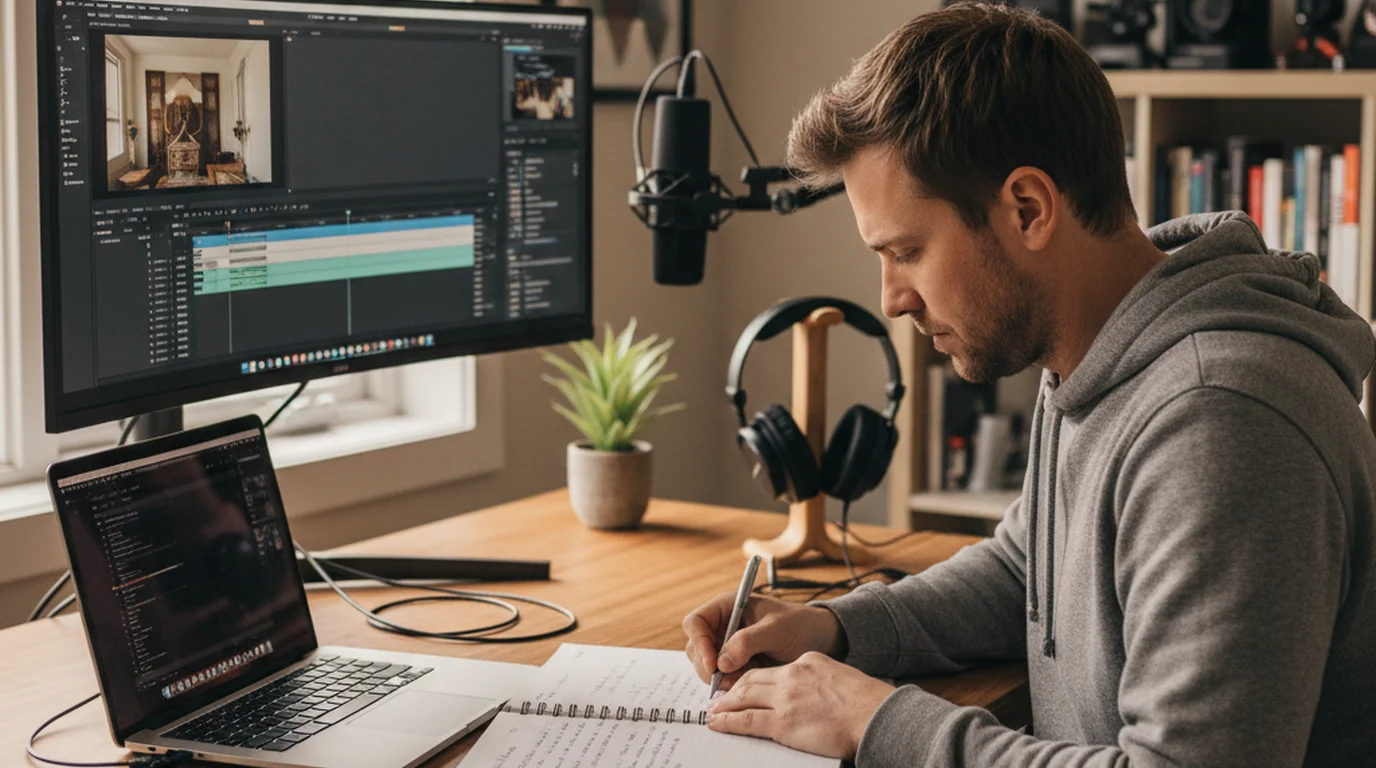
I produce scripted video content for 30-plus brands every month, and the script stage is where most creators lose the most time. Not because writing is hard, but because starting is hard. A blank document and a vague idea of what you want to say produces either procrastination or a first draft that goes in every direction at once. The right script maker — whether that's an AI tool, a structured template, or a dedicated writing app — eliminates the blank page problem and gives you a framework to finish in 20 minutes instead of two hours.
A script maker is any tool that helps video creators write structured scripts, from AI text generators that draft full scripts from a topic prompt to templates that guide you through hook, body, and CTA sections. The best free script makers in 2026 produce a first draft you can actually record from — not a generic outline that still requires full rewriting.
What to Look for in a Video Script Maker
Not all script makers are built for video. Document editors, blog writing tools, and general AI assistants all produce text — but video scripts have specific requirements that most general writing tools ignore.
A video script is spoken language, not written language. It should sound like a real person talking when read aloud. Generic AI outputs often produce formally structured text that sounds fine on a page but monotone and stiff when read to camera. A good script maker either produces spoken-register text or gives you a structure you can fill in conversationally.
Second, video scripts have hard word count constraints. A 60-second TikTok script is 150–180 words. A 10-minute YouTube video is 1,300–1,500 words. A script maker that doesn't account for timing produces either scripts you'll have to cut mid-recording or scripts that end awkwardly early. Before you start writing, confirm your target word count using a speech time calculator — it's a 30-second step that saves significant rewriting later.
Third, the script should connect to your delivery tool. If you're going to read your script from a teleprompter, it matters that the script is formatted for smooth reading — short sentences, clear paragraph breaks, no dense text blocks.
5 Best Free Script Makers for Video in 2026
1. ChatGPT Free / Claude Free — Best AI Script Generator
For raw speed, AI tools produce usable first drafts in under 60 seconds. The prompt that reliably produces video-ready output: "Write a 60-second TikTok script for [your topic]. Target audience: [describe them]. Tone: conversational, direct. Format: hook in the first sentence, 2–3 value points, 1-sentence CTA at the end. Write it to be read aloud, not written."
The output almost always needs two rounds of editing: removing generic phrasing ("In today's digital landscape...") and adjusting the opening hook to be more specific. But starting from a 150-word draft and editing down is consistently faster than starting from zero.
Trade-offs: AI tools make confident factual errors. Any specific claims — statistics, dates, product specs — require verification before recording. For brand content or client work, verify every factual claim independently before delivery.
A 2025 survey by the Creator Economy Report found that 71% of video creators who produce more than 4 videos per week now use AI tools at some stage of their scripting process — up from 29% in 2023. Among creators who used AI for scripting, the average first-draft time dropped from 45 minutes to 8 minutes, but the editing and quality control time remained approximately constant at 20–30 minutes. The net time saving was approximately 17 minutes per script — significant at scale, but not a replacement for editorial judgment.
2. Google Docs with a Script Template — Best for Writers Who Think Visually
Google Docs is free, collaborative, and available everywhere. The limitation is that it's a blank page — but a template fixes that. The 4-part video script structure (Hook / Context / Value / CTA) works for 80% of creator video formats and takes two minutes to set up as a Google Docs template.
The practical advantage of Google Docs for scripting: it syncs everywhere, it's shareable with editors or clients, and the comment feature works for script review. When I'm producing content for multiple brands simultaneously, all scripts live in a shared Google Drive folder with consistent naming conventions — the teleprompter app can access the text directly from a paste.
3. BIGVU — Best All-in-One Script Maker + Teleprompter
BIGVU's built-in script generator produces video scripts directly inside the teleprompter app. The free tier allows limited scripts per month; Pro is $19/month for unlimited. The advantage over ChatGPT is that BIGVU structures output specifically for teleprompter delivery — the pacing and format are designed for the recording workflow, not general writing.
For creators who want to write and immediately record in the same session, BIGVU reduces the friction between scripting and delivery. The weakness is that the AI quality for specific or technical topics is lower than dedicated AI writing tools — it produces better output for generic how-to content than for detailed or data-driven videos.
4. Notion with a Script Database — Best for High-Volume Creators
Notion is free for personal use and works well as a script management system for creators who produce significant volume. A Notion database with properties for video platform, target length, status (draft/reviewed/recorded), and publication date creates a production pipeline rather than a folder of disconnected documents.
Notion AI (paid) can generate script drafts inside Notion, keeping your writing and management in one place. For solo creators managing 10+ scripts per week, the system overhead is worth it. For occasional creators, it's overkill — a Google Doc template is faster.
5. Script Writing with a Teleprompter Side-by-Side (Mac) — Best for Write-Then-Record Workflows
On Mac, split-screen between a writing app (Notes, Pages, or Google Docs in a browser) and the Teleprompter-Scrolling Scripts Mac app creates an effective write-then-immediately-test workflow. Write a section, paste it into the teleprompter, read it aloud at recording speed, identify what sounds wrong, revise. This read-aloud-during-writing technique is the fastest way to catch script problems before recording, because most script problems only become obvious when spoken.
According to SEMrush's 2025 Content Marketing Report, scripted video content produces 43% higher average completion rates than unscripted content across YouTube, TikTok, and Instagram. The report analyzed 50,000 videos across five platforms and found that the completion rate advantage held across content categories, audience sizes, and creator experience levels. The conclusion: scripting is the single highest-leverage production improvement available to most video creators, regardless of current production quality.
The Script-to-Teleprompter Workflow
Once your script is written, the fastest path to recording is: copy the script → paste into a teleprompter app → set scroll speed → record. This workflow takes under 2 minutes when the tools are already open. The bottleneck is always the writing stage, not the delivery setup.
One practical tip from my production workflow: write scripts in short paragraphs of 2–3 sentences maximum, with hard line breaks between sections. When these paste into a teleprompter app, the visual breaks help you naturally pause and breathe during delivery. A script that's a single dense paragraph is harder to read from a scroll, even if the content is identical.
For creators using AI-generated scripts: paste the draft into your teleprompter, read it aloud at recording speed before you finalize. You'll catch three categories of problems immediately: sentences that sound written rather than spoken, word choices that are awkward to say aloud, and pacing that's too fast or too slow for the target video length. Fix those in the source document, repaste, and record. This one read-through step eliminates most retakes.
Frequently Asked Questions
What is the best free script maker for YouTube videos?
For YouTube video scripts, the best free options are: Google Docs with a 4-part template (hook, context, value, CTA), ChatGPT or Claude free tier for AI-generated first drafts, and BIGVU's built-in script generator (free tier). For a structured template without AI, any word processor with the hook-body-CTA framework works for most YouTube formats.
How do I write a script for a video?
Write your thesis (what viewers will know or do). Draft a hook — a counterintuitive statement, specific number, or direct question. Write 2–3 body sections, each making one point with one piece of evidence. Write a close — a specific CTA or open loop. Read it aloud at recording speed — if it sounds like writing, revise it to sound like speaking.
Can AI write a video script for me?
Yes. AI tools like ChatGPT, Claude, and BIGVU's generator produce usable first drafts in under 60 seconds with the right prompt. The output consistently needs editing for voice and pacing. AI scripts also require fact-checking — AI tools make confident errors on specific claims, statistics, and dates. Net time saving: approximately 17 minutes per script for creators who produce regularly.
What is the difference between a script maker and a teleprompter?
A script maker is a writing tool that helps create script content. A teleprompter is a delivery tool that displays and scrolls the finished script during recording. The two work in sequence: write in a script maker, deliver from a teleprompter. Some apps like BIGVU combine both; Teleprompter-Scrolling Scripts focuses on the delivery side.
Write Your Script, Then Deliver It With One Tap
Teleprompter-Scrolling Scripts takes whatever script you've written — AI-generated, handwritten, or from a template — and scrolls it at exactly your recording pace. Free on iPhone, iPad, Mac, and online.
Use Free Online Teleprompter Get the Free App
Maya ChenMaya Chen is a content creator who films on iPhone and coaches solo creators on mobile-first video production for TikTok, Reels, and Shorts. Her work focuses on the part most people skip: how to actually sound natural once the camera is rolling.