Best Tripod for Phone Video Recording in 2026
 Natalie Brooks · May 30, 2026 · 7 min read
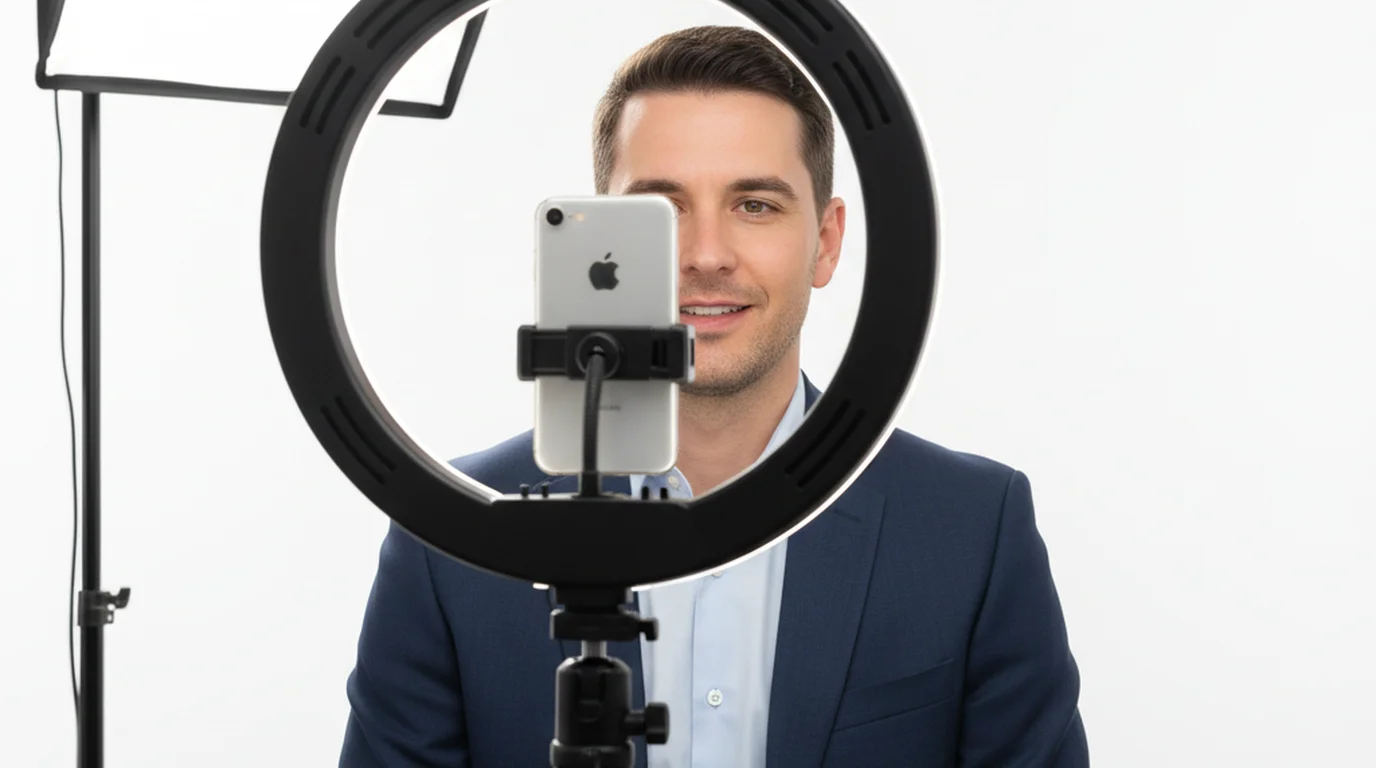
I've filmed on-location interviews, client testimonials, and solo talking-head videos for nearly a decade — often with nothing more than an iPhone and a good tripod. The right tripod for phone video recording doesn't have to be expensive, but the wrong one will cost you takes, retakes, and a sore neck from watching back footage where the phone drifted three inches mid-sentence.
The best tripod for phone video recording in 2026 is the Joby GorillaPod 3K Kit for flexible on-location shooting, and the UBeesize 67-inch phone tripod for budget-conscious creators who need full-height, desk-to-standing coverage at home. Both fit a phone mount, both stay put, and both cost under $60.
Why Your Phone Tripod Choice Actually Matters
A shaky phone isn't just distracting — it signals to your audience that the video was rushed. But the bigger issue I see creators ignore is height. Most cheap tripods max out at 50 inches. If you're 5'8" and filming yourself seated at a desk, that's often not enough to get the lens at eye level without propping the tripod on a stack of books. Eye-level framing is the difference between looking like a creator and looking like someone filming from their lap.
The second thing nobody talks about in unboxing videos: phone mount stability. A mount that wiggles even slightly will cause micro-vibrations that stabilization software can't fully fix.
1. Joby GorillaPod 3K Kit — Best for Travel and Location Shoots
Price: ~$55 | Max height: 11.8 inches (standalone) / wraps around almost anything | Weight: 0.5 lbs
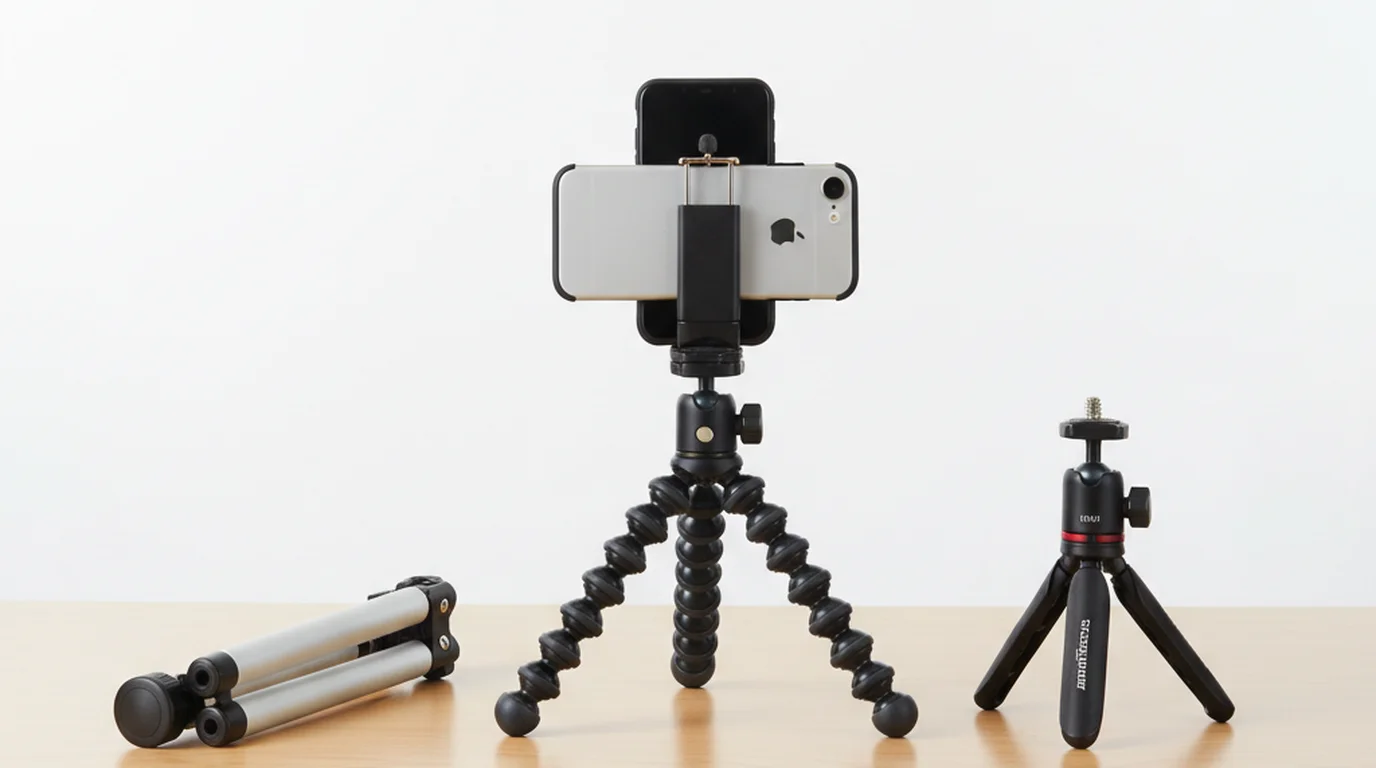
I've used this on client shoots where I needed B-roll and didn't want to carry a full-size tripod. The GorillaPod's flexible legs wrap around railings, hang from branches, or grip the edge of a shelf. For a solo creator shooting in unpredictable environments, that flexibility is genuinely irreplaceable.
The 3K payload rating (3 kg / 6.6 lbs) means it handles any iPhone — including a Pro Max with a case — without flex in the ball head. The kit version includes Joby's GripTight Pro phone mount, which clamps phones up to 3.5 inches wide and has a cold shoe for attaching a small mic or light.
What I'd warn you about: This isn't a standing tripod. If you need to film yourself at eye level while seated or standing, you'll need a separate mount or a taller tripod to perch the GorillaPod on. Think of it as a grip tool more than a full-height tripod.
Best for: Location shoots, travel creators, podcasters who record in coffee shops or varying environments.
2. UBeesize 67-Inch Phone Tripod — Best Budget Full-Height Pick
Price: ~$30–35 | Max height: 67 inches | Min height: 16 inches | Weight: 1.3 lbs
This is the tripod I recommend first to creators who are just getting started and don't want to spend more than $35. At 67 inches fully extended, it gets the phone to eye level whether you're sitting or standing — which matters more than most people realize. I've seen clients drastically improve their video presence just by getting the phone up to face height instead of pointing upward from a desk.
The included phone mount is spring-loaded and holds phones up to 3.7 inches wide. It's not the most rigid mount I've used, but it's more than adequate for static talking-head videos. The tripod itself has rubber feet that grip hardwood and carpet without shifting.
According to a 2024 survey of YouTube creators earning under $50K annually, 61% said they use a phone as their primary recording device, and tripod stability ranked as their top equipment priority after audio. The UBeesize hits that need at a price that doesn't require a sponsor deal to justify.
What I'd warn you about: The ball head loosens over time with repeated extension/retraction. Every six months, tighten the screws where the legs attach. It's a two-minute fix that extends the life of the tripod considerably.
Best for: Home studio setups, YouTubers filming tutorials or talking-head content, podcasters doing video.
3. Ulanzi MT-44 Mini Tripod — Best Desktop Tripod for Talking Head Videos
Price: ~$25–30 | Max height: 14 inches (desktop) | Payload: Up to 2 kg | Weight: 0.4 lbs
Ulanzi builds some of the best value-per-dollar mobile filmmaking gear available. The MT-44 is a compact desktop tripod with aluminum legs that feel solid — not plastic-flex solid, but actually solid. The ball head locks firm and stays locked, which is what separates this from the $8 Amazon specials that creep downward mid-take.
What I particularly like is the Arca-Swiss compatible quick-release plate. If you ever upgrade to a more serious camera setup later, your plate system transfers. At 14 inches max height, this is a desk tripod — designed to sit on your desk or a shelf where you need the phone at eye level for a seated shot.
Best for: Desk-based creators, podcasters recording in portrait mode, anyone who wants a compact setup that doesn't dominate their workspace.
4. Peak Design Travel Tripod — Best Premium Option for Serious Creators
Price: ~$350 (aluminum) / ~$600 (carbon fiber) | Max height: 60 inches | Packed height: 15.5 inches | Weight: 3.1 lbs (aluminum)
I'll be upfront: this is not a beginner tripod. But if you're a creator who also shoots with a mirrorless camera and you want one tripod that does everything, the Peak Design Travel Tripod is in a different category from everything else on this list. The folding leg design packs down to the size of a water bottle, the ball head is one of the smoothest I've ever used, and the center column drops to ground level for low-angle shots.
What I'd warn you about: At $350+, this only makes sense if you're already serious about video production or plan to grow into camera gear. For iPhone-only creators, the UBeesize or Joby will serve you just as well.
Best for: Creator-photographers who shoot hybrid (phone + camera), frequent travelers, creators willing to invest in one piece of gear that lasts a decade.
5. Manfrotto PIXI Mini Tripod — Best Compact Tabletop Tripod
Price: ~$30 | Max height: 5.3 inches | Payload: 2.2 lbs | Weight: 0.3 lbs
The Manfrotto PIXI has been around since 2013 and it's still relevant because Manfrotto simply built it right. The push-button head locks at any angle and stays there. The rubber feet don't budge on a glass desk. It's one of those pieces of gear that's not exciting to talk about but that you grab for every shoot because you trust it.
The PIXI is best for product shots or situations where you need the phone very low — tabletop recipe videos, close-up demos, or any content where the camera is shooting at a subject rather than at you.
Best for: Product demos, tabletop content creators, anyone who needs a tiny, reliable tripod that fits in a jacket pocket.
6. Atumtek 55-Inch Selfie Stick Tripod — Best Hybrid for Vertical Content
Price: ~$25 | Max height: 55 inches (tripod) / 33 inches (selfie stick) | Weight: 0.8 lbs
TikTok and Instagram Reels creators have a different problem than YouTube creators: they often need to move the camera or shoot in spaces too small for a full tripod setup. The Atumtek hybrid solves this with a design that converts from a selfie stick to a standing tripod in seconds. The Bluetooth shutter remote is included and pairs reliably with iPhones. The mount rotates 270 degrees, so switching between portrait and landscape is a five-second adjustment.
Best for: TikTok creators, Reels creators, anyone who switches between vertical and horizontal filming regularly.
Why Tripod Stability Matters for Teleprompter Use
If you use a teleprompter app while filming — which you should, if you're recording scripted content — your tripod height and stability become twice as important.
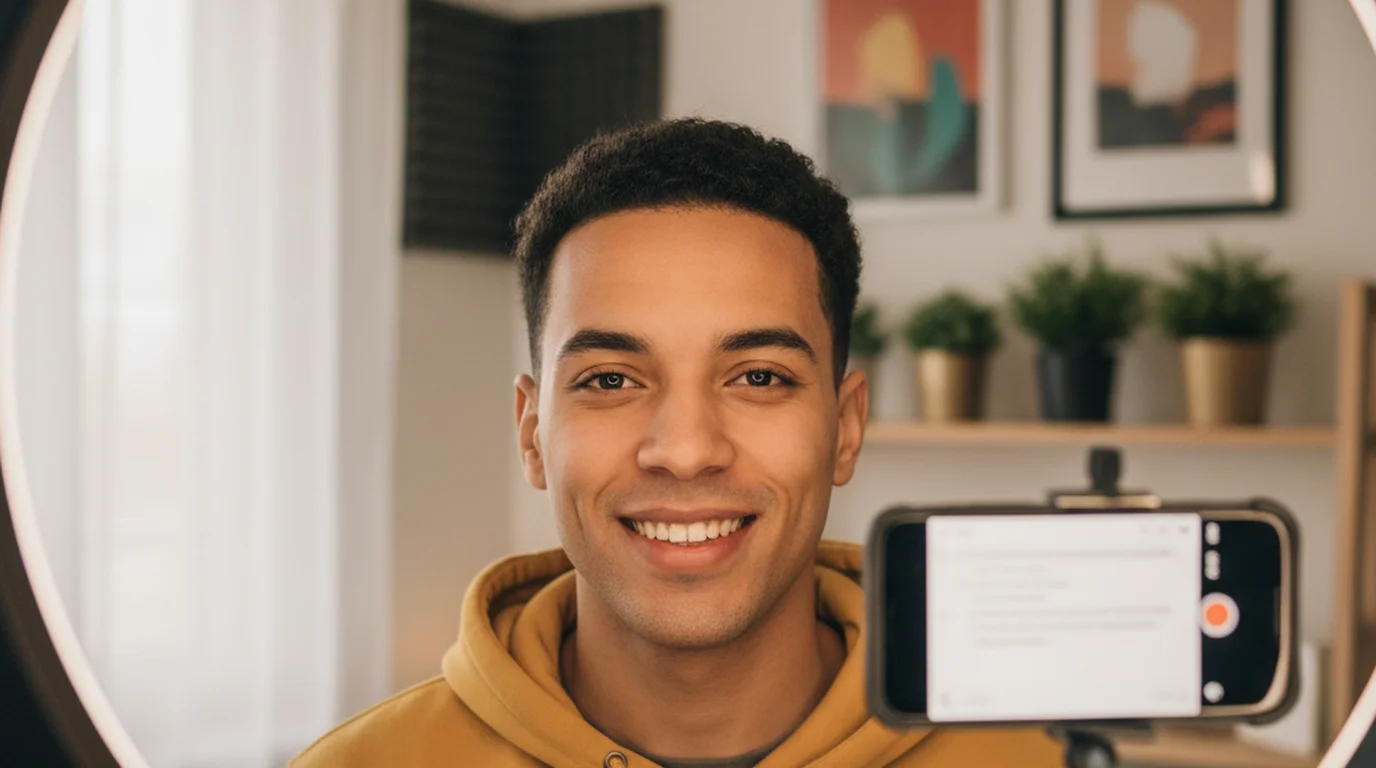
When you read from a teleprompter script that's displayed on your phone screen, your eyes need to be looking directly toward the lens, not downward toward a screen on your desk. A phone tripod that gets your device to eye level lets the teleprompter script appear right in the viewer's line of sight. You look like you're speaking naturally and confidently. A phone that's too low forces your eyes down, and anyone watching can tell you're reading from something off-camera.
The second issue is stability. Teleprompter apps like Teleprompter — Scrolling Scripts work by overlaying your scrolling script on the live camera view. If the phone is wobbling or creeping on a loose mount, the text shifts relative to the lens, and you end up with slight camera drift in your final footage. A locked, stable tripod head eliminates this problem entirely.
I use Teleprompter — Scrolling Scripts for all my scripted recording — it's a free iOS/macOS app where the script overlays directly on the live camera view, and you can position the text anywhere on screen including right beside the lens for natural eye contact.
For desk shooting, the Ulanzi MT-44 or UBeesize 67-inch gets you to the right height. For location work where you need the phone repositioned quickly, the Joby GorillaPod is the fastest to adjust while keeping the phone stable during the take.
How to Choose the Right Phone Tripod
Three questions narrow it down fast:
1. Where are you filming? At a desk or fixed home studio location, a full-height tripod like the UBeesize gives you the most useful range. For travel or changing environments, the Joby's flexibility wins every time.
2. What height do you need? Seated recording at a desk typically needs the phone at 50–60 inches from the floor to hit eye level. Standing recording needs 60–67 inches. Measure your eye height while in your typical recording position before buying.
3. Are you using a teleprompter app? If yes, prioritize a tripod that locks the phone at exactly eye level with a rigid ball head. Any drift or flex will show up in your footage when the script is scrolling.
If you're just getting started and want to spend under $35, the UBeesize is the call. If you travel frequently, add the Joby. If you want one tripod that handles everything for the next five years, save up for the Peak Design.
Frequently Asked Questions
What is the best tripod for phone video recording?
For most solo creators, the Joby GorillaPod 3K Kit or UBeesize 67-inch tripod are the best starting points. The Joby is unbeatable for flexibility and travel, while the UBeesize gives you full-height stability at under $35. Your choice depends on whether you're shooting at a desk, standing, or on the move.
Can I use a regular camera tripod for my phone?
Yes — any tripod with a standard 1/4-inch thread can hold your phone with a universal phone mount adapter. Most phone tripod kits include one. Just confirm the mount clamp fits your phone's width, especially if you use a thick case.
What height tripod do I need for filming myself at a desk?
For desk-level recording where you're seated, look for a tripod that extends to at least 50–55 inches so the phone sits at eye level when you're upright in your chair. Eye-level framing reduces the unflattering chin-up angle and, critically, keeps your gaze aligned with the lens — which matters a lot if you're using a teleprompter app.
Do I need a tripod or a gimbal stabilizer for phone video?
They solve different problems. A tripod is for stationary shots — talking head videos, tutorials, podcasts — where you want a locked, stable frame. A gimbal stabilizer is for moving shots where you need smooth footage while walking. Most creators who film at home need a tripod first; a gimbal comes later if you shoot on location.
What phone mount should I use with a tripod?
Look for a mount with a spring-loaded clamp that fits phones up to 3.5 inches wide, with a standard 1/4-inch screw base. The Ulanzi ST-06S and Joby GripTight mounts are both solid. If you film in portrait and landscape, get one with a 90-degree rotation lock so you don't drift mid-shoot.
What height should a phone tripod be for talking-head videos?
The camera should be at eye level or slightly above — never below. For a typical seated recording, the phone should be at approximately chin-to-forehead height, which usually means a tripod set to 90–110cm extended height when the phone is on a desk setup. For standing to camera, full-size tripods set to 150–165cm work for most heights. Below-eye-level camera angles are unflattering and create a downward gaze that looks unconfident. If your current tripod can't reach eye level when you're seated at a desk, a tabletop tripod on the desk surface often solves the problem more cheaply than a full replacement.
Natalie BrooksNatalie Brooks is a video producer who works as a one-person crew for independent creators, corporate teams, and online educators. She writes about home studio setups, creator gear, and the production decisions that never come up in sponsored unboxings.
Record scripted video without losing eye contact
Pair your tripod with Teleprompter — Scrolling Scripts. Free on iPhone, iPad, and Mac. Camera mode overlays your script on the live view so your eyes stay on the lens — not on notes.
Use Free Online Teleprompter Get the Free App