5 Best Elegant Teleprompter Alternatives (Free and Paid)
 Wendy Zhang · September 23, 2026 · 7 min read
Elegant Teleprompter is an Android app — its own site lists Google Play only, with 5M+ downloads. The floating window it is built around needs a permission iOS does not grant, so moving to an iPhone means changing how the whole thing works. These five cover both directions.
By platform: Teleprompter-Scrolling Scripts if you moved to iPhone, iPad or Mac — records 1080p clean, no account. Teleprompter.com is the only one with a native Android app. BIGVU adds captions and AI scripting. CuePrompter is free with no limits but does not record. Speakflow follows your voice instead of a timer.
1. Teleprompter-Scrolling Scripts — best on iPhone, iPad and Mac
Free tier: 1080p, no watermark, no ads, no account · Paid: 4K and frame-rate choice · Records: yes, in-app · Platforms: iPhone, iPad, Mac, any browser
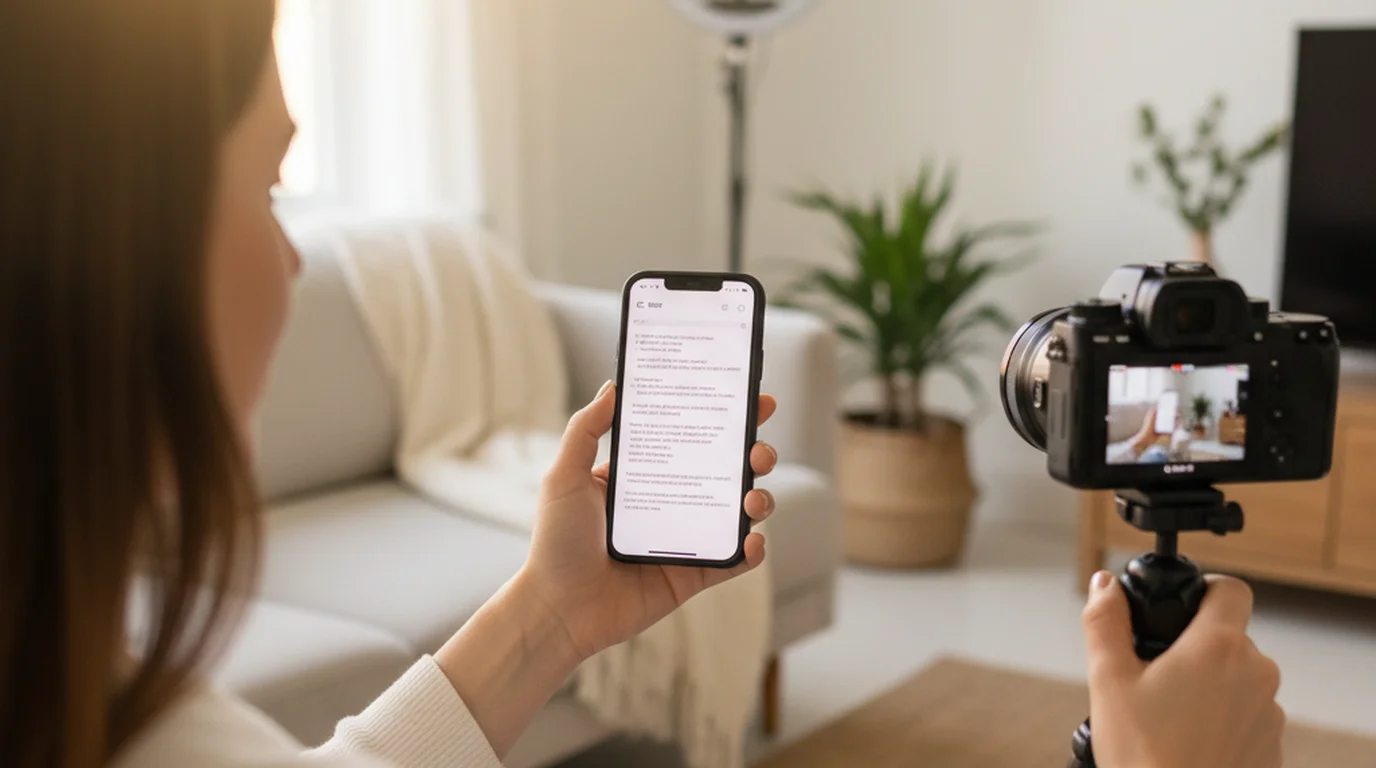
Since the script cannot float over Apple's camera app, this brings the camera inside instead. Camera mode fills the screen with the live viewfinder and scrolls the script over it, recording in the same app — the text ends up at the lens, which is what the floating window was approximating.
Prompter mode is text only for a separate camera; Voice mode advances as you speak. Scripts stay on the device with no account, so it works offline. On desktop the Mac version handles webcam recording and calls.
Where it stops: no native Android app — on Android it is the browser version at teleprompter.works/online, which does not float over other apps either.
2. Teleprompter.com — best if you are staying on Android
Free tier: records with a watermark · Paid: $19.99/mo, or $7.50/mo billed annually · Records: yes · Platforms: iOS, Android, macOS, Web
The only option here with a native Android app, which matters if switching phones is not on the table. Cloud script storage, custom fonts and colours, and remote control come in the free Starter plan across all four platforms.
Teleprompter.com's pricing page states the free Starter plan records with a watermark, and that removing it requires Pro at $19.99 per seat monthly or $7.50 per month billed annually. Pro also adds 4K capture, mirroring, remote preview and subtitle generation. It is the only tool in this comparison with native apps on both mobile platforms.
Where it stops: the free tier watermarks every export, and it records inside its own app rather than floating over your camera app the way Elegant does.
3. BIGVU — if you also need captions
Free tier: 720p with watermark, 9-minute cap, 500 AI credits · Paid: from $12/mo · Records: yes · Platforms: mobile and web
A production stack rather than a prompter: AI script generation, auto-captioning, branded overlays and posting straight to social channels. For short-form video where captions are not optional, that folds two tools into one.
Where it stops: the free plan caps each recording at 9 minutes and watermarks 720p exports, so it functions as a trial. The BIGVU comparison has the full pricing breakdown.
4. CuePrompter — best for scrolling text and nothing else
Free tier: everything, no limits · Paid: none · Records: no · Platforms: any browser
Running in browsers since the early 2000s, it states it is "100% free for both commercial and non-commercial projects. No watermarks, no limits." No account, no install, identical on any device — the lowest-friction way to get scrolling text on a screen.
Where it stops: it does not record, so you need a second device or a separate camera. That is precisely the setup Elegant's floating window exists to avoid.
5. Speakflow — best for unscripted delivery
Free tier: auto-scroll, limited voice-following, 7-day script history · Paid: Plus $19/mo, Studio $129/mo · Records: no · Platforms: Web plus a desktop app
Flow follows your voice rather than running at a fixed words-per-minute rate, so pauses and ad-libs do not leave you chasing the text. Plus adds a virtual teleprompter overlay for video calls, bookmarks, voice commands and multi-device sync.
Where it stops: unlimited voice-following is paid, the free plan keeps only 7 days of script history, and it does not record video.
Side by side
| Platforms | Records | Free tier limit | Cheapest paid | |
|---|---|---|---|---|
| Teleprompter-Scrolling Scripts | iPhone, iPad, Mac, browser | Yes, 1080p clean | 4K is paid | Optional |
| Teleprompter.com | iOS, Android, macOS, Web | Yes | Watermark | $7.50/mo annually |
| BIGVU | Mobile, web | Yes | 720p, watermark, 9 min | $12/mo |
| CuePrompter | Any browser | No | None | — |
| Speakflow | Web, desktop app | No | 7-day history | $19/mo |
| Elegant Teleprompter | Android (iOS build exists) | Floats over camera app | Ads | Pro (one-off) |
Why the floating window is missing on iPhone
Elegant Teleprompter is built around one Android permission — "draw over other apps" — which lets it render on top of the camera app, Zoom, or anything else. iOS does not offer that to third-party developers. Apple reserves cross-app overlay for system features such as Picture in Picture and CallKit.
So on Apple hardware the question is not which app floats best. It is which app brings the camera inside itself, which is what option 1 does and why it leads this list. On Android, the floating window is still the best version of this idea — and Elegant is the app built around it.
Frequently Asked Questions
Is there an elegant teleprompter app available?
Yes. Elegant Teleprompter ships as a free ad-supported app and a paid Pro version on Google Play, and there is also a build on the App Store. The developer's own site lists only the Google Play versions and reports 5M+ downloads there, which is a fair signal of where the app is maintained most actively.
How to use an elegant teleprompter with a camera?
On Android, grant the draw-over-other-apps permission, open your camera app, then bring up the prompter's floating window and position it near the lens. On iPhone or iPad that flow is not available, because iOS does not give third-party apps permission to draw over other apps. Use a prompter with a built-in camera mode instead.
Does Elegant Teleprompter work on iPhone?
There is an iOS build on the App Store, but the floating window that defines the Android version cannot work there — iOS reserves cross-app overlay for system features such as Picture in Picture. On Apple devices, a prompter that renders the camera inside its own screen gets you the same result.
What to use instead of a teleprompter?
Short scripts can be reduced to bullet notes taped beside the lens, which keeps the eye-line close without any software. Beyond roughly ninety seconds of copy that stops working: recall effort shows up as pauses and rushed delivery. At that point a scrolling prompter is less effort than memorising, not more.
Which teleprompter is the best?
It depends on the platform. On iPhone, iPad or Mac, an app with a built-in camera mode covers the most ground. On Android, either Teleprompter.com or an app with a floating window. For a stage or studio setup, a beam-splitter rig with mirrored text still wins.
Is a free teleprompter app good enough for recording?
For most talking-head video, yes — as long as the free tier does not watermark the export. Option 1 records 1080p clean; Teleprompter.com's free plan adds a watermark. 1080p is above what social platforms re-encode to anyway, so the paid tiers matter mainly for 4K masters.
Does a teleprompter app work without an internet connection?
A native app does, because scripts are stored on the device — useful on location and on planes. Browser-based prompters such as CuePrompter need a connection to load the page. Cloud sync, as used by Teleprompter.com, requires a connection on both sides.
Can you use a teleprompter while recording on iPhone?
Yes, with an app that records inside itself. Camera mode shows the live viewfinder with the script scrolling over it and captures video at the same time, so nothing has to float on top of Apple's camera app. Scroll speed is set in words per minute and can be adjusted mid-take.
Try the Apple-side alternative
Camera mode, Prompter mode and Voice mode on iPhone, iPad and Mac — no account, no ads, no watermark. On Android or a PC, the browser version at teleprompter.works/online opens without an install.
Use Free Online Teleprompter Get the Free App