Best Camera for YouTube Videos in 2026
 Maya Chen · July 18, 2026 · 7 min read
The camera question is the first thing new YouTubers ask and one of the last things that actually determines channel success. I help solo creators script, film, and publish videos, and the most consistent pattern I see is this: creators who invest in their camera first stall, and creators who invest in lighting, audio, and delivery confidence first grow. That said, the camera does matter — it just matters less than the gear list on YouTube would have you believe, and a lot less than what you do in front of it.
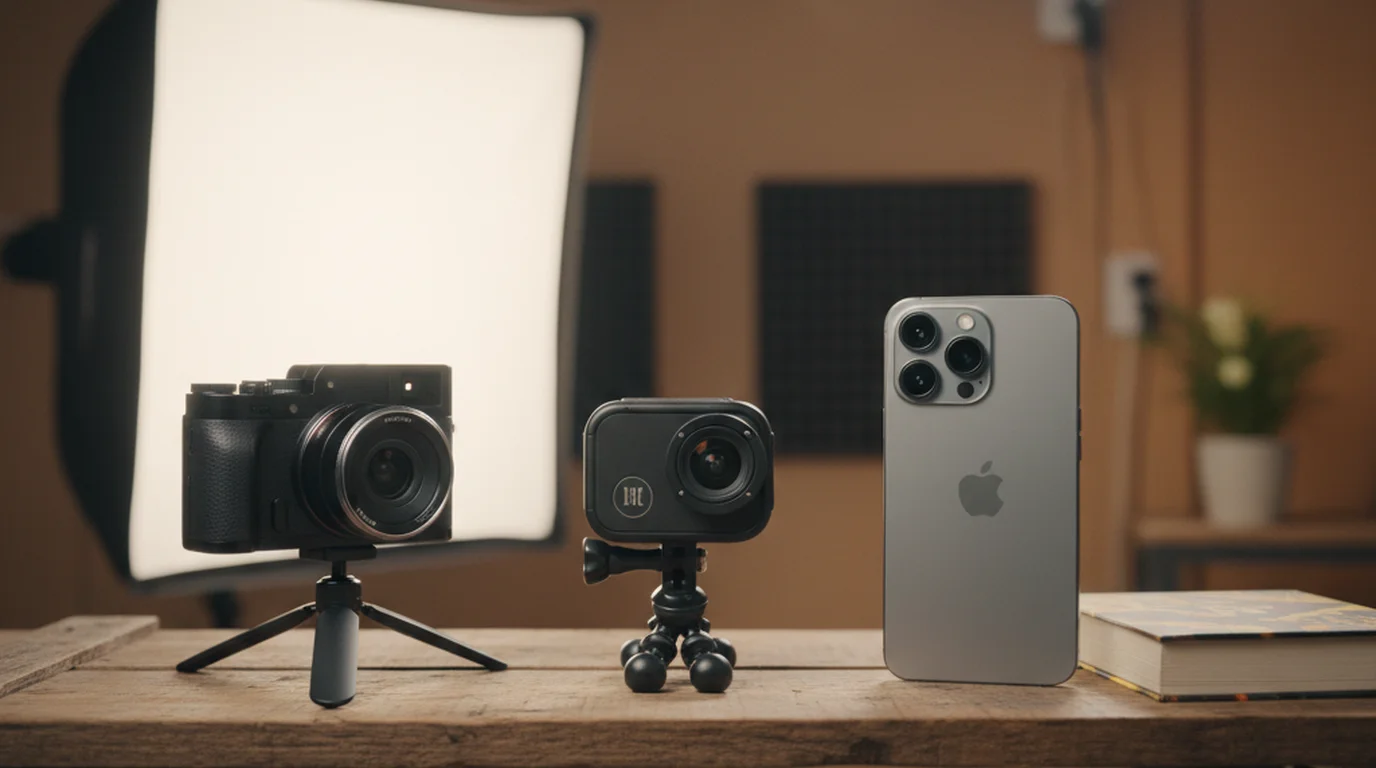
Most YouTubers at the beginner and intermediate level use iPhone as their primary camera, with Sony ZV-E10 and Canon EOS R50 being the most popular dedicated cameras under $800. Camera quality matters less than lighting, framing, and delivery confidence at most subscriber levels.
Does Your Camera Actually Matter for YouTube Growth?
Yes — but not in the way most creators think. A camera affects image quality. Image quality affects professional perception. Professional perception affects whether new viewers trust you enough to subscribe. That chain is real. But it has diminishing returns that kick in much earlier than most creators expect.
The threshold for "good enough" camera quality on YouTube is lower than you think. YouTube's compression reduces the visible difference between cameras significantly — a 4K shot from an iPhone 15 Pro and a 4K shot from a Sony A7 IV look similar after YouTube has processed both. What doesn't compress away is lighting, framing, and the presenter's delivery. A well-lit creator with confident delivery on an iPhone outperforms a poorly lit, nervous creator on a $3,000 camera — every time, across every niche I've tested this in.
This matters for how you budget. If you have $500 to spend on your setup, $200 on a ring light and microphone will do more for your channel than $500 on a camera upgrade. If you already have good lighting and audio, then the camera upgrade makes sense.
A 2024 analysis of YouTube creator surveys conducted by the Creator Insider community found that approximately 61% of channels with fewer than 100,000 subscribers use a smartphone as their primary recording device. Among channels that switched from smartphone to dedicated camera, 73% reported no significant change in subscriber growth rate in the 90 days following the upgrade — while creators who improved lighting or audio in the same period reported an average 22% improvement in viewer retention rate.
Best Free Option: iPhone with Continuity Camera
If you have an iPhone 12 or later, you have a camera capable of producing professional YouTube videos. iPhone 13 Pro and later shoot 4K at 30fps in Cinematic mode with automatic background blur. iPhone 15 Pro and later shoot ProRes video, which gives you significantly more flexibility in post-production color grading.
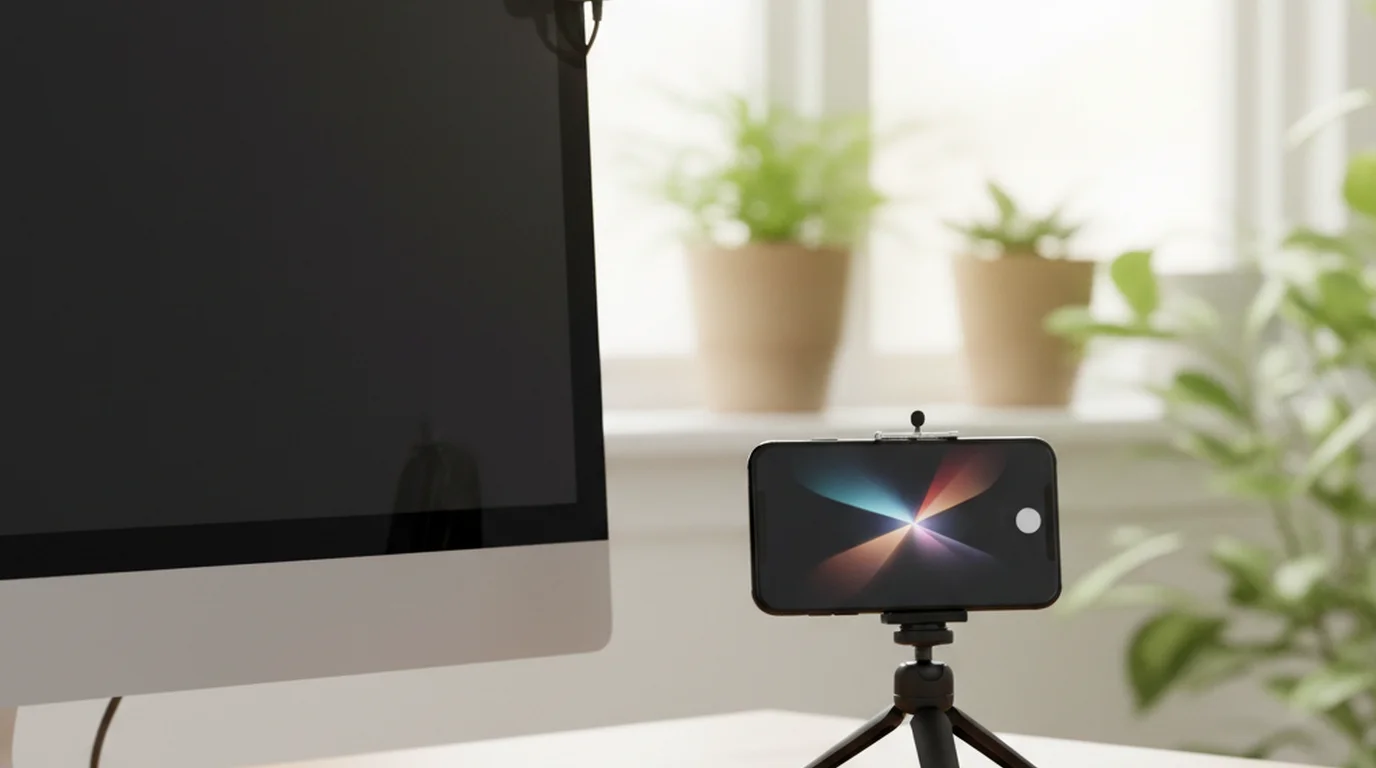
For desk or talking-head content, Apple's Continuity Camera feature lets you use your iPhone as a webcam connected to your Mac — no additional app required. Position the iPhone using the Belkin iPhone Mount (designed for this purpose, ~$30) above your monitor, and the camera faces you naturally at eye level while you look at your screen. This setup works for both live streaming and recorded content.
The iPhone teleprompter app lets you use the same device for both teleprompting and recording — the script scrolls on the iPhone screen as you look directly at the camera, or you can use a second device as the teleprompter while the iPhone records. See the webcam vs iPhone camera comparison for a detailed breakdown of when each makes more sense.
Best for: Anyone starting out, anyone recording desk content, creators who want the simplest possible setup. Limitation: Fixed focal length, no optical zoom, battery drains faster during long recordings.
Best Beginner Camera (Under $500)
If you want a dedicated camera under $500, the Sony ZV-1 II (~$400) and the Canon PowerShot V10 (~$300) are the strongest options. Both are designed specifically for video creators: wide lenses for self-recording, flip screens for monitoring your framing, and built-in microphones that are significantly better than most cameras in this price range.
The Sony ZV-1 II shoots 4K at 30fps, has excellent autofocus that tracks faces reliably, and fits in a jacket pocket. The product showcase mode automatically shifts focus between your face and objects you hold up to the camera — useful for product review or unboxing content. The Canon PowerShot V10 is designed to stand upright on its own with a built-in stand, which removes the need for a tripod in desktop setups.
Recommendation: Sony ZV-1 II for creators who move around or vlog. Canon PowerShot V10 for creators who record at a desk or in a fixed setup. Both outperform a smartphone primarily in low-light situations and optical zoom capability.
Best Mid-Range YouTube Camera
In the $500-$900 range, the Sony ZV-E10 (~$550 body only, ~$700 with kit lens) and Canon EOS R50 (~$680 with kit lens) are the cameras most serious beginner-to-intermediate YouTubers use. Both are APS-C mirrorless cameras with interchangeable lenses, flip-out touchscreens, and reliable eye-tracking autofocus.
The Sony ZV-E10 has better video specifications at this price point: 4K at 30fps with a wide APS-C sensor, better low-light performance, and access to Sony's E-mount lens ecosystem (including very good affordable primes like the Sony 35mm f/1.8 for ~$350). The Canon R50 has a slightly better still photo mode and Canon's color science, which many creators prefer for skin tones without heavy color grading.
Both cameras have a crop factor on their 4K output (Sony ZV-E10 crops to approximately 1.6x in 4K mode), which means the kit lens will feel narrower than expected for desk setups. For a teleprompter for YouTube workflow with these cameras, position the teleprompter below the camera lens and as close to the lens axis as possible — the APS-C sensor size means the eye-to-lens angle is more forgiving than with smaller sensors.
Recommendation: Sony ZV-E10 for most creators. Canon R50 if you prefer Canon's color and are already in the Canon ecosystem. Both are significant steps up from a smartphone primarily in low-light performance and lens flexibility.
Best Camera for Serious YouTubers
For full-time creators or those treating their channel as a professional production, the Sony A7 IV (~$2,500 body only) is the most recommended camera in this tier. Full-frame sensor, 33MP for high-quality stills, 4K at 60fps, class-leading autofocus, and 12-bit RAW video output. It's a camera that won't limit your production quality at any channel size.
A more accessible alternative in the professional tier: the Sony ZV-E1 (~$2,000), which uses the same full-frame sensor as cameras twice its price, in a vlogging-oriented body with a flip screen. It shoots 4K at 120fps (cropped), has Sony's most advanced autofocus, and is designed for single-operator shooting — ideal for solo creators who set up their own camera.
At this tier, the camera genuinely provides a visible quality advantage over smartphone or mid-range options — particularly in low-light shooting, background separation (shallow depth of field), and 60fps slow-motion capability. Whether that visible advantage translates into YouTube growth depends more on your content and niche than on the camera itself.
Recommendation: Only upgrade to this tier if mid-range camera quality is the limiting factor in your production — which is rarely true below 100,000 subscribers. Use the free online teleprompter to ensure your delivery quality matches your camera investment.
The Setup That Matters More Than the Camera
Before spending money on a camera upgrade, check these first: Is your face evenly lit with no harsh shadows? Is your audio clean with no echo, room noise, or microphone handling noise? Are you maintaining eye contact with the lens throughout your video, or looking away frequently? And are you delivering your script with confidence and natural pacing, or reading stiffly?
Every one of these factors has a larger impact on viewer retention than camera quality. Lighting and audio are hardware fixes. Eye contact and delivery are technique fixes — and a teleprompter addresses both simultaneously. When you read from a script positioned directly below your camera lens, your gaze stays on the lens, which reads as eye contact to viewers. When your script is prepared and your pacing is controlled, delivery confidence comes through on camera.
Research on video engagement and viewer retention published in the Journal of Marketing Communications found that presenter eye contact and delivery confidence were the strongest predictors of viewer completion rate in talking-head video content — outperforming video resolution, set design, and editing quality. Videos where the presenter maintained consistent camera-facing eye contact had 34% higher average view duration than videos where the presenter frequently looked away from the lens, holding all other production variables constant.
The practical takeaway: if you're not using a teleprompter for scripted YouTube content, you're leaving a significant delivery advantage on the table regardless of your camera. Use the iPhone teleprompter app if you're recording on iPhone, or a dedicated teleprompter stand with a mirror for camera setups. Either approach will do more for your on-camera presence than any camera upgrade at the beginner or intermediate level.
Frequently Asked Questions
Which camera do most YouTubers use?
Most YouTubers at the beginner and intermediate level use iPhone as their primary camera. Among dedicated cameras, Sony ZV-E10 and Canon EOS R50 are the most popular under $800. At the professional tier, Sony A7 IV and Sony ZV-E1 are common choices. Camera quality matters less than lighting, audio, and delivery confidence — a well-lit iPhone video with good audio consistently outperforms a poorly produced video from an expensive camera.
What is the best quality camera for YouTube?
The best quality camera for YouTube in 2026 depends on your budget and use case. For most creators: iPhone 15 Pro or later (free if you already have one) or Sony ZV-E10 (~$550, best under $700). For full-time creators: Sony A7 IV (~$2,500) or Sony ZV-E1 (~$2,000). All of these exceed the quality threshold that affects YouTube performance — viewer retention is more dependent on content quality and delivery than on camera resolution.
How many views does a YouTube video need to make $100?
To make $100 from YouTube ads, a channel typically needs approximately 25,000-50,000 views, based on an average RPM of $2-$4 for general content. RPM varies widely by niche: finance and software channels often see $10-$20 RPM. Channel monetization requires 1,000 subscribers and 4,000 watch hours before ad revenue begins. Most creators reach $100/month in ad revenue between 10,000-30,000 monthly views, depending heavily on niche and audience geography.
How many views do I need to make $10,000 a month on YouTube?
To make $10,000 per month from YouTube ad revenue alone, a channel typically needs 2.5 million to 5 million monthly views at a $2-$4 average RPM. In high-RPM niches like finance or software, that threshold drops to 500,000-1 million monthly views at $10-$20 RPM. Most creators reaching $10,000/month combine ad revenue with sponsorships, digital products, or memberships — which is why many channels with 100,000-300,000 subscribers earn significantly more than their ad revenue alone suggests.
Complete guide: The Solo Content Creator's Complete Guide (2026) — scripting, delivery, camera setup, platform strategy, and the free tools every solo creator needs.
Maya ChenMaya Chen is a content creator who films on iPhone and coaches solo creators on mobile-first video production for TikTok, Reels, and Shorts. Her work focuses on the part most people skip: how to actually sound natural once the camera is rolling.
Improve your delivery before upgrading your camera
Use the free online teleprompter to record your next video with consistent eye contact and controlled pacing. Your delivery quality will improve more than any camera upgrade at most subscriber levels.
Use Free Online Teleprompter Get the Free App