TikTok Built-In Teleprompter vs Teleprompter App
 Maya Chen · August 14, 2026 · 8 min read
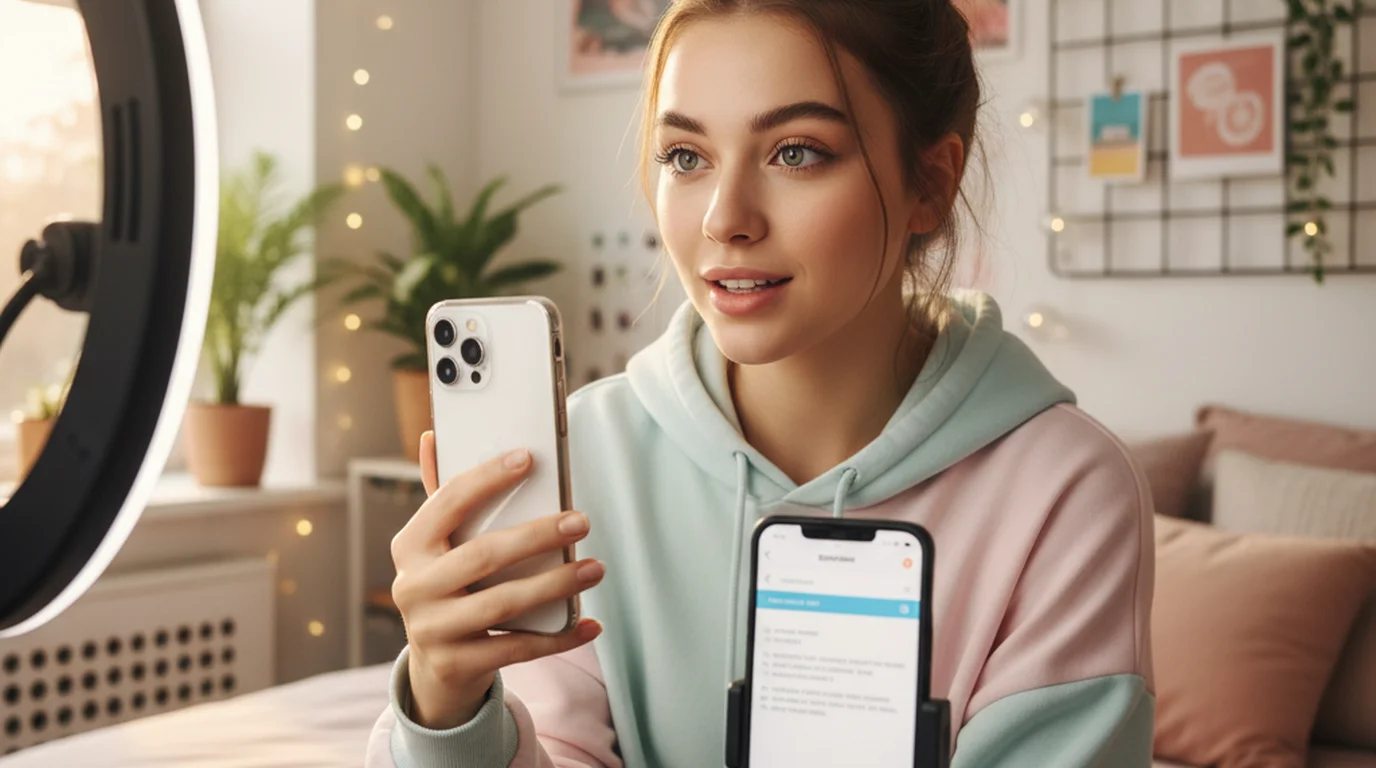
Almost every guide to the TikTok teleprompter stops at the tutorial: here's the button, here's where you paste your script. That leaves the question creators actually ask once they've tried it: is the built-in one enough, or is it making the job harder than it needs to be? Across scripted brand takes filmed both ways, the answer splits cleanly along one line — and for plenty of creators the built-in feature genuinely wins.
TikTok does have a built-in teleprompter in its in-app camera. It's the right choice for short, single-take clips recorded directly in the app. A separate teleprompter app is better when a script runs long, when several takes are needed, when rehearsal without recording matters, or when shooting on iPad or Mac.
New to reading scripts on camera? Start with the broader guide to using a teleprompter for TikTok, then come back here to choose your tool.
Does TikTok have a teleprompter?
Yes. TikTok added a teleprompter to its in-app camera, and it sits alongside the other capture tools rather than in a separate menu — so using a teleprompter on TikTok takes no setup at all. Open the record screen, look in the tools or effects panel, and you'll find a teleprompter option. Paste or type your script, and the text scrolls over the viewfinder while you record.
There's a second, easily confused feature aimed at a different audience. TikTok Shop sellers get a "Prompter for Creators" tool intended for live commerce, where hosts read product talking points during a stream. That one lives in TikTok's seller documentation rather than the creator tools, which is why the two get confused — separate surface, separate purpose.
The critical constraint is easy to miss until it bites you: the built-in prompter only runs while you record inside TikTok. It does nothing for footage you shoot in your phone's camera app and upload afterwards. If your workflow involves any editing before posting, the teleprompter is unavailable at exactly the moment you're recording.
How the TikTok teleprompter works
Once it's activated, your script appears as a semi-transparent band over the camera preview and auto-scrolls at a set speed. You read while the camera captures you, and the clip lands in TikTok's editor for captions, sounds, and effects.
The mechanism explains most of its limitations. The prompter is a layer on the record screen, which means it exists only while the record screen exists. There's no way to run the script without the camera on, no way to keep it open next to a different recording tool, and no way to reposition it far from where the app puts it. Every design decision follows from being a capture feature rather than a reading tool.
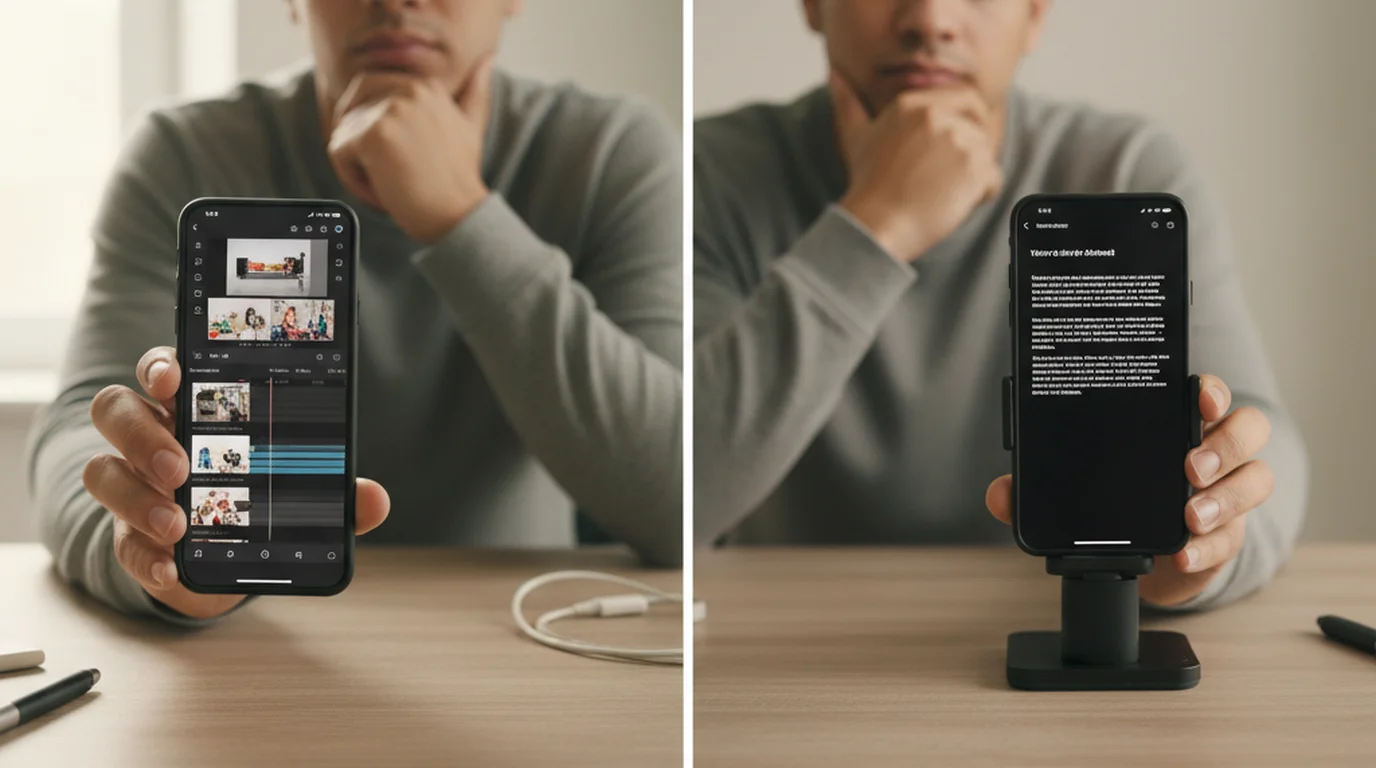
A built-in teleprompter and a standalone teleprompter app solve different halves of the same problem. The built-in version optimises for the fewest taps between script and published clip. A teleprompter app optimises for the quality of the read itself — how close the text sits to the lens, how long you can rehearse, how many takes you can run. Neither is strictly better; they trade convenience against control.
Where the TikTok teleprompter runs out of room
Four limits of the TikTok teleprompter come up repeatedly, and each is a consequence of that design rather than an oversight.
- No rehearsal mode. You cannot scroll the script without the camera running. Practising means recording takes you'll delete, which is fine once and tedious by the fifth attempt.
- Fixed text placement. The script sits where the app puts it. If that band is far from the lens, your eyes visibly travel — the single clearest giveaway that someone is reading.
- Longer scripts get uncomfortable. Short hooks are fine. A two-minute explainer means a lot of text moving through a narrow band, and the scroll speed that suits your opening rarely suits your close.
- Phone only. If you shoot on an iPad for the bigger screen, or record talking-head segments on a Mac webcam, the in-app prompter isn't part of that setup at all.
None of this matters for a fifteen-second hook. All of it matters for a scripted series.
What a separate teleprompter app does differently
A teleprompter app treats the script display as the product rather than a step in a posting flow, which changes what it can offer.
Prompter mode runs the script with the camera off. A creator can rehearse a delivery five times, time the pacing, and only then start recording — or keep the script scrolling on a second device while recording on the main one. It is the feature most often missed after switching from a built-in prompter.
Text placement and size are yours to set. You can push the text right up under the front camera so your gaze barely leaves the lens, and size it so each line takes a short eye movement. The iPhone teleprompter app keeps those settings between sessions, so your setup is a one-time decision.
Takes are cheap. Scripts are saved and reusable, so recording the same segment four times costs nothing but time. You're not re-pasting text into a record screen on every attempt.
It works beyond TikTok. The same script runs for a YouTube Short, a Reel, a client video, or a Zoom call. Cross-posting creators get more out of this than anything else on the list.
TikTok teleprompter vs a teleprompter app: full comparison
The TikTok teleprompter and a standalone app, side by side, on the dimensions that change how a take actually goes:
| TikTok built-in teleprompter | Teleprompter app (Scrolling Scripts) | |
|---|---|---|
| Cost | Free, inside TikTok | Free, no account |
| Setup time | Fastest — already open | One extra app to open |
| Rehearse without recording | No | Yes (Prompter mode) |
| Text position control | Fixed | Adjustable |
| Font size & scroll speed | Basic | Full control |
| Saved, reusable scripts | No | Yes |
| Long scripts | Gets uncomfortable | Built for them |
| iPad & Mac | No | Yes |
| Works offline | No | Yes |
| Use for Reels, Shorts, Zoom | No | Yes |
| Posts straight to TikTok | Yes | Export, then upload |
| Best for | Short single-take clips | Scripted, repeatable content |
Note the last two rows pointing in opposite directions. The built-in tool wins on the final step; the teleprompter app wins on every step before it.
Does TikTok detect screen recording?
This comes up constantly among creators weighing an outside app, and it's worth answering plainly because the worry stops people using a better tool for no reason. Creators ask it because they assume an outside teleprompter somehow counts as screen recording, and that TikTok might suppress the video for it.
It doesn't, and it isn't. A separate teleprompter app displays text on your screen while your camera records you. Nothing is captured from TikTok, and no screen recording happens at any point. What you upload is an ordinary video file, identical in every respect to one shot in your phone's camera app.
Using an external teleprompter to record a video is not screen recording and does not produce a screen recording. The camera captures the speaker; the script is simply displayed nearby for them to read. The resulting file is a standard video with no metadata indicating how the speaker remembered their lines — which is why broadcast news has used the same technique on air since the 1950s.
The genuine risk with a teleprompter isn't detection. It's looking like you're reading — a delivery problem, solved by text placement and pacing, not by avoiding the tool.
Which one should you choose?
Use the TikTok teleprompter if your clips are short, you record and post in one sitting, you're on your phone, and a rough first take is usually good enough. The convenience is real and a separate app would only slow you down.
Use a separate teleprompter app if any of these apply: scripts over roughly a minute; several takes per video; brand copy you must deliver word-for-word; rehearsal before recording; shooting on iPad or Mac; or cross-posting the same script to Reels and Shorts. If you're weighing editing apps too, the same logic applies to CapCut's built-in teleprompter, which shares the identical in-app-only constraint.
The honest dividing line is volume. One scripted video a week? Built-in is fine. Several a week, or brand work where the wording is fixed? The control pays for the extra app within a couple of sessions.
The hybrid workflow most scripted creators land on
The two aren't mutually exclusive, and the combination is what experienced creators tend to settle into.
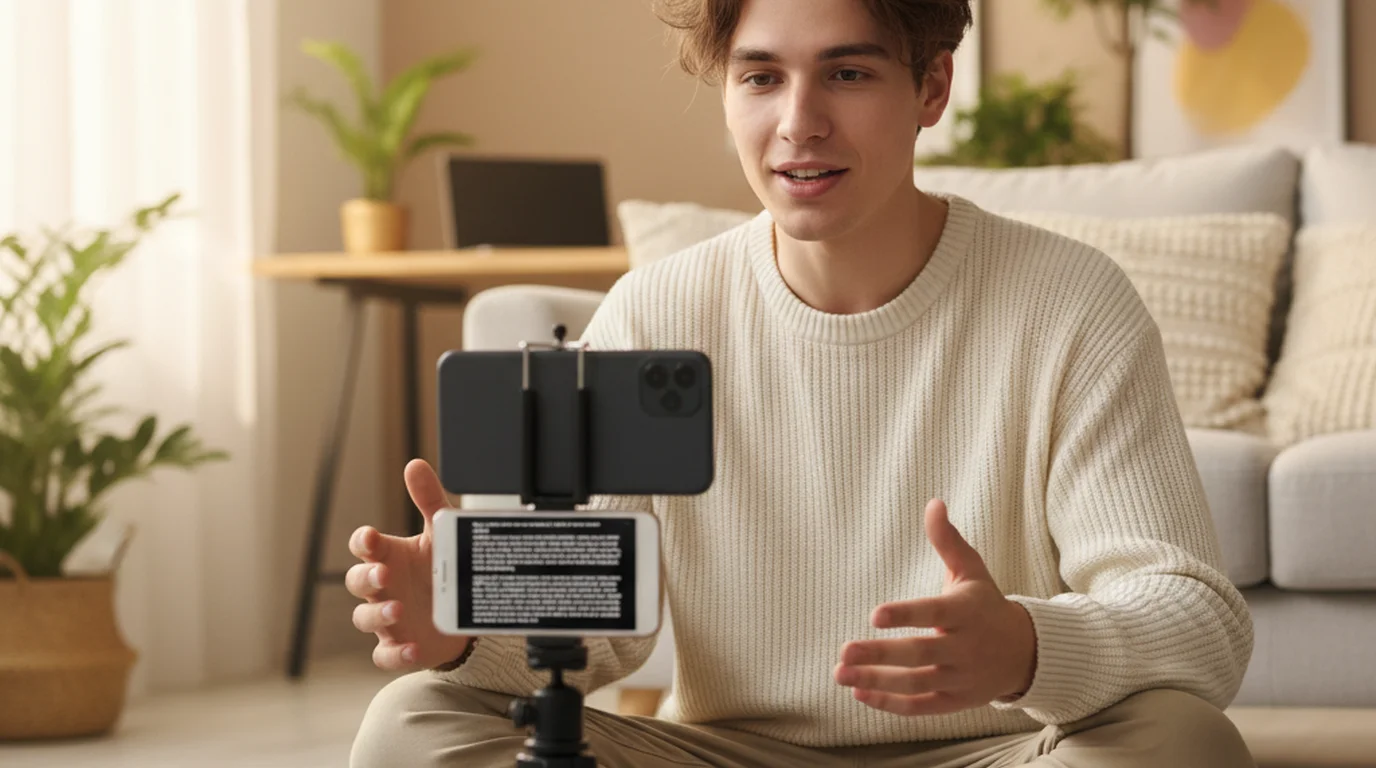
Write and store your scripts in the teleprompter app. Record with Camera mode, positioning the text under the lens and running as many takes as you need. The clip saves to your camera roll as a standard video. Open TikTok, upload it, and use the app for what it's genuinely best at — captions, sounds, effects, and the post itself.
You lose the one-tap convenience of recording in-app. You gain control over the read, plus one script library that serves every platform you post to. If you're recording from a desk rather than a phone, the free online teleprompter runs in a browser tab beside whatever you're capturing with, no install required.
Frequently Asked Questions
Is there a teleprompter feature on TikTok?
Yes. TikTok includes a teleprompter in the in-app camera. Open the record screen, tap the tools or effects panel, and select the teleprompter option to paste a script. The text then scrolls over the viewfinder while you record. It works only for clips recorded inside TikTok itself, not for footage you shoot elsewhere and upload.
What is the best teleprompter app for TikTok?
For short single-take clips, TikTok's built-in teleprompter is the fastest option because it needs no extra app. For longer scripts, multiple takes, rehearsal before recording, or recording on iPad and Mac, a separate teleprompter app such as Teleprompter-Scrolling Scripts gives you adjustable text position, scroll speed control, and a rehearsal mode that records nothing.
Does TikTok detect screen recording?
This question usually comes from creators worried that using an outside teleprompter will be flagged. It will not be. A separate teleprompter app displays text on your screen while your camera records you — nothing is captured from TikTok, and no screen recording takes place. You are simply reading, which is what a teleprompter has always been for.
Do influencers use teleprompters?
Many do, particularly for sponsored content where the brand supplies approved wording that cannot be paraphrased. Teleprompters are most common in talking-head formats — explainers, product reviews, and educational series — where accuracy matters more than spontaneity. Creators who post several scripted videos a week generally rely on one to avoid re-recording after every stumble.
Is there an app that acts as a teleprompter?
Yes. Dedicated teleprompter apps exist for iPhone, iPad, Mac, and the browser. Teleprompter-Scrolling Scripts is free, requires no account, and offers Camera mode for recording with a script overlay plus Prompter mode for reading without recording. A browser-based teleprompter is also available if you are working from a laptop.
Is CapCut teleprompter free?
Yes, CapCut's teleprompter is included in the free version of the app and sits inside its record screen. It shares TikTok's core limitation: the prompter only runs while you record inside that app, so it cannot help you rehearse or read a script during a livestream or video call.
How to get TikTok to read text out loud?
That is text-to-speech, not a teleprompter — a different feature. Add a text overlay to your clip, tap it, and choose Text-to-speech to have a synthetic voice narrate it. A teleprompter does the opposite: it shows the script to you so that you speak it in your own voice.
Can I use a teleprompter for TikTok without it being obvious?
Yes, if you keep the text close to the lens and slow the scroll. Reading gives itself away through eye movement, so position the script directly beneath the front camera and use a font large enough that your eyes travel a short distance per line. Recording in short segments rather than one long take also keeps delivery natural.
Maya ChenMaya Chen is a content creator who films on iPhone and coaches solo creators on mobile-first video production for TikTok, Reels, and Shorts. Her work focuses on the part most people skip: how to actually sound natural once the camera is rolling.
Try a teleprompter app for your next TikTok
Free on iPhone, iPad, and Mac. Adjustable text position, Camera mode, Prompter mode for rehearsal, and saved scripts you can reuse across every platform — no account required.
Use Free Online Teleprompter Get the Free App