Teleprompter for TikTok: read scripts on iPhone while recording
 Maya Chen · June 7, 2026 · 6 min read
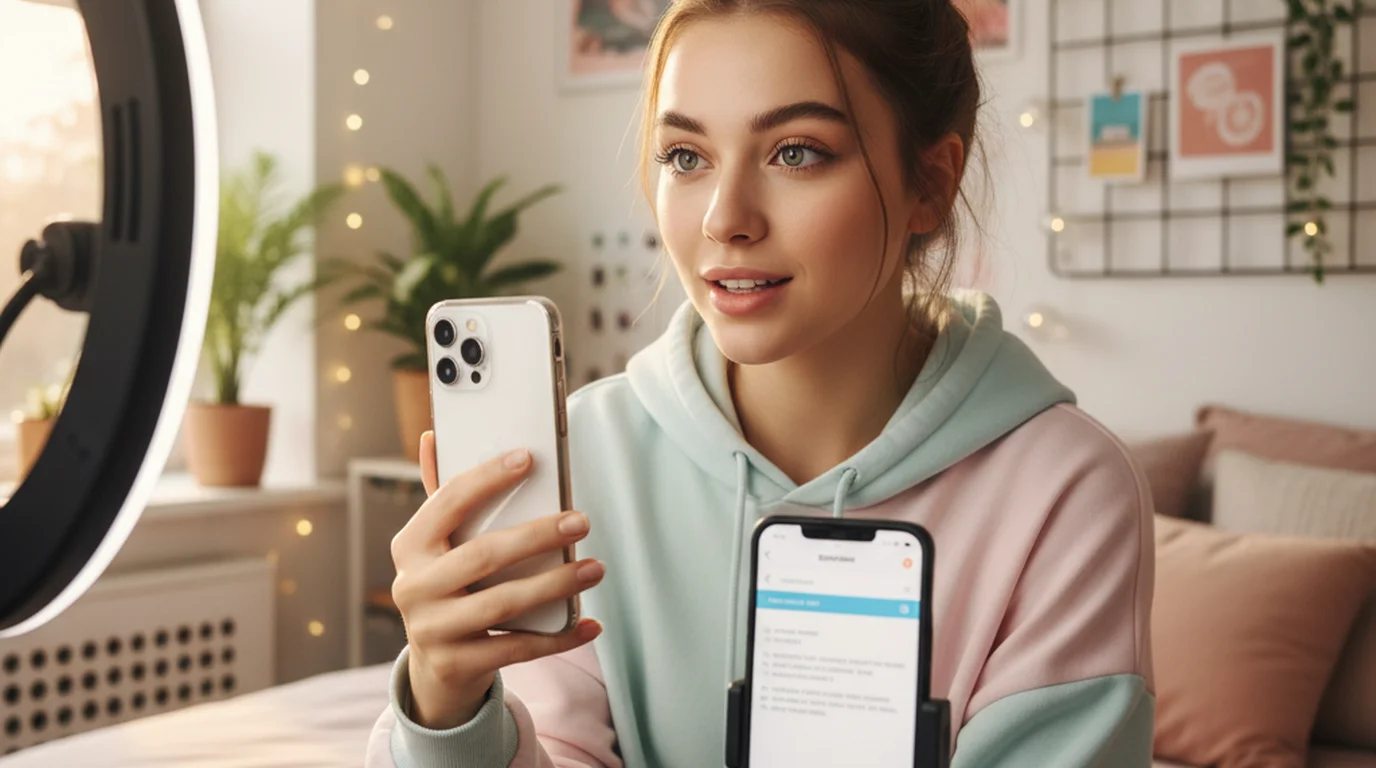
TikTok's built-in camera is convenient, but it doesn't give you a teleprompter. If you're recording talking-head content — tutorials, opinions, product reviews, UGC ads — and you're stumbling through takes because you can't remember what comes next, the fix is simple: record outside TikTok using a teleprompter app, then import the video. The whole workflow takes under 5 minutes to set up and every professional UGC creator uses some version of it.
To use a teleprompter for TikTok, record your video in Teleprompter-Scrolling Scripts Camera mode on iPhone rather than in the TikTok app. The teleprompter scrolls your script while the camera records. When you're done, the video saves to Camera Roll. Import it into TikTok's editor, add any text, audio, or effects, and post. TikTok doesn't support third-party script overlays during in-app recording, so this export-then-import workflow is the standard approach.
Why the iPhone camera beats TikTok's in-app camera for scripted content
TikTok's in-app recording is optimized for spontaneous, reactive content — duets, reactions, trend responses. For scripted talking-head content, it has two specific problems.
First, there's no script overlay. You can add text to the final video but there's nothing to read while you're recording. The only workaround is putting your phone in a ring stand with a notes app open on an iPad next to it, which creates obvious eye movement away from the camera.
Second, TikTok's in-app camera applies heavy processing and compression before the video even reaches the editing stage. Recording in your iPhone's native camera system through a third-party app like Teleprompter-Scrolling Scripts preserves the original quality until TikTok's upload compression happens — which means you start with better source material.
Professional UGC creators — the people being paid by brands to produce product content — almost universally record outside TikTok for scripted content. The workflow is standard: script, record with teleprompter, import, edit in TikTok or CapCut, post.
According to creator economy data from Influencer Marketing Hub (2025), 74% of UGC creators for brand campaigns use a teleprompter or scripted delivery for at least some of their content, citing delivery consistency as the primary reason. Brand clients for UGC content increasingly specify "professional delivery" in briefs, which in practice means no visible stumbling, restarts, or searching for words.
How to use a teleprompter for TikTok on iPhone: step by step
Step 1: Write your TikTok script. TikTok retention data consistently shows drop-off in the first 3 seconds, so front-load your hook. Write the hook as the literal first sentence — not a question, not a setup, but the payoff or claim. "This one thing cut my recording time in half" beats "Today I'm going to talk about recording workflows." Keep your script to 150–300 words for a 60–90 second video.
Step 2: Paste your script into Teleprompter-Scrolling Scripts. Open the free iPhone teleprompter app, create a new script, paste your text. Tap Camera mode.
Step 3: Set up your phone. Use a phone stand or mini tripod. iPhone works in portrait (9:16 for TikTok) or landscape — just be consistent with what you'll post. Position the phone so the front camera is at eye level or just above. The front camera on iPhone is at the top of the device.
Step 4: Adjust the teleprompter settings. Move the text area to the top of the screen, as close to the camera as possible. Set font size to 50–70pt — big enough to read without obvious eye movements. Set scroll speed to match how you'll actually speak, not your fastest reading speed. Most TikTok creators deliver at 130–160 wpm for energetic content.
Step 5: Do a practice take. Record 30 seconds, watch it back. Check: does your eye contact look natural? Is the scroll speed too fast or too slow? Adjust and re-record.
Step 6: Record your final take. The video saves to Camera Roll automatically.
Step 7: Import to TikTok. Open TikTok, tap +, select the video from Camera Roll. Add captions (TikTok auto-generates them), sounds, text overlays, and any effects. Post.
Teleprompter setup for vertical TikTok recording
TikTok's native format is 9:16 vertical. Recording in portrait on iPhone gives you this ratio natively. In Camera mode, position your face in the upper third of the frame — this leaves room for text overlays at the bottom in TikTok's editor and keeps your eye line high in the frame, which reads well on mobile. For creators who also produce longer-form scripted video at a desk, the free Mac teleprompter handles widescreen YouTube and course recordings without any phone-mounting requirements. If you also post to Instagram, the teleprompter guide for Instagram Reels covers the same vertical setup with Reels-specific tips on font size and scroll speed. To size a script before you film, the table of Reels length limits and script word counts shows how many words fit 15, 30, 60, and 90 seconds, and the numbers apply to TikTok clips of the same length.
The front camera on iPhone 15/16 Pro captures at up to 4K. For TikTok, you don't need 4K — 1080p is more than enough for the platform's output compression. But recording at a higher resolution gives you more headroom if you need to crop or stabilize in editing.
Lighting for talking-head TikTok is simpler than it looks. A ring light at eye level, a window to your side, or a softbox at 45 degrees all produce a clean result. Avoid direct overhead lighting (harsh shadows under eyes) and avoid sitting with a window directly behind you (backlight silhouettes your face). We've found window light to the side at midday gives the most natural result without any additional equipment.
TikTok's algorithm favors watch time and completion rate over follower count. Scripted videos delivered with a teleprompter consistently outperform improvised takes on completion rate for informational content — viewers detect hesitation and uneven pacing as signals to scroll. A scripted 60-second video with one clean take outperforms the same content delivered in 4 stumbling improvised takes stitched together.
TikTok teleprompter for UGC and brand content
UGC (user-generated content) for brands is now a professional category — creators are paid $50–$500+ per video to deliver scripted brand messaging that reads as authentic. The challenge is delivering a client's word-for-word brief without looking like you're reading it.
A teleprompter is the standard tool for this. With Teleprompter-Scrolling Scripts, you paste the client's script directly, adjust the scroll speed to your natural delivery pace, and record until you have a take where the delivery sounds conversational rather than scripted. For most creators, that takes 2–5 takes rather than the 10–20 takes required for improvised memorization.
Keep the font large enough that your eyes stay near the top of the screen — near the camera — for the duration of the video. Eye contact with the lens is the single biggest quality signal in UGC content. It's what separates a video that reads as authentic peer recommendation from one that reads as advertisement. For shoots where you need a larger reading canvas, a teleprompter app for iPad mounted behind the camera lens works as a dedicated display. For creators who also produce longer-form iPhone content, the iPhone vlogging guide covers the same scripting and teleprompter workflow for vlog formats.
Frequently Asked Questions
Can I use a teleprompter on TikTok?
TikTok doesn't have a built-in teleprompter. The practical solution is to record outside TikTok using Teleprompter-Scrolling Scripts Camera mode on iPhone — the app records your video with the script scrolling on screen, saves it to Camera Roll, and you import it to TikTok's editor. The upload quality is identical to in-app recording; you gain cleaner delivery and no mid-take scrambling.
What teleprompter app works with TikTok?
Teleprompter-Scrolling Scripts is a free iPhone teleprompter app for TikTok content. Record in Camera mode, save to Camera Roll, import into TikTok. It works offline, stores scripts locally, and is free to download and use, with no account. If you're on a device that can't install apps, the online teleprompter runs in any browser for quick script scrolling. BigVU has a TikTok workflow with direct posting, but limits recordings on the free tier.
How to read a script while filming on TikTok?
Record outside TikTok using a teleprompter app in Camera mode. Paste your script, set scroll speed to your speaking pace (120–160 wpm for TikTok's energetic delivery style), position the text near the top of the screen close to the front camera, and record. Save to Camera Roll, then import the clip into TikTok's editor for captions and edits. This is the workflow professional UGC creators use for brand campaigns.
How do I put a script on TikTok?
TikTok doesn't support a script overlay during in-app recording. The standard workflow: write your script in a teleprompter app, record using Camera mode (saves to Camera Roll), import into TikTok's editor, add captions, effects, and audio, then post. This is how professional UGC creators deliver scripted brand content while maintaining the natural delivery style that TikTok's algorithm rewards for watch time and completion.
Complete guide: The Solo Content Creator's Complete Guide (2026) — scripting, delivery, camera setup, platform strategy, and the free tools every solo creator needs.
Maya ChenMaya Chen is a content creator who films on iPhone and coaches solo creators on mobile-first video production for TikTok, Reels, and Shorts. Her work focuses on the part most people skip: how to actually sound natural once the camera is rolling.
Record TikTok scripts in fewer takes, for free
Teleprompter-Scrolling Scripts runs on iPhone with Camera mode — scroll your script and record in the same app. Free 1080p recording with no account. Save to Camera Roll and post to TikTok.
Use Free Online Teleprompter Get the Free App