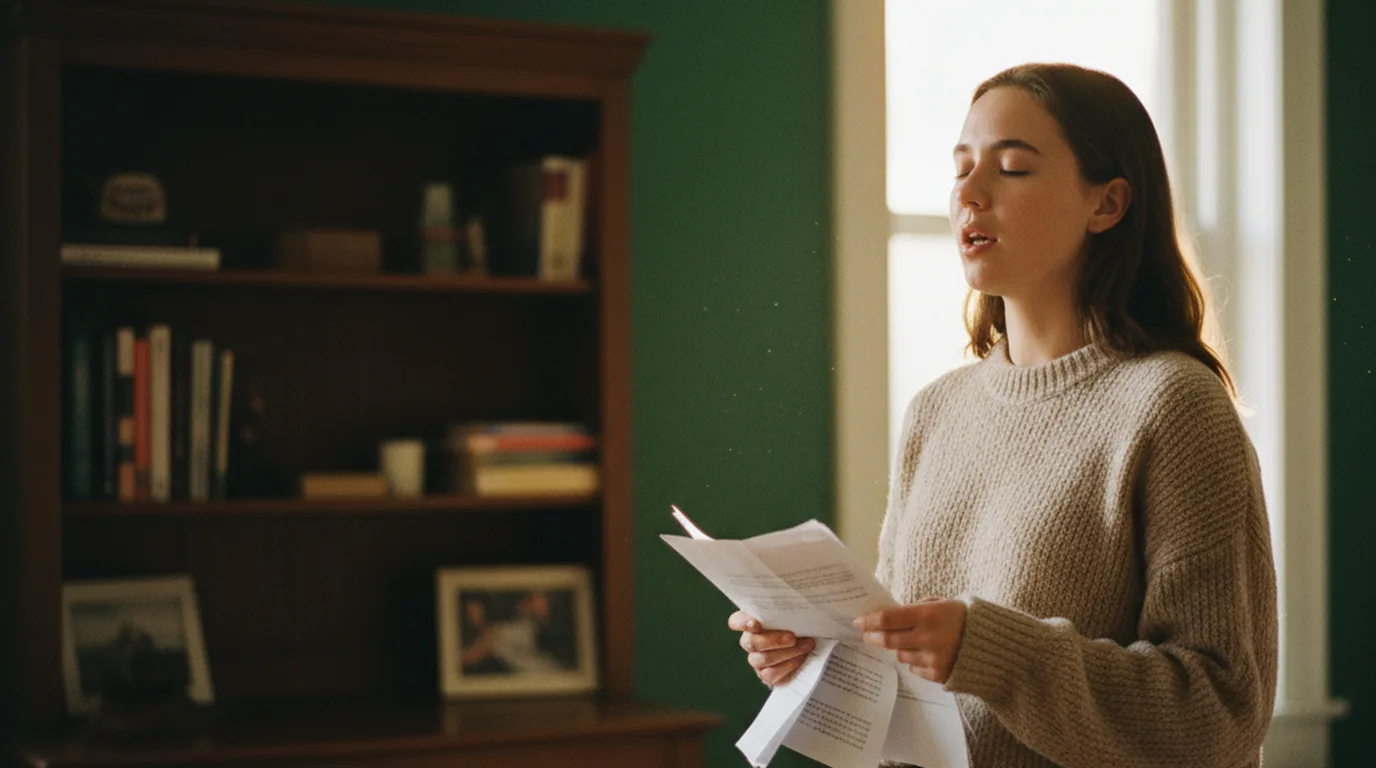
Young woman in a sunlit living room reciting a speech from memory, the printed pages held at her side

Speech Memorizer Learn a speech, script or lines by heart

Paste your text once and practise it five ways: first letters only, words that disappear as you improve, one line at a time, cue lines for actors, and a typing check that scores every word.

Start memorizing

Free, right in your browser. Your text stays on your device.

Everything runs in your browser. The text is kept in this browser only, so it is still here next time.

Practise

How to memorize a speech in five steps

The speech memorizer turns rereading into recall. Each round gives you a little less to look at, so your memory does more of the work, and the typing check tells you exactly which words are still missing.

  1. Paste the text and read it aloud twice. Get the order of ideas first: opening, three points, close.
  2. Recite from first letters. Switch to First letters and say the speech from the cues. Tap a letter only when you are stuck.
  3. Raise the blanks. Start at 30%, then 60%, then 100%. The words you already hid stay hidden, so each round is harder than the last.
  4. Go line by line. Say each line before you reveal it. This is where the joins between sections get solid.
  5. Type it from memory. The typing check marks missed and changed words. Practise those lines tomorrow, after a night's sleep.

The first letter method

The first letter method replaces every word with its first letter and keeps the punctuation, so "Thank you all for coming tonight." becomes "T y a f c t." You still have to produce each word yourself, but the letter is enough of a cue to keep you in the right order.

That is the point: reading a speech over and over feels productive, while pulling the words out of memory is what makes them stick. Psychologists call this retrieval practice, and it is one of the most reliable study effects there is. The letters lower the difficulty just enough that you can practise recall from the very first session.

Use the letters until you can say the whole speech from them without tapping. Then move to blanks at 100% or the line-by-line reveal, where there is no cue at all.

Original

Thank you all for coming tonight.

First letters

T y a f c t.

Blanks 50%

Thank ___ all ___ coming _______.

Blanks 100%

_____ ___ ___ ___ ______ _______.

Actor cue

LEO: Then I'm back.
MAYA: [your line]

Fill-in-the-blank memorization

The Blanks slider hides 0 to 100% of the words. Random picks different words each time you press New random blanks; Evenly spaced hides every second, third or fourth word in a steady rhythm. Each blank keeps the punctuation and roughly the length of the word, and a tap reveals it.

Memorize line by line

Line by line shows what you have already said and hides everything after it. Say the next line, reveal it, and compare. Switch to Sentence for prose without line breaks, and turn on the first-letter hint for a gentler start.

Type it from memory

The typing check lines your words up against the original and gives a word accuracy score. Missed words appear struck through in red, extra or changed words in amber. Capitals and punctuation do not count, so the score reflects the words you remembered.

A learn lines app for actors

Actor mode reads a scene written as NAME: line, or in screenplay layout with the name in capitals above the dialogue. Pick your character and the script appears with the other parts in full and yours hidden. The line just before each of yours is marked in amber: that is your cue.

  1. Paste the scene and choose your character.
  2. Read the cue line, say your line out loud, then tap the box to check it.
  3. Turn on Cue lines only for a fast cue-to-cue run before rehearsal.
  4. Set My lines show to First letters while the scene is new, then to Nothing.

Sessions work best short and often: one scene, out loud, two or three times a day. Stage directions in brackets stay visible in grey, so you also learn where the moves happen. Need the script in standard layout first? The screenplay formatter sets it up. Once you are off book, the guide to filming an audition self tape covers framing, light and the slate.

Two actors at a rehearsal table running lines, one reading from a pencil-marked script while the other answers from memory

Memorize a poem, an essay or any text

To memorize a poem, keep its line breaks when you paste it. Line by line then follows the poem's own lines, and the rhyme at the end of each one becomes a cue. Learn one stanza at a time with first letters, then join the stanzas with the line-by-line reveal.

Practice for school follows the same pattern: a definition, a passage for an oral exam, a monologue for drama class or the opening of a presentation. Split long prose into sentences, practise in rounds of 30, 60 and 100% blanks, and finish with the typing check to see which phrases still slip.

Your text is saved in this browser, so you can come back tomorrow and pick up where you left off. Spacing sessions across several days holds far better than one long evening.

Student at a desk in the evening studying lines of text on her laptop, a printed essay beside her

A memorization tool, or a teleprompter?

A memorization tool is the right choice when you speak without notes: a wedding toast, a competition speech, an audition, a recital. For a video, a webinar or a long talk where you can glance at a screen, a teleprompter is quicker and keeps every word exact.

Many speakers combine the two. They learn the opening and the close by heart, where eye contact matters most, and keep the middle on the teleprompter. Press Read it in the online teleprompter under your text and the same script opens in the browser teleprompter, ready to scroll. To check the length first, the speech time calculator converts your word count into minutes.

Which practice mode to use in each session
SessionModeGoal
Day 1Read aloud, then First lettersOrder of ideas and the shape of each line
Day 1, laterBlanks 30% → 60%Recall most words with light support
Day 2Blanks 100%, Line by lineFull recall, smooth joins between sections
Day 3Typing checkFind the exact words that still slip
Day 3 onwardOut loud, standing, timedDelivery at speaking pace

The method in full, with tips for the night before: how to memorize a speech or lines fast. Ready to rehearse with a clock? The presentation timer shows green, amber and red cards, and the speaking speed calculator measures your pace.

Teleprompter Scrolling Scripts on iPhone, iPad and Mac, with the script scrolling over the camera

Next step

Recording the speech? Keep the script on screen

The free online teleprompter scrolls your text in the browser at the pace you set, so a long talk stays word-perfect while you look at the lens. Your text from this page carries over. On iPhone, iPad and Mac, Teleprompter Scrolling Scripts scrolls the script over the camera while you record. It is free, needs no account and adds no watermark.

Frequently Asked Questions

How do I memorize a speech fast?

Learn the order of ideas first, then practise recall instead of rereading. Paste the speech into the speech memorizer, recite it from first letters, raise the blanks to 100%, and finish line by line out loud. Split the work into two or three short sessions with sleep in between; that holds better than one long night.

What is the first letter method?

The first letter method writes only the first letter of each word, with the punctuation kept, so "Thank you all for coming tonight." becomes "T y a f c t." You recite the full words from those cues. It keeps you in the right order while making you recall each word yourself.

How do actors learn lines with this tool?

Paste the scene with each line starting with the character's name and a colon, or in screenplay layout. Choose your character in Actor mode. The other parts stay visible, your lines are hidden, and the cue line before each of yours is highlighted. Say your line, then tap to check it.

How do I memorize a poem quickly?

Paste the poem with its line breaks and learn one stanza at a time. Recite each stanza from first letters, then use the line-by-line reveal so the end of each line cues the next. Join the stanzas only when each one is secure on its own.

How long does it take to memorize a speech?

It depends on the length and how word-perfect you need to be. A short toast of 150 to 200 words often takes two or three focused sessions. A five-minute speech of about 650 words usually needs several sessions spread over three or more days, with the typing check on the last day.

Should I memorize a speech word for word?

Memorize the opening, the closing and any exact wording, such as quotes, figures or a toast, word for word. For the middle, learning the sequence of points and the key phrases is often enough and sounds more natural. The typing check shows how close you are when exact wording matters.

Is my text saved or uploaded anywhere?

The text is saved only in your own browser, so it is still there when you come back on the same device. Everything runs on your device and nothing is uploaded. Press Clear to remove it.

Does the speech memorizer work on a phone?

Yes. It runs in any current browser on iPhone, Android, iPad or a computer. On a phone, the modes sit under the text box, and tapping a letter or a blank reveals the word.