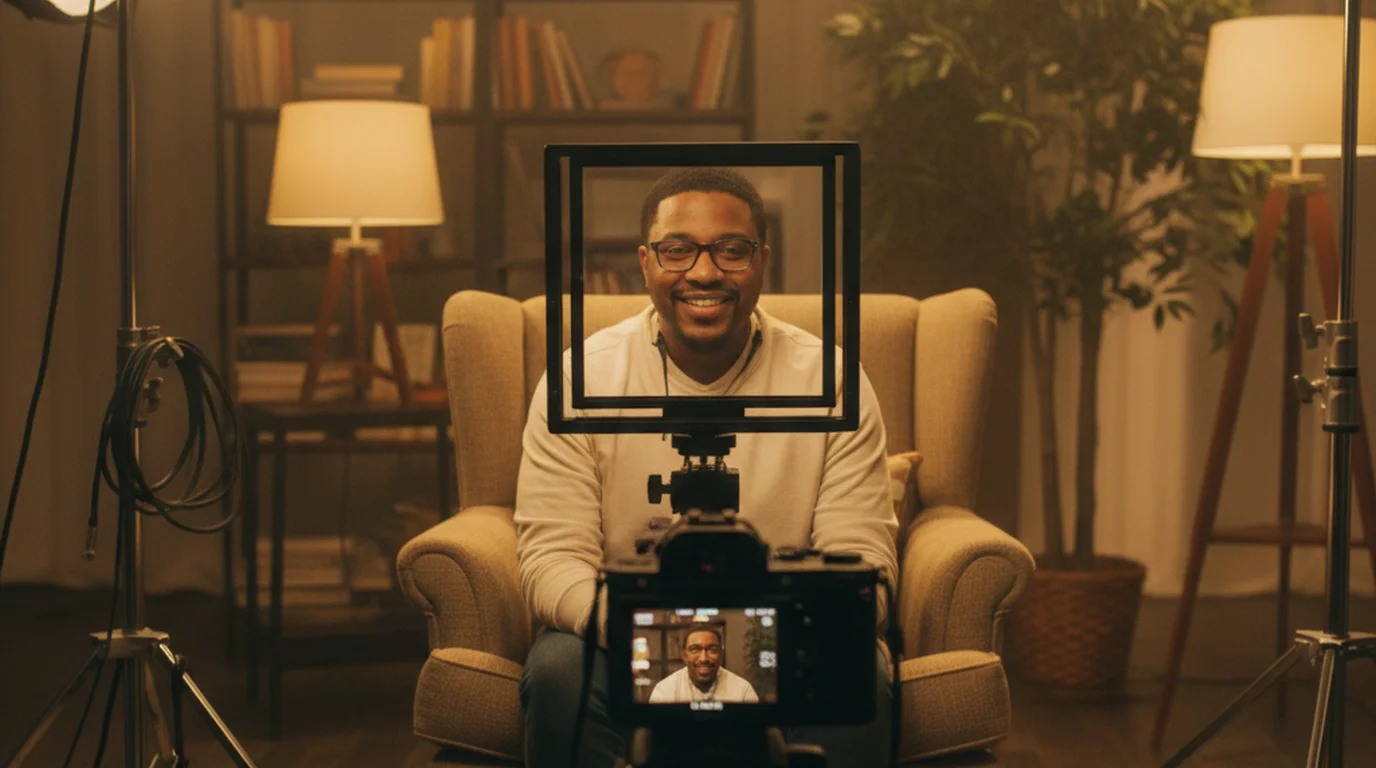
The Solo Content Creator's Complete Guide (2026)
 Wendy Zhang · July 18, 2026 · 18 min read
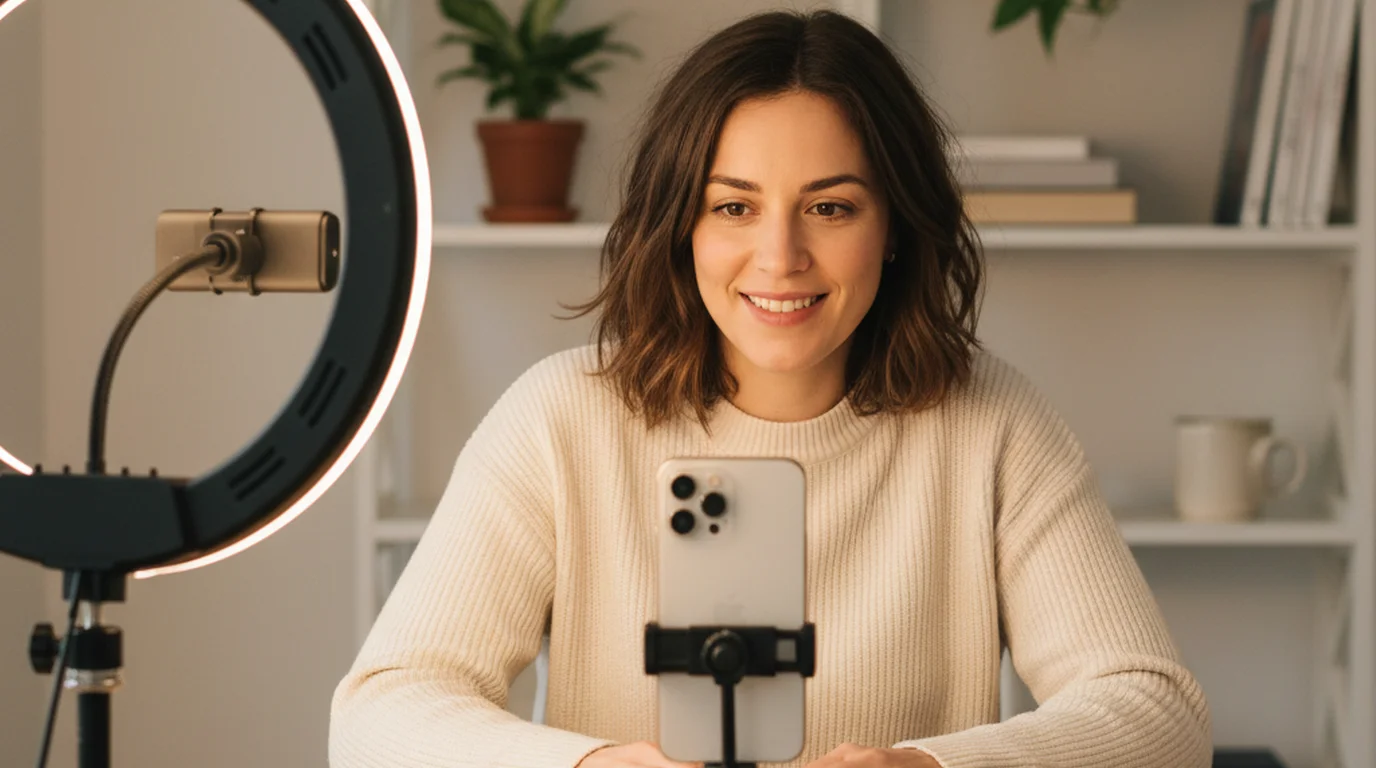
I built Teleprompter-Scrolling Scripts because I kept watching creators — smart, knowledgeable people with genuinely useful things to say — struggle on camera. Not because they lacked talent, but because nobody had given them a complete, practical workflow. They were improvising their scripts, guessing their camera settings, and re-recording the same 60 seconds six times because their eyes kept drifting off the lens. This guide covers everything I've learned about what actually matters in solo content creation: how to write scripts that sound human, how to deliver them without looking like you're reading, how to set up a camera with gear you already own, and how to reach an audience on the platforms that make sense for your content type.
A solo content creator is anyone who writes, shoots, and publishes video content independently — without a production crew. The workflow that produces consistent, professional-quality output at zero equipment cost covers four areas: scripting (writing content that sounds natural when spoken), delivery (reading a script on camera while maintaining genuine eye contact), technical setup (camera, lighting, audio), and platform strategy (publishing on the channel that matches your content type and audience). A free teleprompter app handles the delivery problem completely — it's the single highest-leverage change most solo creators can make.
What Platform Should a Solo Content Creator Choose?
The platform decision shapes every other decision. Different platforms reward different content types, different publishing cadences, and different production approaches. Choosing wrong — optimizing for YouTube when your content is better suited to TikTok, or vice versa — wastes time on a fundamentally mismatched distribution channel.
YouTube rewards depth and search. Long-form educational content, tutorials, product reviews, and explanatory videos perform well here because YouTube operates as a search engine. A well-optimized 10-minute tutorial can generate views for years. YouTube also rewards scripted, well-structured delivery — because when someone searches for how to do something specific, they want a clear, organized answer, not spontaneous rambling. The teleprompter for YouTube guide covers the exact iPhone Camera mode setup, scroll speed calibration, and Shorts-specific adjustments for this platform.
TikTok rewards immediacy and personality. The algorithm distributes content based on early retention signals — whether the first 2 seconds hook a viewer — not on subscriber count or history. Scripts for TikTok are typically 65–150 words, the hook is the first sentence, and the content should be deliverable in under 45 seconds. Eye contact is especially important on TikTok, where the camera-to-face proximity creates an intimacy that breaks immediately if the creator looks away. Using a teleprompter in Camera mode means you can deliver a scripted take in one pass with eyes on the lens throughout. See the full teleprompter for TikTok guide for setup specifics.
Instagram Reels functions similarly to TikTok — short-form, algorithm-driven distribution — but with a stronger visual aesthetics expectation and a different audience demographic. Reels that perform well tend to be polished, well-lit, and scripted. The teleprompter for Instagram Reels guide covers the vertical format setup and the specific delivery adjustments that work for this platform's audience.
UGC (User-Generated Content) is a professional content type — brands pay creators to produce authentic-looking product content that performs better than traditional ads because it doesn't look like an ad. UGC creators don't need large audiences; they need repeatable production quality. A teleprompter is standard in UGC production because brands expect scripted, accurate delivery in a limited number of takes. The UGC platforms guide covers the six main platforms where brands hire creators and what each one pays.
Faceless content is a format where the creator never appears on camera — screen recordings, voiceovers, stock footage compilations, animated explainers. It's a valid choice for creators who prefer not to be on camera or who want to publish at higher volume without the constraints of on-camera production. The faceless video guide covers the specific production stack for this format.
Vlogging — documenting experiences from a first-person viewpoint — is primarily an iPhone format. The handheld, moving-camera aesthetic of vlogging is better served by a smartphone than by a dedicated mirrorless setup. The iPhone vlogging guide covers the setup for walking footage, transitions, and how to maintain energy when talking to a phone at arm's length.
A 2025 survey by the Creator Economy Institute found that solo creators who committed to one primary platform for at least 12 months before expanding were 3.4× more likely to reach 10,000 followers than those who spread effort across multiple platforms simultaneously. Platform focus produces the repetition needed to develop content intuition for a specific algorithm and audience — a skill that doesn't transfer between platforms as cleanly as most creators assume.
Write a Script That Sounds Like You're Talking, Not Reading
The single most common content creator mistake is writing a script in written English and then reading it on camera in spoken English. Written English and spoken English are genuinely different registers — different sentence lengths, different word choices, different rhythms. A script written the way you'd write an essay produces a delivery that audiences identify immediately as reading, even if they can't articulate why.
The fix is writing for the ear. Short sentences. Contractions. Active voice. The first word of each sentence should be the important word — not "One of the things that matters most here is..." but "Eye contact matters most." Read every sentence aloud as you write it. If it sounds stiff when you say it, rewrite it before it reaches the teleprompter.
The video script guide covers the complete scripting framework — from structure (hook, context, core content, close) to word count targets by platform to the specific mistakes that produce flat, obviously-scripted delivery. For the hook specifically — the first 3–15 seconds that determine whether a viewer stays — the good hooks guide breaks down 8 hook types with examples you can adapt directly for your content.
Scripts don't have to be word-for-word. Many experienced creators script the opening paragraph, key transitions, statistics, and the close — and improvise the explanatory middle sections where their knowledge is deepest. This hybrid approach produces polished anchor points with natural connective energy between them.
Narrative structure matters too. Content that holds attention doesn't just deliver information — it raises questions and answers them, creates and relieves tension, builds toward a payoff the viewer can feel coming. The storytelling techniques guide covers six frameworks (the hero's journey, the 5 C's, before/after contrast, and more) that work across video lengths and content types.
Research on information retention published in Cognitive Psychology (2024) found that narrative-structured information is recalled 22× more reliably than equivalent information presented as a list or series of facts. For content creators, this means a script that uses story structure — even for technical or educational content — produces better viewer retention and completion rates than equivalent factual content delivered linearly.
Set Up Your Camera and Recording Space
The camera question is almost always the wrong starting point. Most creators who produce consistently high-performing content do so with gear they already own — primarily their iPhone. The variables that most visibly affect video quality are lighting, framing, stability, and audio, in that order. Camera upgrade comes last, not first.
The complete iPhone video guide covers every variable in the iPhone recording setup: camera settings (resolution, frame rate, exposure lock), lighting (softbox vs. window, angle, colour temperature), stability (tripod positioning, height, angle), and teleprompter positioning. It's the reference document for iPhone-first content production.
The one scenario where a dedicated camera genuinely outperforms iPhone is handheld moving footage. When you're walking and talking, iPhone's stabilisation doesn't fully suppress bounce and rolling shutter at natural walking pace. A compact vlogging camera (Sony ZV-E10, DJI Osmo Pocket 3) solves this with better optical stabilisation. For a comparison of the options at every budget level, the best camera for YouTube guide covers which cameras are worth the investment at each price point.
The minimum viable recording setup:
- Camera: Your iPhone. Use the rear camera for better quality if framing allows; front camera for easy self-monitoring.
- Tripod: Any phone tripod at eye level. Never below eye level — upward angle is unflattering and signals amateur production.
- Lighting: One window at 45 degrees (natural, free) or one softbox. A single good light source eliminates the flat, shadow-heavy look of overhead room lighting.
- Audio: iPhone's built-in mic works well within 60cm. A $25 clip-on lavalier mic is the upgrade with the highest perceived quality improvement per dollar.
- Teleprompter: Free. The app runs on the same phone you're recording with.
In a 2025 viewer perception study by Wistia, participants rated video content on four variables independently: visual quality, audio quality, lighting, and delivery confidence. Delivery confidence (eye contact, pacing, absence of verbal filler) was rated as the most influential factor in determining whether they'd watch more content from the same creator — outranking visual quality and lighting. The implication: a creator with a scripted, confident delivery on an iPhone outperforms a creator with an expensive camera and hesitant, improvised delivery.
Deliver Your Script on Camera Without Looking Like You're Reading
This is the section most content creator guides skip. They'll tell you to write a script and then say "practice it until it feels natural." That advice works — but it ignores a faster, more reliable solution that professional broadcasters, political communicators, and experienced video creators have used for decades: a teleprompter.
A teleprompter displays your script as large, automatically scrolling text near the camera lens. Because the text is positioned close to the lens, reading it and looking at the camera are nearly the same eye movement. The viewer sees eye contact throughout. You see your script. You don't have to choose between accuracy and connection. The complete teleprompter guide covers the history, the different hardware and software types, and every use case from TV anchors to solo creators.
For solo creators, the relevant type is a virtual teleprompter — software-only, no hardware required. It runs on the device you already own. There are three modes (the third, Voice mode, records audio only); for video, choosing the right one of these two matters:
- Camera mode: Your phone IS the recording camera. The script overlays the live camera view. You read and record on the same device. Use this for YouTube, TikTok, Reels, UGC — any recording where the phone is the camera.
- Prompter mode: A separate device or webcam records you, and your phone displays the script nearby. Use this for Zoom presentations, Loom recordings, and any setup with an external camera.
The teleprompter app guide explains this mode distinction in detail, with setup instructions for each scenario. The guide on reading a script while recording covers the delivery variables that make the difference between obvious reading and natural-looking delivery: font size, text column width, scroll speed calibration, and the specific physical habits (blinking rate, pause placement, gaze anchoring) that separate natural from mechanical.
Memorization is a valid alternative for short scripts. The how to memorize lines fast guide covers six methods — chunking, active recall, spaced repetition — and the specific threshold beyond which memorization becomes less reliable than a teleprompter (generally scripts over 3 minutes, or content containing precise statistics or policy language where accuracy is non-negotiable).
When we added Camera mode to Teleprompter-Scrolling Scripts — overlaying the script directly on the iPhone viewfinder — users reported that take counts dropped from an average of 7.6 to 2.9 for scripted content. The majority of that improvement came in the first session. The biggest variable wasn't the technology; it was the removal of the memory-recall task, which had been competing with delivery attention throughout every take.
Platform-Specific Recording Setups for Content Creators
The teleprompter setup varies by recording context. Here's the right configuration for each major content creation scenario:
YouTube Long-Form and Shorts
For standard YouTube videos (8–20 minutes), use Camera mode with your iPhone mounted at eye level on a tripod. Script the opening paragraph, key transitions, statistics, and the close. Let your knowledge carry the explanatory middle sections. For YouTube Shorts (under 3 minutes), script the full content — at 60 seconds, every word needs to be there. Scroll speed for Shorts should be faster (130–140 WPM) than long-form (120–130 WPM). The YouTube teleprompter guide covers both formats.
Loom — Async Video
Loom records from your Mac's built-in camera or from your iPhone via Apple Continuity Camera. For Mac Loom recordings, open the free online teleprompter at teleprompter.works/online/ in a browser window positioned directly below the MacBook camera. For iPhone Loom recordings via Continuity Camera, the iPhone is busy being the camera, so keep the script on the Mac — the same browser window, or the Mac app's Prompter window, at the top of the screen. The teleprompter for Loom guide covers both setups in detail.
Zoom and Video Calls
For Zoom presentations, webinars, and online courses where a webcam records you, use Prompter mode: your phone or the browser teleprompter displays the script nearby while the webcam captures you. Position the script as close to the webcam lens as possible — on a MacBook, directly below the top bezel. The teleprompter for Zoom guide covers eye contact geometry, font sizing, and scroll speed for this specific context.
Tutorial and Educational Content
Tutorial videos have a specific structural requirement: every sentence must either teach a step or orient the viewer within the steps. Scripts for tutorials are the most demanding to write — but also the most valuable to get right, because a viewer who can follow your tutorial to completion becomes a long-term audience member. The tutorial video production guide covers scripting, screen recording integration, and the editing approach that maintains clarity across complex multi-step processes.
A 2024 content performance analysis found that tutorial videos with scripted, step-by-step delivery achieved a 61% higher completion rate than equivalent tutorials with improvised explanations covering the same material. The difference was attributed to two factors: scripted tutorials have fewer verbal detours (which viewers perceive as inefficiency), and structured delivery produces cleaner transitions between steps that reduce cognitive load.
UGC: Content Creation as a Revenue Stream
User-generated content (UGC) is one of the clearest monetization paths for solo content creators who haven't yet built a large audience — because brands pay for production quality and authentic delivery, not follower count. A UGC creator with 500 followers and a polished, consistent recording setup can earn more than a creator with 50,000 followers who delivers inconsistent production quality.
The brands buying UGC in 2026 are primarily direct-to-consumer e-commerce brands, app developers, and consumer packaged goods companies. They use UGC in paid social ads, on product pages, and in email campaigns. The content they want: authentic-looking product demonstrations, testimonials, and unboxings that don't look professionally produced. A teleprompter is standard practice in professional UGC — scripts ensure the brand messaging is delivered accurately, and a teleprompter ensures delivery is natural-looking rather than obviously read.
The teleprompter for UGC guide covers the specific setup for UGC recording — including how to use Camera mode to deliver scripted brand talking points in a single take. For finding platforms to connect with brands, the UGC platforms guide covers the six main marketplaces (Billo, Trend.io, Minisocial, JoinBrands, Insense, and direct outreach), what each pays, and how to stand out in a competitive pool of applicants.
According to a 2025 Nielsen study on video advertising effectiveness, UGC-style content produced 4× higher click-through rates and 50% lower cost-per-acquisition than equivalent professionally produced ads across social media platforms. The study attributed the performance gap to authenticity signals — UGC content passes the "real person" filter that audiences apply to paid content, particularly among viewers aged 18–34. This performance differential is why brand spending on UGC creator partnerships grew 43% in 2024.
The Free Tool Stack Every Solo Content Creator Needs
Here's the honest minimum viable tool stack — everything you need to produce professional-quality content without spending money on tools.
Teleprompter: Free. Download Teleprompter-Scrolling Scripts for iPhone — Camera mode for recording, Prompter mode for reading near a webcam. Or use the free online teleprompter at teleprompter.works/online/ in any Mac browser with no installation. The app is free to download and use, with no account. This is the single highest-leverage free tool in the content creator stack.
Camera: iPhone (already in your pocket). Free with existing hardware. For the settings that extract maximum quality from an iPhone camera, the iPhone video production guide covers resolution, frame rate, exposure lock, and the specific settings differences between YouTube and Shorts formats.
Lighting: One window, positioned at 45 degrees to your face. Free. When natural light isn't available or consistent, a 60×60cm softbox costs $35–50 and produces results that are difficult to distinguish from professional multi-light setups.
Script writing: Any plain text editor. The script is the highest-value document you produce as a creator. Write it in Notes, Bear, iA Writer, or 3 Pages Daily when you want today's to-do list and the idea for the script on the same page. It runs on iPhone, Mac, and in the browser. The tool doesn't matter; the quality of the sentences does. The video script framework gives you the structure; your knowledge gives it substance.
Everything else: The complete content creation tools guide covers every category — microphone, video editing, caption generation, scheduling, analytics — with free and paid options ranked by actual impact on output quality and audience growth.
A 2025 survey of independent video creators by the Creator Economy Institute found that 81% of creators earning over $5,000 per month from content had spent less than $500 on tools and equipment in their first year. Among the highest-performing early-stage creators, the most-cited differentiators were script quality, publishing consistency, and delivery confidence — none of which require paid tools. The spending pattern inverts once a channel reaches sustainable income: at that point, camera and audio upgrades become worth the investment.
Frequently Asked Questions
What are the 5 C's of content creation?
The 5 C's are Clarity (your message is immediately understandable), Consistency (you publish reliably), Conciseness (every word earns its place — especially in the hook), Connection (the content speaks to one specific person's specific problem), and Credibility (you demonstrate real expertise). Of these, Clarity and Connection most directly determine whether a viewer stays or scrolls past. Consistency compounds the others — it's what turns a good video into a growing channel.
How to be a content creator for beginners?
Start with one platform, one format, and one topic you know well. Use your phone as the camera. Write a script for every video. Use a free teleprompter app so you read your script while looking at the lens. Publish before it feels ready. The gap between your taste and your current ability only closes through volume — the first 30 videos are practice. Creators who make it through that practice phase nearly always build something.
What equipment do I actually need to start as a content creator?
Minimum viable setup: your iPhone (already the camera), a $15 phone tripod, one window or a $40 softbox for lighting, and a free teleprompter app. That's it. Everything else — dedicated camera, external microphone, green screen, editing software — is a later decision based on specific bottlenecks you hit, not a prerequisite for starting. Most equipment decisions in the first year are procrastination dressed as preparation.
Do content creators use teleprompters?
Yes — most professional creators who record scripted video use one. It's the single biggest delivery improvement available at zero cost. A teleprompter ensures eye contact throughout a take, eliminates filler words from trying to remember what comes next, and reduces re-takes by 50–70% for scripted content. The app version runs on any iPhone, iPad, or Mac with no hardware.
How do I get consistent eye contact on camera?
Use a teleprompter app in Camera mode. The script appears on the same screen as the camera, so reading and looking at the lens are the same action. Position the text near the top of the screen, close to the front-facing camera. Set scroll speed to match your delivery pace. After 2–3 practice takes, eye contact becomes automatic — the script removes the cognitive load of recall, freeing your attention for expression.
What's the fastest way to improve video quality as a solo creator?
Fix lighting first. A single softbox or a well-positioned window is worth more than a new camera. Then improve scripting and delivery — a strong script with confident eye contact outperforms great visuals with weak delivery. Audio comes third (a $25 clip-on mic is the highest perceived-quality-per-dollar upgrade available). Camera upgrade comes last. This order matches what viewers actually notice.
How many videos should I publish before expecting traction?
Most creators who build audiences describe their first 30–50 videos as practice — low views, low feedback, low confidence. That's normal and necessary. The first 50 videos develop your scripting voice, delivery confidence, and understanding of what your specific audience responds to. Traction follows those fundamentals. The creators who quit before video 30 nearly always cite poor early results — not poor long-term potential.
Wendy ZhangWendy Zhang is the indie developer behind Teleprompter-Scrolling Scripts, which she built after cycling through teleprompter apps that were too heavy, too expensive, or dependent on a network connection to open. She writes about the mechanics of recording yourself — scroll pacing, script formatting, and the app decisions that decide whether a take survives.
Start creating with a free teleprompter — no hardware needed
Camera mode on iPhone overlays your script on the live camera view. Browser version works on any Mac without download. Both free, no watermark, no account.
Use Free Online Teleprompter Get the Free App