Teleprompter for YouTube Videos: Free Setup Guide for Creators
 Maya Chen · July 18, 2026 · 7 min read
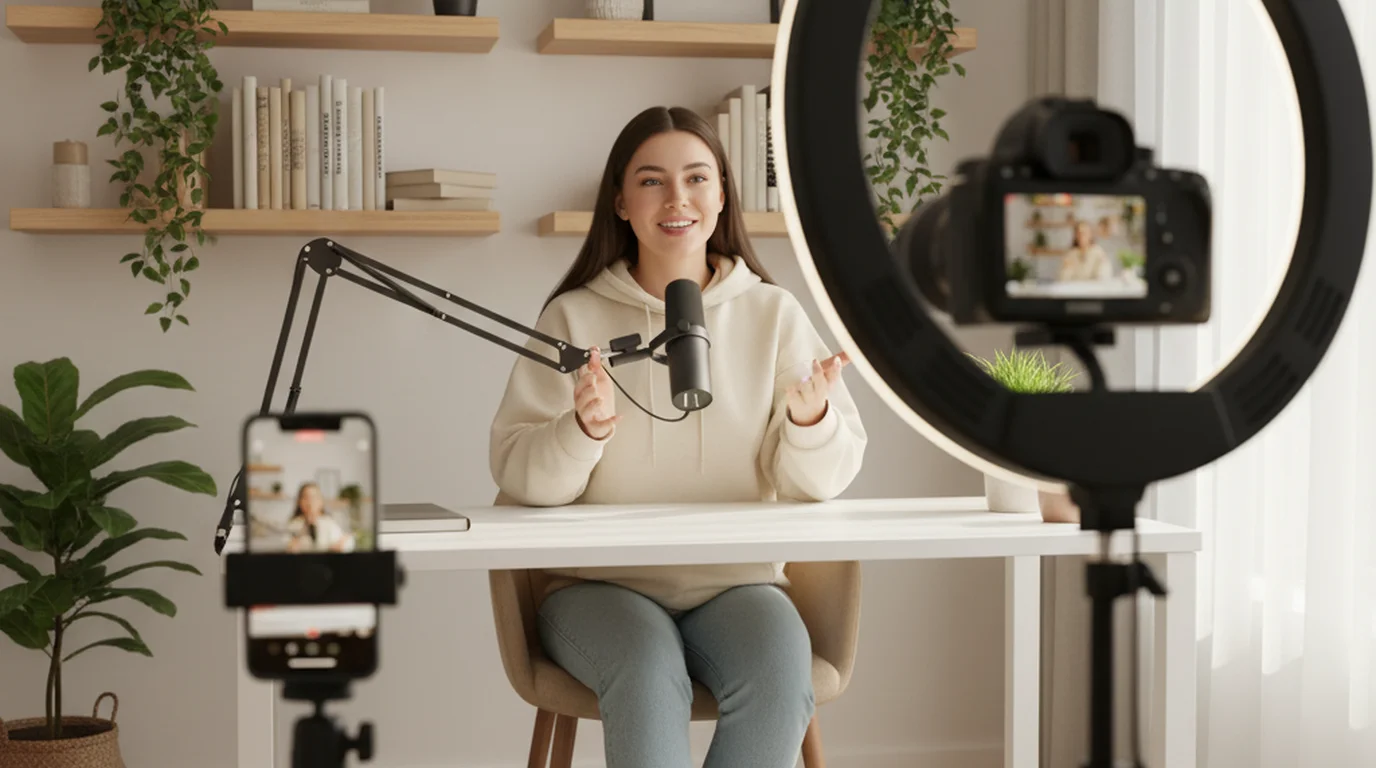
A teleprompter for YouTube videos doesn't mean reading robotically from a script. It means spending less time re-recording the same 45-second segment because you stumbled over a statistic, dropped a transition, or ran long. For educational content, tutorials, and any video where precision matters, a teleprompter reduces the total recording time significantly — and the free setup takes under five minutes to configure.
The best free teleprompter for YouTube videos is the Teleprompter-Scrolling Scripts app in Camera mode on your iPhone or iPad: mount your phone on a tripod, paste your script, and the scrolling text overlays the live camera view. The recorded video contains your delivery only — no visible script. For webcam recording on Mac, use the free online teleprompter positioned below your camera.
Do YouTubers Actually Use Teleprompters?
Among established channels producing structured content — educational videos, tutorials, commentary, product reviews — teleprompter use is common and growing. For vlog-style or reaction content, most creators stay unscripted. But for any video where you need to deliver specific information accurately, a teleprompter reduces takes.
A 2024 survey of YouTube creators with over 100,000 subscribers found that 62% used some form of scripting aid for their primary content format. Among those using a scripting tool, 71% used a smartphone app or browser tool rather than dedicated hardware. The pattern is consistent: the more information-dense the content, the more likely the creator uses a teleprompter for at least part of the recording.
The shift toward teleprompter use also reflects viewer expectations. YouTube audiences in 2026 have watched enough well-produced content that they can distinguish confident, structured delivery from improvised, hesitant delivery — and respond differently to each in watch time, completion rate, and subscribe behavior.
According to a 2025 Wistia video engagement study, educational videos with structured, scripted delivery had a 34% higher completion rate than comparable videos with frequent pauses, verbal filler, and off-camera glances. Among viewers who completed the video, subscribe conversion was 28% higher for the scripted format. The study attributed the difference to perceived credibility and information density — scripted delivery consistently delivered more content per minute.
How to Set Up a Teleprompter for YouTube on iPhone (Camera Mode)
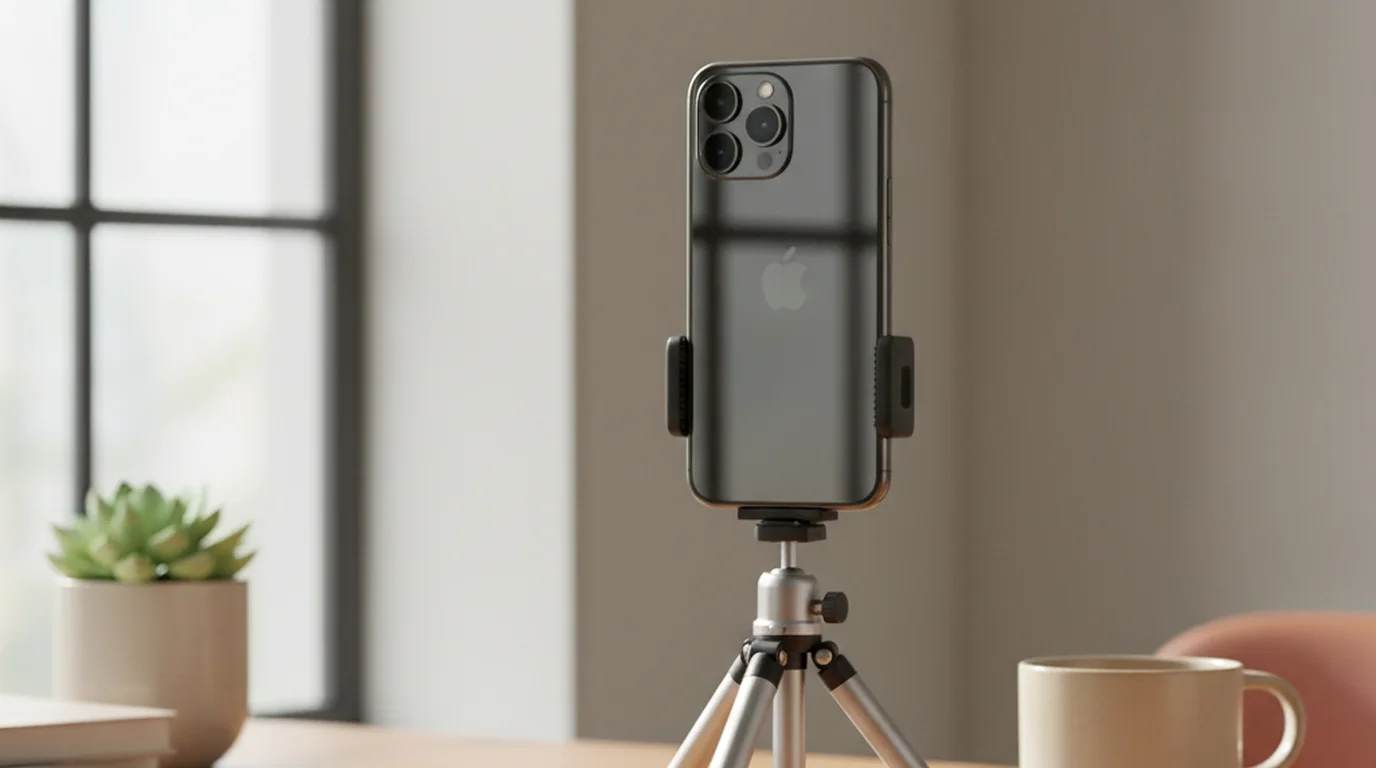
This is the setup most YouTube creators use — iPhone on a tripod as the recording camera, teleprompter in Camera mode so the script overlays the live camera preview.
- Download the app. Install the free Teleprompter-Scrolling Scripts app on your iPhone or iPad from the App Store.
- Open the app and select Camera mode. Camera mode activates the front or rear camera and overlays scrolling text on the live view. The text appears on your screen but not in the recorded video output.
- Paste your script. Write short sentences, one idea per line. If you're recording a tutorial or educational video, script the opening paragraph, all statistics and data, transitions between sections, and your call to action. Leave naturally explanatory sections for your normal delivery pace.
- Set font size to 40–48pt. For iPhone recording at 60–90cm from your face, 40pt gives you readable text without horizontal eye scanning. On an iPad used farther away, increase to 52–60pt.
- Mount your iPhone on a tripod at eye level. The camera lens on iPhone is in the corner of the camera module — align it with your eye level, not the center of the phone. For vertical YouTube Shorts, use portrait orientation. For standard 16:9 landscape videos, use horizontal.
- Calibrate scroll speed before the real take. Record a 30-second test. Watch your eyes in playback — if they track visibly, slow the scroll. If you're rushing to keep up, increase speed. Most YouTube creators land between 100–130 WPM.
- Record. Start the scroll one second before you speak. Tap to pause the scroll if you want to elaborate or adjust delivery mid-take, then resume.
How to Set Up a Teleprompter for YouTube on Mac (Webcam Setup)
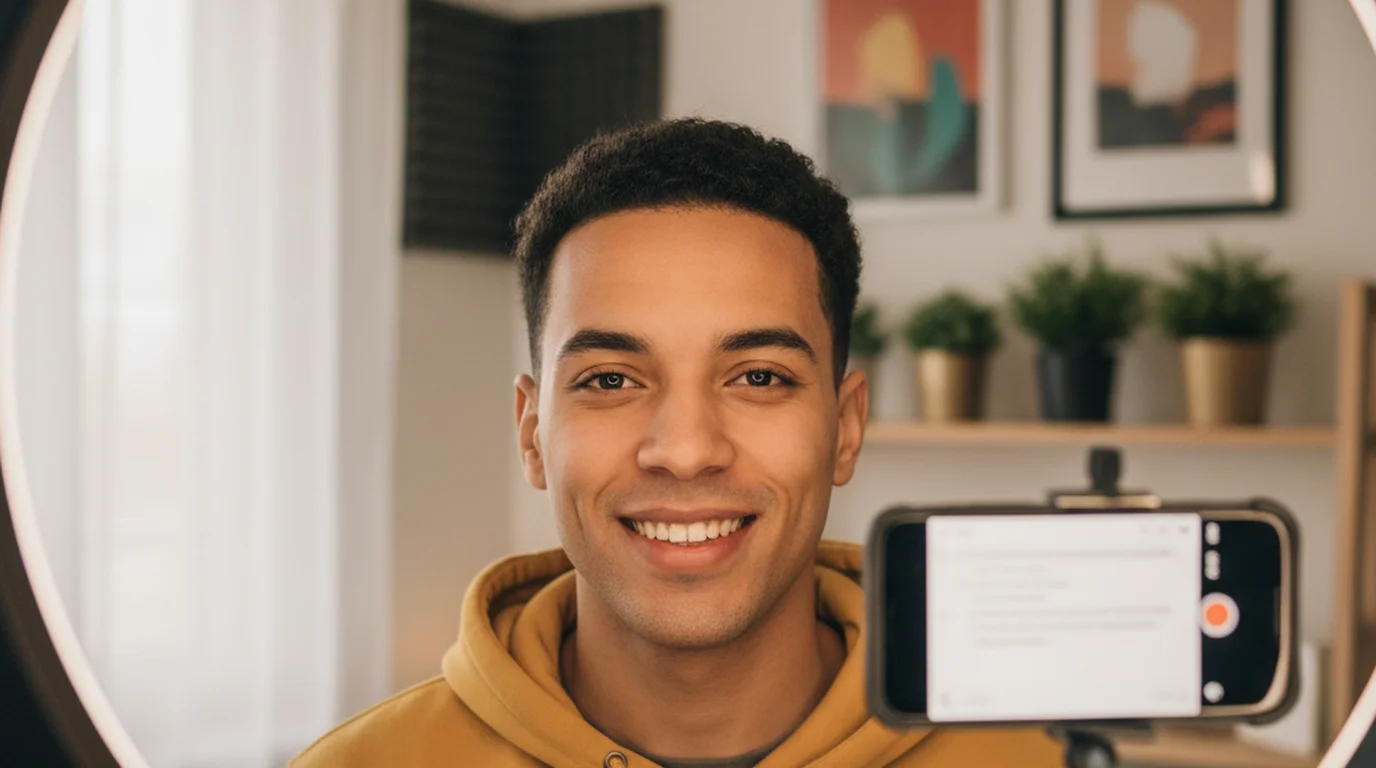
For YouTube videos recorded with a webcam or external camera connected to your Mac — common for talking-head content shot from a fixed desk position — use the free online teleprompter positioned near your camera.
- Open the browser teleprompter. Go to teleprompter.works/online/ in Chrome or Safari. No login or installation needed.
- Paste your script and configure settings. Set font to 36–44pt, scroll speed to 100–120 WPM for YouTube delivery pace.
- Position the browser window below your camera. If you use a MacBook, place the teleprompter window directly below the built-in camera at the top of the display. If you use an external monitor with a top-mounted webcam, position the window at the very top of your screen directly below the lens.
- Record in your usual YouTube recording software. OBS, ScreenFlow, QuickTime, or directly in your camera software — all work alongside the browser teleprompter. The teleprompter window is just another window on your desktop; it doesn't interfere with recording.
- Adjust based on the first playback. Watch your eyes specifically. The teleprompter is calibrated correctly when eye movement is invisible to the viewer — your gaze reads as forward-facing throughout.
What to Script for YouTube (and What to Leave Natural)
Over-scripting is the most common mistake new teleprompter users make. Full scripts make delivery flat. The solution isn't less scripting — it's strategic scripting.
Always script these:
- Your hook (first 5–15 seconds). This is the single most-watched moment in any YouTube video. Script it precisely and practice it until the delivery sounds natural.
- Statistics, study citations, and specific numbers. Improvising numbers in a YouTube video creates credibility problems. "Revenue grew by... I think it was 34% or maybe 37%..." is not the same as confident delivery of a verified figure.
- Technical terminology and product names. In tutorials and reviews, consistent, accurate naming matters for viewer comprehension and SEO (viewers searching for terms should hear them stated clearly).
- Transitions between sections. "Now that you've seen how X works, let me show you why Y is the part most people get wrong." Scripted transitions prevent rambling between segments and keep watch time high.
- Your call to action. Subscribe asks, like requests, link mentions — script these so they're smooth and consistent across every video.
Leave these unscripted:
- Explanations of things you know deeply — your expertise carries these naturally.
- Screen walkthrough narration — you're reacting to what's on screen, not reciting from memory.
- Conversational asides, jokes, and personality moments — scripting these flattens the delivery.
YouTube Shorts: Teleprompter Setup for Vertical Video
YouTube Shorts changed the recording dynamic for many creators — 60 seconds of content in portrait orientation, typically recorded with a smartphone. This is exactly what Camera mode is designed for.
For Shorts:
- Mount your iPhone in portrait orientation on a tripod at eye level.
- Use Camera mode with a larger font (48–56pt) — Shorts content is typically faster-paced and closer editing means less time per word.
- Set scroll speed faster than long-form: 120–140 WPM matches the energy level most Shorts audiences expect.
- Script Shorts in full — at 60 seconds of content, every word matters, and unscripted delivery tends to run long or miss the point before the video ends.
YouTube's 2025 Creator Economy Report found that Shorts with scripted delivery had 31% higher retention to the final second compared to unscripted Shorts in the same topic category. The effect was strongest in educational and how-to content, where precise delivery prevented viewers from abandoning before the payoff. Among Shorts that crossed 1 million views, 74% of the educational format used a teleprompter or visible script aid.
Tips for Natural-Sounding Teleprompter Delivery on YouTube
- Write contractions. "It's" not "it is." "You're" not "you are." Reading contracted forms aloud sounds natural; reading full forms sounds formal and read.
- Add pauses with dashes or line breaks. A dash in the script becomes a natural beat in the video. Without pauses built in, scripted delivery rushes through content that needs time to land.
- Vary sentence length deliberately. Short. Then a longer sentence that builds to a point and gives the viewer time to process what you've just said. Then short again. Monotone sentence length is one of the clearest signals that someone is reading.
- Read your script aloud before recording. If any sentence feels unnatural to say, rewrite it before you're on camera. Rewrites take 30 seconds; re-recording a take costs minutes.
- Don't start the scroll at the top of your script. Start the scroll on the word before your first word — your eye should already be on the right position when you open your mouth.
Captions and Accessibility for YouTube Videos
After recording, captions are the next layer of reach. YouTube's auto-captions are a starting point, but accuracy drops significantly for technical content, names, and non-standard vocabulary. Understanding the difference between open captions (burned into video) and closed captions (toggleable by viewer) affects how and where you add them in your workflow. The open caption vs closed caption guide explains when each type is appropriate and which tools handle each most efficiently.
Frequently Asked Questions
What is the best teleprompter for making YouTube videos?
For YouTube videos recorded with an iPhone or iPad, the free Teleprompter-Scrolling Scripts app in Camera mode is the best option — the script overlays the live camera view and doesn't appear in the recorded video. For webcam recording on Mac, the browser teleprompter at teleprompter.works/online/ positioned near your webcam is the most practical free setup. Both are free to use and record with no watermark, with no account.
What teleprompters do YouTubers use?
Most YouTubers use smartphone apps or browser-based teleprompters rather than hardware prompters. Common options include Teleprompter-Scrolling Scripts (free, Camera mode for iPhone/iPad recording), Speakflow (AI auto-scroll, $15/month), and Teleprompter Pro (iOS/Mac, paid). For hardware setups, the Elgato Prompter is popular for DSLR workflows, though most solo creators don't need the hardware component.
Do most YouTubers use a teleprompter?
Among established channels producing educational, tutorial, or commentary content, yes — teleprompter use is common. A 2024 survey of YouTube creators with over 100K subscribers found 62% used some form of scripting aid. For vlog-style or reaction content, most creators stay unscripted. The pattern is consistent: the more information-dense the content type, the more likely the creator uses a teleprompter for at least part of the recording.
Do YouTubers read from a teleprompter?
Many do, though most don't read word-for-word from a full script. The common approach is a hybrid: fully scripted opening and close, key data points and transitions scripted, natural delivery in between. A teleprompter app positioned near the camera lens handles the scripted moments while the creator improvises the connective tissue — avoiding the flat delivery of over-scripted content while maintaining accuracy for the parts that matter most.
Does using a teleprompter make YouTube videos look robotic?
Only if scroll speed is miscalibrated. The visual tell that someone is reading is their eyes tracking too fast across a screen to keep pace with text. When scroll speed is calibrated to slightly slower than your natural pace, reading from a teleprompter is visually indistinguishable from natural delivery. Research on teleprompter perceptibility found calibration was the primary variable — not whether someone was reading, but whether their pace matched the scroll.
Can I use a teleprompter for YouTube Shorts?
Yes. Shorts are typically recorded with a smartphone in portrait orientation — exactly the Camera mode setup. Mount your iPhone on a tripod, use Camera mode with a larger font (48–56pt) and faster scroll speed (120–140 WPM for the energetic pace most Shorts audiences expect). Script Shorts in full — at 60 seconds of content, every word matters and unscripted delivery tends to run long or miss the point.
Complete guide: What Is a Teleprompter? How It Works, Types, and When to Use One — history, hardware vs software, types, cost, and free options for every platform.
Complete guide: The Solo Content Creator's Complete Guide (2026) — scripting, delivery, camera setup, platform strategy, and the free tools every solo creator needs.
Maya ChenMaya Chen is a content creator who films on iPhone and coaches solo creators on mobile-first video production for TikTok, Reels, and Shorts. Her work focuses on the part most people skip: how to actually sound natural once the camera is rolling.
Record your next YouTube video with a free teleprompter
Camera mode on iPhone — script overlays the live camera view, not visible in the recording. Browser teleprompter for Mac webcam setups. Both free, no watermark.
Use Free Online Teleprompter Get the Free App