9 Content Creation Tools Every Creator Actually Uses
 Ryan Kowalski · July 18, 2026 · 7 min read
After testing and reviewing over 40 video production tools across iOS, macOS, and Windows, I've found that what separates productive creators from overwhelmed ones isn't having more tools — it's having the right nine. This list covers every category a video creator needs, with at least one free option in each. I've excluded anything I haven't personally used in production work.
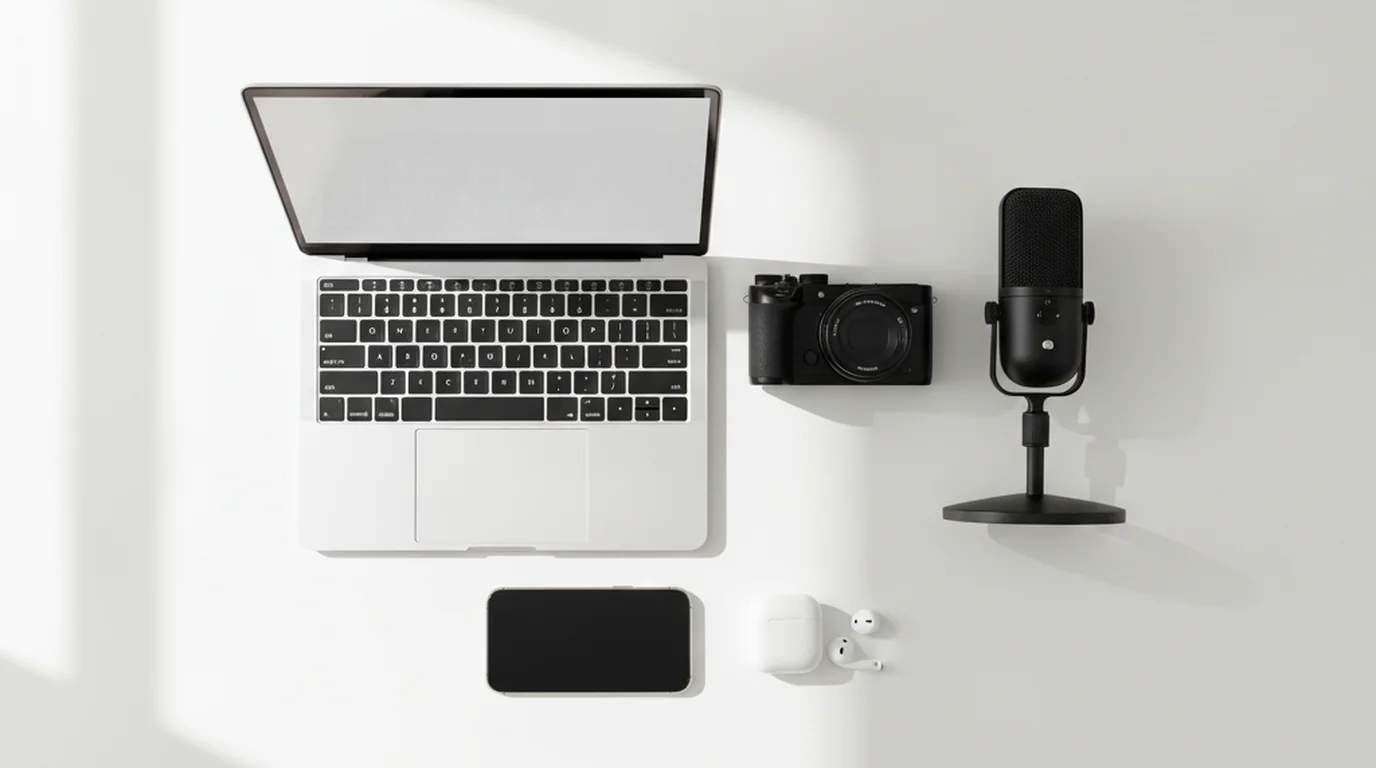
The 9 content creation tools serious video creators use are a teleprompter, camera, microphone, lighting, video editor, caption tool, script writing tool, scheduling tool, and analytics tool. Free options exist in every category. The teleprompter is the most underrated of the nine — it directly impacts delivery quality and reduces production time by cutting the number of takes required.
According to HubSpot's 2025 State of Content Marketing report, short-form video is the highest-ROI content format for the fourth consecutive year, with 56% of marketers reporting video as their primary content investment. The same report found that creators who use dedicated production workflows — rather than ad hoc setups — publish 2.3x more content per month and report significantly higher satisfaction with output quality.
1. Teleprompter (free)
A teleprompter is the tool with the highest impact-to-cost ratio in video production. It lets you deliver scripted content while maintaining eye contact with the camera, which reads as natural and confident to viewers. Without a teleprompter, scripted delivery means memorizing lines (slow and imperfect) or reading from notes just off-camera (obvious to viewers).
The free online teleprompter at teleprompter.works requires no download and no account. Paste your script, set scroll speed, and record. For iPhone and iPad recording, the iPhone teleprompter app lets you read directly from the same device you're recording with — useful for solo creators without a second screen. Both are free.
For teleprompter for YouTube videos, the key setting is scroll speed: 120-140 WPM for a conversational delivery pace, slower for dense technical content. Most creators start too fast. Deliberately slow delivery sounds more authoritative on playback, even when it feels unusual in the recording session.
Free option: teleprompter.works online (no download) or the free iOS app. Paid upgrade: physical teleprompter hardware with a half-mirror glass for dedicated studio setups.
2. Camera
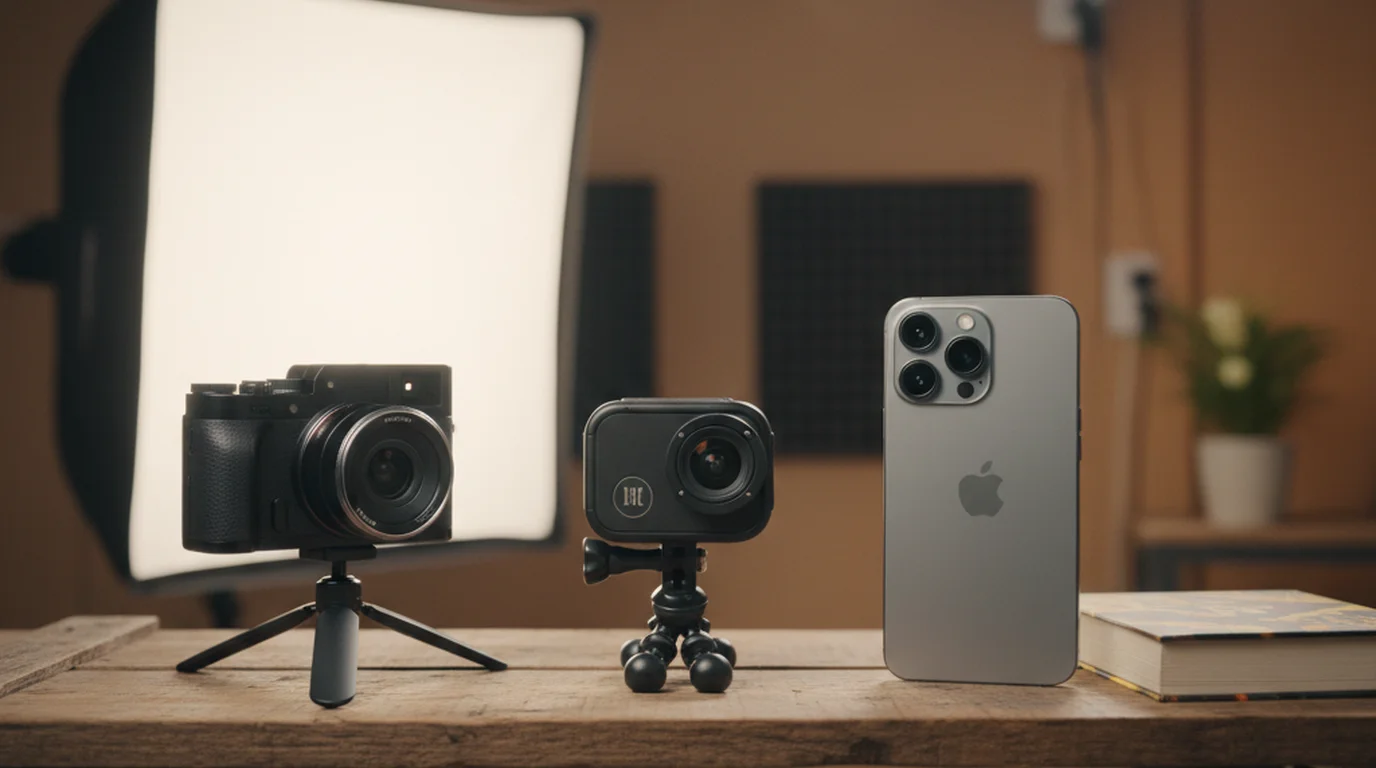
Most creators overinvest in camera and underinvest in everything else on this list. A good camera doesn't fix bad lighting, bad audio, or unconfident delivery. For 90% of video creators, the camera you already have is sufficient to publish professional-looking content.
iPhone 13 and later (and equivalent Android flagships) shoot 4K at 30fps and produce footage that is indistinguishable from a dedicated camera when properly lit. For creators who want a dedicated camera under $600, the Sony ZV-E10 and Canon EOS R50 are the most popular choices — both produce excellent footage and have flip screens for solo recording. See the full breakdown in the best cameras for YouTube guide.
Free option: Your current smartphone. Paid upgrade: Sony ZV-E10 (~$550) or Canon EOS R50 (~$680).
3. Microphone
Audio quality has a larger impact on viewer retention than video quality. Viewers will tolerate slightly soft video. They will not tolerate audio that echoes, crackles, or forces them to strain to hear. In my testing across 40+ tools, every dollar spent on audio improvement pays back more than the same dollar spent on video improvement — up to a point.
For desktop recording: a USB condenser microphone (Blue Yeti, Elgato Wave:3, or similar) positioned 6-8 inches from your mouth, slightly off-axis, will produce podcast-quality audio. For iPhone or run-and-gun recording: a clip-on lapel mic with a TRRS connector (DJI Mic Mini or Rode Wireless GO II) eliminates room echo by capturing from 2-3 inches away.
Free option: AirPods or earbuds with built-in mic (usable for casual content). Budget upgrade: Boya BY-M1 lapel mic (~$20). Best under $100: Rode Lavalier GO.
4. Lighting
The single fastest way to improve the visual quality of your video content is better lighting. A well-lit video on a smartphone camera looks more professional than a poorly lit video on a $3,000 camera. Flat, even, frontal lighting that eliminates shadows under the eyes and chin is the baseline for any talking-head video content.
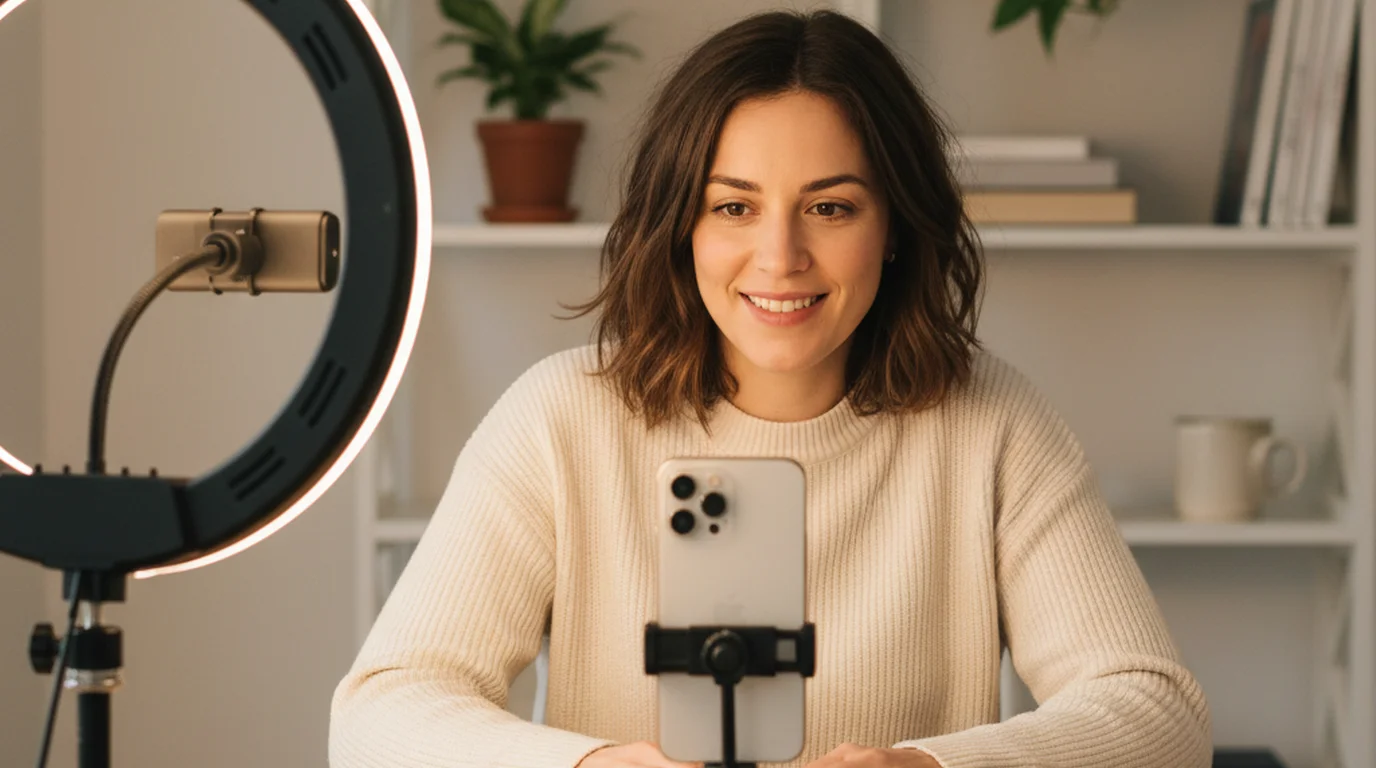
If you record near a window, position yourself facing the window (not with the window behind you) and record during the hours when the light is diffused (overcast sky or early morning). If you use artificial lighting, a ring light or a softbox light source positioned at face height, 2-3 feet in front of you, handles the baseline. Add a second light source slightly behind and to one side to create depth if your setup allows.
Free option: Window light, face the window. Budget upgrade: 10-inch ring light with phone mount (~$25-$40). Best upgrade: Elgato Key Light Air (~$100) with app-controlled brightness and color temperature.
5. Video Editor
Your video editor is where raw footage becomes publishable content. The tool you choose matters less than learning one tool well. Switching editors frequently is one of the most common productivity drains for new creators — each switch requires rebuilding workflow familiarity from scratch.
For beginners: CapCut (free, iOS and desktop) has the lowest learning curve and handles cutting, captions, B-roll, and basic color correction. For intermediate creators on Mac: Final Cut Pro ($300, one-time purchase) is the most efficient professional editor for solo creators. For PC: DaVinci Resolve (free version) is the industry-standard free option with a steeper learning curve but no export limitations.
Free option: CapCut (iOS/Android/Desktop), DaVinci Resolve (PC/Mac). Paid upgrade: Final Cut Pro ($300, Mac only) or Adobe Premiere Pro ($55/month). If you're evaluating CapCut's paid tier, see the breakdown of what CapCut Pro includes and whether the $19.99/month subscription is worth it.
6. Caption Tool
Captions are no longer optional. Between 69-85% of video content on social platforms is watched without sound in at least some contexts, and captions are one of the top accessibility features viewers expect. Adding manual captions in your video editor is time-consuming. Automated caption tools handle the transcript and timing in minutes.
Descript (free tier available) transcribes audio and lets you edit video by editing the text transcript — the fastest way to cut filler words and silence from talking-head footage. Kapwing (free tier) handles automated captions with style presets. Both tools also export caption files for YouTube's manual caption upload if you prefer that workflow.
According to a 2025 report from the Creator Economy Research Institute, the global creator economy reached an estimated $480 billion in 2025, up from $250 billion in 2022. The report found that creators who use automated production tools — including AI captioning, automated transcription, and scheduling platforms — publish 60% more content than those using manual workflows, while reporting similar or lower total time investment per piece of content.
Free option: YouTube's auto-captions (good baseline), Kapwing free tier (3 hours/month). Best option: Descript ($12/month for 10 hours/month transcription).
7. Script Writing Tool
Writing video scripts in a general-purpose document editor (Google Docs, Word, Notion) works but creates friction — the format isn't designed for scripts. A dedicated script writing tool formats content for speaking, not reading, and often includes word count, estimated speaking time, and delivery notes.
For most video creators, a simple Google Doc with a dedicated script template is sufficient. Include sections for hook, problem, content, CTA, and a running word count linked to target speaking time (150 WPM for a conversational pace). For longer-form content or course scripts, Notion with a script database lets you track scripts by status (draft, reviewed, recorded, published).
When the script is still a to-do and a rough idea, 3 Pages Daily keeps both on today's page. It runs on iPhone, Mac, and in the browser, so you can capture the thought on your phone and paste it into the script template when you sit down to time it.
Free option: Google Docs with a custom template. AI-assisted option: Claude.ai or ChatGPT for drafting and editing. Dedicated tool: Descript (also handles script-to-teleprompter workflow).
8. Scheduling Tool
Publishing content manually — logging into each platform, uploading, writing captions, adding hashtags — consumes more time than most creators expect. A scheduling tool batches this work and maintains a publishing cadence even when recording sessions are inconsistent.
Buffer (free for up to 3 channels) handles scheduling for YouTube, Instagram, TikTok, LinkedIn, and X. Later (free tier) is stronger for visual content planning with Instagram grid preview. For YouTube-specific scheduling, YouTube Studio's native scheduler is sufficient and free — it handles premiere scheduling and notification management better than third-party tools.
Free option: YouTube Studio scheduler (YouTube only), Buffer free tier (up to 3 channels, 10 posts queued). Paid upgrade: Buffer Essentials ($6/month/channel) or Later Growth ($25/month for all channels).
9. Analytics Tool
Publishing without checking analytics is producing without feedback. The data tells you which content formats, topics, and lengths are retaining viewers — and which are losing them in the first 30 seconds. Without that feedback loop, creators optimize by guessing.
YouTube Studio's built-in analytics are comprehensive for YouTube creators: impressions, click-through rate, average view duration, and audience retention graphs are all available natively. For cross-platform analytics, Metricool (free tier) aggregates performance across YouTube, Instagram, TikTok, and X into a single dashboard. The metric that matters most for early-stage creators is average view duration percentage — not total views.
Free option: YouTube Studio analytics (YouTube), Metricool free tier (1 profile per platform). Paid upgrade: TubeBuddy Pro ($5.99/month) for YouTube-specific keyword and A/B thumbnail testing.
Frequently Asked Questions
What tools are used for content creation?
The core tools used for video content creation are a teleprompter, camera, microphone, lighting, video editor, caption tool, script writing tool, scheduling tool, and analytics tool. Free options exist in every category. The teleprompter is often overlooked but has one of the highest impacts on delivery quality and production speed — it reduces retakes and improves on-camera confidence significantly.
What are the 5 C's of content creation?
The 5 C's of content creation are Create (producing the raw content), Curate (selecting and organizing existing material for your audience), Customize (adapting content for each platform's format), Connect (engaging with your audience around the content), and Consistency (maintaining a publishing cadence). They're a framework for thinking about content strategy rather than just individual pieces — creators who operate across all five C's build audiences faster than those focused only on creation.
What equipment do I need for content creation?
The minimum equipment for video content creation is a smartphone with a good camera (iPhone 13 or later), a basic external microphone (a clip-on lapel mic under $30 makes a significant quality difference), and a simple light source — a window you face, or a basic ring light. A teleprompter app is recommended for anyone creating scripted content. Beyond this baseline, camera, lighting, and editing upgrades improve quality incrementally rather than dramatically.
What are the 4 types of content?
The 4 types of content are educational (teaches a skill or concept), entertaining (engages through humor, story, or personality), inspirational (motivates or shifts mindset), and promotional (drives a specific action — purchase, sign-up, or share). Most successful content mixes at least two types. Educational combined with entertaining is the most common and effective format for long-term audience building on YouTube and similar platforms.
Complete guide: The Solo Content Creator's Complete Guide (2026) — scripting, delivery, camera setup, platform strategy, and the free tools every solo creator needs.
Ryan KowalskiRyan Kowalski reviews iOS and macOS apps for content creators, with a focus on teleprompter, camera, and productivity tools. His rule: use an app daily for at least two weeks before writing a word about it.
Start with the tool that pays back the most
A teleprompter is the highest-impact, lowest-cost tool on this list. Use the free online teleprompter — no download, no account — to record your next scripted video with natural eye contact and controlled pacing.
Use Free Online Teleprompter Get the Free App