How to Use a Teleprompter on iPhone 18 Pro and iPhone Duo
 Maya Chen · September 10, 2026 · 9 min read
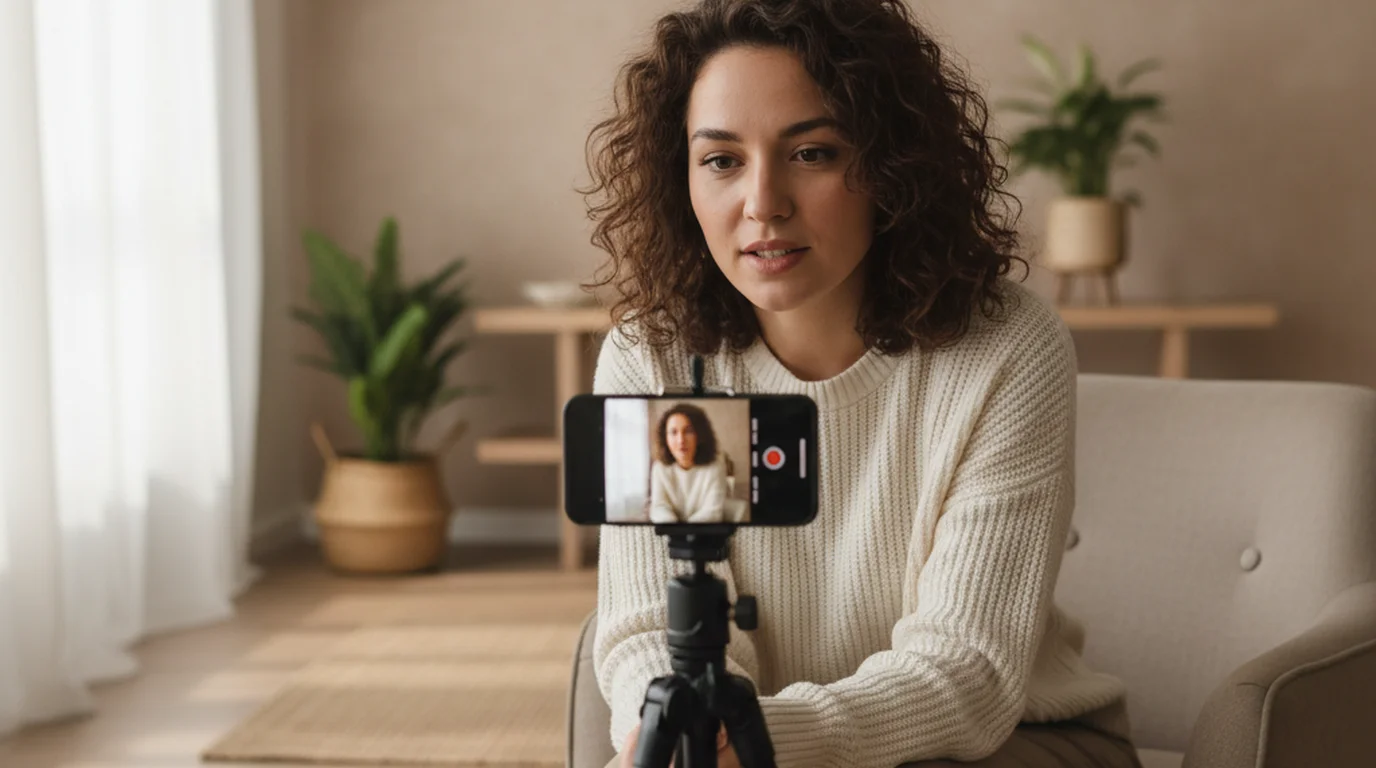
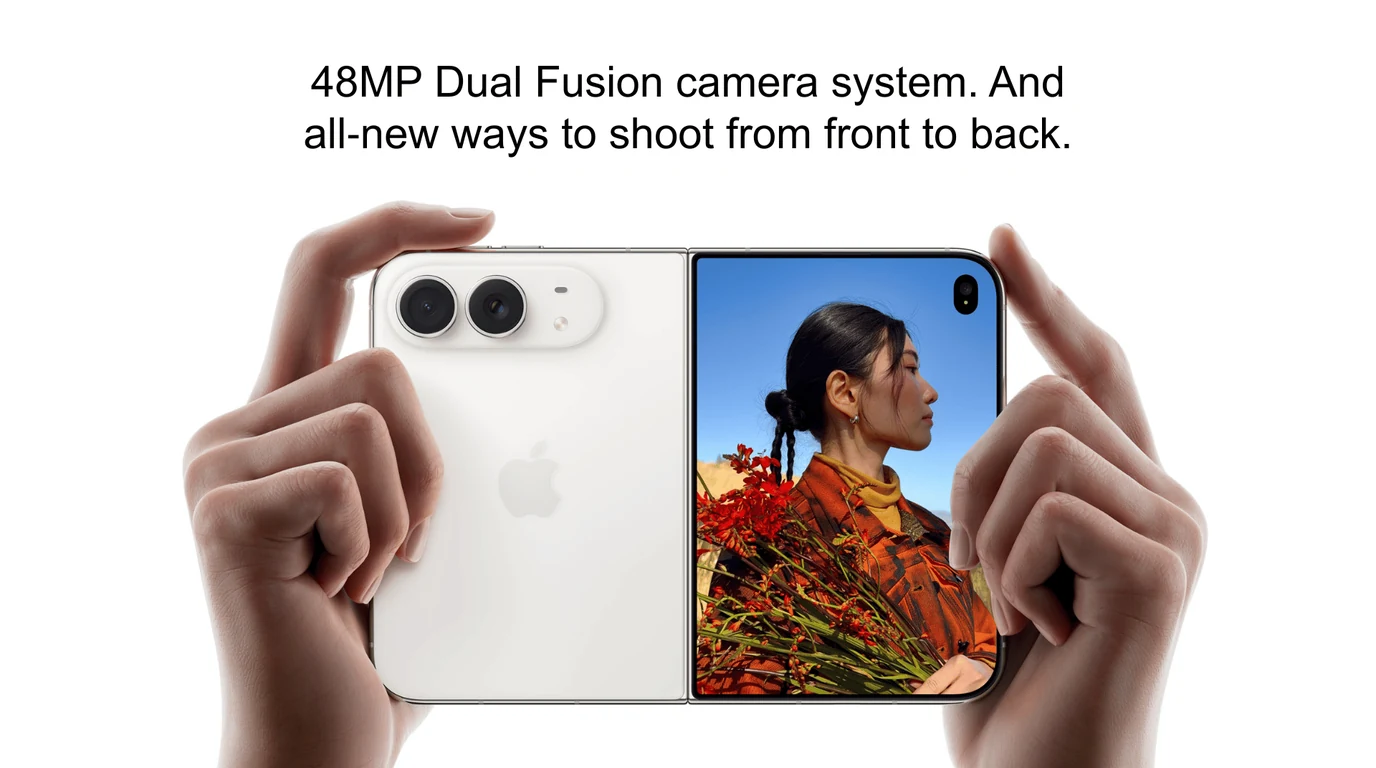
The new iPhones change one thing that matters for reading a script on camera, and it isn't the sensor. It's reach. The iPhone 18 Pro carries a 48MP telephoto at 100mm, and the iPhone Duo opens to a 7.6-inch display — the largest screen in any current iPhone. Both let you solve the oldest problem in solo recording: your eyes are on the words, not the lens, and viewers can tell. Here's the setup that closes that gap.
Open Camera Mode so your script scrolls over the live camera view, record at 4K 30 fps, and mount the phone at eye level. Then back up and zoom in — shooting from further away with the telephoto narrows the angle between the script and the lens.
The 60-second setup
Five steps, in order:
- Paste your script and pick Camera Mode. The text scrolls over the live camera preview, and the app does the recording. The overlay stays on your side — the exported video contains only the camera feed.
- Set 4K at 30 fps. This is the default worth keeping for scripted delivery.
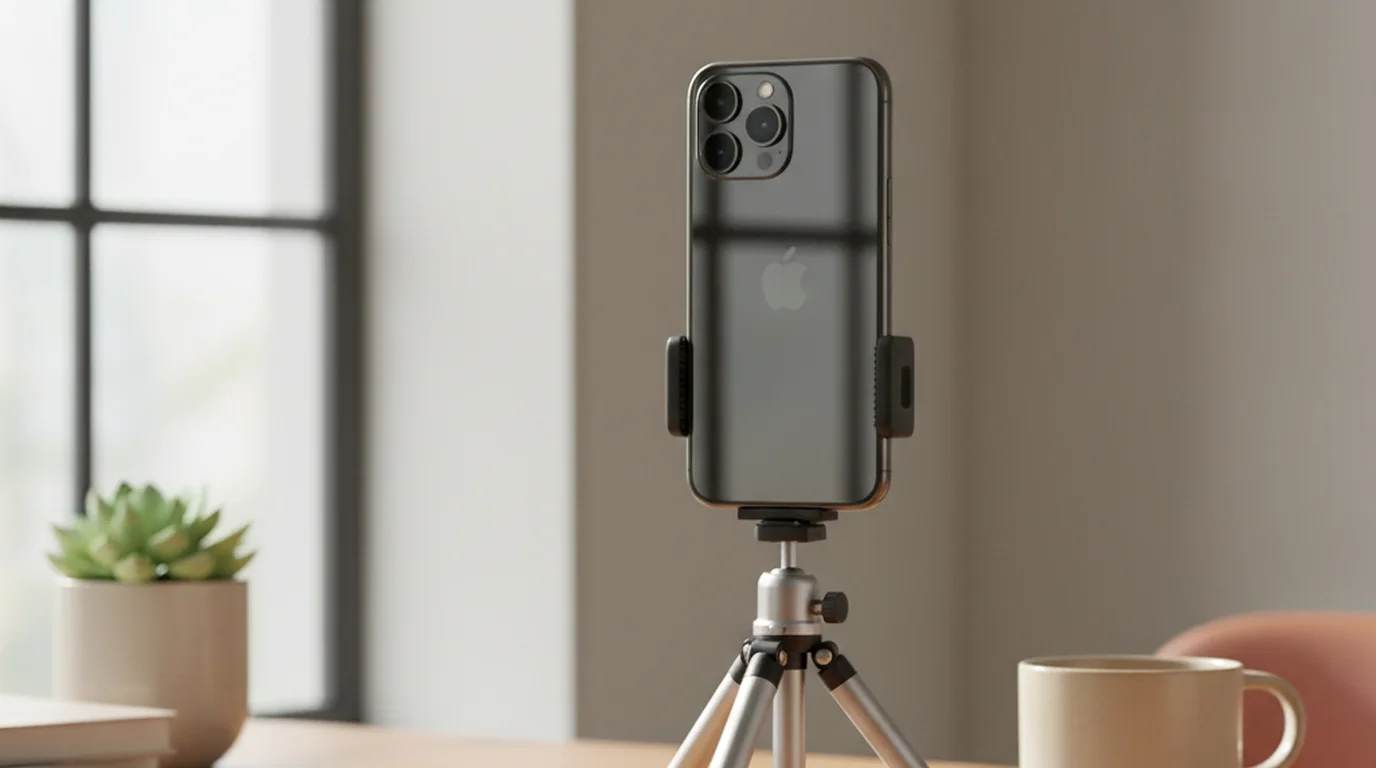
- Mount at eye level. A tripod that reaches seated eye height, lens pointing straight at you rather than up at your chin.
- Back up and zoom in. On iPhone 18 Pro, tap 4x and move further away until the framing looks right.
- Size the text, then test. Font large enough to read from where you're sitting, scroll speed matched to your pace, then a 20-second test take.
If you haven't used the app before, the walkthrough of all three teleprompter modes covers when Camera Mode beats Prompter Mode and Voice Mode.
Why backing up fixes your eye contact
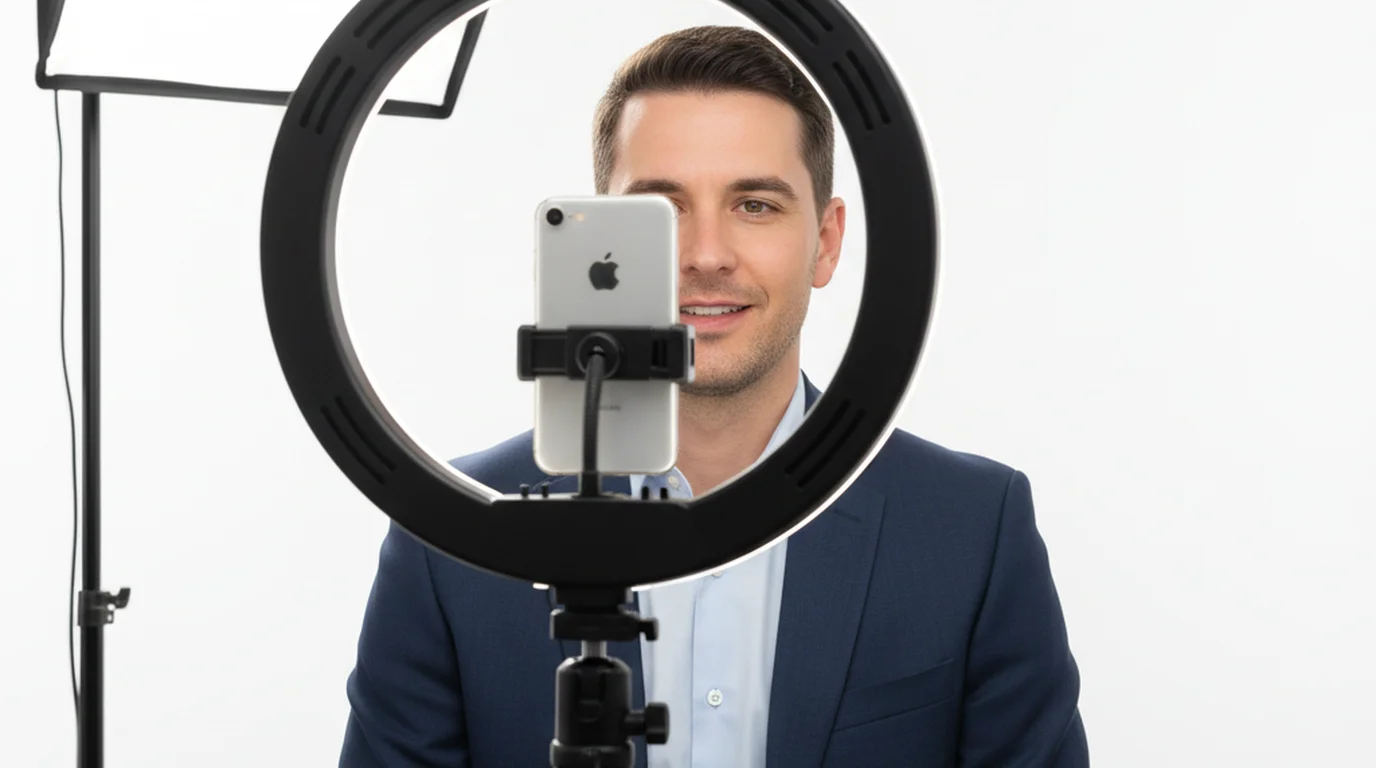
A teleprompter never puts the words exactly on the lens. There's always a gap — on a phone, the script sits somewhere in the middle of the screen while the lens sits at the top corner, maybe 5cm away. Your gaze lands on the text, slightly off-axis from the camera. That small offset is what makes prompter-read video look subtly wrong.
The size of that offset isn't fixed. It depends on how far you are from the phone, and it shrinks fast as you move back.
| Lens | Distance for a chest-up frame | Gaze off-axis by |
|---|---|---|
| 24mm main | ~0.6 m | 4.8° |
| 2x (48mm) | ~1.2 m | 2.4° |
| 4x telephoto (100mm) | ~2.5 m | 1.1° |
These are geometry, not test footage: the offset is the arctangent of the script-to-lens distance divided by your distance from the phone. Quadruple the distance and you quarter the angle. That's the whole argument for using the long lens.
The iPhone 18 Pro and iPhone 18 Pro Max carry a 48MP Telephoto at 100mm with an ƒ/2.8 aperture, per Apple's iPhone 18 Pro tech specs. At roughly four times the focal length of the 24mm main camera, it frames the same chest-up shot from about four times the distance — which is what shrinks the gap between where you're reading and where the lens is.
Longer lenses flatter faces too. At 0.6m the main camera exaggerates whatever is closest to it, usually your nose and forehead. At 2.5m that distortion is gone.
The catch: you still have to read the thing
Backing up has an obvious limit. At 2.5m, text sized for arm's length is illegible. Every step away demands larger type, and larger type means fewer words on screen, which means the script scrolls more often and in bigger jumps. Past a certain point you're chasing the text instead of reading it.
That's the real constraint, and it's why screen size matters more for prompter work than for anything else you do with a phone. The bigger the display, the further back you can sit before legibility gives out.
In practice most people land between 1.2m and 1.8m — far enough that the gaze offset drops to roughly 2 degrees, close enough to read comfortably at a sane font size. Start at 1.5m and adjust.
iPhone Duo: unfold it and read from further back
This is where the folding screen earns its place. Opened flat, the iPhone Duo gives you a 7.6-inch display to put your script on — against 6.9 inches on the iPhone 18 Pro Max and 6.3 inches on the iPhone 18 Pro.
The iPhone Duo's inner display measures 7.6 inches diagonally, according to Apple's iPhone Duo tech specs — the largest screen in any current iPhone. For teleprompter work the practical effect is more visible script per scroll, so the text advances in smaller, slower increments and stays easier to track while speaking.
Set it up the way you'd set up any phone: unfolded, mounted at eye level, Camera Mode running on the inner display with the script over the live preview. The extra screen area buys you either a larger font at the same distance, or the same font from further back. Both work in your favour.
One trade to know about: the iPhone Duo has no dedicated telephoto, so the distance trick has less room to run — its 2x option is a sensor crop at 52mm rather than a separate lens. Our breakdown of what the iPhone Duo changes for talking-head video goes through the full camera system and where it lands against the Pro models.
iPhone Duo: read from the outer display while the rear camera records
The Duo's second screen changes which camera you can read from. Its 5.4-inch outer display sits on the same face as the rear cameras, so when the phone is open and turned toward you, it is the screen right beside the lens. Teleprompter — Scrolling Scripts puts your script there: open the Duo, start Camera Mode, and the script appears on the outer display as well, scaled up to fill it and scrolling in step with the inner screen.
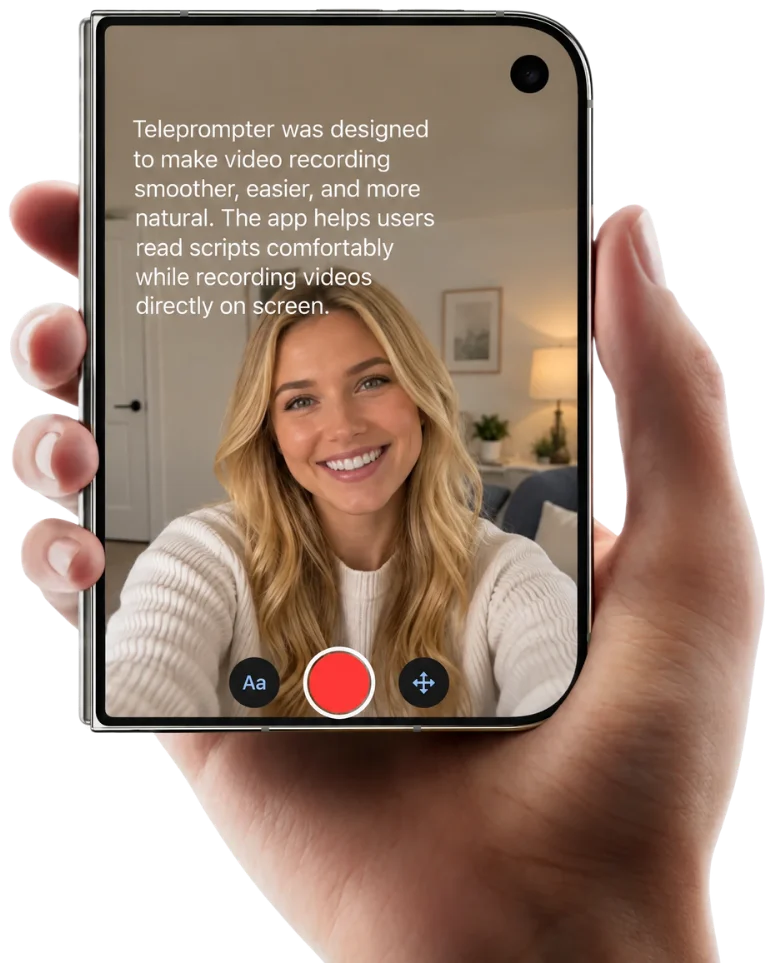
That means the script no longer ties you to the front camera. On the inner display you are filming on the front camera, which apps on the Duo receive as a virtual camera capped at 1080p. With the script on the outer display, you record on the 48MP Fusion Main and read from a screen a few centimetres from the lens — the same short text-to-lens distance that keeps your gaze offset small, now on the better camera.
- Unfold the Duo and open your project in Camera Mode. Switch to the rear camera.
- Frame the shot on the inner display, then mount the phone with the rear cameras and the outer display facing you.
- Start recording and step into position. The outer display shows the script at a size that fills it, so set the font on the inner display and it scales up from there.
The outer display shows the text alone, so the take runs untouched while you read. It is on by default; a button on the recording screen turns it off when you would rather keep that screen dark. Folding the phone takes the script off the outer display, and the app carries on as it does on any iPhone.
Resolution, frame rate, and what to leave alone
Record at 4K 30 fps. Both phones reach 4K Dolby Vision at up to 120 fps, but high frame rates are built for movement — for someone seated and talking, 60 fps and above produce a hyper-real look that works against scripted delivery. Our comparison of 24 vs 30 vs 60 fps for YouTube covers why 30 remains the default for this format.
4K rather than HD because it leaves room to reframe afterwards. Shooting a slightly wider frame and cropping to a tighter one in the edit is much easier than getting the framing perfect in-camera, and at 4K that crop costs you nothing visible on a 1080p timeline.
Leave the aperture alone on iPhone 18 Pro. The variable aperture is a genuinely useful control for photography, but for a seated talking head the default handles it, and fiddling with depth of field mid-session is a good way to end up with two takes that don't cut together.
Font size and scroll speed
These are the two settings that decide whether a take feels natural, and they're linked: font size sets how much text fits on screen, and scroll speed has to match how fast you actually talk.
Set the font first, from your real shooting position rather than from your desk. If you're squinting, you're going to lean forward mid-take, and the framing will shift. Then set scroll speed by reading a paragraph aloud at your normal pace and adjusting until the line you're speaking sits in roughly the same place on screen each time.
Record 20 seconds and play it back before committing to a full take. Almost every prompter problem — text too fast, text too small, eyes visibly tracking left to right — shows up in the first 20 seconds. For more on delivery itself, our guide to filming a talking-head video on iPhone covers lighting and audio alongside the script.
Three mistakes worth avoiding
Filming at arm's length. It's the fastest setup and the worst result: maximum gaze offset, maximum lens distortion. If you do nothing else here, put the phone on a tripod and step back.
Writing for the page instead of the mouth. A script that reads well silently often speaks badly. Long subordinate clauses are where prompter delivery falls apart. Read every line aloud while writing, and cut anything you stumble on twice — our video script guide covers structuring a script for the mouth rather than the page.
Setting scroll speed from a desk. Speed set while sitting close and reading quietly never matches your on-camera pace, which is usually slower. Set it in position, out loud.
The short version
Camera Mode, 4K 30 fps, phone at eye level, and then the part most people skip — get further away than feels natural and zoom in to compensate. On iPhone 18 Pro that means the 4x telephoto; on iPhone Duo it means unfolding the 7.6-inch display so the script is still legible from back there. Everything else is font size and a 20-second test take.
The script matters more than any of it. A tight script read from 1.5m on a two-year-old phone beats a loose one read from arm's length on the newest hardware — reading it while looking at the lens is what viewers actually register.
Frequently Asked Questions
How to record yourself while reading a script on an iPhone?
Use a teleprompter app in Camera Mode, which scrolls your script over the live camera preview while the phone records. Mount the phone at eye level on a tripod, set the font large enough to read from your shooting distance, and match the scroll speed to your speaking pace. Your eyes stay on the phone the whole take.
Is there a free teleprompter app for the iPhone?
Yes. Teleprompter — Scrolling Scripts is free on iPhone and iPad, with no account needed to start. Recording in HD, script editing, and scroll speed control are all included.
How to have teleprompter on screen in iPhone while recording video?
Camera Mode overlays the scrolling text directly on the camera preview, so the script and your framing share one screen. The recorded video contains only the camera feed — the text is an overlay on your side and never appears in the exported file.
Can I use a teleprompter on my phone while recording?
Yes. A teleprompter app that records video itself handles both jobs at once. The alternative — running a separate prompter app beside the stock Camera app — doesn't work on iOS, because only one app can hold the camera at a time.
Which iPhone 18 model is best for teleprompter recording?
iPhone 18 Pro Max gives the largest single screen at 6.9 inches, which means more script visible per scroll. The iPhone Duo goes further when unfolded, with a 7.6-inch inner display. For eye contact specifically, either iPhone 18 Pro model has the advantage because of the 4x telephoto.
Can you use a teleprompter app on the iPhone Duo?
Yes. Unfold the phone and use Camera Mode on the 7.6-inch inner display, the largest screen in any current iPhone, so more of your script stays visible and it scrolls in slower, smaller increments. While the Duo is open, the app also shows the script on the outer display, which faces the same way as the rear cameras — so you can record on the 48MP main camera and read from the screen right beside the lens.
Is there a standard iPhone 18?
Not in the September 2026 launch. That lineup is iPhone 18 Pro, iPhone 18 Pro Max, and iPhone Duo. A standard iPhone 18 is expected later, with reporting pointing to spring 2027 alongside the iPhone Air 2 and iPhone 18e. Apple hasn't announced it, so treat that timing as unconfirmed. Everything in this guide works on any iPhone running a recent version of iOS.
What resolution and frame rate should I record at?
4K at 30 fps for a seated talking-head video. 4K gives room to crop or reframe afterwards, and 30 fps matches the motion cadence viewers expect from scripted delivery. Both iPhone 18 Pro and iPhone Duo can reach 4K at 120 fps, but that's built for movement rather than someone sitting still and speaking.
How far from the camera should I sit when using a teleprompter?
As far as you can still read the script comfortably. Distance is what shrinks the angle between the text and the lens: with the script about 5cm from the lens, sitting 0.6m away puts your gaze roughly 4.8 degrees off-axis, while 2.5m brings it to about 1.1 degrees. Reading distance is the limit, which is why a bigger screen helps.
Maya ChenMaya Chen is a content creator who films on iPhone and coaches solo creators on mobile-first video production for TikTok, Reels, and Shorts. Her work focuses on the part most people skip: how to actually sound natural once the camera is rolling.
Read your script while looking straight at the lens
Teleprompter — Scrolling Scripts is free for iPhone and iPad. Camera Mode puts your script over the live camera view and records at the same time, so one phone does both jobs.
Use Free Online Teleprompter Get the Free App