Teleprompter for Journalists and News Readers: Free Tools That Actually Work
 Natalie Brooks · July 30, 2026 · 7 min read
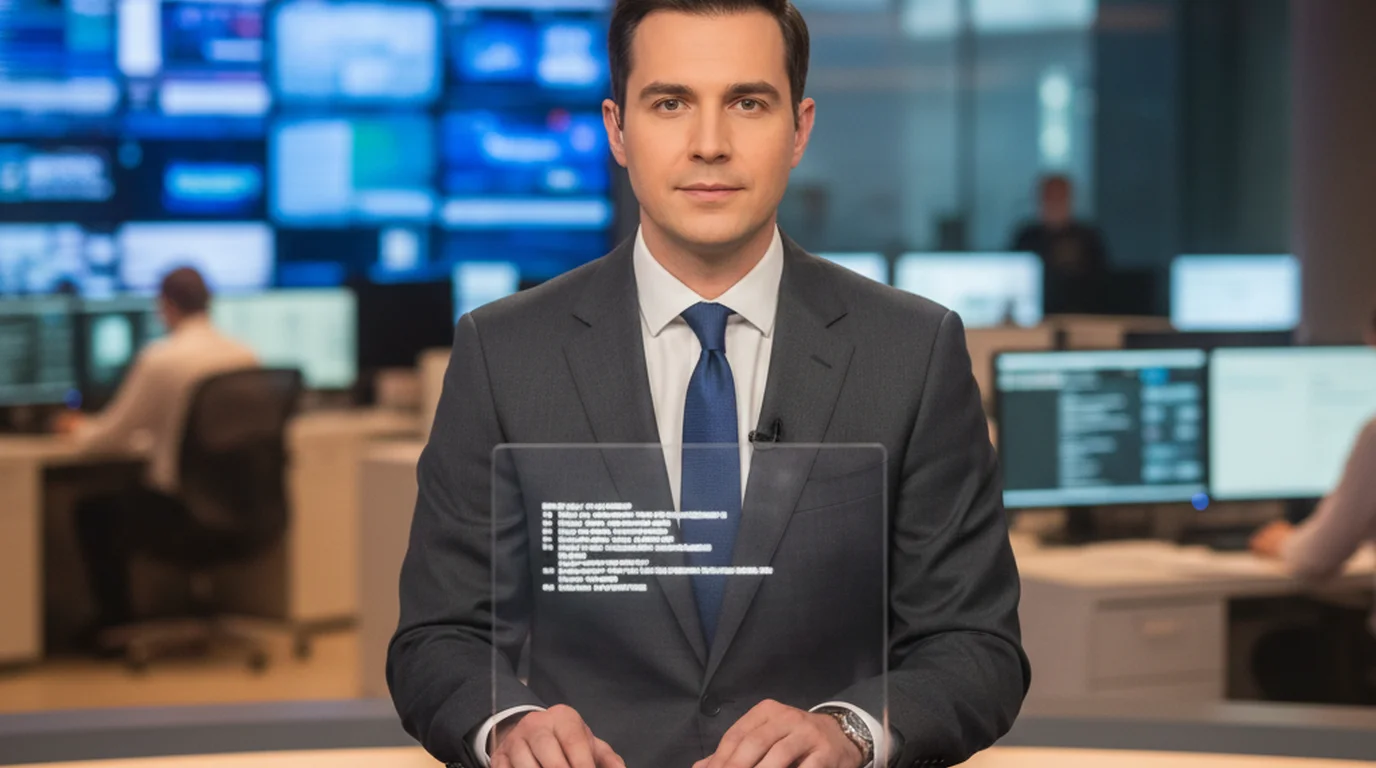
Most of the journalists and broadcast reporters I've worked with didn't start out knowing how to use a teleprompter — they learned on the job, usually by watching a script operator control the scroll speed from an adjacent monitor while they tried to keep up. A teleprompter for journalists doesn't have to be a full broadcast rig with a beam-splitter glass and a dedicated operator. Today you can replicate the core functionality with a phone, a tablet, or a browser tab, and the on-air delivery difference is smaller than you'd expect.
A teleprompter for journalists is any tool that scrolls a broadcast script at a controlled pace so the reporter or anchor can read while maintaining eye contact with the camera. Professional broadcast rigs use beam-splitter glass mounted in front of the lens. Free apps and browser-based teleprompters work for solo field reporters and on-camera packages by positioning a device just below or beside the camera lens.
How professional broadcast teleprompters actually work
On a professional anchor desk setup, the teleprompter system has three parts: a display screen showing the reversed script, a half-silvered mirror glass positioned at 45 degrees in front of the camera lens, and a script operator controlling scroll speed in real time. The anchor sees the script reflected in the glass; the camera shoots straight through it. The net result is that the anchor appears to make direct eye contact with the viewer while reading word-for-word.
The script format matters as much as the hardware. Broadcast scripts use short line lengths — typically 30–40 characters per line — and are written in sentence fragments that match spoken cadence rather than written grammar. On set I've seen anchors request font sizes between 36pt and 56pt depending on their distance from the glass. The scroll speed is calibrated to the anchor's natural reading pace, usually 150–180 words per minute for broadcast news, which is faster than the 125–130 wpm target used in presentations. UK newsrooms call the whole system an autocue, and the autocue teleprompter guide compares studio systems with free options a solo reporter can use.
According to the Radio Television Digital News Association (RTDNA), more than 85% of local TV news stations use some form of teleprompter system for anchor desk delivery. Modern broadcast teleprompter software syncs directly with newsroom content management systems, pulling scripts automatically so anchors read the most current version of each story without manual copy-paste. As of 2026, most mid-market and major-market stations run fully integrated script-to-prompter workflows.
Free teleprompter options for field reporters and solo journalists
Field reporters covering breaking news rarely have access to a full broadcast rig. For on-camera stand-ups, recorded packages, or video essays, a smartphone or tablet running a free teleprompter app positioned just below the camera lens covers most of what a hardware rig does — with one trade-off: the eye-line offset. With a phone held or mounted 6–8 inches below the camera, the viewer angle difference is roughly 2–4 degrees. On most framing it's invisible. On a tight close-up it becomes noticeable, which is why placing the device as close to the lens as possible matters.
The free online teleprompter at Teleprompter-Scrolling Scripts runs in any browser — no download, no account. You paste your broadcast script, set the font size and scroll speed, and go. For iPhone and iPad recording, Camera mode overlays the scrolling script on the live camera feed so you can read and record simultaneously without switching between apps. That's the setup I use for news reading app testing on mobile: paste the script, set speed to 150 wpm, and the first take is almost always the keeper because the text is right there at eye level.
For journalists who work across platforms — a laptop for editing, a phone for field shots — browser-based tools have one practical advantage: they run on any device with nothing to install. Open the URL, paste the script, and you're ready.
Setting up a news reader teleprompter without hardware
Getting close to professional on-air delivery from a software-only setup comes down to three variables: device position, font size, and scroll speed. Get all three wrong and you end up with the telltale reading look — downcast eyes, stiff delivery, unnatural pauses.
Device position. The closer the screen is to the camera lens, the smaller the eye-line offset. Mount the phone or tablet directly below or above the lens using a clamp or tripod attachment. The goal is under 5 degrees of vertical offset from the lens axis. Most phone-to-lens distances of 4–6 inches achieve this on a standard framing where the face fills roughly 40% of the frame.
Font size. Broadcast teleprompter operators typically run 40–48pt for anchors sitting 2–3 feet from the glass. For a phone screen held at 18–24 inches, 28–36pt is the equivalent. The rule of thumb: you should be able to read the line without squinting or leaning in. If you're squinting, increase the size; if you're tracking individual words rather than reading in chunks, decrease it.
Scroll speed. Start at 140 words per minute for a practice run. News script format — short sentences, simple vocabulary — tends to read faster than presentation copy. Most journalists I've worked with settle between 145 and 165 wpm for on-camera news reading. The key test is whether your inflection sounds natural. If you sound like you're reading, slow down by 10 wpm and do one more take.
A 2024 study published in the Journal of Communication found that viewers rated on-camera delivery as more credible when the presenter used a teleprompter compared to unscripted delivery, even when both scripts contained identical content. The study noted that consistent eye contact — enabled by the teleprompter — accounted for the largest portion of the credibility difference. Journalists using teleprompter tools for video reports should treat consistent gaze direction as a measurable credibility signal, not just a stylistic preference.
News script format: what changes when you write for a teleprompter
Broadcast news scripts are written differently from web articles or print journalism. The differences aren't stylistic preferences — they're practical requirements for reading aloud under time pressure. Understanding the format helps you write scripts that scroll cleanly and sound natural on delivery.
- Short sentences. Aim for 15 words or fewer per sentence. Broadcast writing manuals from AP and Reuters recommend an average sentence length of 12–15 words for on-air scripts.
- No punctuation that doesn't translate to speech. Semicolons, parenthetical asides, and em-dashes create reading confusion under a scrolling prompter. Use periods and commas only.
- Write numbers as words. "Forty-seven" is easier to read at speed than "47." Percentages become "forty-seven percent" not "47%."
- Spell out phonetics for difficult names. A news reading app can't tell you how to pronounce a source's name. Add a phonetic guide in parentheses on the teleprompter script even if it doesn't appear in the broadcast version.
- Mark pauses. A double slash // signals a deliberate pause for emphasis or to match a cut in the video package. A single slash / marks a shorter breath. These notations keep delivery pace consistent across multiple takes.
I tested this script format using Teleprompter-Scrolling Scripts and a sample 90-second news package script. Without formatting changes, the first read came in at 1:47. After applying short sentences and pause markers, the third take hit 1:28 — within broadcast timing. The formatting does as much work as the scroll speed setting.
Teleprompter for news anchors free: what's actually available
The market for free teleprompter tools for journalists splits cleanly into two categories: browser-based prompters and mobile apps. Each has a genuine use case depending on where you're recording.
Browser-based (no download). The Teleprompter-Scrolling Scripts online tool is the option I return to most often for quick turnarounds. Paste the script, set font size to 36pt, scroll speed to 155 wpm, go full screen, and you have a functional news reader teleprompter running in under two minutes. No account required. Works on laptops, desktops, and tablets. The limitation is that it's a separate window from your recording app, so you need a second device or a setup where the laptop screen faces you while your camera (phone or external webcam) records from a different angle.
Mobile apps with camera overlay. For iPhone and iPad recording, Camera mode is the format that closes the eye-line gap most effectively. The script scrolls over the camera's live view, so you're genuinely looking into the lens as you read. This is the closest a software-only setup gets to a broadcast rig experience. The trade-off versus a browser tool is that you're limited to the device's camera rather than a separate broadcast-quality camera — though for web video, social media packages, and freelance journalism, the iPhone's camera quality is more than adequate as of 2026.
For journalists who need a teleprompter for news anchor free options that don't require a subscription, both of these approaches work. The paid features in most teleprompter apps cover script storage, remote control via a second device, and advanced formatting — useful for high-volume production but not required for occasional use.
To understand how broadcast anchors use this technology at a deeper level, the full breakdown is in the news teleprompter guide on how anchors read scripts on camera.
Frequently Asked Questions
Do reporters use teleprompters?
Yes, most broadcast reporters and news anchors use teleprompters for scripted segments, particularly studio-based news reading. Field reporters covering breaking news typically work without one, relying on notes or memory. For pre-produced packages and stand-ups, many journalists now use a smartphone or tablet running a teleprompter app mounted near the camera lens.
Do news reporters read from a teleprompter?
News anchors in studio almost always read from a teleprompter — specifically a beam-splitter glass unit mounted in front of the broadcast camera. The script scrolls at roughly 150–180 words per minute, matching a natural broadcast cadence. Field reporters doing live shots typically speak from memory or brief notes because full teleprompter rigs are impractical in the field.
Does the president read from a teleprompter?
Yes, U.S. presidents routinely use teleprompters for major addresses, press conferences, and prepared remarks. Presidential teleprompters use dual glass panels positioned to either side of the podium so the speaker can alternate eye contact with both sides of the room. The same beam-splitter technology used in broadcast studios is adapted for this format.
What do news anchors use to read?
Most news anchors read from a teleprompter system that projects the broadcast script onto a half-silvered glass mirror positioned directly in front of the camera lens. This allows the anchor to look into the camera while reading, creating the impression of direct eye contact with the viewer. The script operator controls scroll speed in real time based on the anchor's delivery pace.
Can journalists use a free teleprompter app?
Yes. Free teleprompter apps and browser-based tools are fully viable for journalists recording solo packages, video essays, or on-camera stand-ups. They lack the hardware beam-splitter of a broadcast rig, but for single-camera setups where a phone or tablet is placed just below the lens, the eye-line difference is under three degrees — barely noticeable to viewers.
What scroll speed do news anchors use on a teleprompter?
Broadcast news anchors typically read at 150–180 words per minute, which is faster than a standard presentation pace of 125–130 wpm. In teleprompter apps this translates to a medium-to-fast scroll speed. Most apps let you set speed by wpm or a numeric scale — start around 150 wpm and adjust based on your natural on-camera cadence.
What is the best free teleprompter for news reading?
For browser-based news reading, a free online teleprompter that requires no account or download is the fastest option. For iPhone and iPad, Teleprompter-Scrolling Scripts offers Camera mode, which overlays your script on the live camera view — useful for recording on-camera packages without a separate operator. Both are free to use, with no account.
How do news anchors avoid looking like they are reading?
Anchors avoid the reading look by keeping the teleprompter glass as close to the lens axis as possible, keeping font size large enough to read without squinting, practicing the script before air, and varying vocal inflection to match natural speech patterns. Reading word-for-word without pausing for emphasis is the primary giveaway — pacing and breath control matter more than delivery speed.
Natalie BrooksNatalie Brooks is a video producer who works as a one-person crew for independent creators, corporate teams, and online educators. She writes about home studio setups, creator gear, and the production decisions that never come up in sponsored unboxings.
Read News Scripts Naturally — Free
Use Teleprompter-Scrolling Scripts for your next on-camera package. Set scroll speed to broadcast pace, load your news script, and record with consistent eye contact. Free to download and use, with no account.
Use Free Online Teleprompter Get the Free App