How a News Teleprompter Works: TV Anchor Guide
 Wendy Zhang · May 20, 2026 · 9 min read

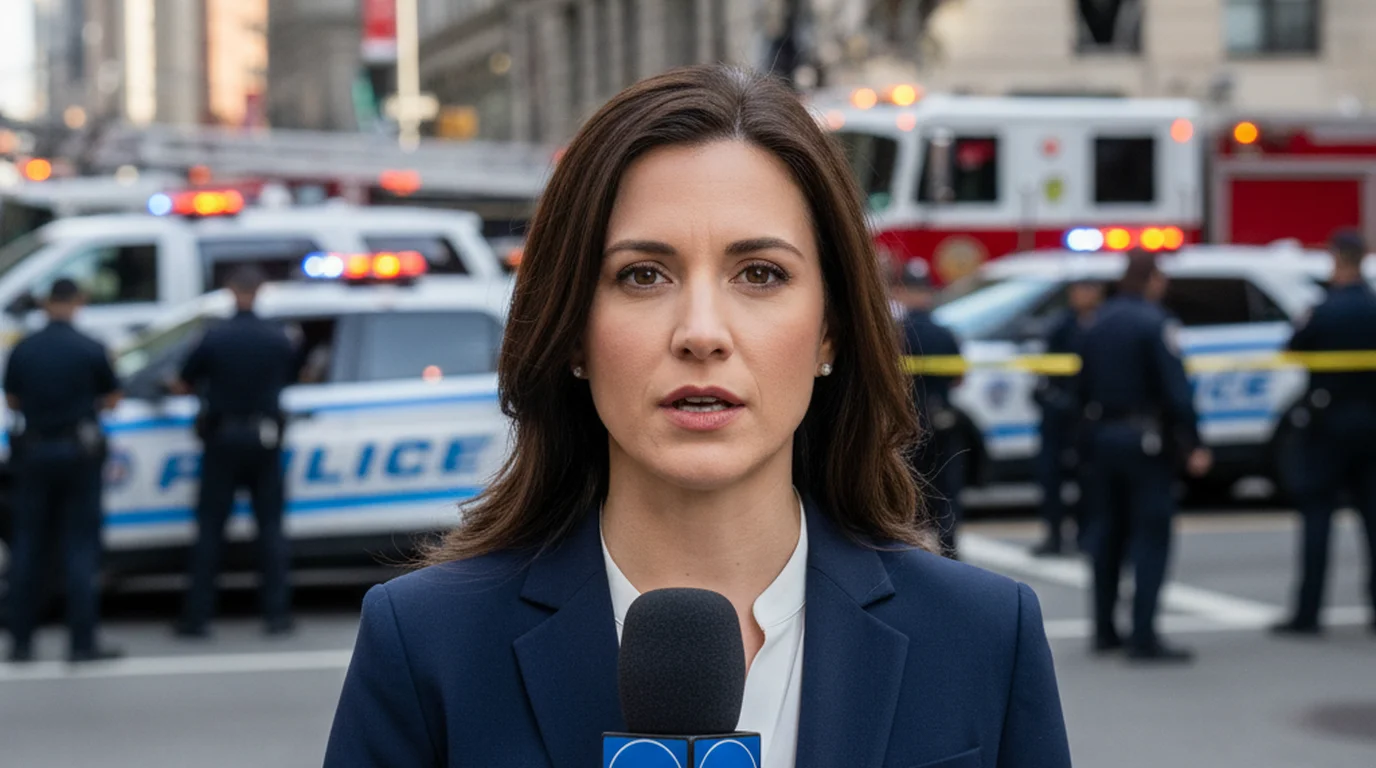
Every time you watch a news anchor deliver a broadcast, they are reading a full script word for word — and they appear to be looking straight at you the entire time. That is not memorization. It is a news teleprompter: a system that reflects the script directly in front of the camera lens so the anchor's eyes and the camera's field of view are aimed at exactly the same point. The result is the appearance of direct eye contact while reading a complete, prepared text.
The hardware behind a news prompter costs thousands of dollars and requires a dedicated operator. But the core principle — keeping the script as close to the lens as possible — is something any creator can replicate on an iPhone, iPad, or Mac with a free teleprompter app. Camera mode in Teleprompter-Scrolling Scripts overlays your script on the live camera view with full control over where the text sits on screen.
What is a news teleprompter?
A news teleprompter — also called a broadcast prompter or news prompter — is a hardware and software system used in television studios to display a scrolling script to the on-camera talent. The defining feature of a news teleprompter is its optical configuration: the script is not displayed on a screen the anchor looks at off to the side or below the camera. It is displayed directly in front of the lens.
The system uses a half-silvered glass plate — a beam splitter — mounted at a 45-degree angle in front of the camera lens. A display screen faces upward beneath the glass, and the script text reflects off the glass at eye level. The camera lens is positioned directly behind the glass and shoots through it, because the glass is only half-reflective — it passes enough light for the camera image while still reflecting the script text for the reader.
From the anchor's perspective, the script appears to float in the air directly in front of the camera. From the camera's perspective, the glass is nearly invisible. The anchor reads the script, their gaze lands on the glass surface right in front of the lens, and the camera records what looks like direct eye contact. That is the entire mechanism behind the confident, connected delivery you see on broadcast news every day.
How TV news anchors use a prompter
In a broadcast television newsroom, the news teleprompter workflow involves at least two people: the anchor who reads the script, and a prompter operator who controls the scroll speed. The operator watches the anchor's delivery in real time and adjusts the scroll to match the anchor's pace — speeding up slightly if the anchor is moving quickly through a section, slowing down for emphasis, and stopping if the anchor pauses for a live interview or a toss to a field reporter.
The anchor's role is to read naturally and deliver the script with appropriate emphasis, while trusting the operator to keep the text advancing at the right rate. Experienced anchors can signal to the operator — sometimes through subtle eye movements or pauses — to adjust the pace without interrupting the delivery. The relationship between anchor and prompter operator is a genuine collaboration, developed over time with a regular team.
The script itself arrives at the prompter operator's station from the producers in real time. Breaking news can be added to the scroll mid-broadcast. Scripts can be updated seconds before they are delivered. The news prompter is a live production tool, not just a pre-recorded aid. In a fast-moving broadcast environment, the ability to update and deliver new content in real time is part of why the system was developed in the first place. In non-broadcast live presentation contexts, the equivalent tool is a confidence monitor — a display visible only to the presenter that serves a similar on-stage reference function.
The news teleprompter turned scripted broadcast delivery into a live, dynamic medium. Before its invention in the 1950s, anchors either memorized scripts or visibly looked down at notes, which reduced the sense of direct connection with viewers. The glass-mounted prompter solved that problem definitively, and the same basic hardware design is still in use in broadcast studios today.
The news teleprompter problem for creators
Professional news teleprompter hardware is expensive, heavy, and designed for studio environments. A broadcast-grade prompter system — camera mount, beam splitter glass, display unit, and controller — costs several thousand dollars. It requires a dedicated stand or camera rig, and the glass assembly needs to be correctly sized and aligned for the specific camera in use. For a creator recording YouTube videos, online courses, or social content with a phone or a laptop webcam, this hardware is completely impractical.
Consumer hardware prompter attachments exist — small glass rigs designed to attach to a phone tripod or DSLR — and these bring the news-style beam splitter approach within reach at lower cost. But they still require a physical attachment, careful alignment, and a separate display device running the script. For most creators, this adds setup complexity that slows down the recording process rather than simplifying it.
The practical reality for the majority of online video creators is that the news prompter hardware approach does not fit the workflow. The good news is that the hardware is not what creates the eye-contact effect. The positioning of the text relative to the lens is what creates that effect — and that can be approximated with a well-configured teleprompter app and no additional hardware.
How creators replicate the news anchor effect without hardware
The news anchor's ability to appear to make eye contact while reading depends on one thing: the script text is positioned at the same point in space as the camera lens. When those two things — where you are looking and where the lens is — are the same, the camera records what looks like direct eye contact.
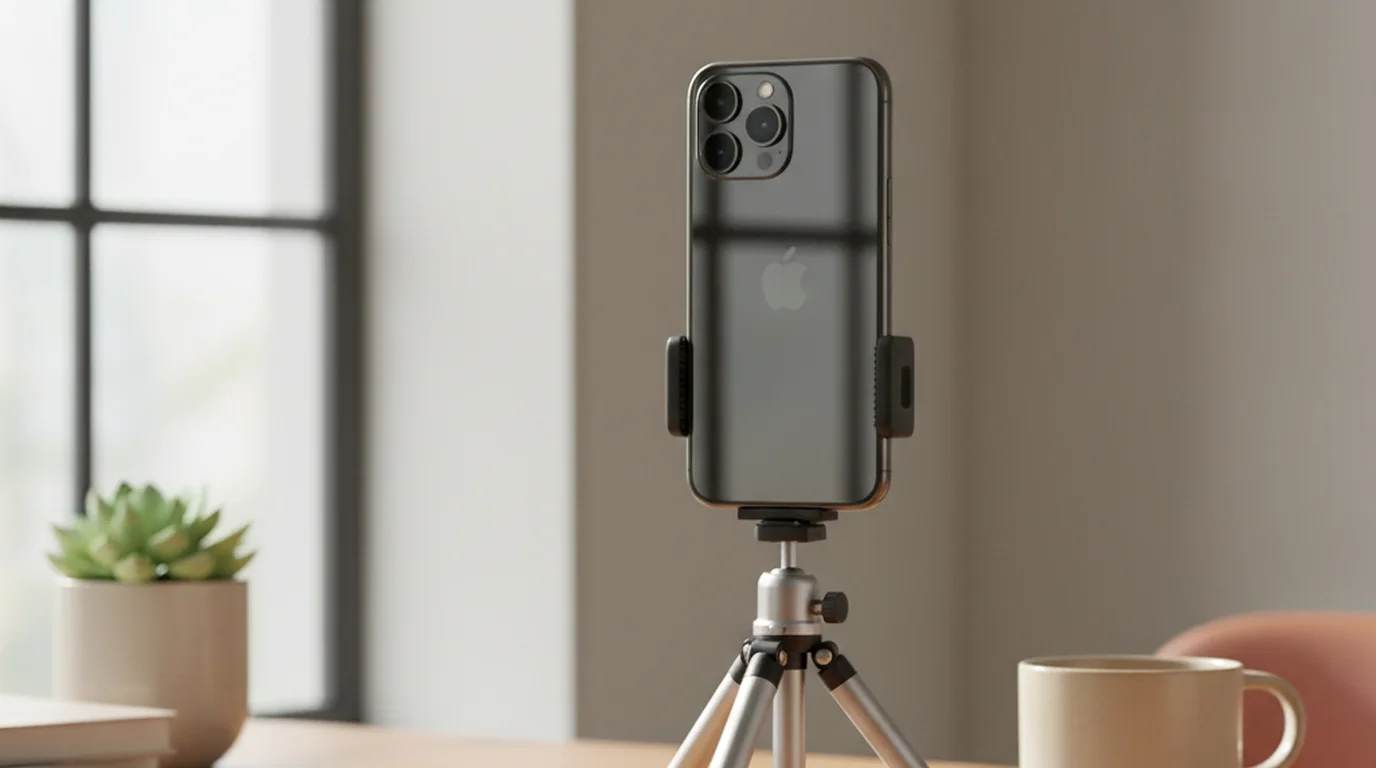
On a smartphone or tablet, the camera lens is at the top edge of the device. The news prompter equivalent is placing the teleprompter text at the top of the screen, as close to the lens as possible, in a band that is 2–3 lines tall. When you read those top lines, your eyes are directed toward the top edge of the device — the same location as the lens. The camera records your gaze at nearly the same angle as if you were looking directly into it.
The effect is not identical to a glass-mounted news teleprompter, because the text is technically below the lens rather than in front of it. But at normal camera distances — one to three feet — the angular difference between looking at the lens and looking at the top of the screen is small enough that it is not visible on video. Viewers perceive it as direct address.
Camera mode in Teleprompter-Scrolling Scripts lets you position the text area precisely. Set the text to display near the top of the frame, keep it to a few lines of large text, and the resulting video will show you speaking with your eyes directed toward the camera. The iPhone version and iPad version both support Camera mode with adjustable text position and size.
Eye-line technique: why anchors look natural but others don't
Watching an experienced news anchor on a professional news teleprompter and then watching someone read from a phone held at chest height tells you everything about eye-line technique. The anchor looks like they are talking to you. The phone reader looks like they are reading a document. The difference is almost entirely about where the text is positioned relative to the lens.
When the text is low — below the camera lens — the reader's eyes point downward, and the camera records the top of their head. When the text is to the side, the reader appears to be looking slightly off camera, which creates a distracting impression that their attention is elsewhere. When the text is at lens level or very close to it, the reader's gaze appears to meet the camera, which the viewer interprets as direct address and engagement.
A secondary factor is movement. Readers who are unfamiliar with teleprompter technique tend to keep their eyes locked onto the text in a fixed, unblinking stare. Professional anchors move their eyes naturally — slight movements, blinks, small shifts in focus — because they have learned to read the script while maintaining a natural visual rhythm. This is a skill that develops with practice. A few sessions recording with a teleprompter and watching the playback is usually enough to identify and correct the most obvious patterns.
Text size also plays a role. Smaller text requires more eye movement to track each line, and that movement is visible on camera. Larger text — four to six words per line at most — reduces the lateral eye travel and keeps the gaze more centered and stable. The combination of large text, short lines, and high text position (close to the lens) is the practical formula for replicating the news anchor eye-line technique on a phone or tablet.
Writing scripts for news-style delivery
The news teleprompter changed not just how scripts are delivered but how they are written. Broadcast news writing is a distinct craft, developed specifically for spoken delivery from a prompter. The conventions it established are directly applicable to any creator recording scripted video content.
Short sentences are the first principle. News scripts are written with sentences of 15 words or fewer as a consistent target. Short sentences give the reader natural pause points, make the script easier to track in peripheral vision, and reduce the cognitive load of reading while also performing. A long, complex sentence that works on the page becomes a liability on the prompter — one stumble and you lose your place in a way that is hard to recover from smoothly.
Active voice makes delivery more direct. "The city council approved the budget" is easier to read naturally and sounds more authoritative on camera than "The budget was approved by the city council." News writing defaults to active constructions because they are shorter, cleaner, and easier to land with proper emphasis when reading aloud under pressure.
Avoid jargon and technical terms that require deliberate pronunciation. If a word will make you slow down or hesitate when reading at pace, replace it or spell it phonetically in the script. Numbers should be written out the way you would say them: "forty-seven" instead of "47", "two thousand and twenty-six" instead of "2026", unless the numeral form is clearly faster to read and pronounce correctly. These small adjustments accumulate across a 500-word script and noticeably smooth out the delivery.
News prompter for YouTube, podcasts, and online video creators
The news teleprompter technique — script in front of the lens, auto-scroll, trained delivery — translates directly to the formats that dominate online video. YouTube talking-head videos, video podcasts, online course lessons, and product demos all benefit from the same principles that make broadcast news anchors look confident and connected on camera. At the extreme end of this spectrum, the presidential teleprompter setup represents the professional standard for scripted delivery — using two glass panels to let a speaker address an entire room while maintaining eye contact with cameras at multiple angles.
For YouTube creators, the key adaptation is pacing. Broadcast news scripts are written and read at 150–180 words per minute to fit tightly structured segments. YouTube content often benefits from a slightly slower pace — more conversational, with more breathing room between points — which means setting the auto prompter speed a few notches slower than a broadcast setting. The technique is the same; the tempo is different.
Video podcast hosts recording to camera use the news prompter approach to prepare for heavily structured episodes where going off-script would lose the logical thread of a complex topic. The script provides the structure; the delivery provides the personality. Reading from a well-positioned teleprompter at the right speed produces a result that sounds prepared but not robotic — which is exactly what a well-produced podcast episode needs.
Online course creators have the most to gain from news-style scripting and delivery. Course content is rewatched, paused, and re-referenced — which means unclear delivery, stumbled words, and awkward pacing get noticed more than in content consumed once. A scripted, teleprompter-delivered lesson with consistent pacing and good eye-line contact produces a more professional result than an improvised or loosely structured one, and the preparation time is often shorter because the script provides the structure that extemporaneous speaking has to create on the fly.
The Mac app is well suited to online course recording at a desk setup, where you can position the laptop or monitor at eye level and use Camera mode or Prompter mode depending on whether you want the app to handle the recording or your own recording software. The browser-based teleprompter at teleprompter.works/online is a free option that works on any device without installation — useful for a quick session on a machine where you have not set up the native app.
When There's No Teleprompter
Not every news situation involves a studio setup. Field reporters and correspondents delivering breaking news from the scene have none of the equipment that anchors rely on — no teleprompter, no autocue, often no script at all. The guide to reporting breaking news without a teleprompter covers the five field techniques professionals use: mental mapping, bridging, signposting, the rule of three, and delivery anchoring.
Frequently Asked Questions
What is a news teleprompter?
A news teleprompter is a prompter system used in broadcast television. The script is reflected onto a half-silvered glass (beam splitter) mounted in front of the camera lens. The anchor reads the script directly off this glass, which creates the appearance of direct eye contact with the camera. A separate operator controls the scroll speed to match the anchor's delivery.
How do TV anchors read from a teleprompter?
The script appears on a glass plate mounted directly in front of the camera lens. The text reflects off the glass toward the anchor while the camera lens shoots through the glass from behind. Because the text is at eye level and directly in front of the lens, the anchor appears to look straight into the camera while reading word for word.
Can creators use a news-style teleprompter without hardware?
Yes. Place the text area at the top of your phone or tablet screen, as close to the camera lens as possible, and keep it just 2–3 lines tall. This positions the text near the lens, producing a similar eye-line effect without a glass rig. Camera mode in Teleprompter-Scrolling Scripts overlays the script on the live camera view with full control over text position.
What is the difference between a news teleprompter and a consumer teleprompter app?
A professional news teleprompter uses a half-mirror hardware rig controlled by a dedicated operator and costs thousands of dollars. A consumer teleprompter app displays text on a phone, tablet, or computer screen without additional hardware. The eye-line quality is similar if you position the text close to the camera lens — which is achievable on iPhone, iPad, and Mac with a free app.
Wendy ZhangWendy Zhang is the indie developer behind Teleprompter-Scrolling Scripts, which she built after cycling through teleprompter apps that were too heavy, too expensive, or dependent on a network connection to open. She writes about the mechanics of recording yourself — scroll pacing, script formatting, and the app decisions that decide whether a take survives.
Record like a news anchor — on your iPhone, iPad, or Mac
Teleprompter-Scrolling Scripts is free with Camera mode, adjustable text position, and auto-scroll. No hardware required. Replicate the news anchor eye-line technique today.
Use Free Online Teleprompter Get the Free App