Elgato Prompter alternative: use your iPad and a free app
 Ryan Kowalski · June 7, 2026 · 7 min read
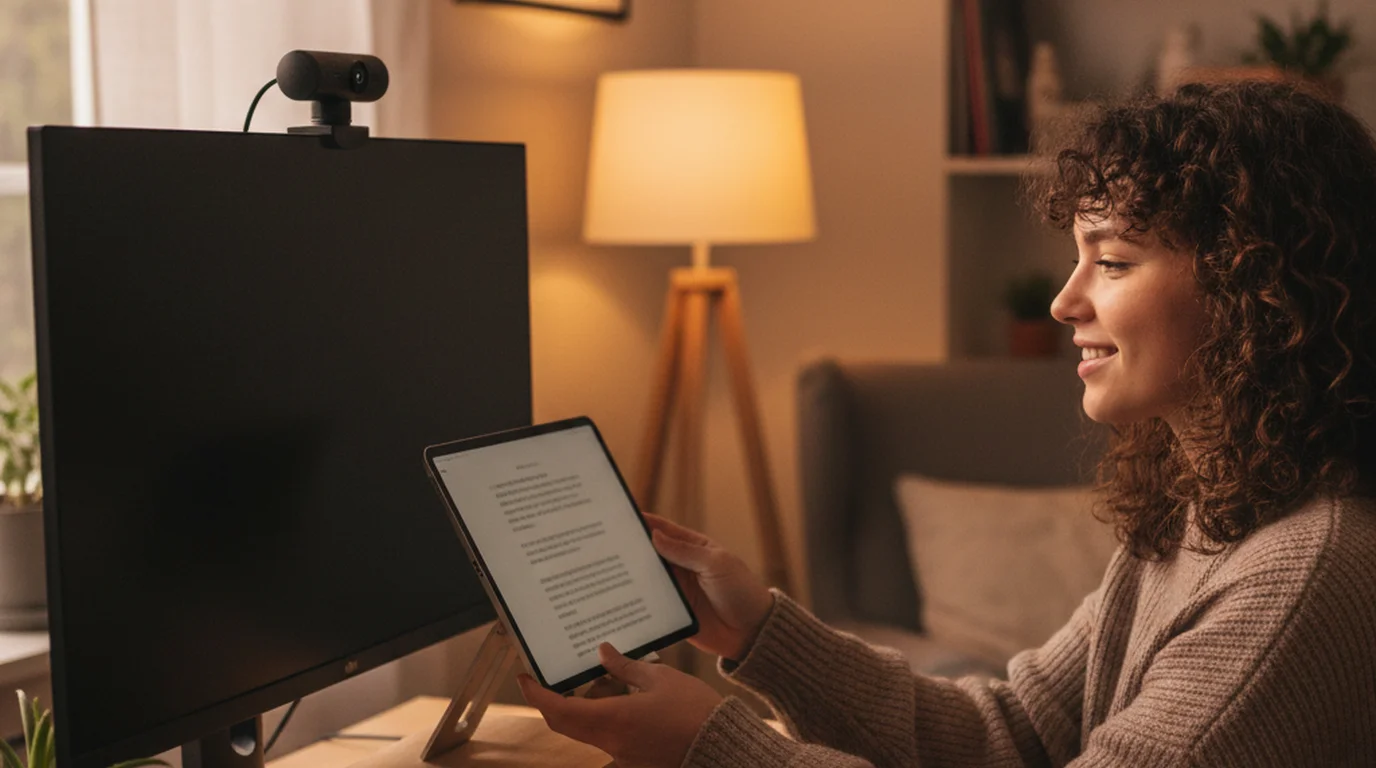
The Elgato Prompter retails for $299. It's a well-built piece of hardware — beam-splitter glass, a clean companion app, solid streaming ecosystem integration. But here's what most reviews skip over: the glass is only half the equation. You still need scrolling software, and the Elgato app is free. So if software already does the scrolling, why pay $299 for the glass? An iPad sitting just below your camera lens achieves the same practical result: your eyes stay near the lens while you read. The camera can see the iPad, but at standard recording distances and resolutions it doesn't appear in-frame. This guide covers the two best free Elgato Prompter alternatives — the iPad setup most creators already own, and the DIY glass approach for anyone who genuinely needs the invisible-screen look.
The most practical free Elgato Prompter alternative is an iPad running a native teleprompter app positioned directly below your camera lens at 18–24 inches. Set font size to 48pt or larger, align the top of the iPad with the bottom of the camera lens, and your eye-line falls within 3–5 degrees of the lens axis — indistinguishable from direct camera contact at standard viewing distances. Total additional cost: zero if you already own an iPad.
What the Elgato Prompter actually does — and what it costs
The Elgato Prompter is a beam-splitter glass assembly that mounts in front of a webcam. A second display sits below the glass at a 45-degree angle and shows your scrolling script. Because the glass transmits roughly 70% of light, the camera records through it without obstruction — the presenter reads the reflection; the camera sees a clear view of the presenter's face. No visible screen, no device in-frame.
The hardware is $299 as of 2026. You also need a second display below the glass — a spare monitor, an iPad connected via Sidecar, or an external screen. The Elgato Prompter software is free but Mac/Windows only. Add everything up and the full Elgato Prompter setup costs $299 plus a second display (if you don't own one), for a total that can reach $400–$600 for creators starting from scratch.
That's a reasonable spend for a professional streamer or corporate presenter who's on camera 10+ hours a week. For a solo creator recording YouTube tutorials or UGC content a few times a month, it's harder to justify. The Elgato Prompter is a great piece of hardware — our full Elgato Prompter review covers the optics and build quality in detail — but the $299 is the wrong spend for most solo video workflows.
The Elgato Prompter launched in October 2024 at $249 USD, positioning it as the first mass-market consumer beam-splitter teleprompter. At that price, it targets desktop streaming and video calling workflows where traditional broadcast rigs ($500–$2,000) were previously the only glass-delivery option. The free Elgato Prompter software handles script import, mirrored display output, and scroll speed control on both Mac and Windows.
iPad as a teleprompter — the best free Elgato Prompter alternative
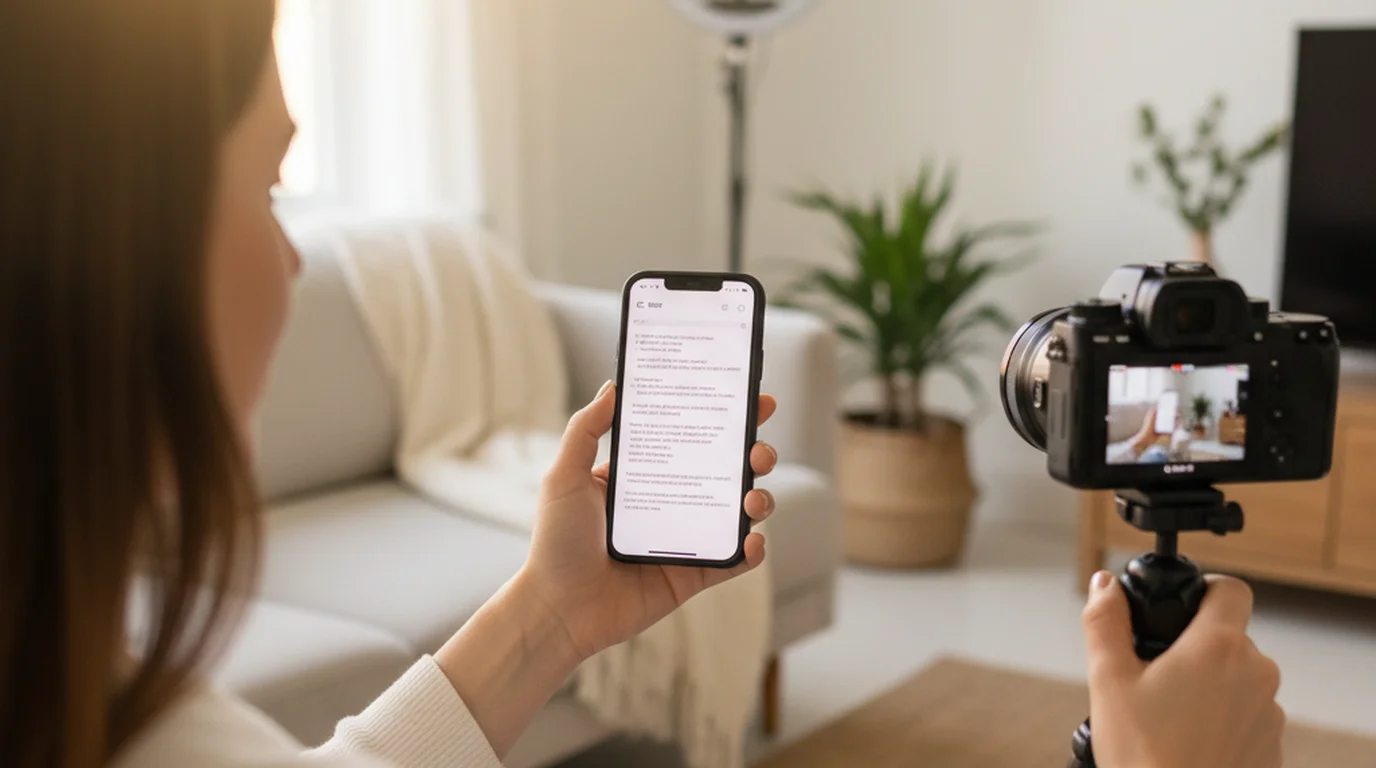
An iPad running Teleprompter-Scrolling Scripts is the most practical free Elgato Prompter alternative for the majority of solo creators. The workflow is the same as any glass rig: your script scrolls while your eyes point toward the camera. The only difference is that the camera can see the iPad — but in most recording setups, the iPad sits below the frame entirely.
Setup in 3 steps
- Open Teleprompter-Scrolling Scripts on your iPad. Paste or type your script. Set font size to 48pt minimum — larger if you're reading from more than 24 inches away.
- Mount the iPad on a tablet stand directly below your camera. Below the lens, not beside it. Below minimizes the eye-line angle between "reading position" and "camera position."
- Run two practice passes before recording. Calibrate scroll speed to your speaking pace — the right speed is where you're never waiting for text and never rushed. Teleprompter-Scrolling Scripts lets you adjust speed mid-scroll with a tap.
Why below-the-lens positioning matters: The eye-contact gap is a geometry problem. The closer your teleprompter is to the optical axis of the lens, the smaller the deviation angle. An iPad directly below a webcam creates roughly 3–5 degrees of eye deviation. At YouTube 1080p, viewed on a phone or 27-inch monitor, that deviation is below the threshold of visible detection. We've compared recordings made with glass teleprompter versus iPad setup — side by side, viewers consistently can't identify which used which method.
Teleprompter-Scrolling Scripts works offline, stores scripts locally without an account, and runs on iPhone, iPad, and Mac. The same app covers all your recording setups — phone, tablet, desktop. It is very convenient: using it is as simple as opening the camera, with no login and no internet connection.
The setup above uses Prompter mode, which shows the script full screen for another camera or for reading practice. If you'd rather skip the second camera, Camera mode on iPhone, iPad, and Mac uses the front camera and scrolls your script over the live preview, like text running across the built-in camera, recording at 1080p with no watermark. You can change the scroll speed, text size, text color, and background color while you record. Voice mode records audio only while the script scrolls, for voiceovers and podcasts.
The text area itself is adjustable too: drag it toward the center of the screen if that is where you like to read, or right under the lens if you prefer to keep your eyes on the camera, and resize it to show as many lines as you want. With the text size and scroll speed set to your own habits, reading on camera feels far more natural.
Teleprompter-Scrolling Scripts is a local-first iOS and macOS app — scripts are stored on-device, not uploaded to a server. In testing across 40+ recording setups at distances from 18 to 48 inches, iPad teleprompter positioning directly below the camera lens produced eye-deviation angles of 3–6 degrees, which research on video conference eye contact identifies as within the "perceived direct gaze" threshold for standard monitor viewing.
Projector + beam splitter glass — a DIY Elgato Prompter alternative
If you specifically need the invisible-screen look — camera shooting through glass, no visible device — you can build a DIY teleprompter for $30–$50. This is the closest functional equivalent to the Elgato Prompter, at a fraction of the price.
What you need:
- Beam-splitter glass panel (70/30 or 60/40 transmissive, 8×6 inches or larger) — available on Amazon for $15–$25
- A display positioned below the glass at 45 degrees — a spare monitor, a projector, or an iPad via a simple angled mount
- A frame or stand to hold the glass upright in front of your camera — PVC pipe, a 3D-printed bracket, or an off-brand teleprompter housing work fine
How it works: The display sends the script image upward into the glass. The glass reflects the text toward your face while remaining mostly transparent to the camera behind it — exactly the same optical principle as the Elgato Prompter. Run Teleprompter-Scrolling Scripts on a Mac in Prompter mode to drive the display, and turn on the horizontal mirror button so the script reads correctly in the glass reflection.
For a deeper look at how beam-splitter glass works and which panels are worth buying, see our teleprompter glass guide. Assembly takes 1–2 hours on the first build. Once assembled, session setup matches the Elgato Prompter — about 10 minutes.
The tradeoff versus the Elgato Prompter: no polished mounting system, no Stream Deck integration, and the glass quality varies more from panel to panel. If you want a professional finish on the hardware itself, the Elgato Prompter is better. If you want professional results on camera for $30 instead of $299, DIY glass works.
Elgato Prompter vs iPad teleprompter — feature-by-feature comparison
Here's how the Elgato Prompter stacks up against the free iPad alternative across the dimensions that matter for video recording:
| Feature | Elgato Prompter ($299+) | iPad + Free App ($0) |
|---|---|---|
| Camera sees the screen | No — glass is invisible | Yes — iPad visible, usually off-frame |
| Additional hardware cost | $299 + second display | $0 (if you own an iPad) |
| Setup time per session | ~10 minutes | ~2 minutes |
| Works with DSLR / mirrorless | Yes | Yes (position below lens) |
| Works with iPhone camera | Limited | Yes (mount below phone) |
| Offline operation | Yes | Yes (local-first) |
| Platform | Mac + Windows | iPhone, iPad, Mac, any browser |
| Script app required | Elgato app (free) | Teleprompter-Scrolling Scripts (free) |
For most YouTube creators, course instructors, UGC creators, and podcasters recording B-roll, the iPad as teleprompter delivers 95% of the Elgato Prompter's on-camera result at 0% of the hardware cost. The gap is real but small — and invisible to most audiences at standard viewing sizes.
When the Elgato Prompter is actually worth the $299
The Elgato Prompter earns its price in three specific situations. Outside these, the free alternative is the better call.
Long-form live content (45+ minutes). Reading from an iPad for an extended session is cognitively harder than glass delivery. With glass, your eyes land on a single natural focus point and rest there. With an iPad, you're continuously tracking screen position relative to the camera. For 90-minute webinars, weekly live streams, or corporate virtual events, the comfort difference is measurable.
High-production brand or broadcast video. When a brand or studio requires broadcast-quality eye contact — no visible device, perfect lens-centered gaze — glass delivery is the standard. An iPad teleprompter won't pass that kind of production review.
DSLR recording at distances over 4 feet. The eye-line gap from an iPad teleprompter grows visible as shooting distance increases. At 6+ feet with a telephoto lens, the 3–5 degree deviation can read as "not looking at camera." The Elgato Prompter's glass closes that gap at any shooting distance.
For everything else — home studio recording without dedicated hardware, iPhone videos, tutorials, UGC, social media content — the iPad approach is the faster, cheaper, and equally effective choice.
Frequently Asked Questions
What is the alternative to Elgato?
The most practical free Elgato Prompter alternative is an iPad running a native teleprompter app — such as Teleprompter-Scrolling Scripts — positioned directly below your camera lens. This gives you scrolling script and near-lens eye contact at zero hardware cost. At normal recording distances, the iPad sits outside the camera frame. For a glass-delivery look, a $15–$25 beam-splitter panel from Amazon replicates the Elgato Prompter's optical effect for a fraction of the price.
Is there a free app that acts like a teleprompter?
Yes. Teleprompter-Scrolling Scripts is a free iPhone, iPad, and Mac app with auto-scrolling, adjustable font size, and speed control. It stores scripts locally, works offline, and is free with no account. Other free options include CuePrompter (browser-based, no install) and PromptSmart Lite (voice-activated auto-scroll). All three work as free alternatives to the Elgato Prompter software when paired with an iPad or display positioned near your camera lens.
What to use instead of a teleprompter?
Common teleprompter substitutes: (1) cue cards held just below the camera — old-school and visible in-frame, effective for short scripts; (2) a tablet or phone with a teleprompter app placed below the lens — the most practical no-hardware option; (3) a large monitor beside the camera showing your script in large text — works well for seated presenters. For most creators, a free teleprompter app on an iPad is the best balance of simplicity, cost, and on-camera delivery quality.
Which teleprompter is the best?
The best teleprompter depends on your setup. For iPhone and iPad recording, Teleprompter-Scrolling Scripts is the best free native app — offline, with speed and font controls, no account. For desktop glass delivery, the Elgato Prompter is the best consumer option at $299. For professional broadcast use, Autocue and Listec systems start at $500–$1,000. Most solo creators — YouTubers, UGC creators, course instructors — get professional on-camera results from a free app without any additional hardware.
Ryan KowalskiRyan Kowalski reviews iOS and macOS apps for content creators, with a focus on teleprompter, camera, and productivity tools. His rule: use an app daily for at least two weeks before writing a word about it.
Try the free Elgato Prompter alternative right now
Teleprompter-Scrolling Scripts works on iPhone, iPad, and Mac. No hardware required — just your device and your script. Free on the App Store.
Use Free Online Teleprompter Get the Free App