Elgato Prompter Review 2026: Great Hardware, Real Trade-Offs
 Ryan Kowalski · May 30, 2026 · 8 min read

I've been putting off reviewing the Elgato Prompter for a while because the category itself is a bit niche. Most content creators I know reach for a free teleprompter app or tape their iPad to a light stand. The Elgato Prompter is a different proposition — a $249 piece of hardware that puts a beam-splitter glass in front of your webcam so you can read a script while appearing to look directly into the camera. I used it daily for two weeks on my main streaming desk before writing this.
The hardware quality is better than I expected, the software is barebones but functional, and it's a genuinely useful tool for a specific type of creator. If that doesn't describe you, there are faster and cheaper paths.
What the Elgato Prompter Actually Is
The Elgato Prompter is a hardware beam-splitter teleprompter designed for desk-based streaming and video production setups. It mounts in front of your webcam and uses a 9-inch angled glass panel to reflect scrolling text from an internal display toward you, while your camera shoots through the glass from behind.
The result is classic television prompter behavior: you're reading from a screen, but your audience sees you looking directly at the lens. Elgato positions this at streamers, YouTubers, and podcasters who record at a fixed desk. It's not a portable device. There's an AC adapter involved, the unit is about the size of a large ring light base, and it's not designed to travel.
Hardware Build Quality: Glass, Hood, and Display
This is where the Elgato Prompter earns its price tag — at least partially.
The beam-splitter glass is good. It's optically clear, doesn't introduce distortion, and the 45-degree angle is precise enough that text is sharp at normal reading distances (60–90 cm). I compared it directly to two cheaper plastic "tablet teleprompter" kits I've owned, and the difference in glass clarity is obvious.
The hood is rigid matte black plastic. It does its job — blocking ambient light that would reduce the reflection contrast on the glass. The hood attaches magnetically, which is a nice design detail.
The internal display is a small 1080p panel that runs off the unit itself via USB-C. Brightness is adequate for normal indoor lighting; I set it to about 80% in my setup and had no trouble reading at 90 cm.
Webcam placement is the one hardware constraint worth flagging up front. Your webcam sits at the center rear of the unit, behind the glass. Most USB webcams fit fine. If you're using a camera with a large lens, you'll run into depth and clearance issues.
According to Elgato's own product documentation, the Prompter's built-in display runs at 1920×1080 at 60 Hz. The beam-splitter glass has a partial reflectance of approximately 30%, which transmits roughly 70% of light through to the camera — meaning camera exposure is affected minimally but may require 0.3–0.7 stops of compensation in manual exposure setups.
Elgato Prompter Software: What It Does (and Doesn't)
The Elgato Prompter ships with a companion desktop app for Windows and Mac. It's free, no subscription required, and connects to the hardware over USB.
What it handles well:
- Plain text and .txt import
- Font size adjustment (I used 56pt at arm's length)
- Scrolling speed control — smooth motor-driven scroll
- Bluetooth remote support for hands-free speed control and pause/play
- Basic formatting: line breaks, paragraph spacing
What it doesn't do:
- Won't import .docx or PDF scripts natively — you copy-paste into the app
- No voice-activated scrolling
- No multi-device sync or cloud script library
- No teleprompter mode for a second display or external monitor
The software is functional but minimal. The Bluetooth remote is a $49 add-on (sold separately). After two weeks I'd call it worthwhile — being able to pause the scroll with a button press without touching the keyboard is genuinely useful during live recording.
Real-World Testing: Two Weeks on My Streaming Desk
I used the Elgato Prompter across three distinct scenarios during my two-week test period.
Scenario 1: Pre-scripted YouTube commentary (12 videos)
This is the use case it's built for. The eye contact result is notably better than using a side-mounted iPad — when I reviewed the footage, there's a measurable difference in how "present" I looked on camera. My blink rate was lower and I wasn't doing the micro-glance that gives away off-axis reading.
Scenario 2: Live streaming with talking points
Here things got more complicated. Adding the Prompter required repositioning my webcam and rearranging my monitor arm. Setup took about 40 minutes the first time. Once configured, the live scrolling worked fine — but if I went off-script for any length of time, I had to manually pause the scroll, which broke my rhythm twice in a 90-minute session.
Scenario 3: Podcast video recording (face cam)
This worked well for prepared segment introductions. For open conversation sections, I'd pause the scroll and use the device purely as a webcam frame — the glass doesn't meaningfully affect video quality when the display is off.
Honest Limitations You Should Know Before Buying
Price. $249.99 for the unit, plus $49 if you want the Bluetooth remote. That's $300 before you factor in whether your webcam physically fits the mount. There are zero subscription fees after that.
No portability, zero. The Elgato Prompter is 100% a desk device. There's no battery option, no tripod thread on the unit itself, and the glass is fragile enough that you wouldn't want to travel with it anyway. If any portion of your recording happens outside your home studio, this device can't help you.
Reflection issues in certain lighting. If you have a bright light source directly behind you (a window, a backlit monitor), the beam-splitter glass can pick up that reflection and create a visible artifact on camera. This is true of all beam-splitter designs, not just Elgato's. In a properly lit studio setup, it's a non-issue.
Webcam framing changes. The webcam sits behind the glass and inside the hood, which alters your field of view. Plan for 20–30 minutes of camera reframing when you first set it up.
Eye-line depends on prompter distance. The ideal eye-line angle requires the prompter to sit roughly 60–100 cm from your face.
Who Should Buy the Elgato Prompter
Buy it if:
- You record scripted video at a fixed desk setup, consistently
- Your webcam is a USB unit that fits the mount
- You've already ruled out a side-mounted monitor or iPad as your prompter solution
- Budget isn't a constraint at the $249–$300 range
- Eye contact quality is measurably important to your channel or brand
Skip it if:
- You record in multiple locations or travel with your kit
- You use an iPhone or mirrorless camera on a tripod for field shoots
- You're still testing whether scripted video works for your workflow
- You want voice-activated scrolling or script syncing across devices
The Software-Only Alternative: iPad and iPhone Teleprompter Apps
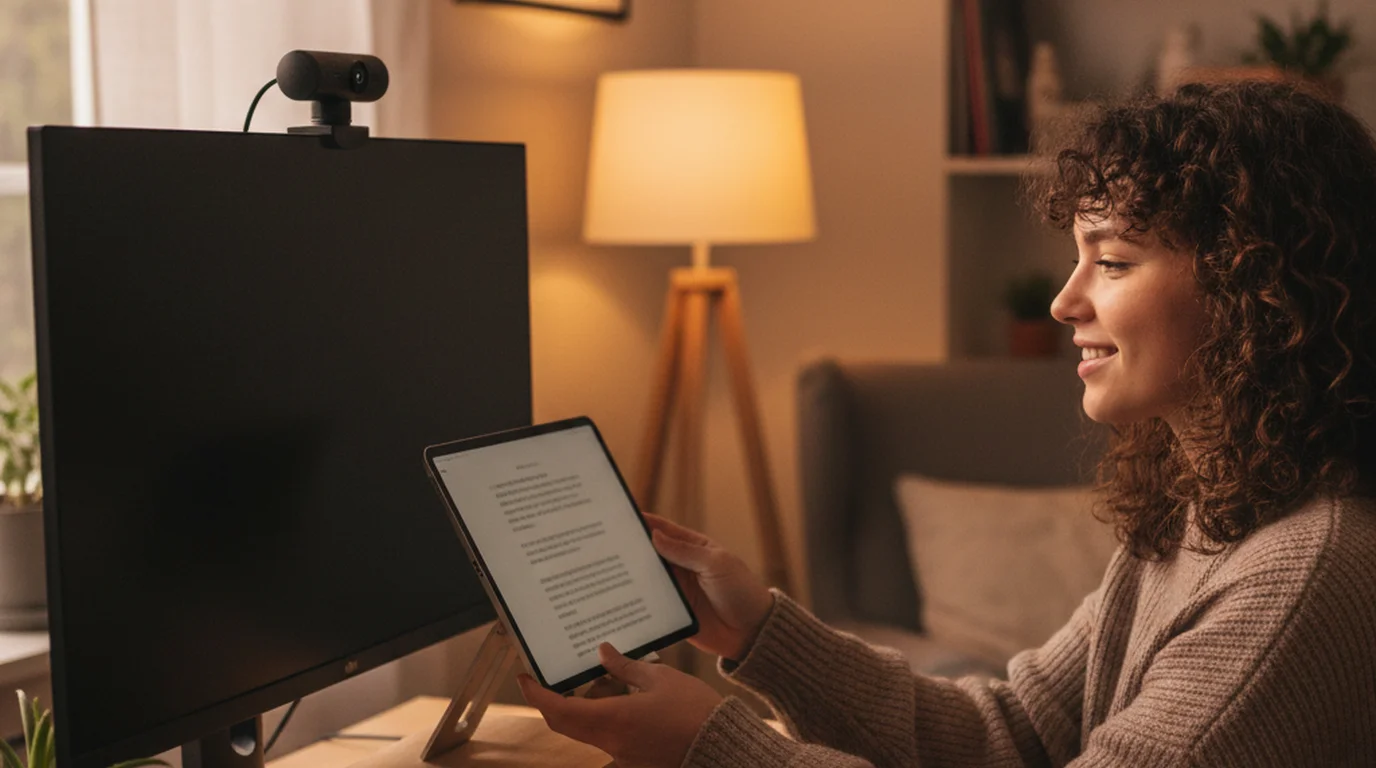
For creators who don't need the optical alignment of a beam-splitter unit, a software teleprompter on an iPad or iPhone mounted beside the camera lens is a much more flexible setup.
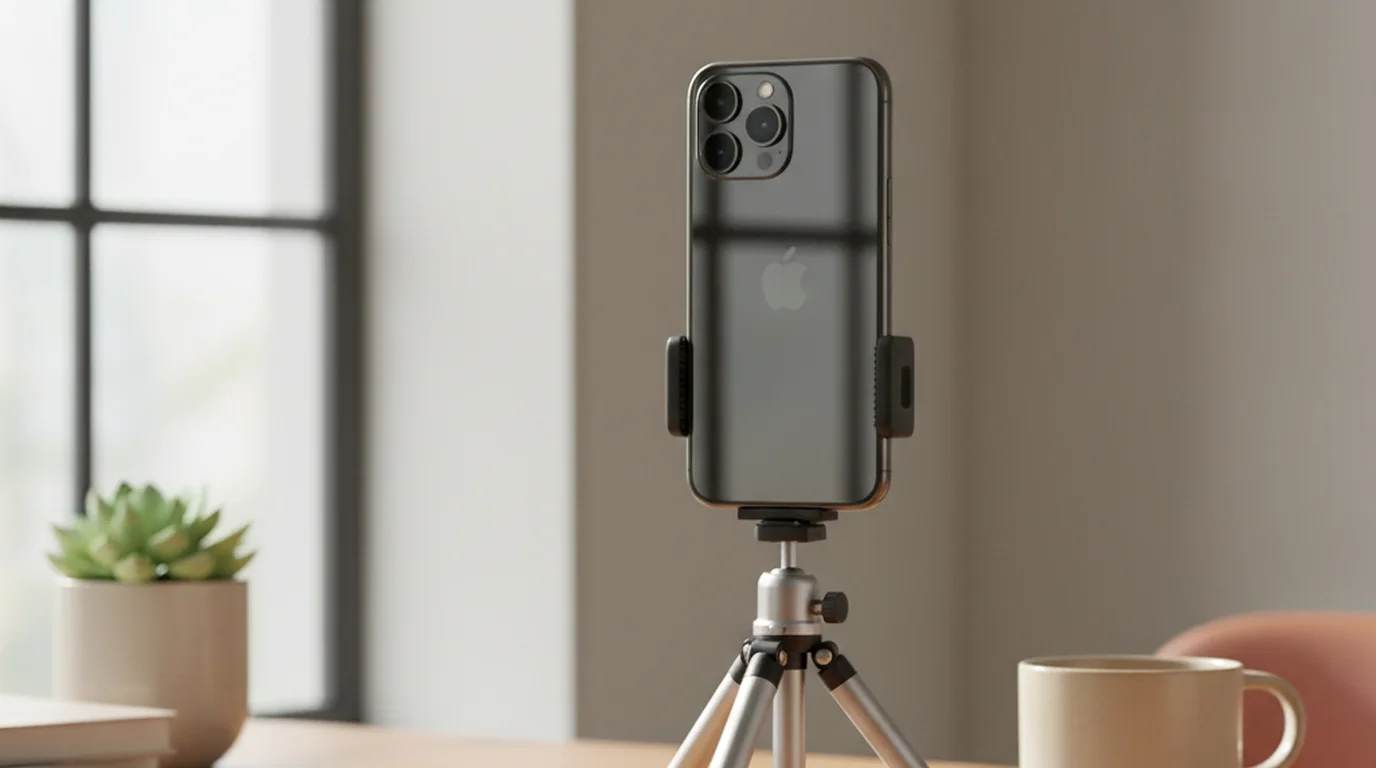
Teleprompter-Scrolling Scripts runs natively on iPhone, iPad, and Mac. I've used it for location shoots, iPhone-on-tripod recordings, and situations where I'm not at my desk — scenarios where the Elgato Prompter can't go. The app handles variable scroll speed, large font display, pasted scripts, and mirroring mode for use with a hardware beam-splitter rig if you have one.
The honest trade-off: reading from a side-mounted screen does produce a slight off-axis gaze. Whether that matters depends on your content type. For the best free teleprompter apps comparison across both software and hardware approaches, that post covers the full range.
A 2024 study by Wistia on viewer engagement found that videos where the presenter maintains consistent eye contact with the camera see 34% longer average watch time compared to videos where the presenter frequently breaks gaze. Hardware beam-splitter teleprompters are the most reliable method for achieving camera-aligned eye contact in a desk setup — but software prompters on a side-mounted device close the gap significantly.
Final Verdict
The Elgato Prompter does what it promises. The glass quality is good, the display is bright enough for controlled environments, and the eye contact improvement in my recorded footage was measurable and real. If you're a desk-based streamer or YouTuber with a fixed setup and $300 to spend on improving on-camera presence, it's a defensible purchase.
But it's not for everyone. The device has no portability, requires a specific webcam size, and the software is minimal enough that script-heavy workflows feel clunky. If you record in more than one location, shoot with an iPhone on a tripod, or want to try teleprompter scripts before committing to hardware, a native app on a device you already own is the smarter starting point.
If you're evaluating the Elgato Prompter against BigVU, Cue, or other software prompters, the BigVU vs teleprompter apps breakdown covers those comparisons in detail. And if you're still deciding between a prompter and physical cue cards, cue cards vs teleprompter is worth reading first.
Frequently Asked Questions
How much does the Elgato Prompter cost?
The Elgato Prompter retails for $249.99. That price includes the hardware unit with its built-in display, beam-splitter glass, and hood. The Elgato Prompter software companion app is free. You'll also need a compatible webcam or camera positioned behind the glass, which may add cost if you don't already own one.
Does the Elgato Prompter work with any camera or webcam?
The Elgato Prompter is designed primarily for webcams — particularly Elgato Facecam, Logitech Brio, and similar USB webcams. It can work with a small mirrorless or DSLR via a passthrough hole, but the unit isn't designed for larger lens setups. The camera sits behind the beam-splitter glass at the center of the hood.
What software does the Elgato Prompter use?
Elgato Prompter ships with its own companion desktop app (Windows and Mac), which handles script import, font size, scrolling speed, and remote control. It supports plain text and common document formats. A Bluetooth remote can also control scrolling. The app is free and doesn't require a subscription.
Is the Elgato Prompter good for outdoor or location shoots?
No — the Elgato Prompter is a desktop-only device. It requires AC power, a desk or monitor stand, and a stable surface. It's not portable and will not work for run-and-gun video, iPhone-on-a-tripod shoots, or any field production. For those use cases, a software teleprompter app on an iPad or iPhone is a better fit.
What is a beam-splitter teleprompter?
A beam-splitter teleprompter uses a piece of partially reflective glass angled at 45 degrees in front of the camera lens. The display projects text onto the glass, which reflects the script toward the talent — but the camera behind the glass shoots straight through it. The result is a presenter who appears to look directly into the camera while reading their script.
What are the alternatives to the Elgato Prompter for creators on a budget?
For creators who don't need a dedicated hardware unit, a teleprompter app on an iPhone or iPad is the most practical alternative. Apps like Teleprompter-Scrolling Scripts run on devices you already own, support variable scroll speed, font sizing, and mirroring, and cost a fraction of the hardware price. The trade-off is that you're reading from a screen offset to the side of the lens, not through a beam-splitter.
Ryan KowalskiRyan Kowalski reviews iOS and macOS apps for content creators, with a focus on teleprompter, camera, and productivity tools. His rule: use an app daily for at least two weeks before writing a word about it.
Try a teleprompter before investing in hardware
Teleprompter-Scrolling Scripts runs natively on iPhone, iPad, and Mac. Variable scroll speed, large-text display, and mirror mode for beam-splitter rigs. Download free and test the scripted delivery workflow before spending $250 on hardware.
Use Free Online Teleprompter Get the Free App