Is Teleprompter-Scrolling Scripts free?
Yes. Teleprompter-Scrolling Scripts is free to download and use. Camera mode for direct video recording, Prompter mode for script display, unlimited script storage, adjustable scroll speed and font size, and voice control — all available at no cost. There is no watermark on recorded videos, no account, and no time limit. Recording is 1080p.
What's included for free
The free version of Teleprompter-Scrolling Scripts includes the full core feature set that most creators need:
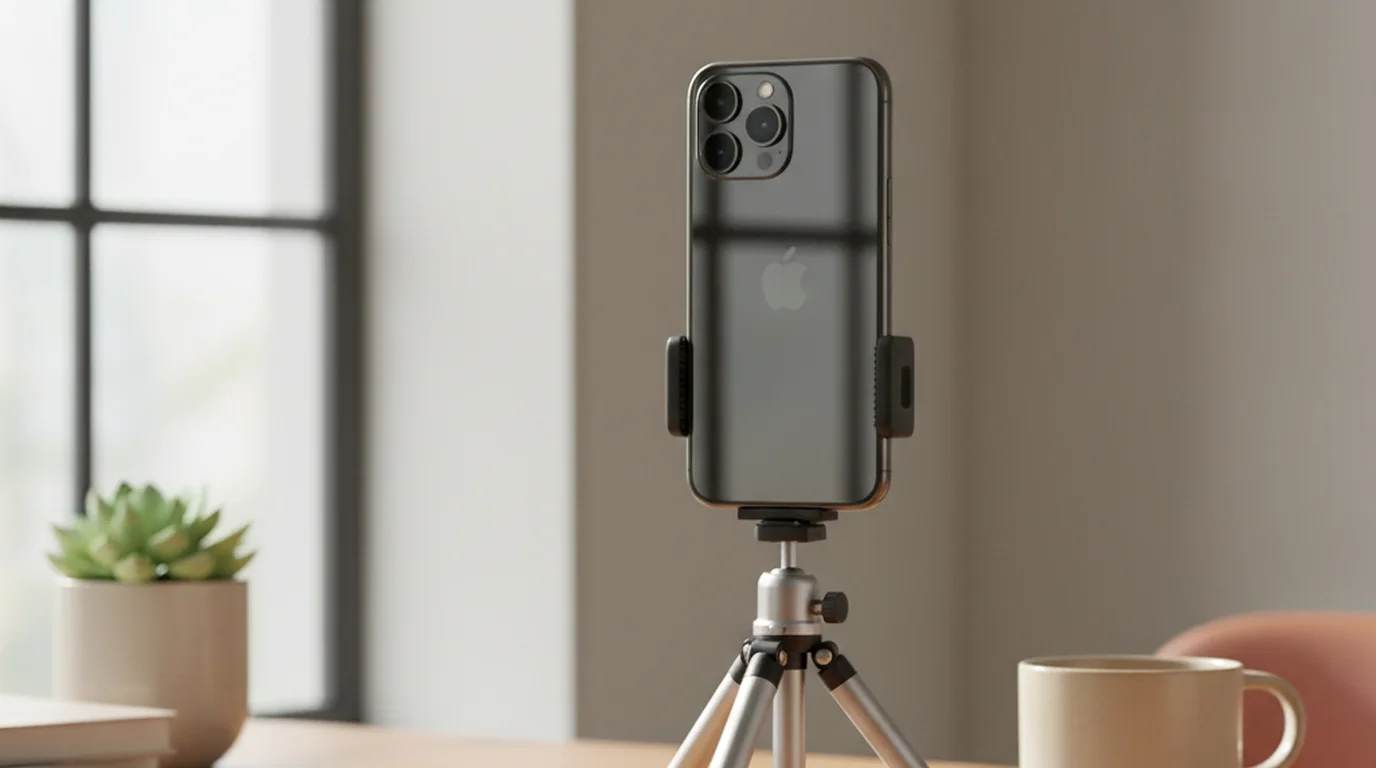
- Camera mode — record video on your iPhone, iPad, or Mac while your script scrolls over the live camera view. The recorded video contains no text overlay or watermark.
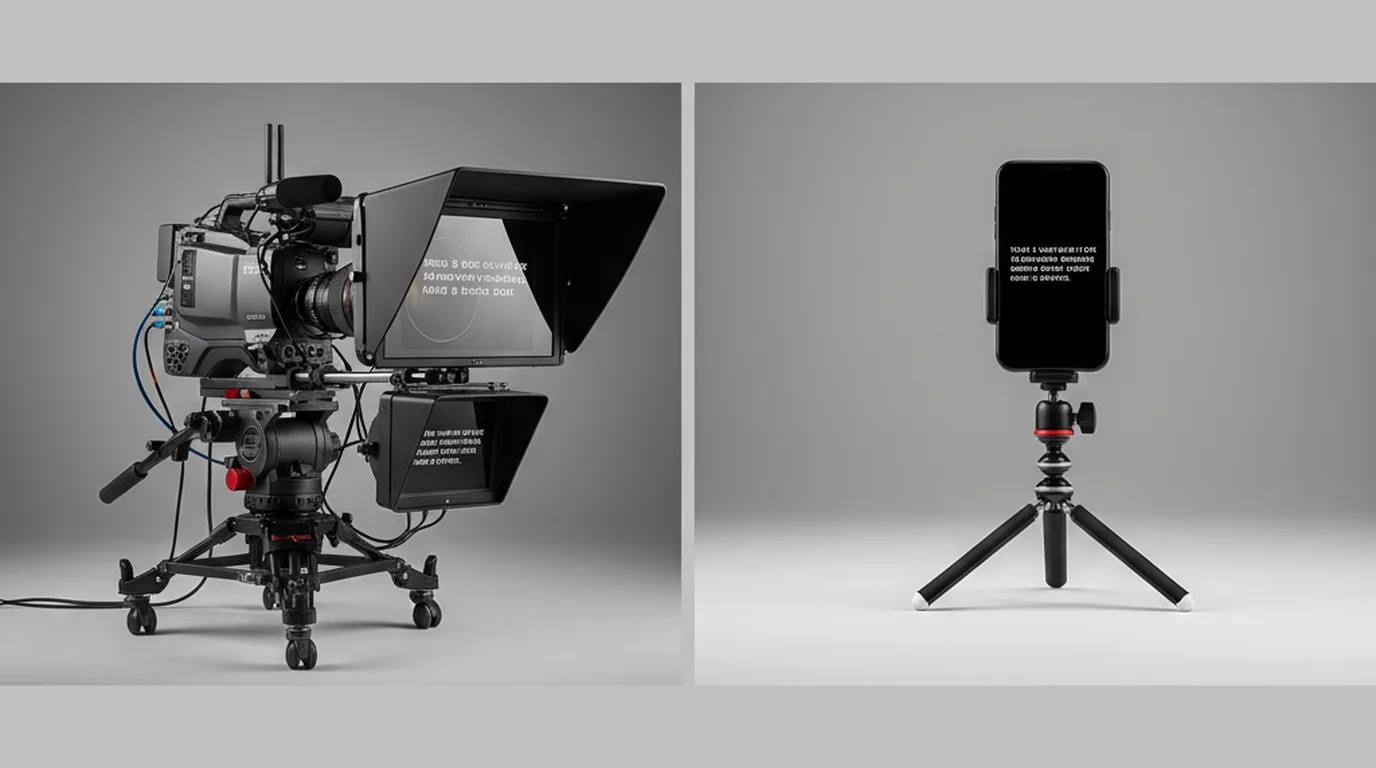
- Prompter mode — display your script full-screen near an external camera, webcam, or DSLR without activating the device's own camera.
- Unlimited scripts — create, save, and organize as many scripts as you need. There is no per-script limit in the free tier.
- Adjustable scroll speed — fine-tune the words-per-minute scroll rate to match your natural speaking pace.
- Font size and layout controls — adjust text size, line spacing, and the width of the text area to optimize readability and eye-line positioning.
- Voice command control — start, pause, and control scroll speed with voice commands, keeping your hands free during recording.
- Offline use — all core features work without an internet connection. Scripts are stored locally on your device.
No watermark, no account, no time limit
Three things that commonly limit free teleprompter apps do not apply here. Videos recorded in Camera mode are saved directly to your camera roll without any watermark — the output is a clean video file ready to edit or publish. No text, logo, or branding is added to your recordings.
No account or sign-in is required. Download the app, open it, and start using it. There is no email required, no profile to set up, and no cloud account linked to your scripts. Your content stays on your device.
There is no session time limit and no recording length cap on the free tier. You can record a two-minute TikTok or a thirty-minute course lesson on the same free plan without hitting a cutoff.
Where to download
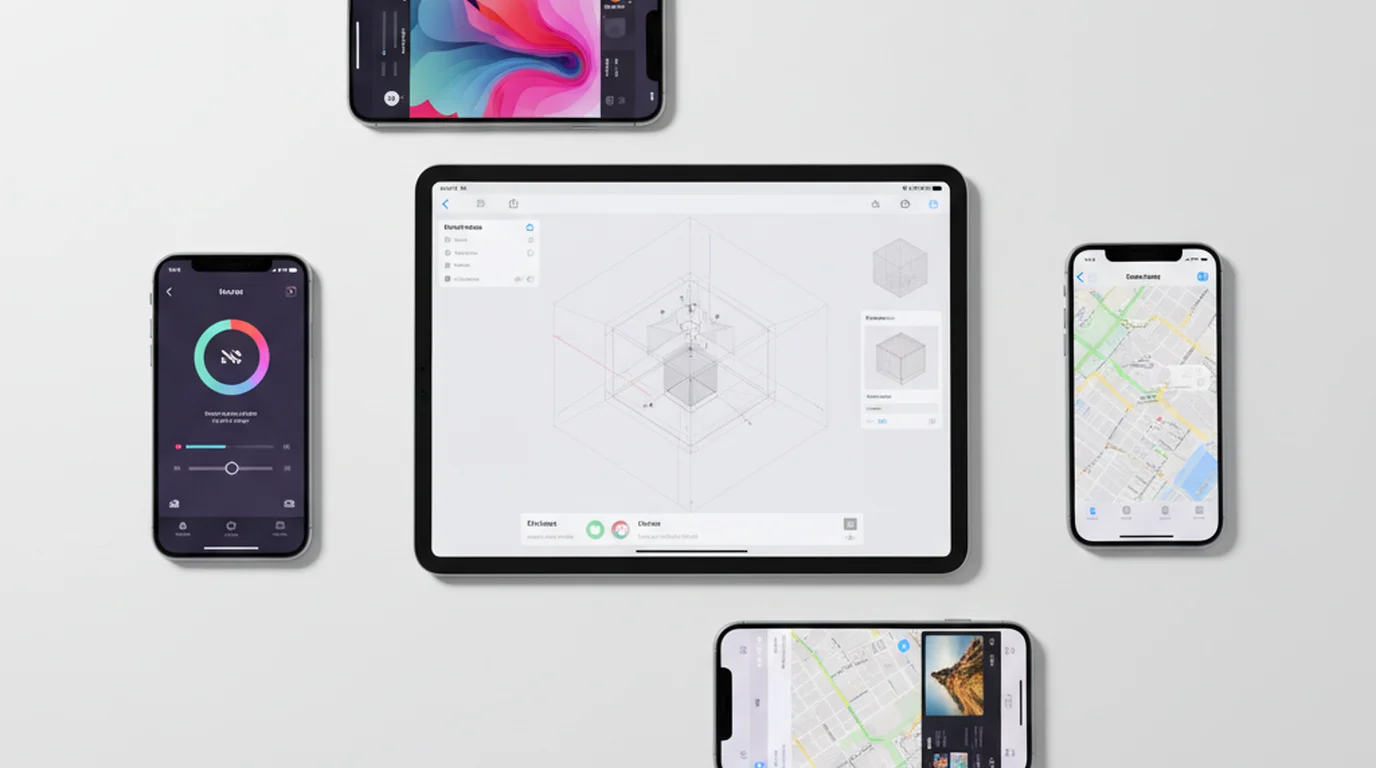
Teleprompter-Scrolling Scripts is available on the App Store for iPhone, iPad, and Mac. Search "Teleprompter Scrolling Scripts" in the App Store on any Apple device, or use the Download button at the top of this page.
A browser-based version is also available at teleprompter.works/online — free, no download required, works on any device with a modern browser including Windows, Android, and Chromebook. It supports both teleprompter display and video recording. The difference from the native app is that scripts are not saved between sessions and recordings are not organized into projects — it's designed for immediate use without installation.
The app is free to download and use, with no account. For details, see the pricing page.
Download Teleprompter-Scrolling Scripts free on iPhone, iPad, and Mac. Camera mode, Prompter mode, and unlimited scripts, with no account.
Use Free Online Teleprompter Get the Free App