Mirror script in a teleprompter
A mirror script is text that has been horizontally flipped (mirrored left-to-right) so that it reads correctly when reflected off teleprompter glass. The monitor shows the reversed text; the reflection shows it the right way around to the presenter.
What is a mirror script?
A mirror script is text displayed as a horizontal mirror image on the teleprompter monitor — every letter is flipped left-to-right, every line reads backwards when viewed directly on screen. Because the beam-splitter glass reflects the monitor image, the reversed text is restored to readable form for the presenter standing in front of the glass. Without the flip, the presenter would see the text backwards and be unable to read it at all.
The concept applies the same optical principle used on ambulances, where the word "AMBULANCE" is printed in reverse on the front of the vehicle so drivers reading their rearview mirrors see it correctly. In the teleprompter world, the monitor is the source of the reversed image, and the glass is the mirror that corrects it. Understanding why this reversal is necessary requires understanding the geometry of the beam-splitter glass setup.
Why teleprompter glass requires mirrored text
The physics of reflection explains why mirror scripts are necessary. A flat mirror reverses left and right: hold up your right hand in front of a mirror and the reflection shows a hand on the left side of the image. Teleprompter glass works the same way. When a monitor faces downward or sideways at 45 degrees and reflects text toward the presenter, the image undergoes a lateral inversion — left becomes right, right becomes left.
If the monitor showed normal, readable text, the reflected image the presenter would see would be a mirror image of it — unreadable. By pre-flipping the text on the monitor, the reflection undoes the flip and the final image the presenter sees is correct. The monitor shows something that looks backwards; the glass makes it readable. Software handles this compensation automatically — no manual text manipulation is required from the operator or presenter.
How teleprompter software handles the mirror flip
Modern teleprompter software — both desktop applications and mobile apps designed for glass rigs — applies the horizontal flip as a rendering setting. The operator or presenter enables "mirror mode" in the app settings before connecting to the external output monitor. From that point, every frame rendered to that output is horizontally flipped before it is displayed. The script file itself remains stored in normal, readable text; the flip is applied in real time at the display stage.
This design means the prompter operator can work with the script in normal orientation on their control device — reading, editing, and making last-minute changes — while the external monitor feeding the glass shows the mirrored version. The presenter only ever sees the correctly oriented text through the glass. Switching mirror mode on or off takes a single toggle, which matters in productions where the same software feeds multiple outputs or where the setup changes between recording setups.
Does Teleprompter-Scrolling Scripts use mirror scripts?
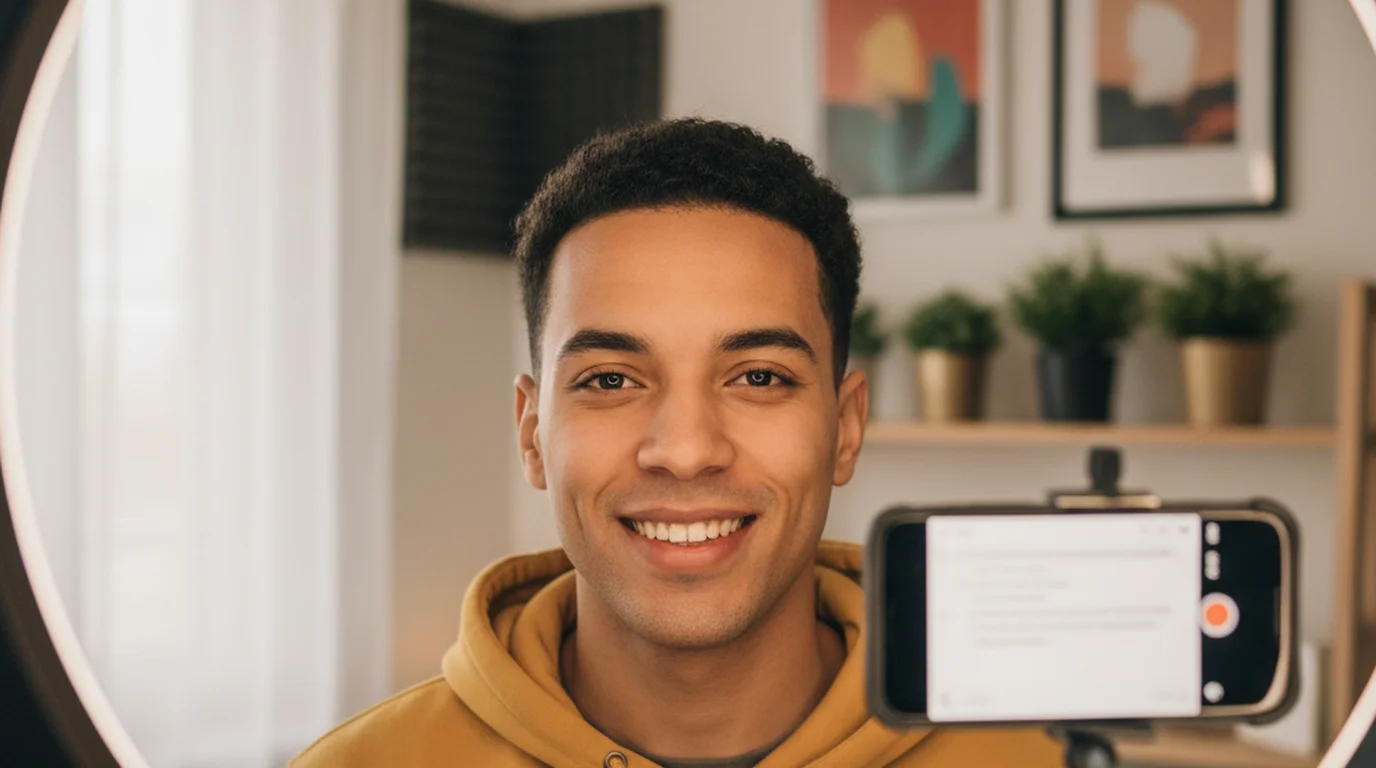
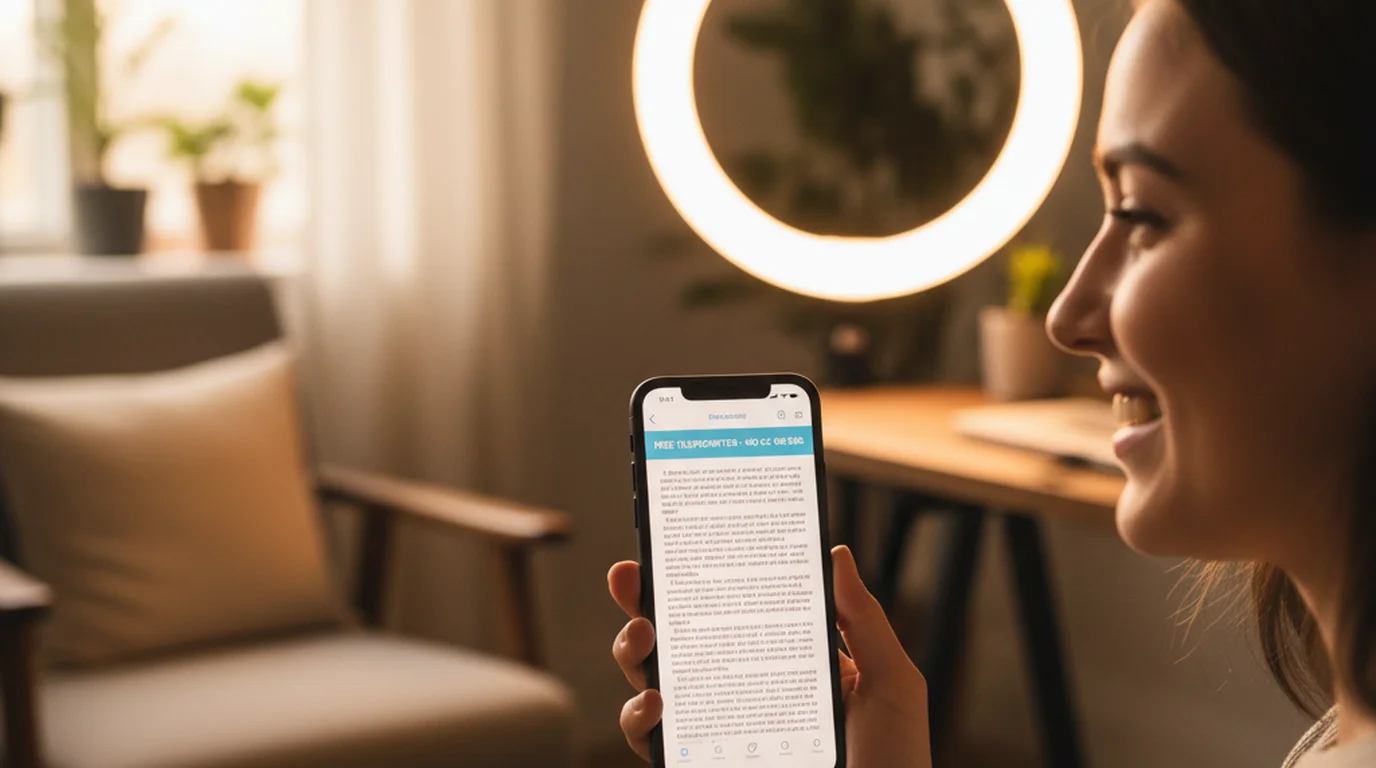
No. The app-based approach used by Teleprompter-Scrolling Scripts does not involve beam-splitter glass, so no mirror flip is needed or applied. When you use the app on an iPhone or iPad, the text is displayed directly on the device screen and overlaid on the camera feed. The presenter looks at the screen and reads normally — left to right, exactly as text appears in any document or website. There is no reflective surface, no lateral inversion, and no need for any compensation.
This is one of the significant practical advantages of app-based teleprompters. There is no mirror mode to configure, no risk of accidentally leaving the flip enabled for a direct-read session, and no confusion for first-time users. You paste your script, adjust the scroll speed, and read. The text looks exactly like the text you typed.
When would you need mirror mode?
Mirror mode is only relevant when you are using a physical beam-splitter glass rig. The three main scenarios are: a camera-mount teleprompter rig (a device that attaches to the front of a DSLR or video camera with glass positioned in front of the lens and a small monitor below it), a broadcast studio floor prompter (large monitors angled beneath the news desk camera), and a presidential-style podium teleprompter (transparent glass panels on tall poles to each side of the speaker).
If you are recording with a phone or tablet held near the camera, mounted on a tripod, or propped on a stand in front of you, you are using a direct-display setup and mirror mode is not needed. If you are building a DIY glass rig using beam-splitter film and a tablet, you would need mirror mode enabled, because the glass introduces the same optical reversal as professional hardware. But for the overwhelming majority of solo creators, educators, and business video producers, direct-display is the standard setup and mirror mode never enters the picture.
Mirror scripts in broadcast production
TV news anchors and broadcasters work with dedicated teleprompter hardware where the prompter operator controls a mirrored script feed to the glass mounted in front of the camera. The operator sits at a control station — typically off-camera — managing scroll speed, pausing during breaking news inserts, and making live edits as the broadcast changes. The operator's screen shows the text in normal orientation; the output to the glass is mirrored.
Script changes made during the broadcast are reflected instantly on the monitor feed to the glass. The anchor reads the correctly-oriented text in the glass without any awareness of the underlying reversal happening behind it. This seamlessness is the goal of all teleprompter software: the technology should be invisible to the reader. The mirror flip is one of several behind-the-scenes processes that make that seamlessness possible.
Presidential teleprompters and mirror scripts
The glass teleprompter panels visible at presidential and political speeches represent the most prominent public use of mirror scripts. Each panel — there are typically two, one to the left and one to the right of the podium — receives a mirrored text feed from an operator's controller laptop or dedicated prompter system. The operator scrolls the script in real time, matching the speaker's pace.
Both panels display the same scrolling text simultaneously, so the president or speaker can turn naturally from one side of the audience to the other while continuing to read. The audience and cameras see the speaker appearing to make direct eye contact across the room. The glass is nearly transparent from the front, so cameras looking through it see the speaker clearly. Everything looks natural because the optical engineering — including the mirror script — handles the complexity invisibly.
Key takeaway for app users
If you use Teleprompter-Scrolling Scripts or any app-based teleprompter on a phone, tablet, or computer, you will never see or need a mirror script. Mirror mode is a hardware-rig concept that exists to compensate for the optical properties of beam-splitter glass. App-based prompters display text directly on the device screen without any glass in the optical path, so text always displays in normal orientation and always reads correctly.
The practical implication: do not enable mirror mode if your app offers it, unless you are deliberately running a glass rig. If you have ever seen your teleprompter script display as reversed or backwards text, mirror mode was accidentally turned on. Toggle it off and the text will return to normal. For the standard iPhone and iPad camera-overlay setup — the most common way people use Teleprompter-Scrolling Scripts — all you need is a script, a comfortable scroll speed, and a camera. The mirror script is someone else's concern.
Ready to use a teleprompter without glass, hardware, or mirror scripts? Teleprompter-Scrolling Scripts displays your script directly on iPhone, iPad, or Mac — no setup required.
Use Free Online Teleprompter Get the Free App