Teleprompter Without AI: 5 Options That Just Scroll
 Maya Chen · July 18, 2026 · Updated October 6, 2026 · 7 min read
Not every creator wants AI voice tracking, smart auto-scroll, or a monthly subscription to read words off a screen. Some people just want text that scrolls at a speed they set. This article is for that person. The five options below are genuinely free, add no AI processing to your content, and scroll your script at a fixed words-per-minute rate you control. That's it.
The best free teleprompters without AI or subscription are: Teleprompter-Scrolling Scripts (free iPhone, iPad, and Mac app), CuePrompter (free web tool, any browser), Teleprompter Mirror (free Windows desktop app), QPrompt (free open-source desktop app), and the free online teleprompter at teleprompter.works/online/. All five scroll at a fixed speed you set, with no AI voice tracking and no monthly fee.
1. Teleprompter-Scrolling Scripts — Free on iPhone, iPad, and Mac
Teleprompter-Scrolling Scripts is a native app for iPhone, iPad, and Mac, free to download and use, with no account. It has three modes: Camera mode (the script scrolls over the camera preview, so you read and record video on the same device), Prompter mode (a full-screen script for when another camera or a video call is recording you), and Voice mode (audio-only recording while the script scrolls). There is no AI voice tracking, and nothing is added to your recordings: no watermark, no logo.
What it does well: Camera mode is the standout feature for solo creators: you see your face and the script on the same screen, so framing and delivery are easier to manage at once. Scroll speed is set in words per minute, and you can pause the scroll or jump back and forward three lines at a time with the up and down buttons. Text size, line spacing, text color, and the size and position of the text area are adjustable; Prompter mode has a background color and mirror buttons for glass rigs. Paste or type your script, and it stays on your device.
Limitations: Apple devices only: there is no Android or Windows version. Scripts are stored locally and don’t sync between your devices, which keeps them private but means you paste a script again on a second device. Voice commands, if you turn them on, understand English words such as “next” and “pause”.
For a complete walkthrough of the app's modes, see the guide on how to use a teleprompter app.
2. CuePrompter — Free in Any Browser
CuePrompter is a long-running free web teleprompter that works in any modern browser on any platform — Mac, Windows, Linux, Chromebook, or mobile. Paste your script, set the speed and font size, hit start. No account, no installation.
What it does well: Complete platform independence and zero setup time. CuePrompter has been around since the early 2000s and remains the choice for users who need "just something that scrolls" without any friction. The interface is minimal and functional.
Limitations: The interface is dated and lacks some modern controls — scroll speed is set by a slider with no WPM display, font options are limited, and there's no camera overlay or recording integration. It's functional, but it's not polished. For users who need more control, our CuePrompter alternative keeps the same paste-and-scroll flow but adds a WPM readout, mirror mode, and in-tab recording — free, and covered again as option 5 below.
3. Teleprompter Mirror — Free for Windows
Teleprompter Mirror is a free Windows desktop app that has been the standard recommendation for Windows teleprompter users for years. It provides a clean full-screen scroll interface with font size control, scroll speed adjustment, and a mirror-flip mode for use with physical teleprompter hardware.
What it does well: As a native Windows application, it stays in focus and doesn't compete with browser tabs. The mirror mode is genuinely useful for creators who have or build a physical beam-splitter teleprompter rig — you flip the display so the mirrored reflection reads correctly. No AI features, no subscription required for the basic version.
Limitations: Windows only. The free tier has a script length limitation. The interface hasn't been significantly updated in several years, but it works reliably for the core use case.
4. QPrompt — Free Open-Source Desktop App
QPrompt is an open-source teleprompter application available for Windows, macOS, and Linux. Being open-source means the full codebase is public, verifiable, and contains no hidden data collection — which matters to creators who are privacy-conscious about tools they use on camera.
What it does well: QPrompt is cross-platform and genuinely free with no paid tier. It supports keyboard shortcuts for speed adjustment during delivery, which is useful for live performances where you need to adjust on the fly. The open-source nature means it's community-maintained and has no business model pressure to add AI features or paywalls.
Limitations: Less polished than commercial alternatives. Requires installation. The setup is slightly more involved than browser-based options, and the UI assumes some comfort with software configuration. For creators who just want to paste and scroll, a browser option is faster to get started.
A fixed-speed teleprompter moves the script at a rate you choose, usually set in words per minute, and keeps moving at that rate until you pause it. Because nothing depends on recognizing your voice, the scroll behaves the same in every take, in any room, and in any language, which makes it the predictable choice for recorded video where you can calibrate the speed before you start.
5. teleprompter.works/online/ — Browser Tool, No Account
The teleprompter.works online teleprompter is a free browser-based tool that works on any device with a modern browser — Mac, Windows, iPhone, iPad, or Android. Paste your script, set font size and scroll speed in WPM, hit play. No account, no download, no watermark, no AI.
What it does well: Unlike CuePrompter, the speed control shows the actual WPM value so you can calibrate precisely. The interface is clean and current. It works immediately — no setup, no sign-in page. For creators who switch between devices or don't want to install anything, it's the most friction-free starting point of the five options here. Recording mode also puts the script over a 16:9 camera preview and records the take in the same tab.
Limitations: Requires an internet connection to load (browser-based). Scripts are not kept between sessions — close the tab and you paste again next time. No offline use. Recording mode does overlay the script on your camera and record in the tab, but if you want saved scripts, offline sessions, or audio-only Voice mode, the Teleprompter-Scrolling Scripts app (option 1) is a better fit.
For a broader comparison of tools including paid options, see the free teleprompter software guide.
Where AI Scrolling Gets in the Way
Teleprompter apps with AI features — voice tracking, auto-scroll that follows your speech, AI script generation, AI coaching — have proliferated since 2023. They're compelling features on paper. In practice, many creators find them less useful than advertised for a few specific reasons.
Microphone access. AI auto-scroll requires the app to listen to your voice continuously during recording. Many creators don't want a third-party app processing their audio, especially for professional or sensitive content. A fixed-speed teleprompter doesn’t need the microphone to scroll. In Teleprompter-Scrolling Scripts, the microphone is only used for recording audio and, if you choose to turn them on, voice commands in Prompter mode, which are off by default.
Reliability. Voice-tracking auto-scroll works well in controlled conditions but can drift, stall, or mistrack in noisy environments, quiet passages, or when you pause for emphasis. A fixed-speed scroll that you've calibrated to your natural pace is more predictable for multi-take recording sessions.
Subscription cost. Many teleprompter apps with AI features put them behind a monthly subscription. For a creator who records once or twice a month, that's a significant per-video cost for a feature they may not rely on.
The five options above solve the core problem — reading your script at camera — without any of these constraints.
Voice-tracking scroll has to hear you to move, so it reacts to what the microphone picks up: a long pause for emphasis can stop the text, an ad-lib can send it searching, and background noise can make it hesitate. That trade-off favors live presenters, who can’t stop to adjust a scroll, while recorded video creators can calibrate a fixed speed and simply pause between takes.
Simple Teleprompter Features That Actually Matter
When you're looking at a teleprompter without AI, here are the features worth checking before committing to a tool:
WPM speed control (not just a slider). Knowing your exact words-per-minute helps you calibrate consistently across sessions. Toastmasters puts a comfortable speaking rate at around 120 to 160 words per minute; having a numeric display rather than a vague fast/slow slider makes a real difference.
Font size and contrast. You should be able to read comfortably without squinting at your normal recording distance. White text on black background is easiest on the eyes for most monitors. Minimum useful size is 36pt for screens viewed at arm's length.
Pause/resume. A spacebar or tap-to-pause function lets you stop mid-recording without closing the tool. Essential for multi-take sessions.
No watermark on the recording. Some free apps add a logo overlay that appears in your video. The five tools listed above do not add watermarks to the recording — they display text, and what your camera captures is your face, not a branded overlay.
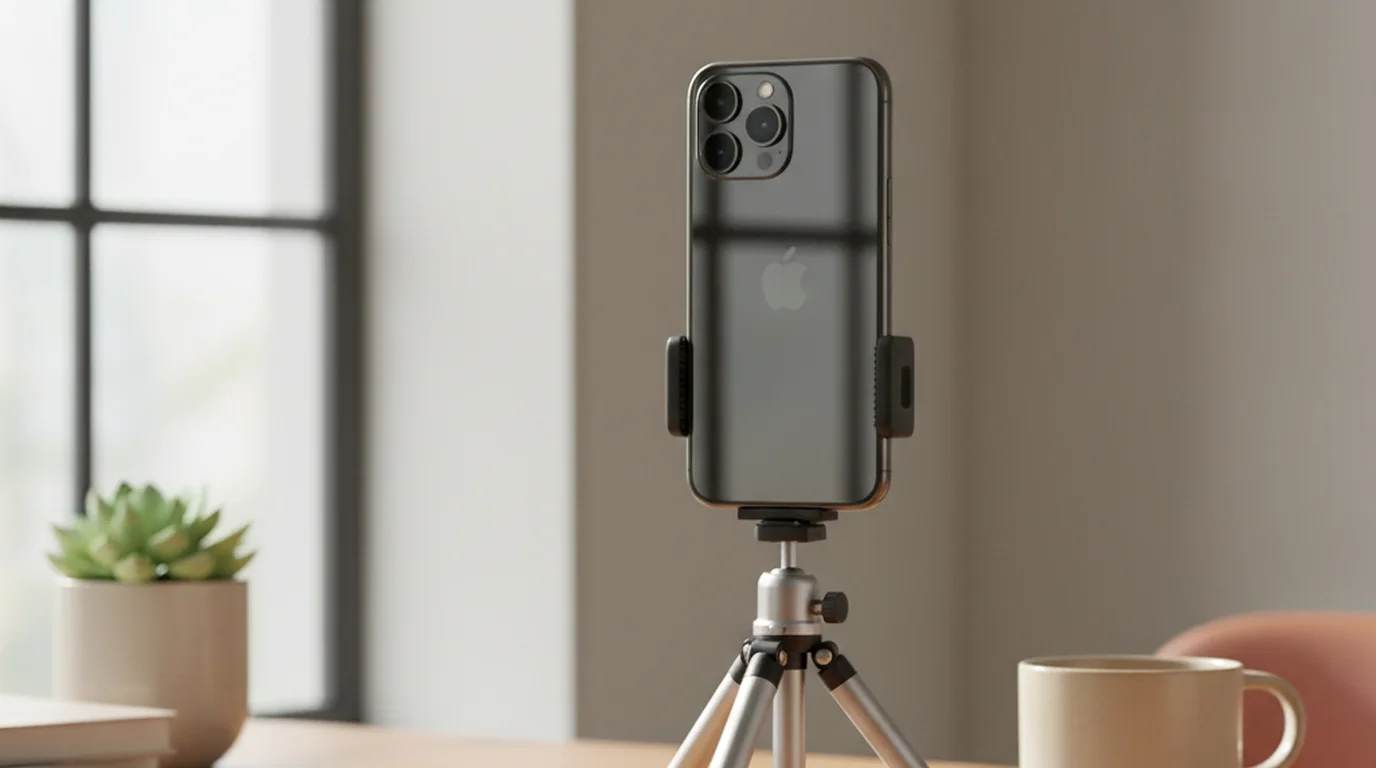
For the iPhone teleprompter app specifically, Camera mode eliminates the need for a second device — you shoot and read from the same screen, which is the simplest no-hardware setup for solo creators.
Feature Comparison
| Tool | Price | Platform | Camera mode | Watermark | Offline |
|---|---|---|---|---|---|
| Teleprompter-Scrolling Scripts | Free | iPhone, iPad, Mac | Yes (iPhone, iPad, Mac) | No | Yes |
| CuePrompter | Free | Any browser | No | No | No |
| Teleprompter Mirror | Free (basic) | Windows | No | No | Yes |
| QPrompt | Free | Windows, Mac, Linux | No | No | Yes |
| teleprompter.works/online/ | Free | Any browser | Yes | No | No |
Frequently Asked Questions
What is a teleprompter and how does it work?
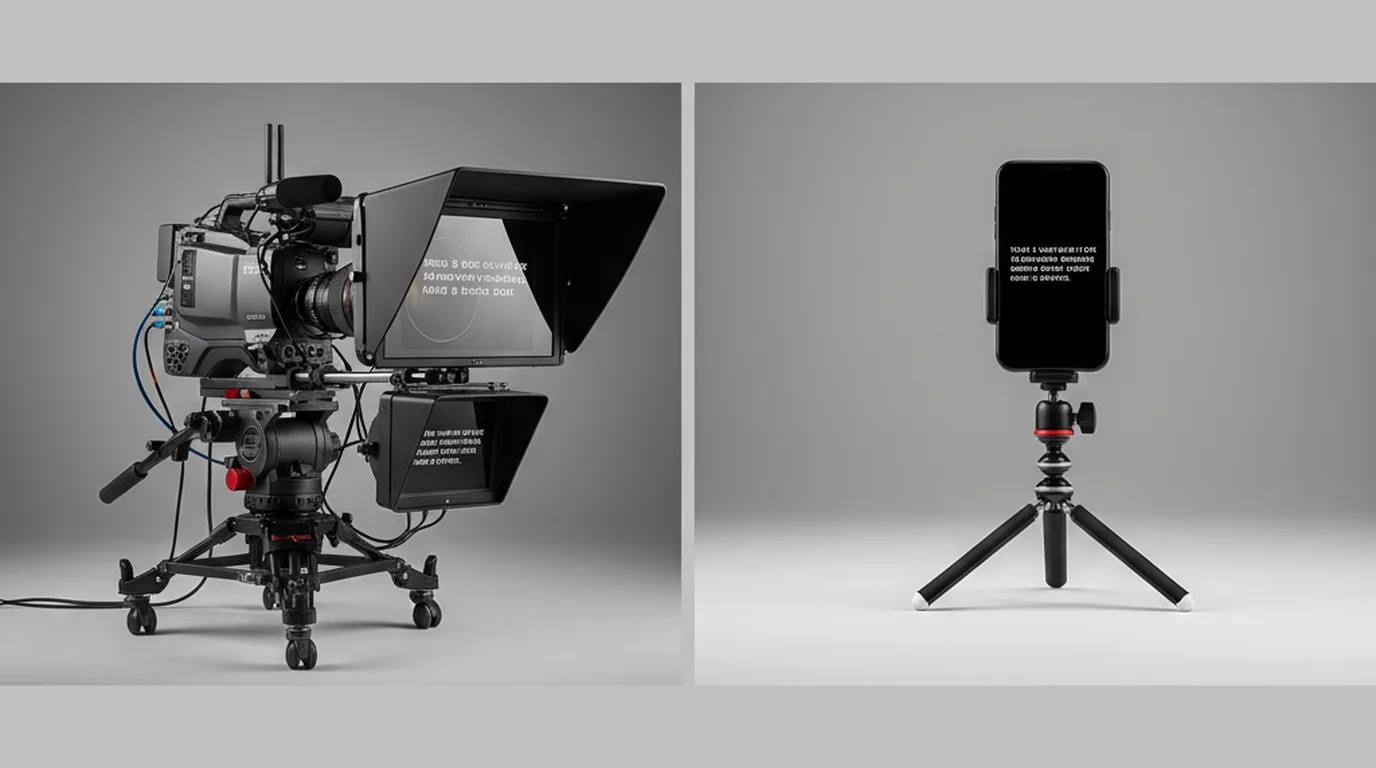
A teleprompter displays a scrolling script near or in front of a camera lens so a speaker can read without looking away from the audience. In broadcast settings, the script reflects off a half-silvered mirror in front of the lens. Software teleprompters display the script on a screen near the camera — the presenter reads the screen while appearing to face the lens. The scroll speed is set to match the speaker's natural delivery rate.
Can I do a teleprompter on my phone?
Yes. Teleprompter apps for iPhone and Android display a scrolling script on your phone screen. For recording, position the phone below your recording camera. Apps like Teleprompter-Scrolling Scripts have a Camera mode that shows the script overlaid on the camera feed — so you record and read from the same device. This is how most solo creators use a teleprompter on a phone without any additional hardware.
Do YouTubers use a teleprompter?
Many do, particularly educational, tutorial, and scripted commentary channels. Smaller or vlog-style channels are more likely to speak from outlines or off the cuff. Phone-based teleprompters made this easier, because they are free and need no extra hardware. The usual reasons to use one are consistency between takes and fewer retakes.
How to properly use a teleprompter?
Set scroll speed to match your natural speaking rate — test with a 60-second calibration run. Use a large enough font to read without squinting (36-48pt for most setups). Position the script as close to the camera lens as possible. Practice the script once before recording so the words feel familiar enough to read naturally rather than robotically. Let your delivery pace drive the scroll — don't let the scroll rush you.
Maya ChenMaya Chen is a content creator who films on iPhone and coaches solo creators on mobile-first video production for TikTok, Reels, and Shorts. Her work focuses on the part most people skip: how to actually sound natural once the camera is rolling.
Just want text that scrolls? Start here.
The free online teleprompter at teleprompter.works requires no account and adds no AI. Paste your script and record — that's the entire workflow.
Use Free Online Teleprompter Get the Free App