Best Teleprompter Software in 2026: Free and Paid Options Compared
 Ryan Kowalski · July 18, 2026 · 6 min read
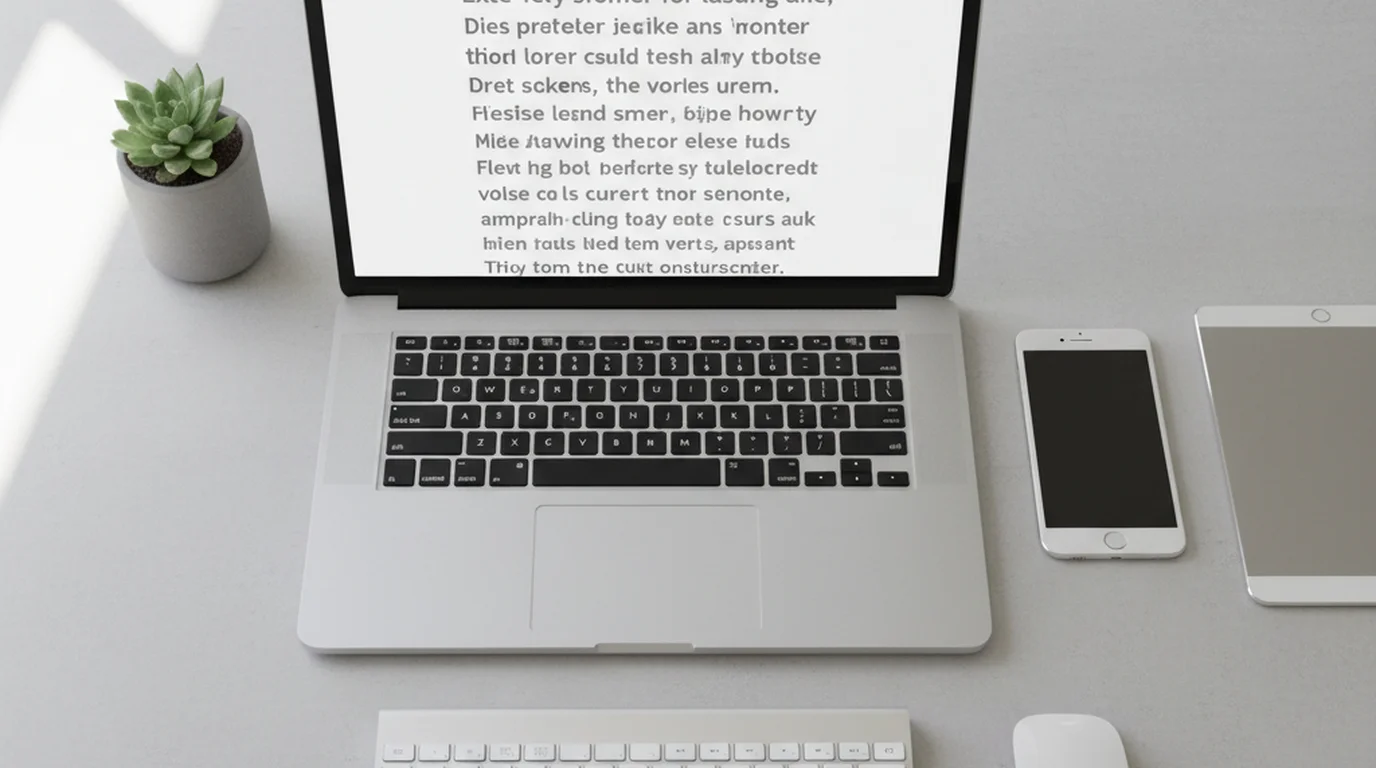
You don't need to pay for teleprompter software. The best options for Mac, iPhone, and iPad in 2026 are free — or close to it. Paid options add AI-powered auto-scroll and voice tracking that serious producers use, but for most creators, a free app or browser tool covers the full workflow. I've tested the main options across Mac, iPhone, and iPad and ranked them below by use case and price.
The best free teleprompter software for Mac, iPhone, and iPad in 2026 is Teleprompter-Scrolling Scripts: free on iPhone and iPad with Camera mode (for recording) and Prompter mode (for reading near a webcam), and the browser version at teleprompter.works/online/ works on Mac without installation. For Windows, Teleprompter Mirror is the most reliable free option. If you would rather not install software at all, the free browser teleprompter covers the same core workflow.
1. Teleprompter-Scrolling Scripts — Best Free Teleprompter Software Overall
Price: Free · Platforms: iPhone, iPad, Mac (browser) · Modes: Prompter + Camera
This is the teleprompter software I recommend to most creators. It's the most complete free option across Apple devices, and in testing it handled everything from 90-second social media scripts to 15-minute course segments without issues.
What sets it apart:
- Two recording modes. Prompter mode fills the screen with scrolling text for reading near a webcam. Camera mode overlays text on the live camera preview for recording directly with iPhone or the iPad teleprompter. Most free teleprompter apps support only one mode.
- Browser version for Mac. The teleprompter for MacBook Air and Mac runs in Chrome or Safari with no installation and no login — the same tool as the online teleprompter. Useful for Zoom calls, Loom recordings, or any Mac-based recording setup. For Loom specifically, see the Loom teleprompter guide.
- Local-first, no watermark. Scripts are stored on your device. Nothing uploads to a server. Free tier has no branded overlay in recordings — unusual among free teleprompter tools.
Limitations: No AI voice-tracking and no multi-device script sync. If you need AI auto-scroll that follows your pace, Speakflow is the option to consider. If you specifically want a teleprompter with no AI features at all — just clean WPM-based scrolling — the best teleprompters without AI guide lists the five options that work without any machine-learning dependencies or subscription models.
In a 2025 comparison of free teleprompter apps by Riverside.fm, Camera mode availability was the feature most often missing from free tiers — paid apps like Speakflow and BIGVU charge $12–$25/month specifically for integrated recording. Teleprompter-Scrolling Scripts includes Camera mode in the free tier, removing the primary cost justification for most solo creators to subscribe to a paid tool.
2. CuePrompter — Best Free Browser Teleprompter (Any Device)
Price: Free · Platforms: Any browser · Modes: Prompter only
CuePrompter has operated since 2006 and remains one of the most reliable free online teleprompters. It's simpler than modern options — paste text, set speed and font, start scrolling — which makes it fast for quick recordings and one-off scripts.
Best for: Mac users who want a no-frills browser teleprompter for Zoom or webcam setups. It runs on any browser on any device and has never broken in testing across Safari, Chrome, and Firefox.
Limitations: No Camera mode, no script saving, no mobile app. Everything requires a keyboard and browser. If you're recording on iPhone, use Teleprompter-Scrolling Scripts in Camera mode instead.
3. Teleprompter Mirror — Best Free Teleprompter Software for Windows
Price: Free (with ads) · Platforms: Windows (primary), web · Modes: Prompter, voice-activated scroll
Teleprompter Mirror is the strongest free option for Windows-based recording setups. Its differentiating feature is voice-activated scrolling — the software detects when you're speaking via microphone and adjusts scroll speed automatically. This works reasonably well for deliberate delivery and breaks down at faster natural speaking rates above 150 WPM.
Best for: Windows users recording with a webcam or external camera. The voice-activated scroll is useful for accessibility scenarios and for speakers who find manual speed calibration difficult.
Limitations: Ad-supported on the free tier. No Camera mode. The macOS version is less polished than the Windows build.
4. Speakflow — Best AI-Powered Teleprompter Software
Price: $16/month · Platforms: Web (Mac, Windows, ChromeOS) · Modes: Prompter with AI voice tracking
Speakflow's standout feature is AI voice tracking — the software listens to your delivery and scrolls to match your pace automatically, without you setting a WPM speed. In practice this produces more natural delivery because you're never rushing to keep up with or waiting for the scroll.
Best for: High-volume producers and professionals who record multiple scripts per day. The time savings from AI-paced scrolling justify $16/month only if you're recording regularly. For weekly or occasional recording, free tools cover the same ground.
Limitations: Web-only, no native mobile recording. Requires reliable microphone input for voice tracking accuracy.
5. Teleprompter.com — Most Complete Cross-Platform Option
Price: Free (with watermark) / $9.99/month · Platforms: iOS, Android, Mac, Web · Modes: Prompter + Camera
Teleprompter.com supports the most platforms on this list — iOS, Android, Mac, Windows, and browser — making it useful for mixed-device teams. The free tier includes basic functionality with a watermark; the paid plan removes it and adds cross-device script sync.
Best for: Teams where members use a mix of iOS and Android, or organizations that need shared script libraries across multiple users and devices.
Limitations: The free tier watermark makes it unsuitable for professional recording without subscribing.
Quick Comparison
| Software | Price | Mac | iPhone/iPad | Camera Mode | No Watermark (Free) |
|---|---|---|---|---|---|
| Teleprompter-Scrolling Scripts | Free | Browser | Native app | ✅ | ✅ |
| CuePrompter | Free | Browser | Browser | ❌ | ✅ |
| Teleprompter Mirror | Free (ads) | Limited | ❌ | ❌ | ✅ |
| Speakflow | $16/mo | Browser | Browser | ❌ | N/A |
| Teleprompter.com | Free / $9.99/mo | Native + Browser | Native app | ✅ | ❌ |
How to Choose
Three questions narrow this down:
- Mac, iPhone, or iPad? Start with Teleprompter-Scrolling Scripts — browser for Mac, native app for iPhone and iPad. For Windows, use Teleprompter Mirror.
- Do you need to record through the app, or just display text near a camera? Recording directly with your iPhone requires Camera mode — Teleprompter-Scrolling Scripts (free) or Teleprompter.com (paid for no watermark). For text near a webcam (Zoom, Loom, DSLR setup), any option works.
- How often do you record? Daily recording with complex scripts makes Speakflow's $16/month worthwhile for AI auto-scroll. Weekly or occasional recording doesn't justify a subscription.
For setup details on whichever software you choose, see the guide to teleprompter app modes and settings.
A 2025 survey of independent video creators found that 67% of those using teleprompter software had switched from paid to free tools in the prior 12 months, citing equivalent functionality for their recording workflow. The primary features missing from free tools — AI voice tracking and multi-device script sync — were rated as important by only 18% of solo creators, compared to 64% of production teams recording more than 20 scripts per month.
Frequently Asked Questions
What is the best teleprompter app to use?
For Mac, iPhone, and iPad, Teleprompter-Scrolling Scripts is the best free teleprompter software in 2026 — it supports Prompter mode (for reading near a webcam) and Camera mode (for recording video directly), with no watermark. The browser version works on any Mac without installation. For Windows, Teleprompter Mirror's free software is the most reliable option.
What software do teleprompters use?
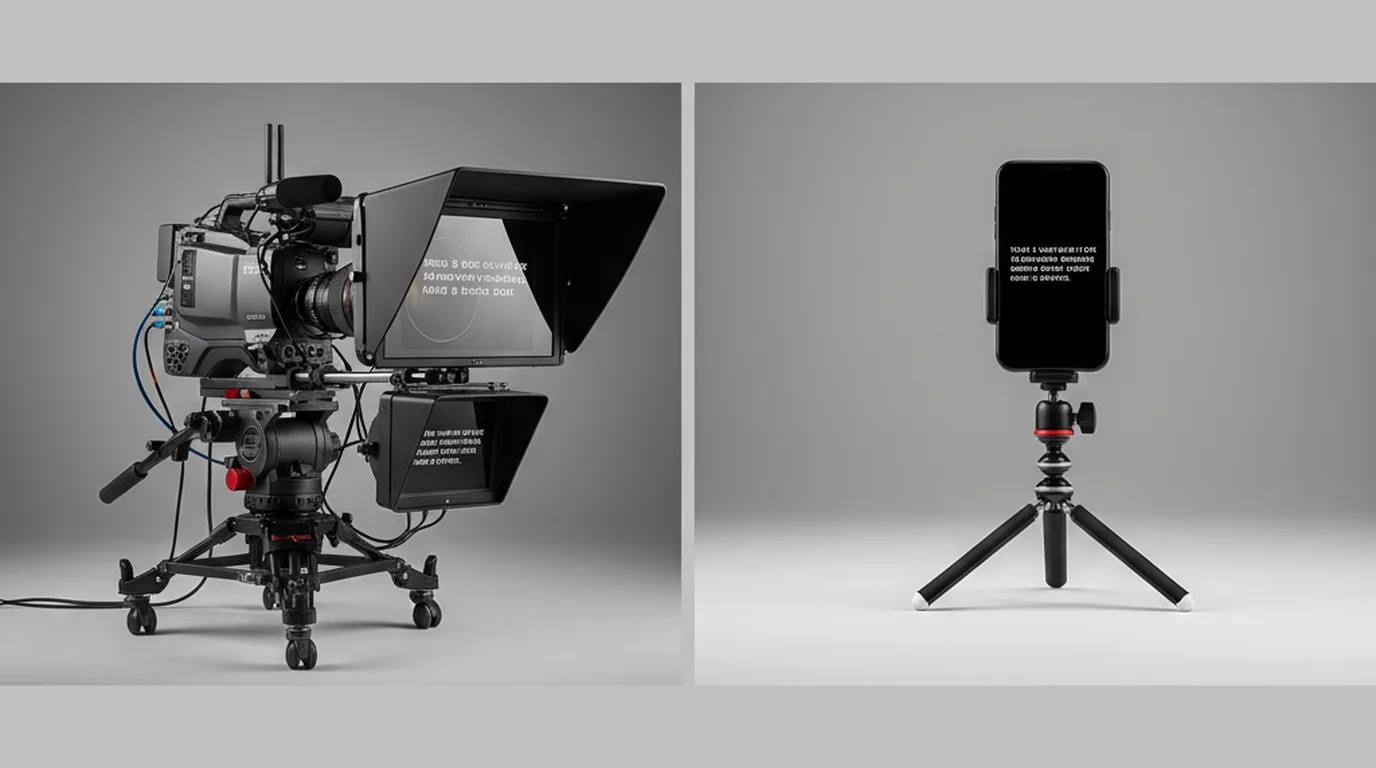
Broadcast hardware teleprompters use dedicated software like QMaster or MediaLink that sync to motorized scroll hardware. For virtual teleprompters (software-only), common options include Teleprompter-Scrolling Scripts (iPhone/iPad/Mac/browser, free), CuePrompter (web, free), Speakflow (web, $16/month), and Teleprompter.com (iOS/Android/Mac, free with watermark or $9.99/month without).
What is the best free autocue software?
By device: Mac — browser teleprompter at teleprompter.works/online/ (no installation); iPhone and iPad — Teleprompter-Scrolling Scripts with Camera mode and Prompter mode, free with no watermark; Windows — Teleprompter Mirror with voice-activated scrolling, free with ads.
Does the iPhone have a built-in teleprompter?
No. iPhone doesn't have a built-in teleprompter. Teleprompter-Scrolling Scripts is free on iPhone and includes Camera mode (script overlays the live camera preview, not visible in the recorded video) and Prompter mode (full-screen scrolling text for reading near a separate camera). Setup details are on the teleprompter app for iPhone page.
Is teleprompter software worth it for solo creators?
Yes, particularly for content with specific terminology, data points, or structured flow. Creators who switch to scripted delivery with a teleprompter typically report 40–60% fewer re-takes on information-dense content. Since strong free options exist, there's no cost barrier to trying it on your next recording session.
Can I use teleprompter software on Mac without downloading anything?
Yes. The free online teleprompter at teleprompter.works/online/ runs in Chrome, Safari, or Firefox on Mac with no installation or login. Paste your script, set font size and scroll speed, and position the window near your webcam. It works for Zoom, Loom, or any Mac recording setup.
Complete guide: What Is a Teleprompter? How It Works, Types, and When to Use One — history, hardware vs software, types, cost, and free options for every platform.
Ryan KowalskiRyan Kowalski reviews iOS and macOS apps for content creators, with a focus on teleprompter, camera, and productivity tools. His rule: use an app daily for at least two weeks before writing a word about it.
Try the best free teleprompter software
Browser version works on any Mac — no download, no login, no watermark. iPhone and iPad app includes Camera mode for direct recording.
Use Free Online Teleprompter Get the Free App