Elgato teleprompter software setup and shortcut guide
 Ryan Kowalski · June 7, 2026 · 7 min read
The Elgato Prompter is the first consumer-grade beam-splitter teleprompter built for desktop streaming and recording setups — and in 2024, when it launched at $249, it immediately became the reference product for creators who want glass-level eye contact without a broadcast production budget. But the hardware is only half the question. The software and keyboard shortcuts are where most users spend their first frustrated hour.
The Elgato teleprompter (Elgato Prompter) uses proprietary Elgato Prompter software, available free on Mac and Windows. The core keyboard shortcuts are Space (start/stop scroll), Up/Down arrows (speed adjustment), and R (reset to start). Third-party apps including Teleprompter-Scrolling Scripts can also drive the hardware by outputting mirrored text — useful if you prefer a simpler script manager or already use a different teleprompter app workflow.
What the Elgato Prompter hardware actually is
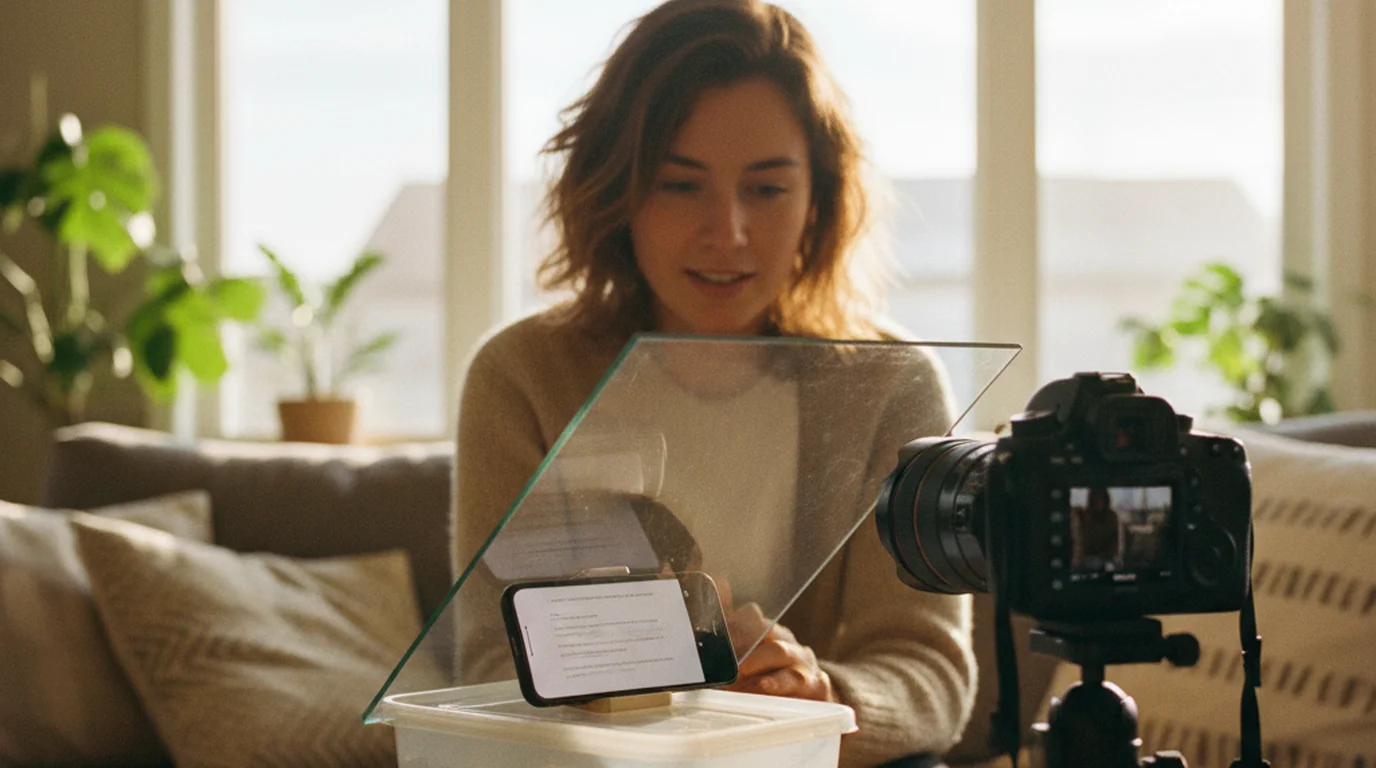
The Elgato Prompter is a beam-splitter glass assembly that mounts in front of your webcam. A small secondary display (sold separately, or driven by a second monitor output) sits below the glass. The glass reflects the script from the monitor toward your face while remaining transparent to the camera behind it — exactly the same optical principle used in broadcast teleprompters that cost $500–$2,000.
Elgato's design is optimized for desktop webcam setups rather than camera-on-tripod setups. The mounting system attaches to a monitor arm or desk mount, positioning the glass in front of a standard webcam. The glass size (7.1 × 5 inches) is scaled for webcam-to-subject distances of 2–4 feet — shorter than a full broadcast rig but right for desk recording.
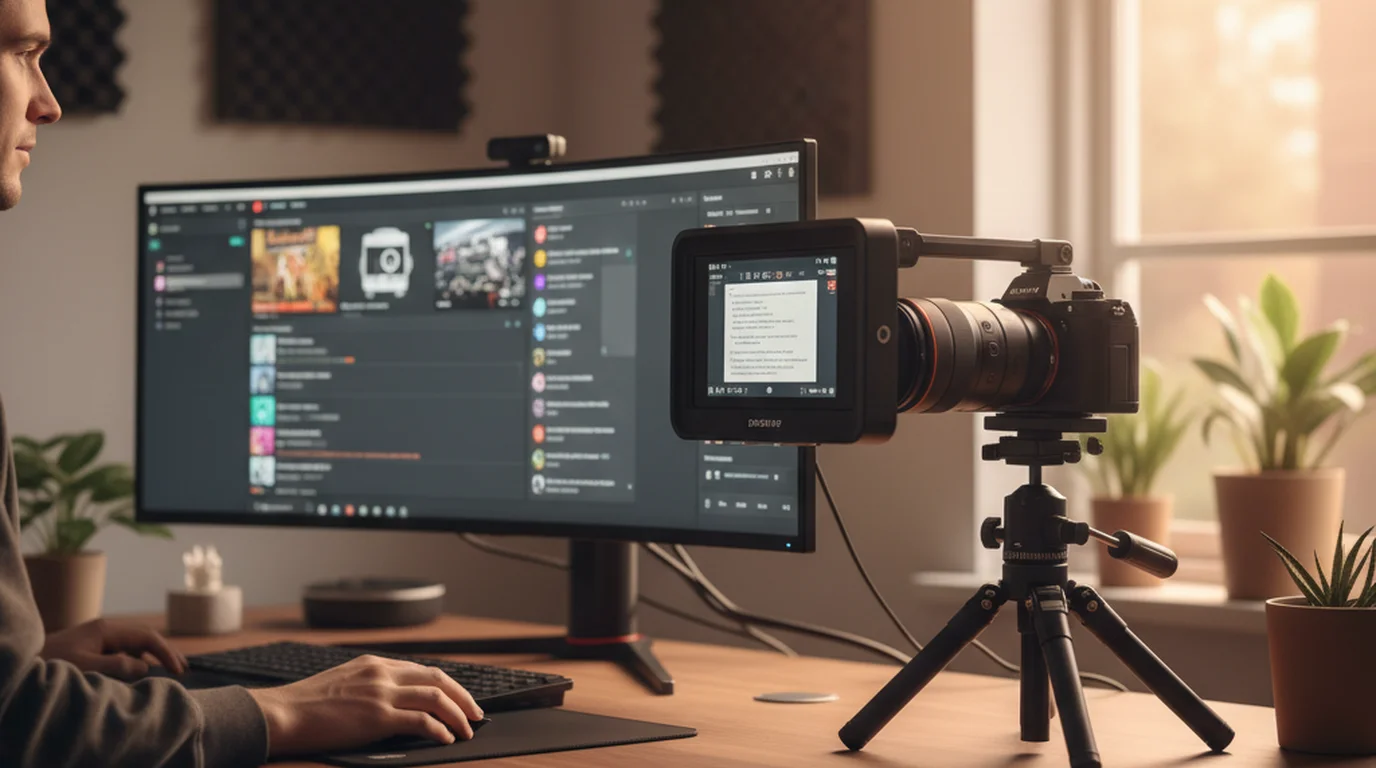
What it is not: an all-in-one unit with a display included. The Prompter needs a second monitor or output to drive the script display. Most users run their main monitor for the call or recording and connect a secondary display (a spare monitor, iPad via Sidecar, or external display) as the script source. For a detailed look at the hardware quality and real-world usability, see the Elgato Prompter review.
The Elgato Prompter launched in October 2024 at $249 USD, making it the first mass-market consumer beam-splitter teleprompter. Within 6 months of launch, it reached the top-3 ranking in the streaming accessories category on Amazon US, indicating significant unmet demand in the desktop creator segment.
Setting up Elgato Prompter software
Download Elgato Prompter software from elgato.com — it's free and separate from the hardware purchase. The software functions as a script manager and display controller. It outputs the script to whichever display you designate as the Prompter display — that display connects to the monitor under the beam-splitter glass.
Initial setup sequence: Install the software, connect your secondary display, open Prompter software, and select your secondary display as the Prompter output in Settings. Import your script by pasting text directly or importing a .txt or .docx file. The software mirrors the text automatically for the glass reflection — you don't need to flip anything manually.
Script formatting in the software: You can mark sections with headers, and the software allows jump-to-section navigation during a session. This is useful for longer scripts where you might need to restart at a specific point without scrolling back to the top manually. Formatting is plain text — you don't get rich markdown support, but bold and italics are available for emphasis marking.
The display settings that matter most: Font size controls how large the text appears on the Prompter glass. Set this based on your distance from the setup — most desktop creators read from 18–30 inches away, which typically means 60–100pt on the secondary display. Speed is measured in pixels per second rather than words per minute; expect to spend 3–5 test runs calibrating this to your speaking pace before a real recording.
Elgato Prompter keyboard shortcuts (2026)
These are the default keyboard shortcuts in Elgato Prompter software as of the current version in 2026. All can be remapped in Preferences.
- Space — start and stop scrolling
- Up arrow — increase scroll speed
- Down arrow — decrease scroll speed
- Left arrow — jump to previous section marker
- Right arrow — jump to next section marker
- R — reset to beginning of script
- F — cycle through font size presets (small/medium/large)
- Cmd+, (Mac) / Ctrl+, (Windows) — open Preferences
If you have an Elgato Stream Deck, you can assign any of these actions to physical buttons using the Prompter Stream Deck plugin. This is the practical value for streaming setups — hands-free control during a live session without reaching for the keyboard.
One workflow issue we've encountered: when Zoom or OBS is in focus (which it often is during a recording), keyboard shortcuts won't fire in Prompter unless you click back to the Prompter software window first. The workaround is Stream Deck buttons or a foot pedal mapped to keyboard inputs — both keep control accessible while your hands stay out of frame.
Using a third-party app with Elgato Prompter hardware
The Elgato Prompter hardware is glass. Any app that outputs mirrored text to a display can drive it. This matters if you prefer a different teleprompter app's script management workflow.
Teleprompter-Scrolling Scripts on Mac has a Prompter mode that displays horizontally mirrored text in a full-screen window. Set that window to output on your secondary display (the one connected to the monitor under the glass), and the app drives the Elgato Prompter hardware with its own scroll controls, script library, and speed settings. You lose Stream Deck integration but gain a simpler script management system and local offline storage.
This setup is useful if you're already using Teleprompter-Scrolling Scripts for iPhone and iPad recording and want to continue the same app workflow on your desktop Elgato rig rather than managing two separate script libraries. Both apps take plain text, so moving scripts between them is a copy-paste operation. For the complete Mac teleprompter setup including Prompter mode positioning and Camera mode recording, see the Mac teleprompter guide.
The Elgato Prompter glass is a standard 70/30 beam-splitter — 70% transmissive to the camera, 30% reflective to the presenter. This is on the lower end of reflectivity for teleprompter glass, which keeps the setup bright for well-lit studio conditions but can make the text harder to read in rooms with less controlled lighting or backlit windows.
When a free app is the better choice
The Elgato Prompter costs $249 plus a second display. For iPhone recording, Teleprompter-Scrolling Scripts is free and requires no additional hardware. The practical question is whether perfect lens-centered eye contact (what the glass provides) is worth $249+ for your use case.
For YouTube talking-head videos, UGC content, online courses, and most social media recording, the eye-line gap from a phone-based teleprompter app is not visible in the final video at standard viewing sizes. We've compared identical 60-second scripts delivered with glass teleprompter versus phone app: at YouTube 1080p, viewers consistently can't identify which recording used which method.
Where the Elgato Prompter earns its cost: weekly Zoom webinars where you're live on camera for 45–60 minutes and need sustained eye contact, or high-production brand video where the camera is a dedicated mirrorless rather than a webcam and the eye-line distance matters at larger viewing sizes.
Frequently Asked Questions
What software does the Elgato Prompter use?
The Elgato Prompter uses Elgato's free Prompter software, downloadable from elgato.com for Mac and Windows. It manages scripts, controls scroll speed, and outputs mirrored text to a secondary display connected to the monitor under the beam-splitter glass. It integrates with the Elgato Stream Deck via a plugin for hands-free control during recording or live sessions.
What are the keyboard shortcuts for the Elgato Prompter?
Default shortcuts in Elgato Prompter software (2026): Space starts/stops scroll, Up/Down arrows adjust speed, Left/Right arrows jump between script sections, R resets to the beginning, and F cycles font size presets. All shortcuts are remappable in Preferences. For hands-free control during recording, the Stream Deck plugin maps any Prompter action to a physical button key.
Can I use a third-party app with the Elgato Prompter hardware?
Yes. The Elgato Prompter hardware is a beam-splitter glass that reflects any display output. Apps that support mirrored text output — including Teleprompter-Scrolling Scripts on Mac in Prompter mode — can drive the hardware. Set the app's output to the secondary display connected to the monitor under the glass. You won't have Stream Deck integration, but the core prompting workflow is identical.
Is there a free alternative to the Elgato Prompter software?
Teleprompter-Scrolling Scripts is a free Mac app with Prompter mode (mirrored text output) compatible with the Elgato Prompter hardware and any beam-splitter glass setup. It works offline, stores scripts locally without an account, and handles the essential workflow: script input, mirrored display, and scroll speed control. It doesn't support Stream Deck integration or section-jump navigation.
Ryan KowalskiRyan Kowalski reviews iOS and macOS apps for content creators, with a focus on teleprompter, camera, and productivity tools. His rule: use an app daily for at least two weeks before writing a word about it.
Use any teleprompter setup with a free script app
Teleprompter-Scrolling Scripts works with Elgato Prompter hardware via Prompter mode, and handles iPhone and iPad recording on its own. Free on the App Store.
Use Free Online Teleprompter Get the Free App