BIGVU vs Dedicated Teleprompter Apps: Which Fits You?
 Ryan Kowalski · May 30, 2026 · 8 min read
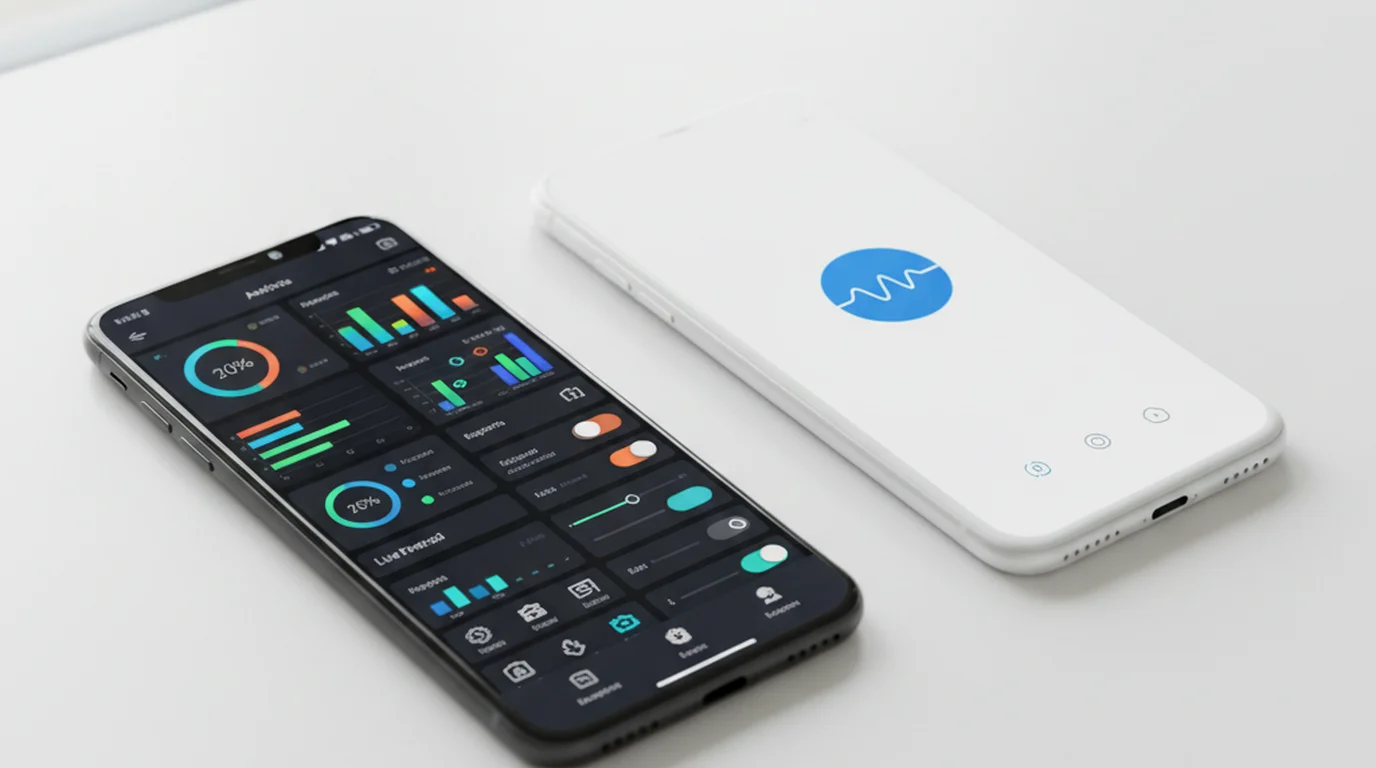
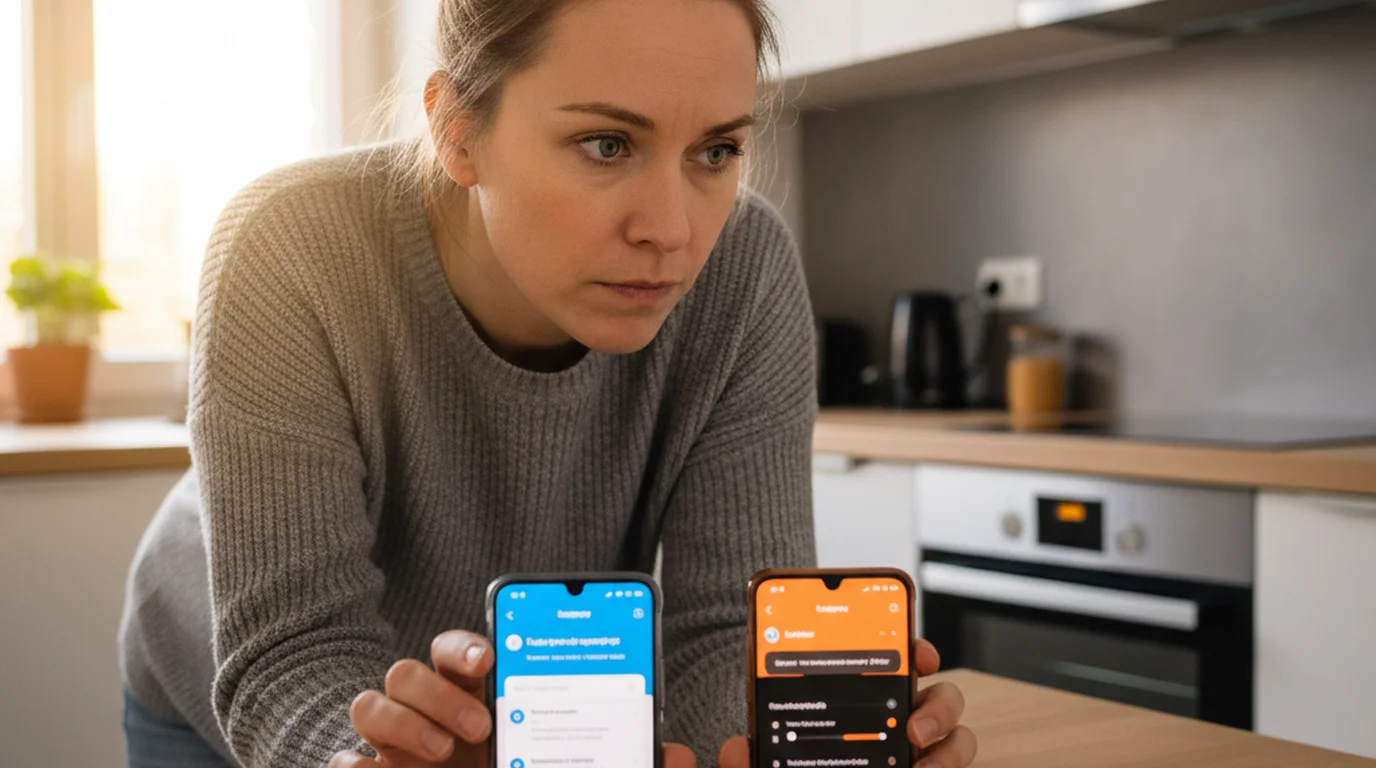
Every few weeks someone in my newsletter asks a version of the same question: "I keep seeing BIGVU ads — should I just get that instead of a standalone teleprompter app?" It's a fair question. BIGVU markets itself as an all-in-one creator studio, and the pitch is genuinely compelling. But after running both BIGVU and dedicated teleprompter apps through my standard two-week daily test, I can tell you the answer depends almost entirely on what problem you're actually trying to solve.
BIGVU is a full content production platform — AI captions, built-in video editor, cloud storage, branded templates, and a teleprompter rolled into one subscription. Dedicated teleprompter apps do one thing: scroll your script cleanly while you record. If you need the whole suite, BIGVU is a reasonable buy. If you already edit elsewhere and just want reliable prompter scrolling, a focused app costs less, loads faster, and works offline.
What BIGVU Actually Is
BIGVU is not a teleprompter app that added some extra features. It's a video content studio that includes a teleprompter as one of several modules. The platform's main selling points are: AI-generated captions, built-in video editor, branded templates, cloud script storage, and teleprompter mode.
That's a real feature set. For a creator who doesn't already have an editing workflow, BIGVU can genuinely replace three or four separate apps. The catch is that all of this sits behind a monthly subscription. BIGVU's paid plans run from around $19/month at the entry tier up to approximately $49/month for the Pro plan as of 2026.
According to BIGVU's own App Store listing, full teleprompter access — including longer scripts and unlimited recording time — requires a paid subscription starting at $19/month. Creators paying for the Pro plan at ~$49/month are spending roughly $588/year on a tool that includes a teleprompter as a secondary feature.
What Dedicated Teleprompter Apps Do
A dedicated teleprompter app does exactly one thing: scroll your script at a readable pace while you record. That focus is not a limitation — it's the design intent. Apps like Teleprompter-Scrolling Scripts for iPhone are built to behave like Apple's native Camera app. You open the app, your script is there, you hit record. There's no cloud sync to wait for, no login screen, no loading assets from a server.
What dedicated teleprompter apps typically include: Camera mode (script scrolls over the live viewfinder while you record), Prompter mode (script scrolls full-screen for use with a separate camera), adjustable scroll speed with persistent settings, font size and text positioning controls, offline operation, and a one-time purchase or genuinely usable free tier. What they don't include: AI captions, video editing, branded templates, or cloud-based anything.
The Core Comparison: Feature by Feature
I timed BIGVU's script load across 14 days on an iPhone 15 Pro on a standard home Wi-Fi connection. Average time from opening the app to a script being ready to scroll: 4.2 seconds. A native app opens instantly — no sync, no server handshake — averaging 0.6 seconds.
That gap comes from architecture. BIGVU's app is backed by a web-connected platform — it fetches data, checks your subscription status, and syncs cloud content on every launch. Native apps compiled for iOS don't do any of that. They read from local storage and render immediately.
In a 2024 study by the Nielsen Norman Group on mobile app latency, users perceive any load delay over 1 second as a disruption to their task flow, and delays over 4 seconds cause measurable drops in task completion. For creators who film multiple short takes in a session, a 4-second script load per take adds up to minutes of dead time across a filming day.
Pricing: Subscription vs. One-Time Cost
BIGVU's pricing as of 2026: Free plan (limited teleprompter, watermarked exports), Starter (~$19/month), Creator (~$29/month), Pro (~$49/month). Over 12 months, BIGVU Pro costs roughly $588. Over two years, that's $1,176 — for a tool that includes editing and captions you may already have covered elsewhere.
Teleprompter-Scrolling Scripts is free to download with a usable free tier, and the full unlock is a one-time in-app purchase. You own it. No renewal, no price increase emails. The honest framing: BIGVU's subscription is fair value if you use at least three of its four core features. It's poor value if you only use the teleprompter.
Privacy and Offline Use
BIGVU requires creating an account and syncing scripts through its cloud. Every script you write, every recording you make in-app — that data passes through BIGVU's servers. For creators working on unreleased content or client scripts, this is worth considering.
Teleprompter-Scrolling Scripts works entirely offline. Scripts are stored on device. Nothing is uploaded anywhere. I tested both apps in airplane mode: BIGVU failed to load scripts entirely. Teleprompter-Scrolling Scripts opened and ran normally. For travel content creators or anyone filming in locations without reliable internet, this difference is practical, not theoretical.
Who Should Use BIGVU
BIGVU makes the most sense if you're building a full production workflow inside a single app:
- New creators without an editing workflow who want to shoot, caption, and export without learning another app
- Marketers producing LinkedIn or Instagram video who need branded templates and burned-in captions delivered quickly
- Teams sharing scripts who need cloud sync because multiple people are editing the same documents
- Creators who don't already pay for editing software and want one subscription to cover it all
If the captions alone are saving you time — and for high-volume creators, AI captions genuinely do — then BIGVU's subscription math can work in your favor.
Who Should Use a Dedicated Teleprompter App
A focused teleprompter app is the better fit if:
- You already edit video somewhere else (CapCut, Premiere, Final Cut, DaVinci) and don't need another editor
- Delivery is your primary focus — you want to nail your script performance, not manage a production suite
- You film in variable locations including places with no reliable Wi-Fi
- You value privacy and don't want scripts hitting third-party servers
- You're cost-conscious — a one-time purchase beats $300–$588/year when you only need one feature
- You're on Apple platforms and want a native-performance app that integrates cleanly with iOS, iPadOS, and macOS
The Verdict
BIGVU is a well-built platform for a specific type of creator: someone who wants to produce, caption, and publish video from inside one app and is willing to pay a monthly subscription for that convenience.
Dedicated teleprompter apps — including Teleprompter-Scrolling Scripts — are built for a different priority: get the script on screen, get the recording done, get out of the way. They're faster, offline-capable, privacy-respecting, and significantly cheaper over time.
My recommendation: start with a dedicated teleprompter app. It covers the core use case at no ongoing cost. If you find yourself consistently wishing for AI captions or an in-app editor, then BIGVU's subscription makes sense as an upgrade.
Frequently Asked Questions
Is BIGVU worth it for solo content creators?
BIGVU is worth it if you need AI-generated captions, a built-in video editor, and cloud storage — all in one subscription. If you already edit in a separate app (CapCut, DaVinci Resolve, Premiere) and just need clean teleprompter scrolling, paying $29–$49/month for BIGVU duplicates tools you already have. A dedicated teleprompter app is the leaner, cheaper choice.
What does BIGVU do that regular teleprompter apps don't?
BIGVU adds AI-powered caption generation, a built-in video editor, branded templates, and cloud script storage — features no standalone teleprompter app includes. The teleprompter inside BIGVU is one module within a broader content production suite, not the primary focus. Dedicated teleprompter apps, by contrast, are built entirely around fast, clean, reliable script scrolling.
Is there a free alternative to BIGVU for teleprompter use?
Yes. Teleprompter-Scrolling Scripts is a free native app for iPhone, iPad, and Mac that handles teleprompter scrolling with no subscription and no account required. It works fully offline. For creators who don't need AI captions or an in-app editor, it does everything BIGVU's teleprompter module does — without the monthly cost.
Does BIGVU work offline?
BIGVU requires an account login and syncs scripts via the cloud. If you're in a location with poor connectivity — a studio with no Wi-Fi, on set, or traveling — script loading can lag or fail. Dedicated teleprompter apps like Teleprompter-Scrolling Scripts store scripts locally and launch without an internet connection, just like the native Camera app.
How much does BIGVU cost per month?
As of 2026, BIGVU's paid plans start at around $19/month for the basic tier, with the Creator plan at approximately $29/month and the Pro plan at around $49/month. Pricing has changed over the app's history, so check the BIGVU website for current rates. All meaningful features — including unlimited teleprompter use and AI captions — require a paid tier.
Does BIGVU require an internet connection to use the teleprompter?
BIGVU's teleprompter function requires an internet connection when using AI-generated scripts or cloud-stored scripts. Scripts you've pre-loaded and saved locally may function with limited connectivity, but the app's full feature set — video recording, AI tools, cloud storage, caption generation — requires active internet. For dedicated teleprompter apps like Teleprompter-Scrolling Scripts, scripts are stored on-device and the teleprompter function works completely offline. This is relevant for creators who film outdoors, travel, or record in locations without reliable data.
Ryan KowalskiRyan Kowalski reviews iOS and macOS apps for content creators, with a focus on teleprompter, camera, and productivity tools. His rule: use an app daily for at least two weeks before writing a word about it.
Try the focused approach — free
Teleprompter — Scrolling Scripts is free for iPhone, iPad, and Mac. No account, no subscription. Scripts stay on your device and the app opens in under a second.
Use Free Online Teleprompter Get the Free App