What font size should I use in a teleprompter app?
36–44pt covers most iPhone and Mac setups at typical reading distances. The right size is the one where you can read a full line without moving your eyes left to right across the screen — if you're scanning horizontally, go larger. When you change font size, you don't need to re-adjust your WPM: Teleprompter-Scrolling Scripts automatically recalculates scroll speed so the text continues arriving at your target speaking pace.
Recommended font sizes by device and distance
Font size depends on how far your eyes are from the screen when you record. A phone at arm's length (60–80cm) needs a different size than an iPad on a stand at 100cm.
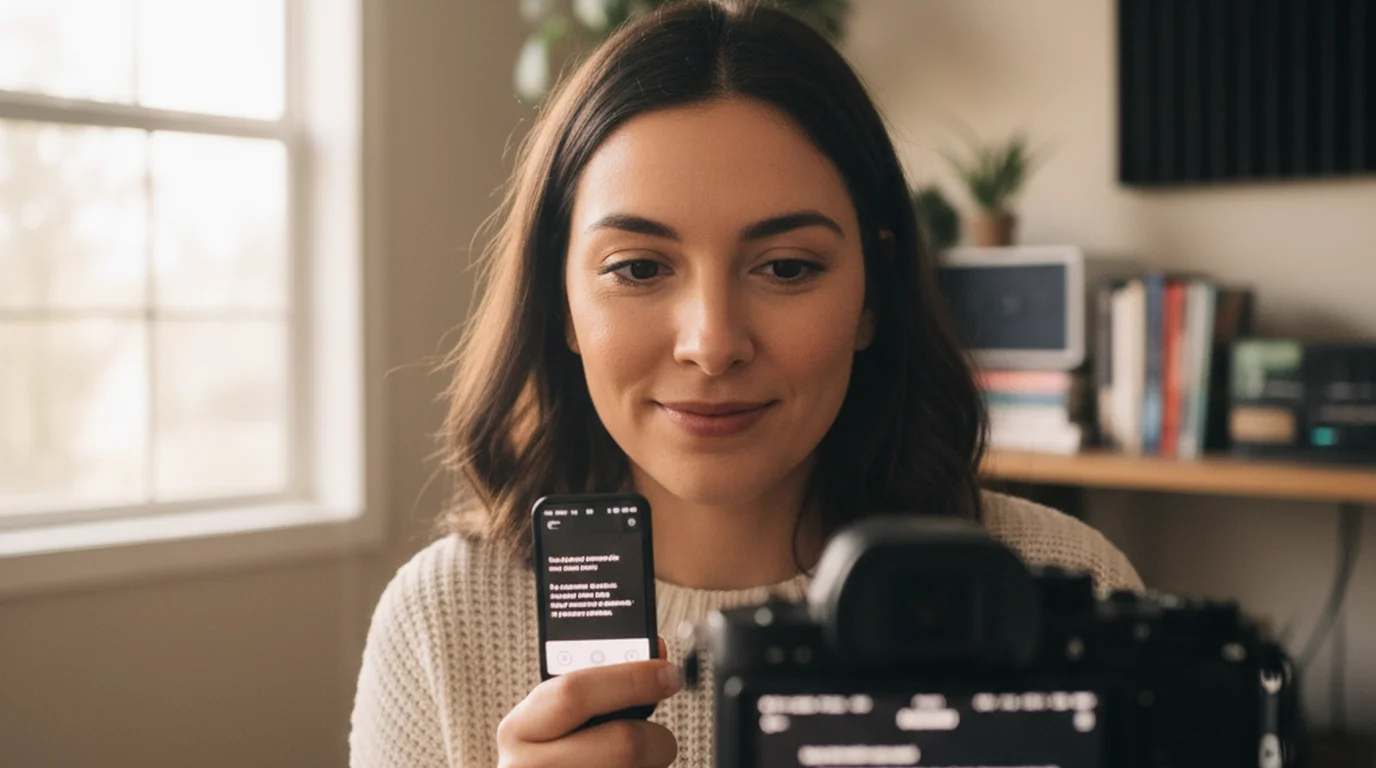
- iPhone at arm's length (60–80cm): 36–44pt. Start at 40pt and adjust based on how much your eyes need to move to read each line.
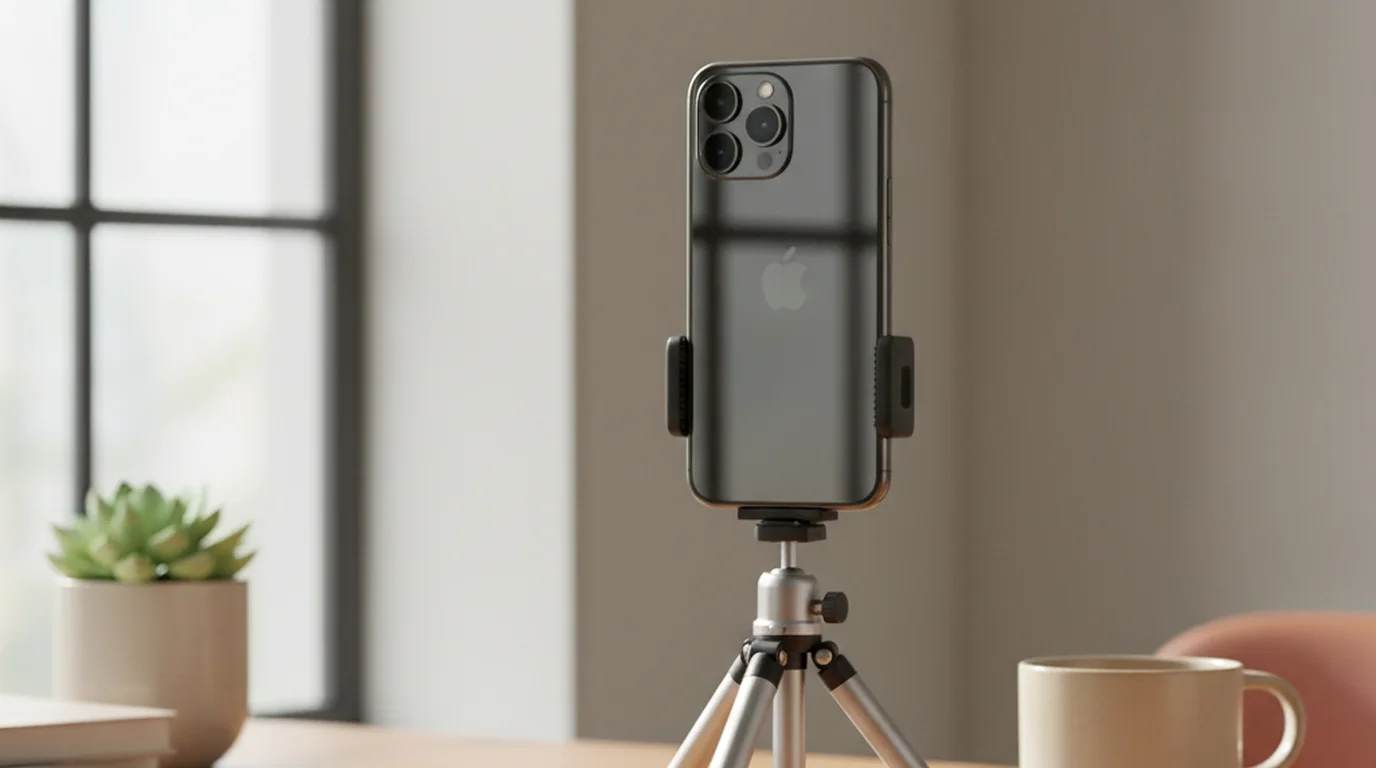
- iPhone on a tripod at chest or eye level: 40–52pt. The additional distance and the need to maintain precise eye contact with the lens both push toward larger text.
- iPad on a stand (80–120cm): 48–60pt. The larger screen accommodates bigger text, which improves eye contact quality significantly.
- Mac at desk distance (60–90cm): 36–44pt. Similar to iPhone at arm's length, but the larger display means you have more room to use a generous text area width at this size.
The single most reliable test: record 20 seconds and watch your eyes in the playback. If they're moving left to right to track lines, increase the font size. If delivery looks natural and your gaze is steady, the size is right.
Why you don't need to adjust WPM when you change font size
This is one of the most misunderstood parts of teleprompter setup. Many users assume they need to re-calibrate scroll speed every time they change font size or line spacing. In Teleprompter-Scrolling Scripts, you don't.
The app uses your WPM setting as the target and automatically calculates the scroll pixel rate based on your current font size, line spacing, and text area dimensions. When you increase font size, each word takes up more vertical space on screen, so the app slows the pixel scroll rate proportionally — delivering the same number of words per minute at whatever size you're using.
The practical result: set your WPM once to match your natural speaking pace, then freely adjust font size, line spacing, and text position for reading comfort without ever touching the speed setting again. The scroll rate follows your layout choices automatically.
How font size affects eye contact quality
Font size has a direct effect on how natural your delivery looks on camera, beyond just readability comfort. Larger text reduces horizontal eye movement — the left-to-right scanning motion that viewers register as reading behavior.
When text is too small, your eyes need to travel from the left edge of a line to the right edge to read it. That lateral movement is visible on camera, especially in close-up shots. When text is large enough that a full line fits within your central visual field, you can read without scanning — your gaze stays in one place, centered near the camera lens.
This is why experienced teleprompter users tend to use larger font sizes than beginners expect. The text feels uncomfortably large when you're looking at it, but the recorded delivery looks natural because the eyes stay steady.
For the relationship between font size, line spacing, and how many lines appear on screen at once, see the full explanation of how font size and layout settings interact with scroll speed.
Line spacing and its effect on reading comfort
Line spacing works alongside font size. More line spacing means each line is further from the next, which makes reading feel slower and more deliberate — useful for content where precise delivery matters, like scripted product demos or legal disclaimers. Tighter spacing shows more text at once, which some readers prefer because it gives more context about what comes next.
As with font size, changing line spacing doesn't require you to re-adjust WPM. The app recalculates the scroll rate based on your full layout — font size, line spacing, and text area dimensions — so the words per minute remain consistent.
Font size, line spacing, and text position are fully adjustable in Teleprompter-Scrolling Scripts. Set your WPM once — the app handles the rest automatically. Free on iPhone, iPad, and Mac.
Use Free Online Teleprompter Get the Free App