Webcam vs iPhone Camera for Video: Which One Should You Use?
 Natalie Brooks · May 30, 2026 · 8 min read
I've spent nearly a decade producing video for music, beauty, and lifestyle clients — usually solo, usually on a budget that couldn't justify a cinema camera. Over that time I've run the full spectrum: DSLRs, mirrorless, dedicated camcorders, every webcam that mattered, and iPhones from the 8 through to the 16 Pro. The webcam vs iPhone debate comes up constantly in the communities I'm part of, so here's my actual take, based on years of making content with both.
For recorded talking-head content — YouTube videos, online courses, social clips — a current iPhone beats every mainstream webcam on image quality, color, and software flexibility. The webcam's only real advantage is that it's always plugged in and ready. Once you understand that trade-off, the rest of the decision is easy.
Image Quality: Sensor Size Is the Deciding Factor
The webcam industry has made a lot of noise about 4K specs. The Logitech Brio 4K, Sony ZV-E10, and Insta360 Link all capture 4K footage. I've used all three professionally.
Here's what the spec sheets don't advertise: webcam sensors are tiny. The Brio 4K's sensor is roughly 1/3 inch. The Insta360 Link is 1/2 inch. The iPhone 15 Pro and iPhone 16 Pro main camera sensor is approximately 1/1.28 inches — more than twice the surface area of the Brio. Physics determines how much light a sensor captures, and more light means less noise, better dynamic range, and more natural-looking skin tones.
In my tests shooting identical scenes side-by-side, the iPhone 15 Pro footage consistently looked like it was shot in better light than it actually was. Webcam footage from the Brio, shot at the same distance and under the same light, had more digital noise in the shadows and a slightly plastic quality to skin. It's not a small difference — it's visible on any monitor above 1080p.
According to DxOMark's 2025 mobile camera benchmarks, the iPhone 16 Pro scores in the top tier for video color accuracy and dynamic range among mobile devices. The sensor size gap between a flagship iPhone and a premium webcam is approximately 2.5x in surface area, which directly determines low-light performance and depth-of-field rendering.
Convenience: The Webcam's One Genuine Advantage
I'm not going to pretend the webcam has no argument. It does, and it's a good one: a webcam is always there. Clip a Brio to your monitor once, run the cable, and every morning when you open your laptop you're ready to record. No mount, no tripod, no searching for your phone, no worrying about a notification interrupting your take.
The Insta360 Link takes this further with a motorized gimbal that tracks your face automatically. But here's the thing: for deliberate, planned content creation — a YouTube video you're going to script, record, and edit — the setup overhead of a phone mount is maybe 45 seconds. You set it once, you leave the tripod in position, and from that point forward the iPhone is just as ready as the webcam, with significantly better output.
Using Your iPhone as a Webcam via Continuity Camera
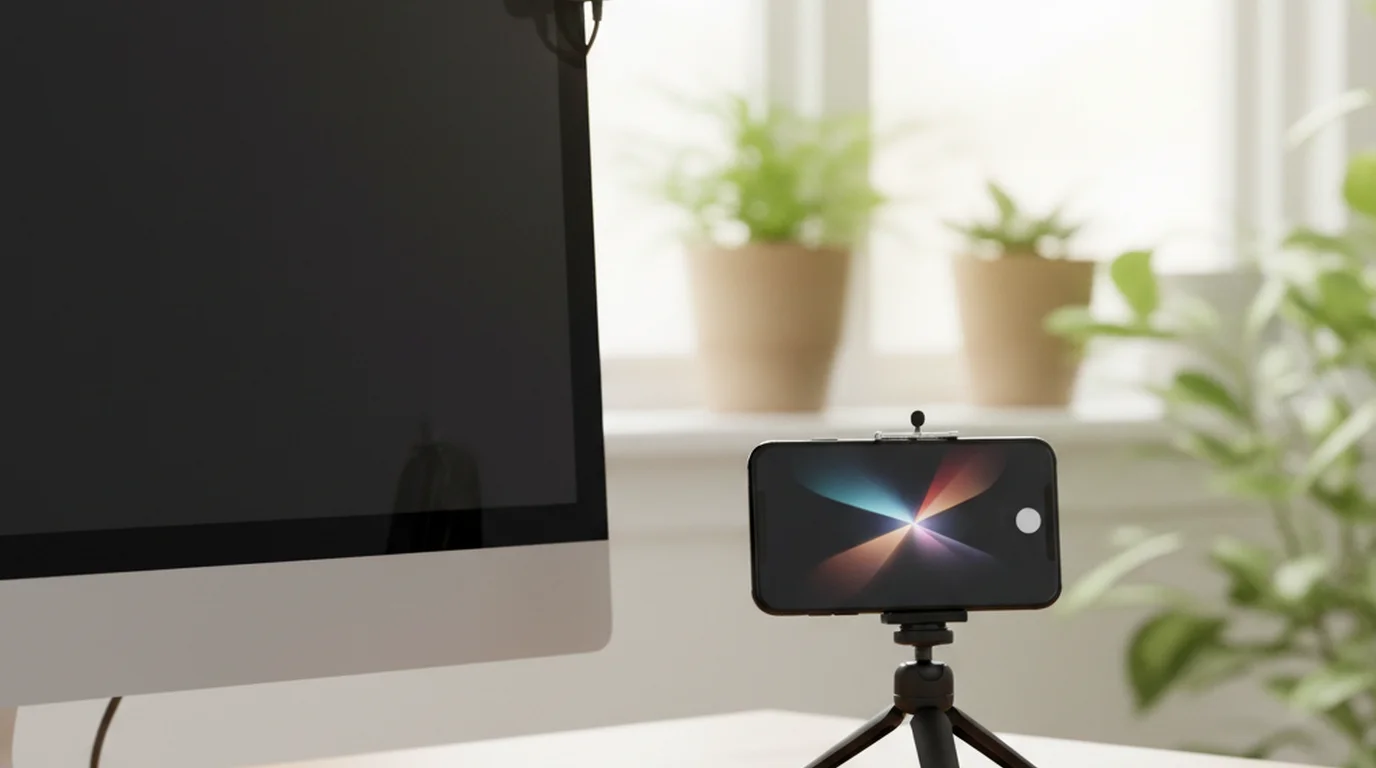
If you're on a Mac running macOS Ventura or later, you can plug your iPhone in with a USB cable and it appears as a high-quality camera source in every video app on your system — Zoom, Microsoft Teams, FaceTime, OBS, QuickTime. No third-party software, no drivers. Apple calls this Continuity Camera.
The quality difference in Zoom calls is immediately obvious to the person you're speaking with. You're delivering iPhone sensor quality to a Zoom call that normally sees Brio-level footage. And since it's wired, there's no latency issue and no battery drain concern during a long call.
For Zoom-heavy workflows, Continuity Camera is the best-of-both-worlds answer to the webcam vs iPhone question. The only thing you lose is the ability to use your phone as a phone while it's acting as a camera — a genuine trade-off worth knowing about before a call. Wireless Continuity Camera via Wi-Fi also works, but I find wired more reliable for anything mission-critical. For creators who want to add a teleprompter overlay to their video call setup, the guide to teleprompter overlays for video calls covers how to position your script near the camera on Mac.
Software Ecosystem: What You Can Do With Each
A webcam is passive hardware. The experience you get from it is entirely determined by the software you're recording in. An iPhone is a computer that happens to have an excellent camera. The software ecosystem around it is incomparably richer:
- Native Camera app: log format, ProRes (iPhone 15 Pro and later), cinematic mode, slow-motion up to 240fps, adjustable exposure lock and white balance lock
- Third-party camera apps: Filmic Pro, Blackmagic Camera, and others that give manual control over ISO, shutter angle, and focus
- Teleprompter apps: script display directly over the camera interface, so you can record and read simultaneously
- Editing on-device: iMovie and DaVinci Resolve for iOS let you edit on the same device you recorded on
Audio: Neither Option Solves the Real Problem
Let me be blunt about something that a lot of gear reviews sidestep: built-in audio on both webcams and iPhones is fine for casual use and genuinely bad for published content. The Logitech Brio's built-in stereo mic picks up keyboard clicks, room echo, and HVAC hum. The iPhone's mics are impressive for a mobile device, but they're still capturing room sound from a device sitting on a tripod 60–90cm from your face.
In my production work, I use a lavalier mic regardless of whether I'm recording on iPhone or a webcam setup. Both the webcam and the iPhone are rendered roughly equivalent on audio quality the moment you introduce an external mic, because both become irrelevant to the audio chain.
A 2024 analysis by podcast production platform Descript found that poor audio quality was the number-one reason listeners abandoned a podcast episode in the first two minutes — cited by 73% of surveyed listeners. An external microphone is not optional for professional-looking output, regardless of whether you're recording on webcam or iPhone.
For getting started with audio gear, the podcasting equipment guide for beginners covers the microphone options that work equally well for talking-head video as for audio-only recording.
The Teleprompter Angle: Where iPhone Has No Competition
This is the differentiator that rarely comes up in webcam vs iPhone comparisons, and it's the one I care most about as a working video producer.
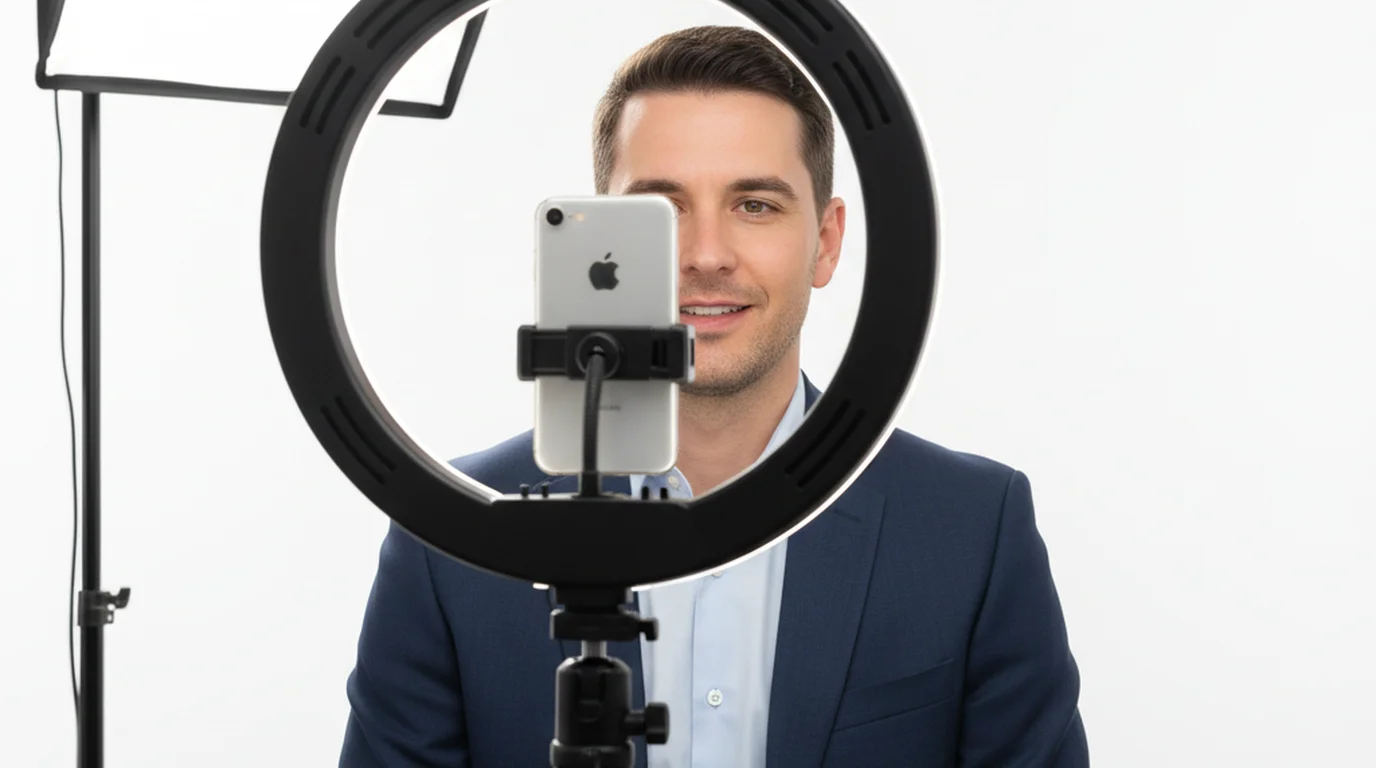
When you record on an iPhone, you can run a teleprompter app that displays your script as an overlay on the live camera feed. You read the script, the app records the video, and your eyes stay on or near the lens the entire time. The result looks like natural, confident delivery.
Teleprompter-Scrolling Scripts for iPhone does exactly this. You load your script, set your scroll speed, and hit record — the app handles both the teleprompter display and the video capture in a single interface. For scripted talking-head content, this workflow eliminates the two-device juggle that comes with using a webcam plus a separate teleprompter setup.
No webcam can do this. A webcam is a passive lens attached to your monitor. To use a teleprompter with a webcam setup, you need either a hardware teleprompter device (typically $200–$800) or a second screen positioned near the camera — and both solutions still involve your eyes drifting slightly away from the lens.
If you're recording on a tripod, pair the iPhone with a solid phone mount. The best tripod for phone video recording guide covers the options that work well at both desk and standing height.
Who Should Use What: My 2026 Recommendation
Use your iPhone if:
- You create scripted talking-head video for YouTube, courses, or social
- You want the best possible image quality without buying dedicated camera gear
- You plan to use a teleprompter app for scripted delivery
- You record on Mac and can use Continuity Camera for calls
- You're already carrying an iPhone 13 or later
Use a webcam if:
- You do a lot of quick, unplanned Zoom calls and don't want any setup friction
- You need your phone free during recording
- You're streaming to a platform where webcam integration is simpler
- You want a face-tracking gimbal without mounting anything separately
The actual answer for most content creators: use your iPhone for recorded content, and keep a webcam (or use Continuity Camera) for calls. The two use cases are different enough that they don't need to compete.
For talking-head video production on iPhone, the combination of iPhone camera quality, teleprompter app integration, and a decent external mic produces output that competes with setups costing five times as much.
Frequently Asked Questions
Is an iPhone better than a webcam for YouTube videos?
For talking-head YouTube content, yes — an iPhone 13 or later consistently outperforms every mainstream webcam on image quality, color science, and dynamic range. The sensor is physically larger than anything in a webcam, and Apple's computational photography handles tricky lighting far better. You'll need a tripod or phone mount, but the visual upgrade is immediate and obvious compared to a Logitech Brio 4K.
Can I use my iPhone as a webcam for Zoom calls?
Yes. On macOS Ventura or later, plug your iPhone into your Mac with a USB cable and it appears automatically as a camera source in Zoom, Teams, FaceTime, and any other video app — no third-party software required. This feature is called Continuity Camera. Wirelessly via Wi-Fi also works, though wired is more reliable for long calls.
What is the best webcam for content creators in 2026?
The Logitech Brio 4K and Insta360 Link remain strong options, but neither matches iPhone 15 Pro or iPhone 16 image quality for recorded video. For live streaming directly from a browser or OBS without a phone mount, a premium webcam is still more convenient. For recorded YouTube or course content where you can set up a tripod, use the iPhone.
Do I need an external mic for iPhone video recording?
Yes. The built-in iPhone microphone is capable outdoors or in acoustically treated spaces, but in a typical room the on-device mic picks up room echo and HVAC noise. A lavalier mic clipped close to your mouth makes a bigger impact on perceived production quality than almost any other upgrade. The same applies to webcams — neither has broadcast-worthy built-in audio.
Can I read a teleprompter script while recording on iPhone?
Yes, and this is one of the biggest advantages of recording on iPhone. Apps like Teleprompter-Scrolling Scripts display your script over the camera interface, so you can record directly through the app while reading your lines. The scroll speed is adjustable, font size is user-controlled, and your eyes stay on or near the lens. No webcam setup can do this.
What tripod or mount do I need to use iPhone as a camera?
Any tripod with a universal phone clamp works. For talking-head video at desk level, a tabletop tripod 50–80cm from your face is the standard setup. If you're recording with a teleprompter app, you may want a mount that positions the phone close to your eye line. See our guide to the best tripods for phone video recording for specific recommendations.
Natalie BrooksNatalie Brooks is a video producer who works as a one-person crew for independent creators, corporate teams, and online educators. She writes about home studio setups, creator gear, and the production decisions that never come up in sponsored unboxings.
Record on iPhone with your script in the viewfinder
Teleprompter-Scrolling Scripts runs natively on iPhone. Camera mode overlays your scrolling script on the live viewfinder — record and read simultaneously, no second device needed.
Use Free Online Teleprompter Get the Free App