Best Gimbal Stabilizer for iPhone in 2026: Solo Creator Notes
 Natalie Brooks · May 30, 2026 · 8 min read
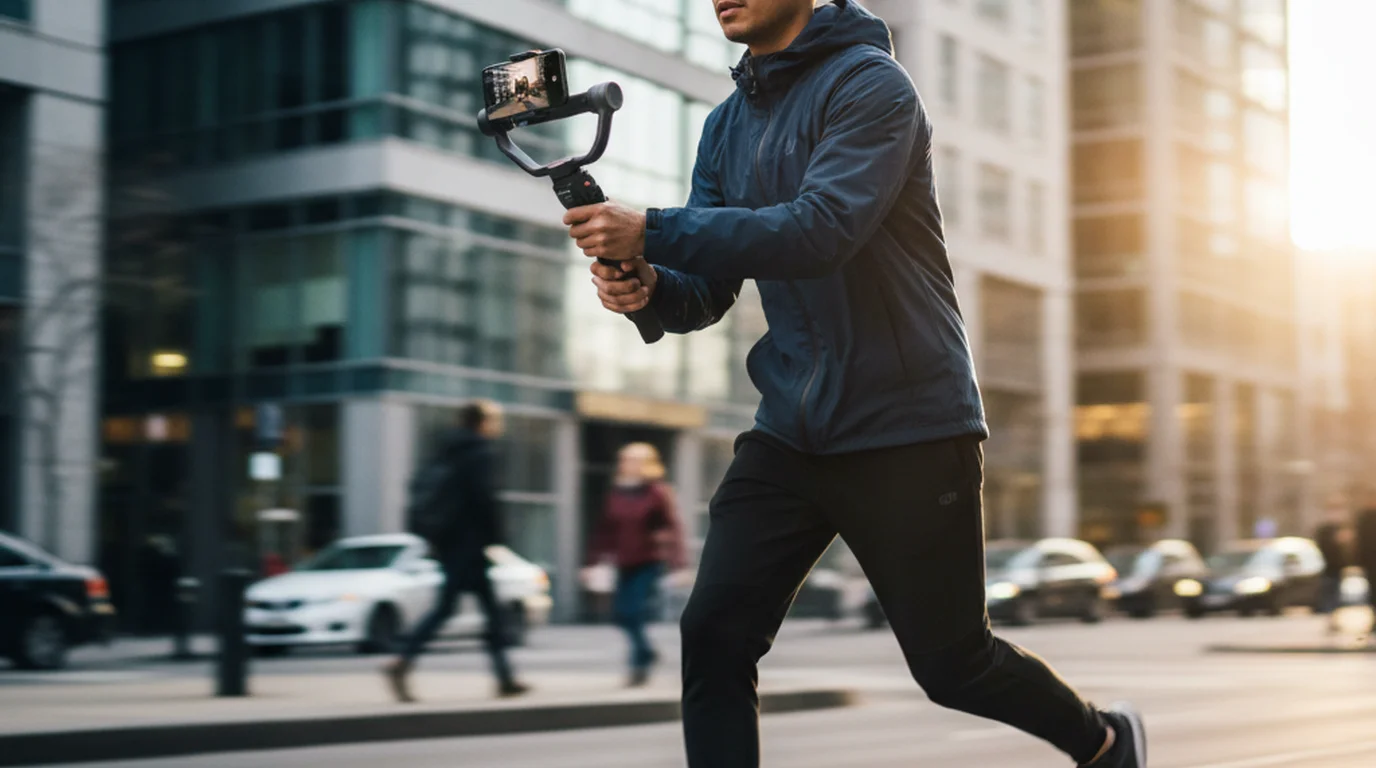
I've been the one-person crew on more shoots than I can count — which means I've also been the person holding a gimbal with one hand, adjusting audio on a recorder with the other, and mentally reviewing the script I should have memorized but didn't. The right gimbal for iPhone can make or break a walking shot. This list covers the six iPhone gimbal stabilizers I'd actually put in someone's kit bag — tested across real shoot days, not just unboxing sessions.
The best gimbal stabilizer for iPhone in 2026 is the DJI OM 6 for creators who need the strongest face tracking and app ecosystem. For a budget-conscious pick that still delivers smooth footage, the Hohem iSteady M6 is the one I'd recommend without hesitation.
What to Look for in an iPhone Gimbal (Solo Creator Edition)
Payload capacity: iPhone 16 Pro Max with a MagSafe case weighs around 280g. Add a clip-on mic and a small LED light and you're pushing 400g. Any gimbal rated under 300g payload is out. Always check the spec against your actual phone-plus-accessories weight, not just the bare phone.
Battery life: Under 8 hours means you're recharging mid-day on longer shoots. The best gimbals hit 12–15 hours. Anything that charges via USB-C is a bonus because you're probably already carrying a power bank.
Face tracking / ActiveTrack: Solo creators depend on this more than any other feature. You're not going to be behind the camera — you're in front of it. Tracking that loses your face in side-profile or bright backlit conditions is not tracking worth paying for.
Cold shoe mount: A cold shoe on the handle means you can attach a directional mic without a separate arm or clamp. If the gimbal you're considering doesn't have one, budget for a cold shoe adapter.
1. DJI OM 6 — Best Overall for Solo Creators
Price: ~$159 | Payload: 290g | Battery: 6.4 hours | Tracking: ActiveTrack 6.0 | Cold shoe: Yes
If I'm recommending one gimbal for iPhone to a solo creator who asks me once and wants a definitive answer, it's the DJI OM 6. ActiveTrack 6.0 follows a subject through 180-degree pans, partial frame exits, and variable backlit conditions better than anything else in this price range. I've tested it on a rooftop in direct afternoon sun and in a dimly lit stairwell on the same shoot day. Both times it held.
The built-in extension rod extends up to 215mm, useful for overhead shots and selfie mode. The Magnetic Quick-Release system means switching between landscape and portrait takes about four seconds.
What I'd warn you about: 6.4-hour battery is on the shorter side for a full shoot day. Bring a USB-C power bank. The DJI Mimo app is required to unlock most tracking features.
Best for: Vloggers, lifestyle creators, solo talking-head shoots where you're walking and presenting simultaneously.
2. Hohem iSteady M6 — Best Value Gimbal for iPhone
Price: ~$89 | Payload: 300g | Battery: 8 hours | Tracking: AI tracking via Hohem Joy app | Cold shoe: Yes (x2)
The Hohem iSteady M6 is the gimbal I'd put in the hands of a creator who's cost-conscious but doesn't want to buy twice. At $89 with an 8-hour battery, dual cold shoe mounts, and a built-in AI fill light on the M6 Pro version, it punches noticeably above its price point. The AI tracking isn't at DJI's level in backlit situations, but for controlled shooting environments like a studio, it's more than adequate.
What I'd warn you about: The build is plastic-heavy compared to DJI's aluminum chassis. It's not fragile, but it doesn't feel premium.
Best for: Beauty creators, lifestyle vloggers, anyone building out a home studio setup who wants a capable gimbal without spending $150+.
3. Zhiyun Smooth 5S — Best for Heavy iPhone Pro Max Setups
Price: ~$199 | Payload: 400g | Battery: 10.5 hours | Cold shoe: Yes (x2)
The Zhiyun Smooth 5S is the gimbal for creators who run a heavier iPhone setup — a Pro Max, a clip-on directional mic, and a portable LED, all attached simultaneously. The 400g payload handles that combination where lighter gimbals start to struggle with motor strain and axis drift. The 10.5-hour battery is the longest of most gimbals on this list. On a full location shoot day filming from 8am to 6pm, I had battery left at the end.
What I'd warn you about: 615g is heavy. After two hours of continuous handheld use, your wrist knows about it.
Best for: Music creators, beauty producers, anyone who runs a loaded iPhone rig and needs the motors to keep up.
4. Insta360 Flow — Best for Vertical Content Creators
Price: ~$139 | Payload: 300g | Battery: 12 hours | Weight: 340g | Cold shoe: No (tripod mount included)
The Insta360 Flow was designed specifically for vertical content — built portrait-first. The folding design collapses around the phone for one-handed pocket carry, and the 12-hour battery is the best-in-category for a gimbal at this weight. The integrated tripod leg that folds out of the handle means you can set the gimbal down between takes without sourcing a separate stand.
What I'd warn you about: No cold shoe. Attaching a mic requires either a hot shoe adapter or a boom arm. Do a test run before any important shoot.
Best for: TikTok and Instagram Reels creators, vloggers who shoot primarily vertical, anyone who needs long battery life in a lightweight package.
5. Moza Mini MX2 — Best Compact Gimbal for Travel
Price: ~$99 | Payload: 300g | Battery: 8 hours | Weight: 355g | Cold shoe: Yes
The Moza Mini MX2 is the gimbal I throw in carry-on luggage without thinking twice. Folded down, it's compact enough to fit in a jacket pocket, and the 355g total weight makes it genuinely light for a full-featured 3-axis stabilizer. The sport tracking mode handles fast subject movements better than most gimbals in this price range.
What I'd warn you about: The payload is rated at 300g, which is tight for Pro Max setups with accessories. Balance it carefully before each use.
Best for: Travel creators, vloggers who move fast through unpredictable environments, anyone prioritizing compact carry weight.
6. Zhiyun Smooth-Q4 — Best Entry-Level Gimbal for Beginners
Price: ~$79 | Payload: 300g | Battery: 9 hours | Cold shoe: Yes
If someone tells me they've never used a gimbal before and want to start without over-investing, the Zhiyun Smooth-Q4 is where I point them. At $79 with a 9-hour battery and a cold shoe mount, it covers the essential functionality without forcing you to learn a complicated interface. The physical controls are clearly labeled and intuitive — zoom slider, mode button, record trigger.
What I'd warn you about: The tracking in the ZY Cami app is the weakest on this list. The Smooth-Q4 shines as a stabilizer, not as a tracking tool.
Best for: First-time gimbal users, content creators with straightforward stabilization needs.
Using a Gimbal with a Teleprompter App: How to Make It Work
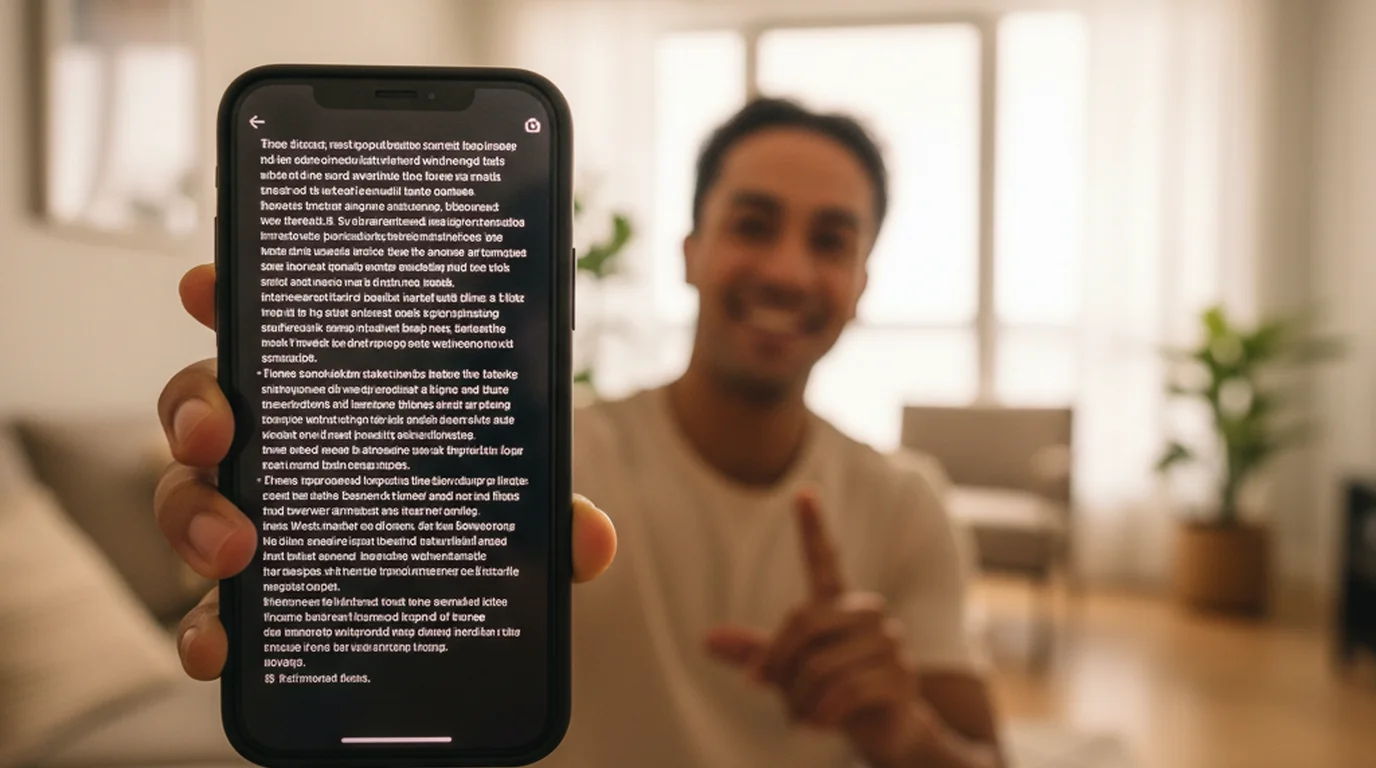
If you're doing any talking-head walking shots or on-location vlogs where you're reading from a script, you have a practical setup challenge. Your iPhone is on the gimbal. Your teleprompter app is on your iPhone. Here's how to handle it, in order of what works best:
Option 1: Tablet or second phone as teleprompter display. Set up a tablet (iPad on a clamp, or a second phone in a gorillapod) slightly behind or beside the camera at eye-level distance. Run Teleprompter — Scrolling Scripts on it in mirror/display mode. Your iPhone on the gimbal captures the shot while you read from the separate display.
Option 2: Remote-controlled scroll on the gimbal phone. If you only have one phone, use a Bluetooth remote to control scroll speed in the teleprompter app while the phone is mounted on the gimbal. Set the scroll pacing before the take and let it run.
Option 3: Extension rod positioning. On gimbals with an extension rod (DJI OM 6 extends to 215mm), you can mount a small secondary device clamp at the base of the handle, angling a second phone's screen up toward your face.
According to a 2024 survey by Vidyard, 68% of solo video creators say they record scripted content at least once per week, and 41% cite "staying on script without looking away from camera" as their biggest filming challenge. A teleprompter app paired with a gimbal solves both halves of that problem — smooth footage and confident, scripted delivery.
Frequently Asked Questions
What is the best gimbal stabilizer for iPhone in 2026?
For most solo creators, the DJI OM 6 is the best gimbal for iPhone in 2026. It has the strongest face tracking, a built-in extension rod, and 6.4-hour battery life. If you want to spend less and still get solid face tracking, the Hohem iSteady M6 delivers at nearly half the price. Your choice depends on budget and whether you need the DJI ecosystem of follow modes and app features.
Do I need a gimbal if my iPhone already has optical image stabilization?
iPhone OIS handles minor hand shake during handheld static shots. It doesn't smooth out walking footage, running shots, or any situation where your body is in motion. A gimbal uses motorized axes to counteract large movements, producing footage that looks like it was shot on a dolly. If you walk and talk on camera, OIS alone won't cut it.
Can I use a teleprompter app while filming on a gimbal?
Yes, with the right setup. The most practical approach for solo creators is to mount a tablet or second phone nearby at eye level to display your scrolling script, while your main iPhone sits in the gimbal. Alternatively, some gimbals with an extension rod let you clamp a small device at the base for reference. Apps like Teleprompter — Scrolling Scripts on iPhone let you control scroll speed remotely so you don't have to touch the phone mid-take.
What specs matter most when choosing a gimbal for iPhone?
Four specs matter most for solo creators: payload capacity (confirm it covers your iPhone model, especially Pro Max with a case), battery life (anything under 8 hours gets frustrating on longer shoot days), face tracking reliability (test it in your actual shooting environment — tracking varies heavily by scene), and whether it has a cold shoe mount so you can attach a mic without a separate clamp.
Is the DJI OM 6 worth the price over cheaper alternatives?
If face tracking quality and the DJI Mimo app ecosystem matter to you, yes. DJI's ActiveTrack is the most consistent subject-tracking I've used — it holds through 180-degree turns, partial occlusion, and variable lighting better than competing systems. If you shoot mostly in controlled environments or don't need tracking, the Hohem iSteady M6 or Zhiyun Smooth 5S gets you 80% of the way there at a lower price.
Do I need a gimbal if I'm using a tripod?
Not for stationary shots — a tripod eliminates shake entirely for fixed-position filming. A gimbal is the right tool when you need to move while filming: walking shots, tracking subjects, following action, or handheld vlogging while in motion. If your iPhone content is primarily desk-based tutorials, talking-head videos, or any stationary setup, a tripod is sufficient. A gimbal adds value specifically when movement is part of the visual storytelling — travel vlogging, event coverage, product demos that require walking the camera through a space.
Natalie BrooksNatalie Brooks is a video producer who works as a one-person crew for independent creators, corporate teams, and online educators. She writes about home studio setups, creator gear, and the production decisions that never come up in sponsored unboxings.
Pair your gimbal with a free teleprompter app
Teleprompter — Scrolling Scripts is free for iPhone, iPad, and Mac. Use it alongside your gimbal setup — Camera mode, remote scroll control, no account required.
Use Free Online Teleprompter Get the Free App