Do YouTubers use a teleprompter?
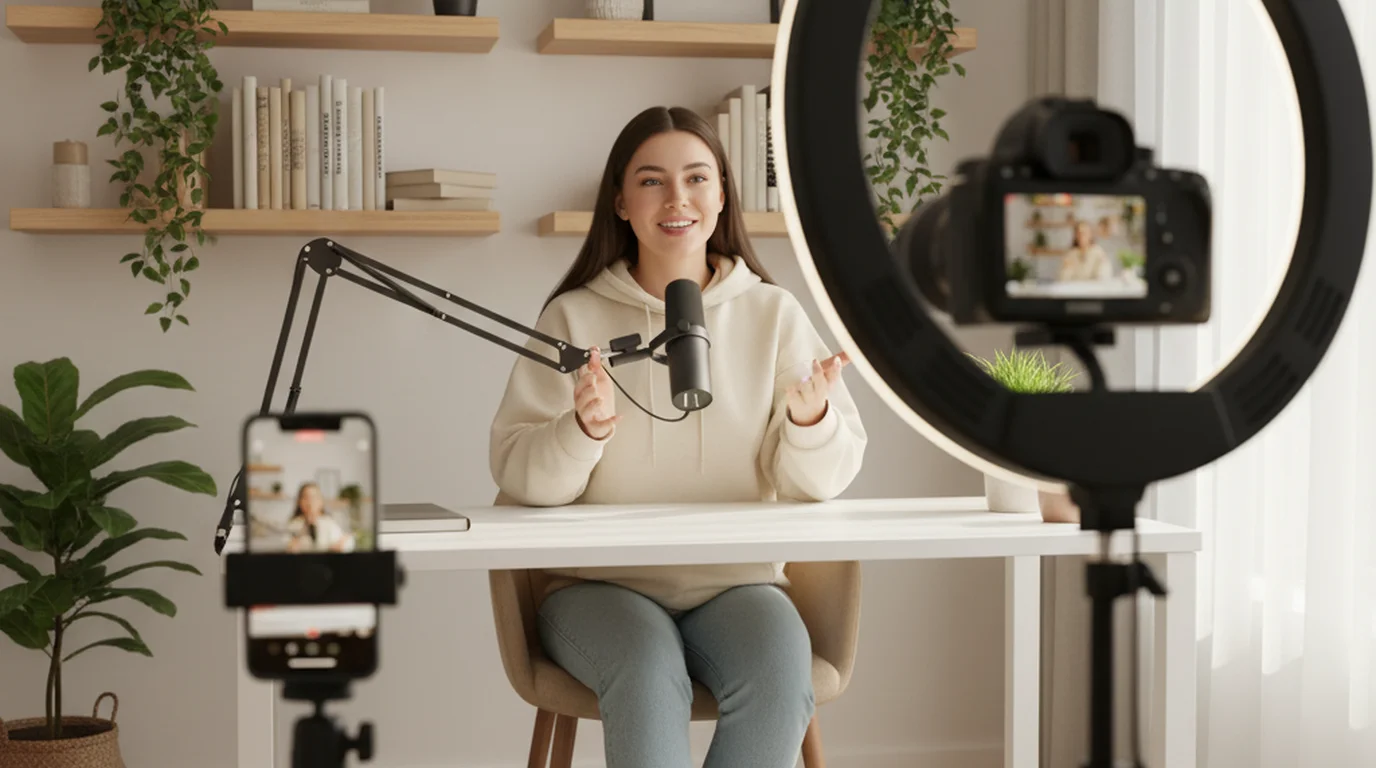
Yes, most professional YouTubers who produce scripted educational, tutorial, or commentary content use some form of teleprompter. The vast majority use a smartphone app rather than hardware — typically an iPhone or Android phone mounted at eye level running a teleprompter app in Camera mode, where the script overlays the live camera view and the video records directly on the device.
Why most YouTubers use teleprompter apps, not hardware
Traditional hardware teleprompters — the kind with a glass panel mounted in front of a camera lens — require a dedicated operator, significant setup time, and hundreds to thousands of dollars of equipment. Solo YouTube creators typically work alone with a phone or camera on a tripod, which makes hardware teleprompters impractical.
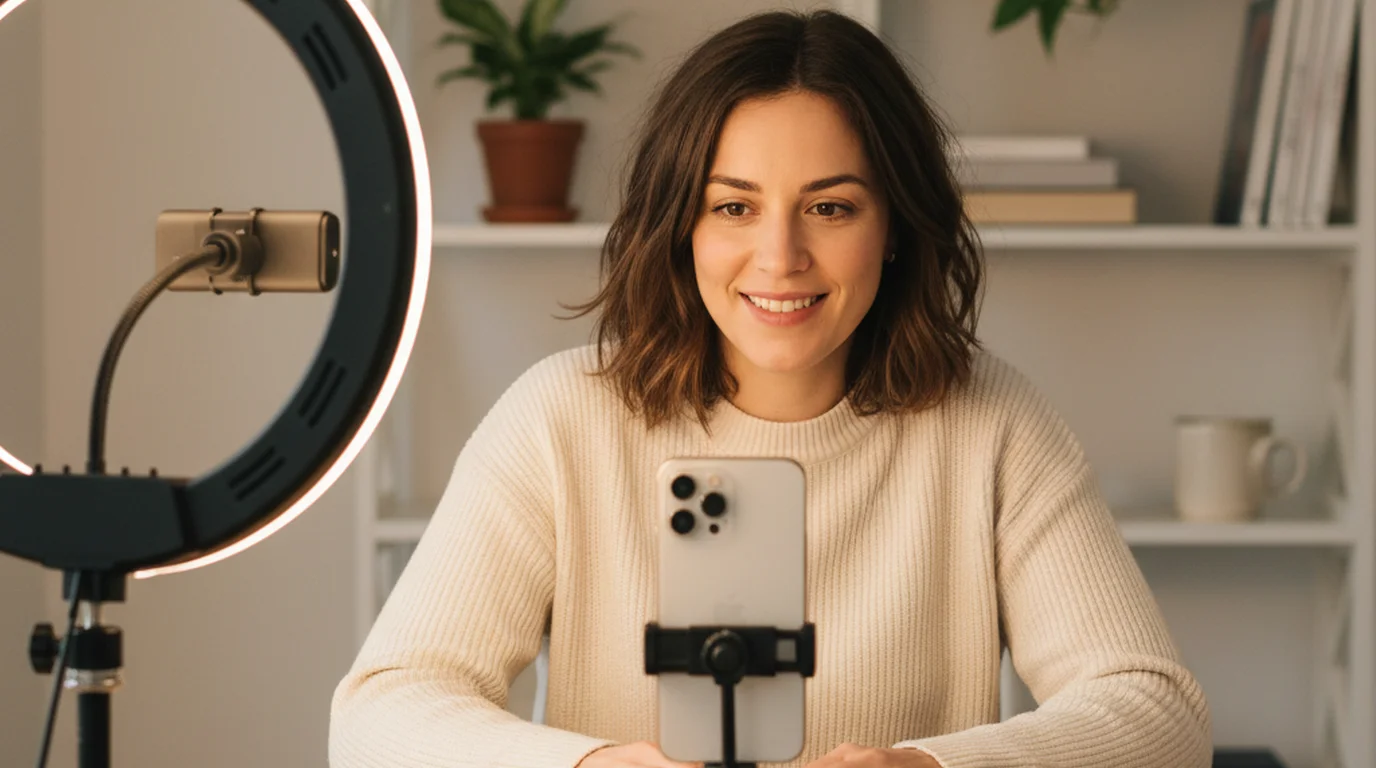
Smartphone teleprompter apps solve this by combining the camera and the script display in one device. In Camera mode, the script scrolls over the live camera preview — you read while the phone records, and the text does not appear in the saved video. There is no extra hardware, no assistant needed, and the full setup takes under two minutes.
Free apps like Teleprompter-Scrolling Scripts have no watermark and no recording time limit, which makes them viable for production-quality YouTube content without any cost investment.
How a YouTuber typically sets up a teleprompter
The standard YouTube teleprompter setup is simple: phone on a tripod at eye level, Camera mode active, text area positioned near the top of the screen close to the front-facing lens. For the complete teleprompter for YouTube guide, including scroll speed calibration and text area positioning for different video formats, see the dedicated walkthrough.
Key settings most YouTubers adjust:
- Scroll speed — typically calibrated to natural speaking pace, around 110–140 WPM for most formats. Tutorial and educational content often runs slower; commentary and reaction content faster.
- Text area width — narrower areas reduce horizontal eye movement, which looks more natural on camera.
- Font size — large enough to read at the recording distance without leaning toward the screen.
- Text area position — placed near the top of the screen, as close to the camera lens as possible.
Most experienced creators do a 15–20 second test take before the full recording to check that speed and position feel right, then adjust one variable and record again if needed.
Does teleprompter use affect YouTube performance?
Research on video retention suggests delivery confidence has a measurable effect on watch time and audience engagement. Scripted delivery with a teleprompter tends to produce cleaner takes with fewer filler words, more consistent pacing, and better retention of the planned structure — all of which contribute to viewer retention.
The concern most creators have — that teleprompter use will make videos look rehearsed or robotic — is a calibration problem, not an inherent limitation of the tool. When the scroll speed is set too fast, creators rush, eyes move visibly, and delivery sounds pressured. When it is set correctly, the delivery is indistinguishable from natural speech to viewers. For a deeper look at these dynamics, see the content creator guide.
Getting started as a YouTuber with a teleprompter
The fastest way to try a teleprompter for YouTube is free. Download Teleprompter-Scrolling Scripts on iPhone, write or paste a short script (aim for 200–300 words for a 2-minute video), switch to Camera mode, and record a test take. Watch it back and adjust the scroll speed.
If you want to try it before downloading, open the free browser teleprompter on any device, paste a script, and use your phone or webcam as a separate recording device. The browser version also supports video recording — open it, paste your script, and record immediately without installing anything. It is ideal for testing scroll speed and getting comfortable with the reading experience, or for one-off recordings on any device.
Try Teleprompter-Scrolling Scripts free on iPhone. Camera mode records your YouTube video while you read your script — no hardware, no watermark.
Use Free Online Teleprompter Get the Free App