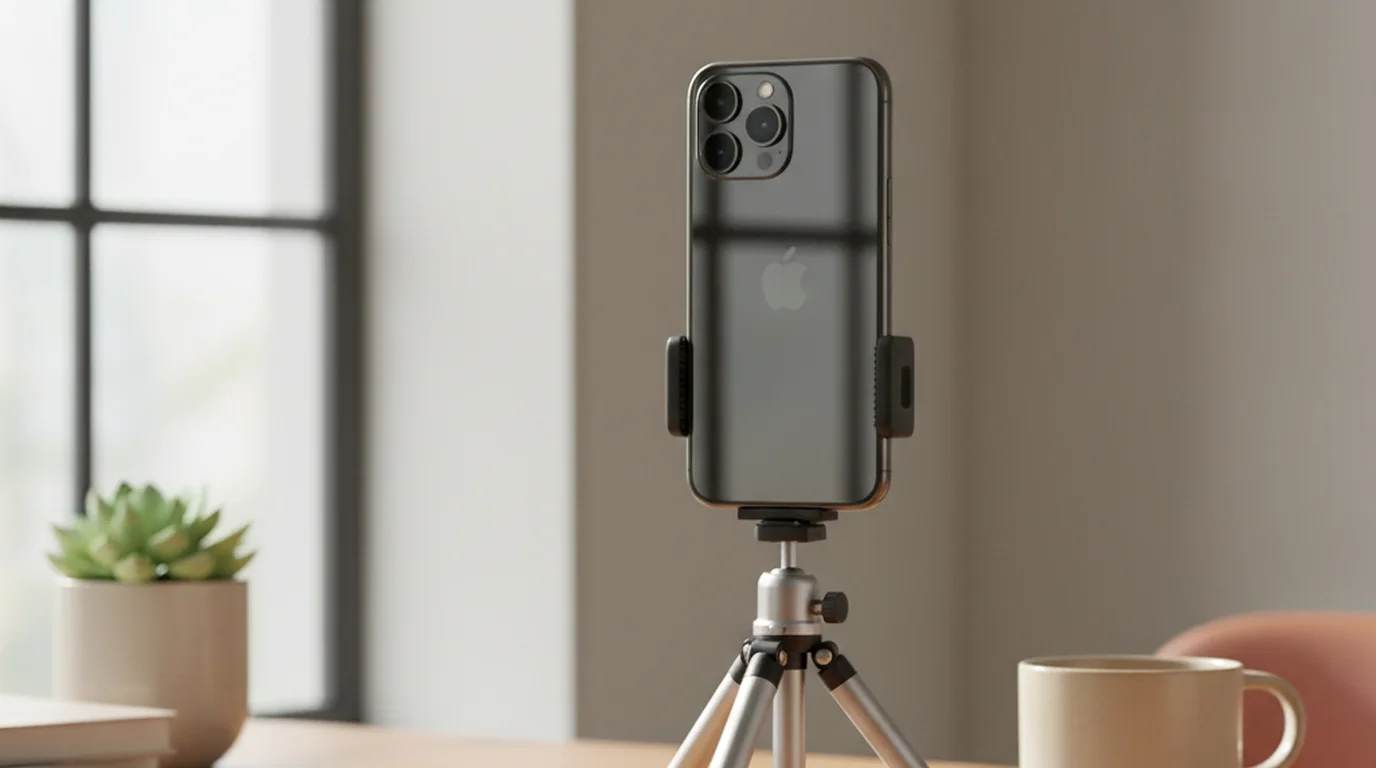
Teleprompter App for Phone: Complete Mobile Recording Guide
 Wendy Zhang · May 20, 2026 · 9 min read
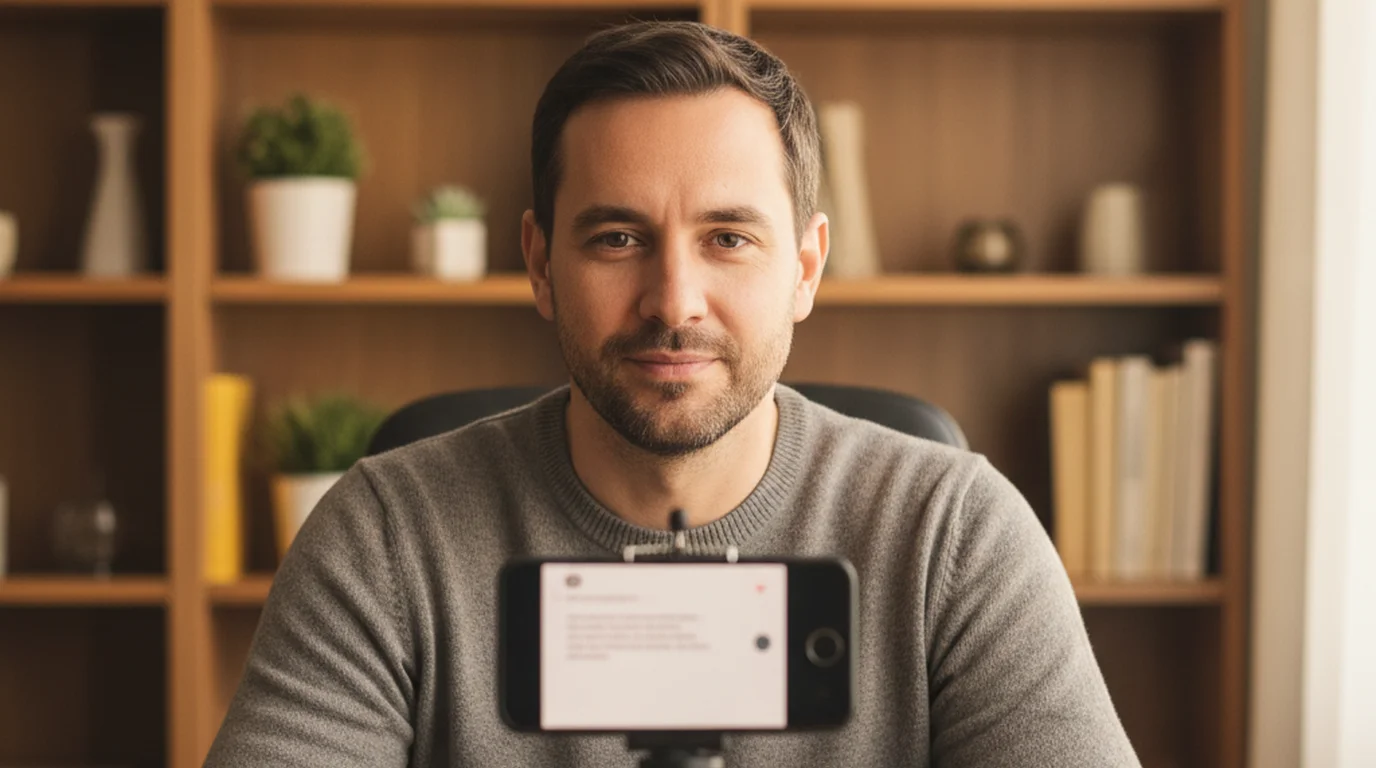
A teleprompter app for phone works differently than a tablet or desktop setup, and getting that difference right is what separates a natural-looking take from one where you obviously look like you are reading. The phone is small, usually handheld, and held close to your face. Those constraints are also advantages — if you set up the prompter correctly, the camera and your script are closer together than in almost any other recording setup. This guide covers how to use that proximity to get better eye contact, less retaking, and cleaner delivery on any kind of phone video.
Teleprompter-Scrolling Scripts is a free prompter app for iPhone that supports Camera mode recording, portrait and landscape orientations, local-first script storage, and offline use. It is the same app as the iPad version, which means scripts are shared across both devices.
What a teleprompter app for phone does differently than a tablet or desktop
The phone recording setup has real constraints that shape every decision you make about script layout. The screen is small. You are usually holding the device by hand or putting it on a phone-sized tripod. You are close to the camera. These are not problems to work around — they are the parameters to design around.
The biggest mistake people make with a phone teleprompter is treating it like a desktop setup. They paste a full-page script, let the text fill the screen, and wonder why their eyes dart around noticeably on camera. The problem is not the teleprompter. The problem is overcrowding the screen with text.
On a phone, two lines of large text near the top is better than eight lines filling the frame. The phone camera is at the very top of the device. Text positioned at the top of the screen sits close to the lens. Text at the bottom of the screen makes your eyes drop visibly below the camera — and viewers see that gaze drop as "reading off something."
Keep the text area small. Keep it near the top. Keep the font large enough to read without leaning in. Those three rules fix most of the common phone teleprompter problems before you record a single take. If you're still weighing whether a teleprompter app is right for your workflow versus simpler alternatives, the cue cards vs. teleprompter comparison covers that decision directly.
The most common phone teleprompter mistake is too much text on screen. Two lines of large text near the camera beats eight lines of small text filling the frame every time.
Best phone teleprompter setup for vertical video
Vertical video — TikTok, Instagram Reels, YouTube Shorts — is the format where a phone teleprompter is most useful and most commonly set up wrong.
Use portrait orientation. Front camera. Script text area in the top 15 percent of the screen — just below the camera cutout or notch. Two lines of text maximum in the visible area. Font size between 36 and 44 point at a natural arm's-length distance. High-contrast white text against the live camera view so the words read clearly without color distractions.
For handheld recording: position the text area above your thumb grip level. If you hold the phone naturally for a selfie-style shot, your thumbs sit at roughly the bottom third of the device. The text area should be well above that grip zone so it is not competing for screen space with your hands.
Scroll speed: a useful starting point is approximately 2 lines every 3 seconds. That is slow enough to pause between sentences without falling behind the scroll, and fast enough to maintain natural pacing for short-form delivery. Adjust after a 30-second test take — watch it back and check whether you are rushing to keep up or waiting for the next line to appear.
For this format, the iPhone teleprompter setup is a single-device workflow. No tripod is required, no second screen, no controller. Hold the phone, read from the top of the screen, record. It is the fastest path from script to finished clip for social video.
Horizontal phone recording with a teleprompter app
Landscape orientation on a phone works well for YouTube-style vlogs, tutorials, and any content where you want a widescreen frame. The setup is slightly different from portrait.
In landscape, the camera moves to one corner of the device — usually the top-left or top-right depending on which camera you use. The text area should be centered at the top of the frame rather than corner-positioned. A narrower column works better than a full-width line of text, even in landscape, because wide lines cause more left-to-right eye movement.
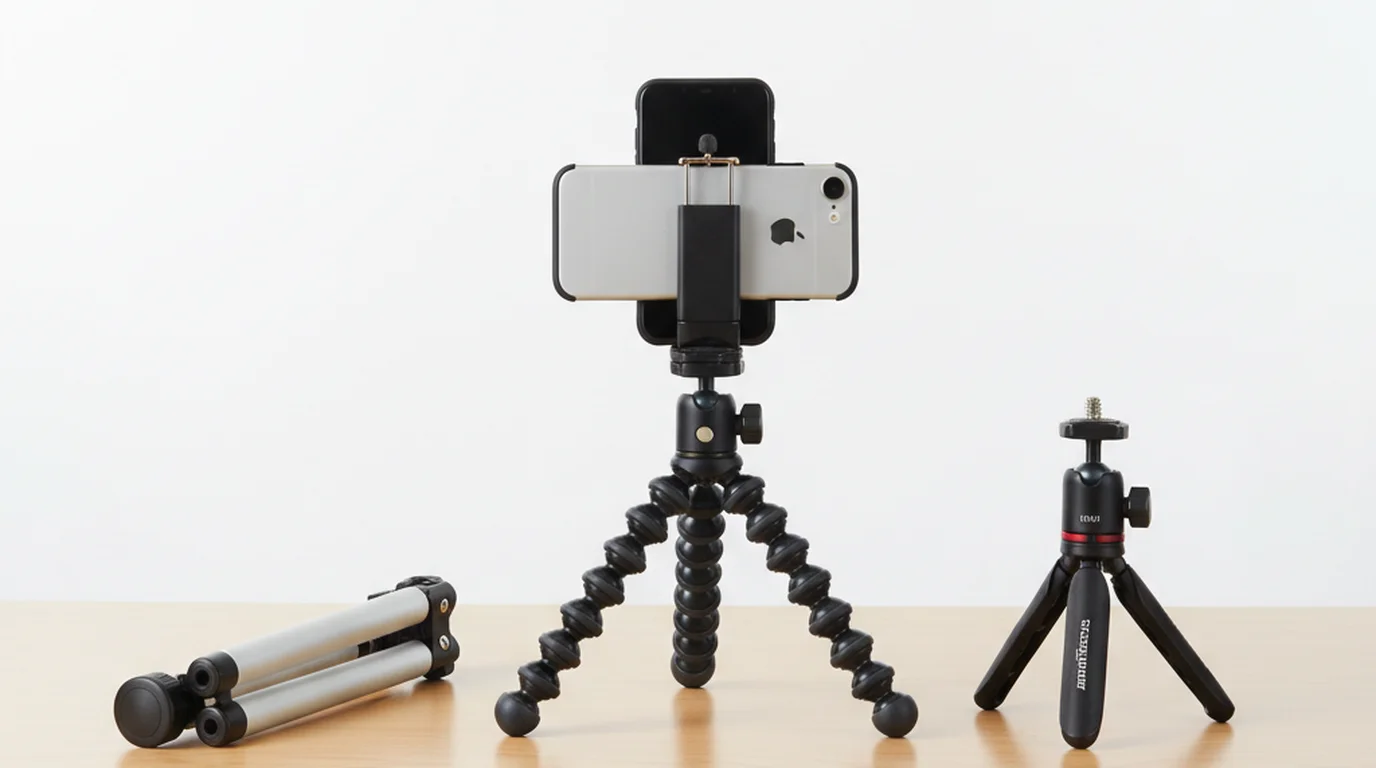
For landscape recording on a phone, a tripod or small stand is more practical than handheld. Holding a phone horizontally for a 3-minute take is unstable. A $10–15 phone tripod mount changes this into a stable desk or countertop setup with minimal gear investment.
The scroll speed for landscape tutorials can be slightly slower than short-form content because the content is longer and the delivery pace is typically more measured. Match the speed to how fast you naturally talk through an explanation, not how fast you read silently.
Phone teleprompter app vs dedicated teleprompter hardware
There is a category of teleprompter product called a beam splitter device. These are rigs that use a half-mirror glass mounted in front of a camera lens. Text is projected onto the glass from a tablet below it and reflected toward the talent's eyes, so the talent appears to look directly into the lens while reading. They cost between $50 and $300 and require a separate tablet to display the script.
The trade-off is clear. Hardware puts the text directly on the lens axis — genuinely on-axis eye contact that is difficult to distinguish from natural delivery. A software teleprompter app on a phone puts the text near the lens, not on it. For most creator content, near-lens is close enough. For broadcast, press conference, or high-budget corporate video work, the hardware setup is worth the cost and complexity.
A phone with a teleprompter app is a single-device solution. No rig, no separate tablet, no glass to clean or angle-adjust. For creators recording social content, YouTube videos, online courses, or coaching content, the software approach is practical and gets the job done without additional gear.
The main situation where hardware wins is when you cannot be close to the camera. If the camera is 10 feet away and you need to appear to look directly into it, a phone screen held at arm's length cannot give you that. A beam splitter rig mounted on the camera can. That is a production scenario, not a creator scenario.
Getting natural-looking results from a phone teleprompter
Natural-looking delivery from a phone teleprompter comes from setup, not performance. Get the setup right and natural delivery follows. Get the setup wrong and no amount of presentation skill fixes the obvious reading gaze.
Five things that make the biggest difference:
- Narrow text column. This is the single most impactful change. A narrow column keeps eye movement minimal and your gaze stays close to center frame. Wide lines push your eyes left and right across the screen, and that movement is highly visible on camera.
- Text near the top of screen. Camera is at the top. Text should follow it. The closer the text is to the lens, the closer to direct eye contact your gaze appears.
- Script written in short spoken sentences. Reading natural spoken language sounds natural. Reading formal written language sounds formal. Write contractions, short sentences, and conversational rhythm into the script before you record.
- Scroll speed that lets you pause. If the scroll forces you to keep up, you will rush. A speed that feels slightly slow during rehearsal is usually correct for actual recording — because a real take has natural pauses that eat up the buffer.
- One rehearsal take before recording. A 30-second rehearsal catches the eye-line and speed problems before they are baked into your final take. Fix them in two minutes instead of in post-production.
The biggest giveaway of teleprompter reading — rapid eye movement across wide lines — is entirely fixable with a narrower column. That one change transforms how natural the delivery looks on screen.
When a phone is enough vs when to use iPad or Mac
Phone is the right tool for vertical short-form content, quick creator updates, handheld product demos, and any situation where you want to record without setup time. Pick it up, open the app, record.
Switch to iPad when the script is over 400 words and you want more reading comfort, when you are recording a course module or tutorial where reading strain accumulates over a longer session, or when you need a larger canvas for dense content that requires more lines visible at once.
Switch to Mac when you are recording at a desk, doing a Zoom or interview-style recording, running a livestream, or when the phone is already being used as a second camera. A desk setup with a MacBook and the teleprompter app visible in a window keeps your eye line on the laptop camera naturally without any special mounting.
The practical hierarchy is: phone for quick content, iPad for long content, Mac for desk content. Most solo creators need all three at different times, which is why the same app across devices matters.
Frequently Asked Questions
Is there a free teleprompter app for phone?
Yes. Teleprompter-Scrolling Scripts is free on the iPhone App Store. Camera mode recording, offline use, and the full script management workflow are available without a subscription or account. If you need a browser-based option with no installation, the online teleprompter works on any phone browser for script scrolling.
Can I record TikTok videos with a phone teleprompter app?
Yes. Use Camera mode in portrait orientation with the front camera. Position the text at the top of the frame close to the lens, keep the column narrow, and record directly within the app. Video saves to Camera Roll for posting.
Does a phone teleprompter app need Wi-Fi?
No. The app stores scripts locally on the device. You can type a script, open Camera mode, and record without a Wi-Fi or cellular connection. No account or cloud sync is required for the core workflow.
Is a phone teleprompter as good as a dedicated teleprompter device?
For most creator content, yes. Dedicated beam splitter hardware gives true on-axis eye contact and is better for broadcast and high-budget production. For social video, YouTube, coaching, and online courses, a phone teleprompter app is the practical choice — one device, no extra gear.
Wendy ZhangWendy Zhang is the indie developer behind Teleprompter-Scrolling Scripts, which she built after cycling through teleprompter apps that were too heavy, too expensive, or dependent on a network connection to open. She writes about the mechanics of recording yourself — scroll pacing, script formatting, and the app decisions that decide whether a take survives.
Get the free teleprompter app for phone
Teleprompter-Scrolling Scripts runs on iPhone with Camera mode recording, portrait and landscape support, and offline scripts. No account needed.
Use Free Online Teleprompter Get the Free App