Teleprompter glass explained
This is a quick-answer overview. For the complete guide, see Teleprompter Glass Explained — Full Guide.
If you have ever watched a news broadcast and wondered how the anchor reads their script while looking directly into the camera, the answer is teleprompter glass. This piece of optical engineering sits at the heart of professional broadcast and film teleprompter rigs — and understanding how it works helps you choose between a hardware prompter and the app-based alternatives that have made professional-quality delivery accessible without a studio budget.
What is teleprompter glass?
Teleprompter glass is a beam-splitter: a piece of optically coated glass that partially reflects light and partially transmits it. In a teleprompter rig, the glass is mounted at a 45-degree angle directly in front of the camera lens. A small monitor positioned below the glass — usually facing upward — displays the scrolling script. The glass reflects the text upward toward the presenter's eyes at eye level, while the camera behind the glass records the scene through the mostly transparent surface.
The result is a setup where the presenter can read the full script without looking away from the camera. Their gaze falls on the glass surface, which is at the same optical axis as the lens. To the camera — and to the audience watching the finished recording — the presenter appears to be making direct eye contact throughout the entire delivery.
The glass itself is typically frameless or lightly framed and housed inside a matte black hood. The hood is critical: it blocks ambient light from reflecting off the glass surface toward the camera, ensuring only the monitor image is reflected and the glass remains invisible in the final frame.
How beam-splitter optics work
A beam-splitter works by having a partially reflective coating applied to one surface of the glass. When light from the monitor below strikes this coating, a portion of it — typically 30 to 50 percent — is reflected upward toward the presenter. The remaining light passes through the glass. The camera behind the glass receives the transmitted light from the scene in front of it, while the reflected light from the monitor travels in the opposite direction (upward) and does not reach the camera sensor.
The partial reflection is calibrated to be bright enough for the presenter to read comfortably but not so bright that it creates a visible glow on the glass in the camera image. Studio lighting, monitor brightness, and hood design all interact to achieve this balance. In a well-lit broadcast studio with a properly configured rig, the glass is effectively invisible — no glare, no reflection, just a clean image of the presenter looking straight ahead.
The physics reason the camera is unaffected is that the camera records the transmitted light (the scene in front of the presenter), not the reflected light (the monitor image). These two light paths are separated by angle: the monitor's reflected image travels upward toward the presenter's eyes at roughly 45 degrees, while the scene's transmitted image travels horizontally into the lens. As long as the monitor is not bright enough to cause significant transmission toward the camera, the two images do not interfere.
The mirror-flip requirement
Because the text is being reflected, it arrives at the glass already mirrored. If the monitor displayed normal left-to-right text, the reflection would show that text reversed — the presenter would see it as backward and unreadable. To compensate, the monitor displays text that is horizontally flipped. When this mirrored text is reflected in the glass at 45 degrees, it reads correctly from the presenter's perspective.
Teleprompter software handles this automatically. When you switch a script into teleprompter output mode in professional prompter software, the display is flipped before it is sent to the monitor. The presenter never sees the mirrored version — they only see the correctly oriented reflected text on the glass.
This is one of the small technical reasons dedicated teleprompter software is necessary for glass-based setups. A standard text editor or presentation tool displayed on a monitor below the glass would show backward text. The flip transformation has to be applied at the software level before the image reaches the monitor and the glass. App-based teleprompters like Teleprompter-Scrolling Scripts skip this requirement entirely because they overlay text digitally on the device screen — no reflection, no flip needed.
Professional broadcast setup
In a professional broadcast environment — a news studio, a film production, or a political address — the teleprompter glass rig involves several components working together. The camera is mounted on a tripod or pedestal. The teleprompter hood attaches to the front of the camera, enclosing the glass panel and blocking ambient light. A dedicated monitor (typically a small, high-brightness display) sits below the glass inside the hood, facing upward toward the glass surface.
A separate operator — the prompter operator — sits off-camera with a controller that adjusts the scroll speed in real time. The operator watches the presenter and matches the scroll pace to the speaker's actual delivery, speeding up if they read quickly and slowing down if they pause. This real-time human control is one reason professional teleprompter delivery can sound so natural: the script adjusts to the speaker, not the other way around.
The presenter stands or sits at their mark, looks into the glass (and through it, at the camera lens behind), and reads the reflected text. With practice, the reading becomes invisible — the delivery sounds like natural speech because the presenter's gaze is held at camera level throughout, just as it would be in a genuine conversation.
Types of teleprompter glass rigs
Camera-mounted glass rigs are the most common for broadcast and video production. The hood and glass attach directly to the camera and move with it. This configuration keeps the presenter's reading position aligned with the lens regardless of camera angle or movement.
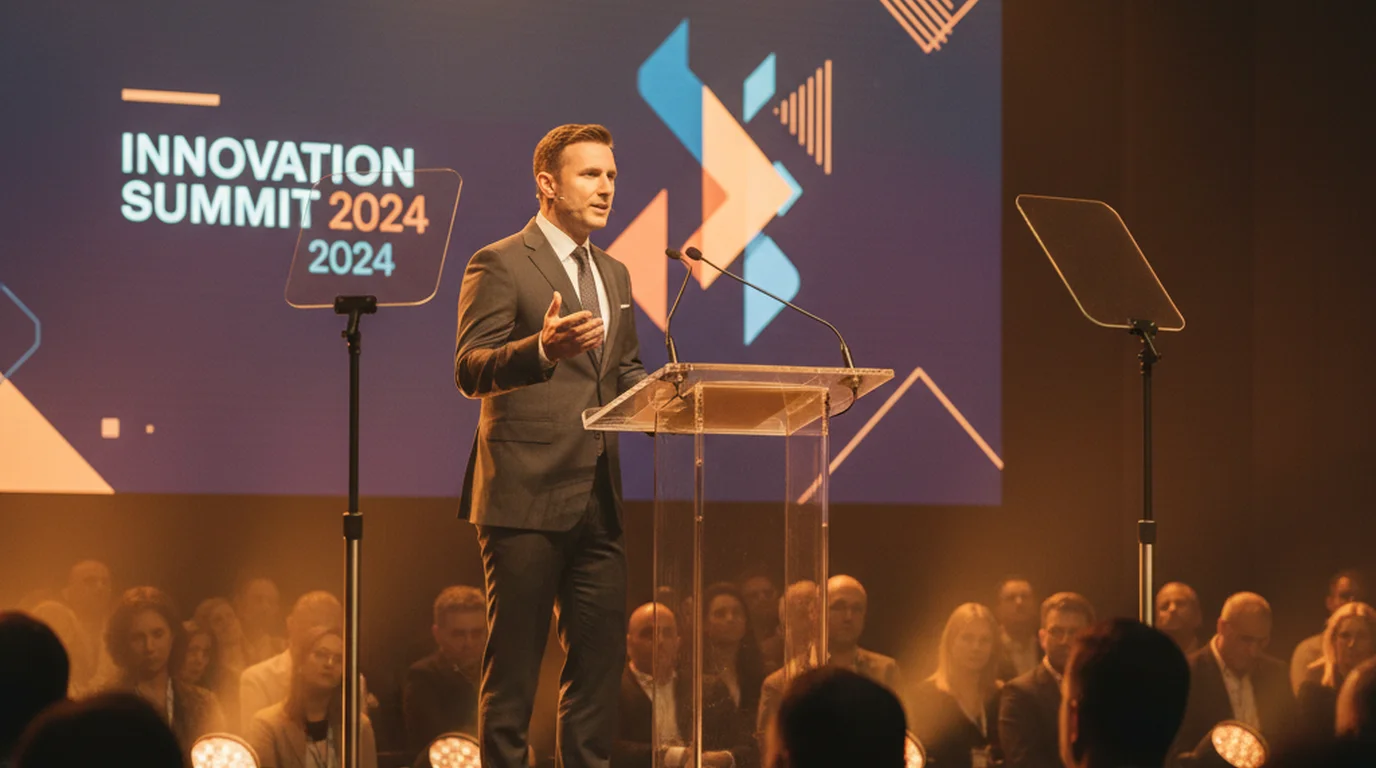
Presidential teleprompters are a different form factor entirely. Instead of a camera-mounted rig, they use two vertical glass panels on thin poles positioned on either side of the podium — one angled left, one angled right. Monitors at the base of each pole send the script up to the glass. The speaker can turn slightly left or right during delivery and always have the script available in their field of view. These rigs are used for major political speeches and large stage addresses where camera-mounting is not practical and the speaker moves their gaze across a wide audience.
Floor-standing studio teleprompters are fixed to the studio floor and positioned at a set distance from the camera position. They work well in controlled broadcast environments where the camera rarely moves and the presenter's position is fixed, such as a news anchor desk. Studio rigs often use larger glass panels and higher-brightness monitors to accommodate the controlled lighting conditions of a permanent set.
Cost and complexity of glass teleprompter rigs
Entry-level camera-mounted teleprompter rigs — including glass, hood, mounting hardware, and a small monitor — start at around $200 to $500 for consumer-grade options and rise to $2,000 to $5,000 or more for broadcast-quality equipment. Presidential rigs used at major events are typically rented from specialized production companies and can cost significantly more when operator time and setup are included.
Beyond the hardware cost, glass rigs require setup time. The glass must be aligned at the correct angle, the hood must be secured to block ambient light, the monitor brightness must be adjusted for the studio lighting conditions, and the prompter software must be configured on a separate control computer. For a production company doing daily broadcasts, this overhead is routine. For an individual creator recording occasional videos, it is substantial.
Operator cost is another factor in professional settings. A skilled prompter operator earns a day rate commensurate with other on-set crew roles. For a solo production, there is no operator — the presenter must control the script themselves, which typically means a foot pedal or a second device for speed adjustment during the take.
The app-based alternative
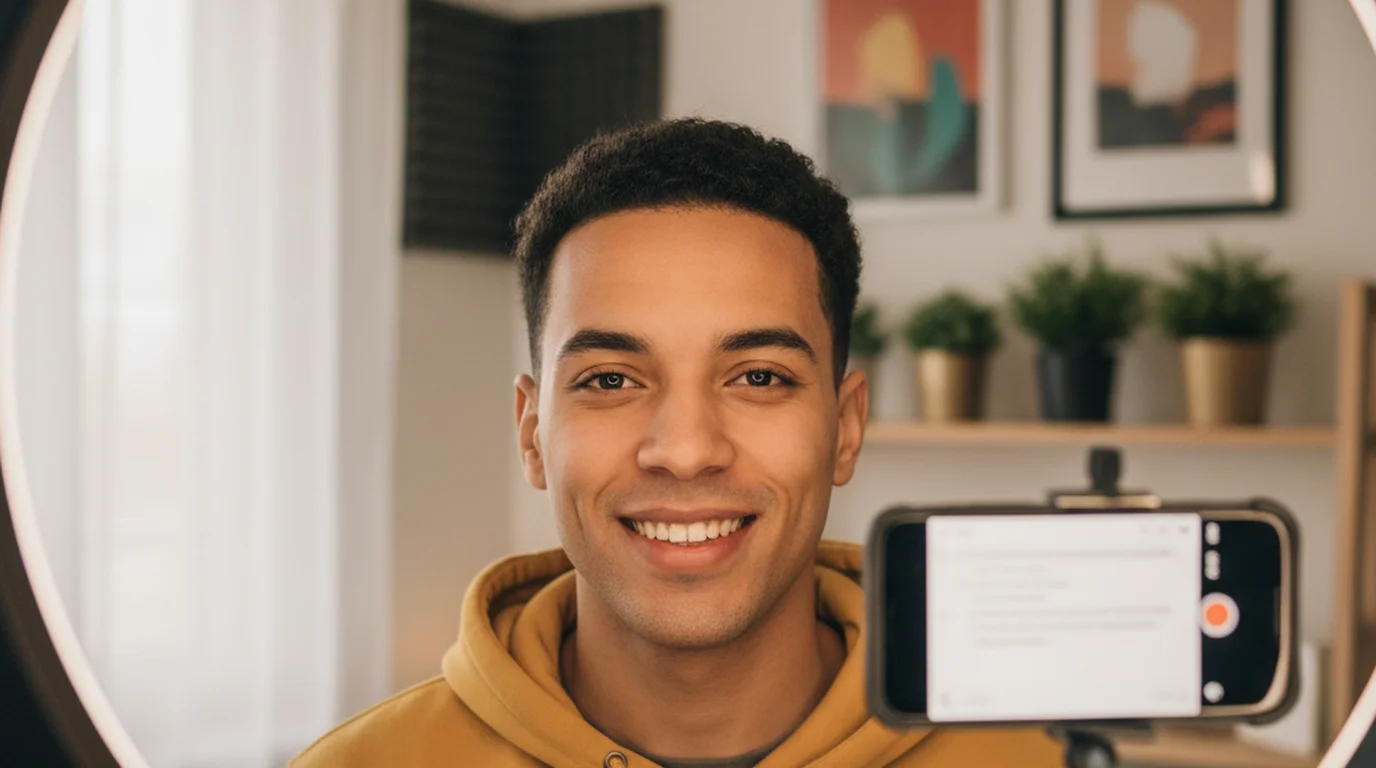
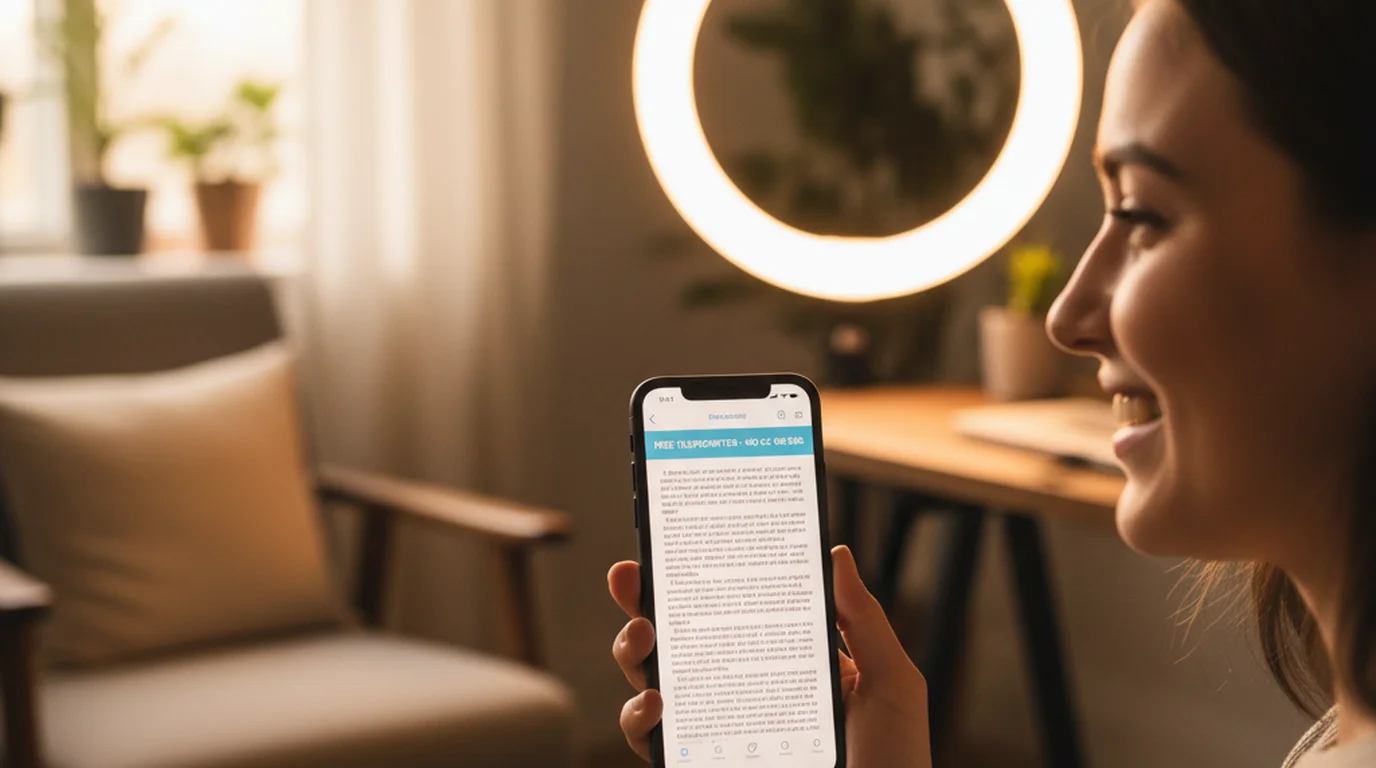
App-based teleprompters replace the glass, monitor, hood, and operator with software on a device you already own. Teleprompter-Scrolling Scripts on iPhone or iPad uses Camera mode to overlay the scrolling script directly on the live camera view. The presenter holds or mounts the device at roughly camera level, reads the text as it scrolls, and records the video in the same step — the script is a digital overlay and does not appear in the final video file.
The trade-off compared to glass is eye-line precision. With a glass rig, the camera lens is directly behind the glass and the presenter reads exactly at the lens axis — the eye contact is geometrically precise. With an app overlay on a phone or tablet, the presenter reads text that is slightly in front of the lens. For most video formats — social content, YouTube, online courses, corporate training — this difference is imperceptible to the viewer. For broadcast news or film productions where the eye-line must be absolutely centered, the glass rig remains the professional standard.
For anyone recording solo content without a crew, the app approach removes every barrier: no hardware to buy, no setup time, no separate operator, no controlled lighting requirement. The iPad version is particularly practical for desk setups where the larger screen makes reading comfortable and the device can sit at natural camera level on a stand.
When glass is still necessary
There are situations where teleprompter glass remains the right tool. Broadcast news — where the anchor must look directly into a studio camera lens at a fixed distance, every broadcast, with precise and consistent eye contact — is the clearest case. The geometry of a studio setup and the expectation of broadcast-quality eye line make glass the standard, and experienced anchors are trained to read from glass rigs specifically.
Film and television productions also use glass rigs when a presenter or host must deliver scripted content on a professional camera setup. The camera operator needs to control the lens, and an app on a phone positioned in front of that camera is not a workable substitute. Presidential and political speeches use dedicated rigs because the speaker's movement, audience relationship, and visible formality all require the specialized glass panel format.
For everyone else — the solo creator recording at home, the educator filming course content, the founder shooting a product explainer, the podcaster recording a scripted intro — an app-based teleprompter on iPhone or iPad delivers the essential benefit of the glass rig (read a script while facing the camera) without the cost, complexity, or crew requirement that broadcast glass demands. The free online teleprompter at teleprompter.works offers the same scroll display in a browser if you want to test the workflow before committing to the app.
No glass, no rig, no operator needed. Teleprompter-Scrolling Scripts overlays your script on the iPhone or iPad camera view — free to download, works offline, no account required.
Use Free Online Teleprompter Get the Free App