Can I use a teleprompter for Instagram Reels or TikTok?
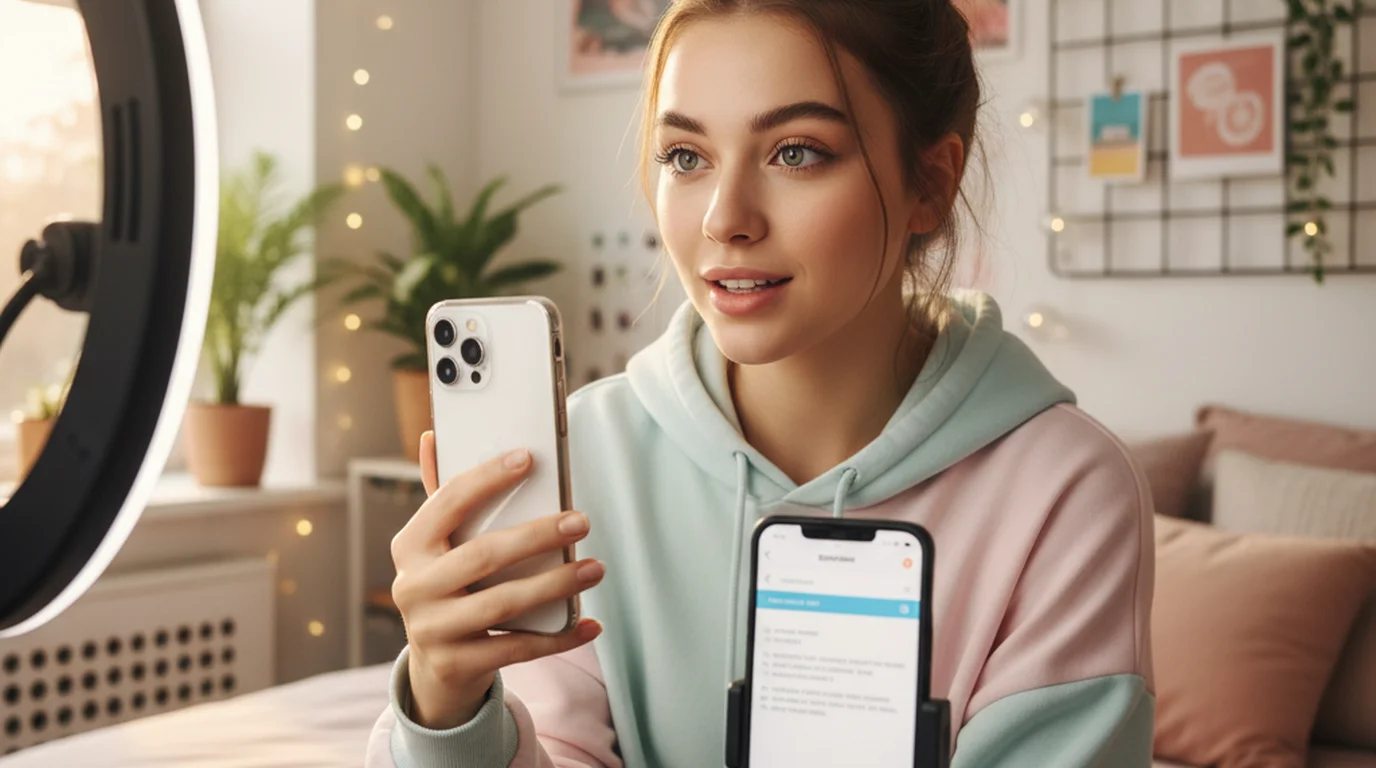
Yes. Camera mode in portrait orientation on iPhone is the natural setup for Instagram Reels, TikTok, and YouTube Shorts. Mount your iPhone on a tripod, open the app in Camera mode, paste your script, and record. The script overlays the vertical camera view during recording — the saved Reel or TikTok contains only your delivery with no visible text.
Portrait Camera mode: the standard setup for Reels and TikTok
Short-form vertical video is the primary use case for portrait Camera mode in Teleprompter-Scrolling Scripts. Hold the iPhone vertically or mount it on a tripod in portrait orientation. Switch to Camera mode. The script appears in a text area overlaid on the live vertical camera preview.
Text area positioning is critical for short-form video: place the text near the top of the screen, as close to the front-facing camera as it will go. On most iPhones, the front camera is in the top-center notch or Dynamic Island area. Keeping the text just below or alongside this point minimizes the angle between where your eyes are and where the lens is, which is what produces natural-looking eye contact in the video.
For the full approach — including text size, aspect ratio, and on-tripod mounting distance — see the teleprompter for TikTok guide.
Script length for short-form video
Short-form video scripts are shorter than they feel. A tight 60-second Reel runs 130–165 words at a comfortable speaking pace. A 30-second TikTok is about 65–80 words. Write every word — including the hook — and resist the urge to leave any part unscripted or "to be figured out on camera."
The hook is the most important sentence in a short-form script. It should be the first thing you say on camera and the first line of your teleprompter script. No warm-up, no "hey everyone" — the hook is line one. For guidance on writing hooks that retain viewers in the first three seconds, see the guide to writing hooks for short-form video.
Short sentences work better on teleprompter than complex, clause-heavy structures. If you need more than one breath to say a sentence, split it in two. Line breaks in the script create natural pauses in the teleprompter scroll.
Getting the delivery right
The two most common delivery problems with short-form teleprompter recordings are scroll speed misalignment and text area placement. Both are easy to fix with a short test take.
Before the real recording, record 15 seconds, watch it back without sound, and look only at your eyes. If they move visibly — tracking left to right or dropping down — the text area is too wide or too low. If your delivery sounds rushed or breathless, the scroll speed is too fast. Adjust one setting at a time.
For TikTok, set the scroll speed faster than you would for YouTube — short-form delivery typically runs at 130–150 WPM. For Reels, the pace depends on your format: educational content closer to 110–130 WPM, personality-driven content closer to 140–160 WPM. For detailed calibration instructions by format, see the teleprompter for Instagram Reels guide.
From recording to posting
Videos recorded in Camera mode are saved directly to your iPhone's camera roll (Photos app). The teleprompter text does not appear in the saved file — only your on-camera delivery. From the camera roll, you can edit the clip in any video editor or post directly to Instagram or TikTok.
To post to Instagram Reels: open Instagram, tap the + button, select Reel, and choose the clip from your camera roll. To post to TikTok: open TikTok, tap the + button, and select the clip from your library. No export step, no conversion — the video is a standard .mov file that both platforms accept natively.
If you add captions, music, or effects inside TikTok or Instagram after upload, those are added on top of the clean video file from the camera roll — they are separate from the teleprompter recording step.
Camera mode on iPhone records Reels and TikToks with your script overlaid — text never appears in the video. Free download, no watermark.
Use Free Online Teleprompter Get the Free App